Customer Ratings & Reviews




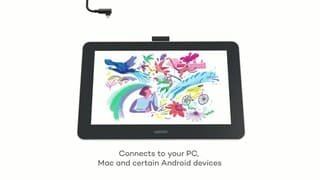


- Model:
- DTC133W0A
- SKU:
- 6393542
Rating by feature
- Value
Rating 4.3 out of 5 stars
- Quality
Rating 4.5 out of 5 stars
- Ease of Use
Rating 4.2 out of 5 stars
Customers are saying
Customers recognize the One drawing tablet's ease of use and convenient screen size as significant advantages. Many appreciate its responsiveness and the included pen, while some find the setup process challenging and the cable management cumbersome. The compatibility with various operating systems is also a point of discussion, with some users experiencing difficulties. Overall, the price-to-performance ratio receives positive feedback.
This summary was generated by AI based on customer reviews.
Drawing Tablet Didn't Work on My Mac
||Posted . Owned for 3 months when reviewed.This reviewer received promo considerations or sweepstakes entry for writing a review.Very nice drawing tablet BUT I could NOT get it to connect with my Mac at all. We tried EVERYTHING. I had to return it. We even tried to connect it to my son's Microsoft laptop and it wouldn't work on that one either. Maybe it was defective. I dont know. But we returned it the next day. Bummer.
No, I would not recommend this to a friendNo
||Posted . Owned for 1 month when reviewed.This reviewer received promo considerations or sweepstakes entry for writing a review.Did not like for my child also cant return because past return date
No, I would not recommend this to a friendTook it back
||Posted . Owned for 3 weeks when reviewed.This reviewer received promo considerations or sweepstakes entry for writing a review.Very hard to set up tried a few time with the no luck.
No, I would not recommend this to a friend- Cons mentioned:Hdmi
Not what I was told.
||Posted . Owned for 1 month when reviewed.This reviewer received promo considerations or sweepstakes entry for writing a review.Was lied to. Sales associate assured it was a stand-alone drawing tablet. Yet it infact is not and has to be plugged into another device with an HDMI port at all times to work.
No, I would not recommend this to a friend mehh
||Posted . Owned for less than 1 week when reviewed.This reviewer received promo considerations or sweepstakes entry for writing a review.works well but for the same price as an ipad mini + pencil, theres just way too many big chunky wires and not as portable.
No, I would not recommend this to a friendDual Monitor
||Posted . Owned for 2 months when reviewed.This reviewer received promo considerations or sweepstakes entry for writing a review.This tablet, although good in its conception and presentation, just wasn't right for me. When installed it acts like a dual monitor, and like a dual monitor system sometimes when you open a new window in a program, the window will be on the main monitor, and not the screen you are focused on. It requires to be plugged into a wall outlet/power source to use.
No, I would not recommend this to a friendBad
||Posted . Owned for 3 weeks when reviewed.This reviewer received promo considerations or sweepstakes entry for writing a review.Expensive and too many wires xxxxxxxxxxxxxxxxxxxxxx
No, I would not recommend this to a friend- Cons mentioned:Setup
Difficult (impossible) to connect to computer
||Posted . Owned for less than 1 week when reviewed.This reviewer received promo considerations or sweepstakes entry for writing a review.We could not figure out how to set up the tablet with our apple computer. The online directions were not very helpful and there were no hardcopy instructions in the box. Would not recommend this for someone who is not extremely computer literate. We returned i
No, I would not recommend this to a friend Not impressed
||Posted .This reviewer received promo considerations or sweepstakes entry for writing a review.Screen is too small to use effectively not what I was hoping for.
No, I would not recommend this to a friend- Cons mentioned:Hdmi
Don’t be mislead.
||Posted . Owned for 3 weeks when reviewed.This reviewer received promo considerations or sweepstakes entry for writing a review.Needs Display monitor. Was under the impression that it wasn’t needed. Maybe the installation process. Thought it was a on-the-go device. Never actually put to use because my laptop doesn’t support HDMI function.
No, I would not recommend this to a friend - Pros mentioned:Drawing, Screen size

Hefty Tablet
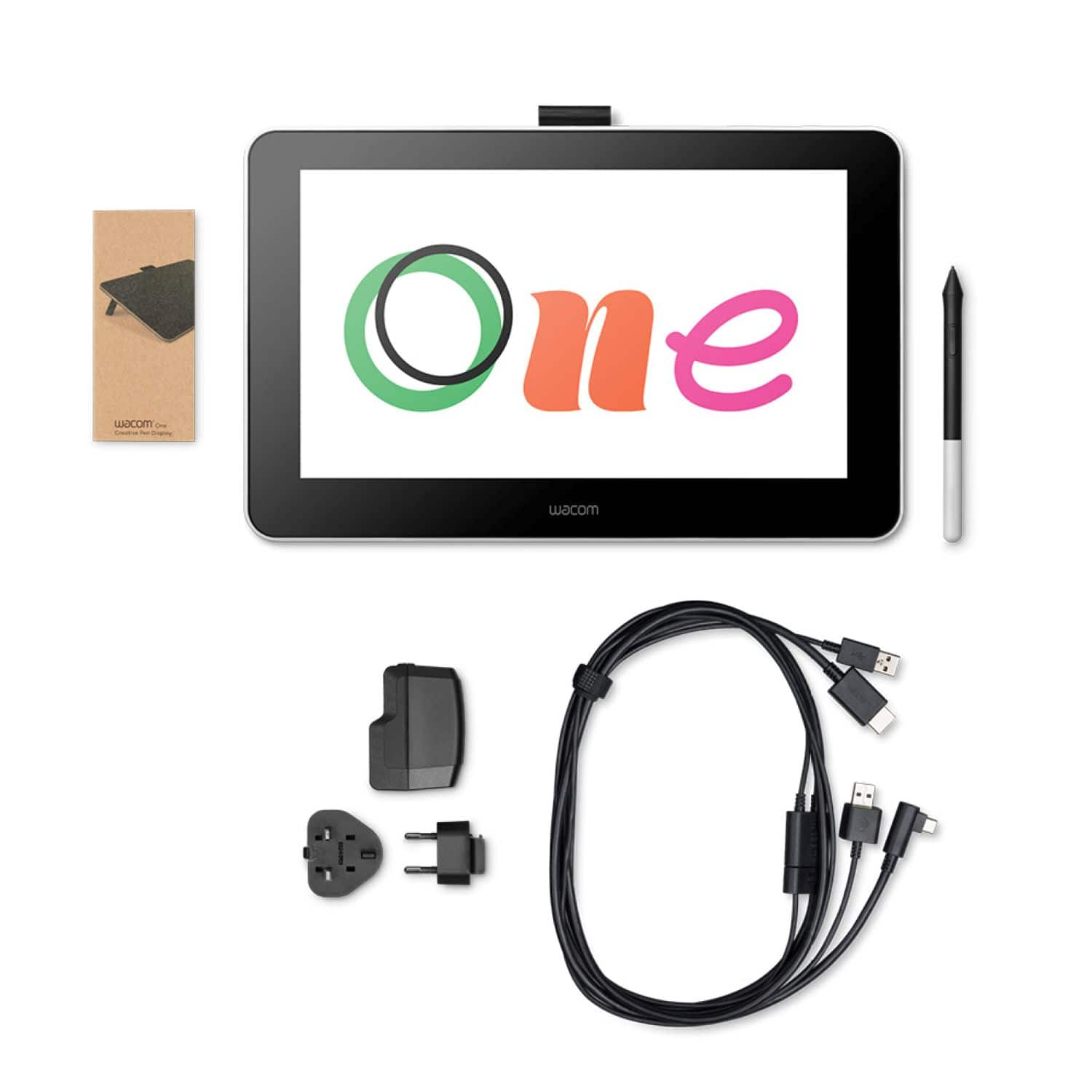
|Posted .This reviewer received promo considerations or sweepstakes entry for writing a review.The tablet is ENORMOUS! I haven't bought a new tablet in several years, and it's cool to have a drawing tablet now. The website is very helpful for learning how to use the device. It was a bit of a disappointment that this tablet cannot function without being connected to my laptop. It takes 2 cords in order for it to connect. It does come with a free trial of their software. Overall, the tablet itself is a good buy and works well for drawing needs.
I would recommend this to a friend Computer
||Posted . Owned for 1 month when reviewed.This reviewer received promo considerations or sweepstakes entry for writing a review.Good good app It okay fun good good better app yes
I would recommend this to a friendNo buttons beside power
||Posted . Owned for 1 month when reviewed.This reviewer received promo considerations or sweepstakes entry for writing a review.This tablet is alright for just specifically drawing. You will need a specific program if you want to use anything specifically else without having to use a keyboard or mouse to navigate, as there's only one button on the tablet which is a power button
No, I would not recommend this to a friendVery Poor Service Department, unacceptable
||Posted .This reviewer received promo considerations or sweepstakes entry for writing a review.Customer service was horrible, I had an iPhone appt. came in 10 minutes early then they told me the technician went to lunch and would be back in an hour. I came back and they told me sorry, he was in the bathroom. I asked if he was now available. they told me they couldn't fix my iPhone because they didn't have the parts. I scheduled this 2 days earlier, they should have had the parts. I'm not sure the technician was there at at. They did not have their act together. I will quick purchasing items at Best Buy after an experience like this. I then scheduled a appt with Apple at their store, they had the parts and were very helpful
No, I would not recommend this to a friend- Pros mentioned:Responsiveness
Digital Pen Magic
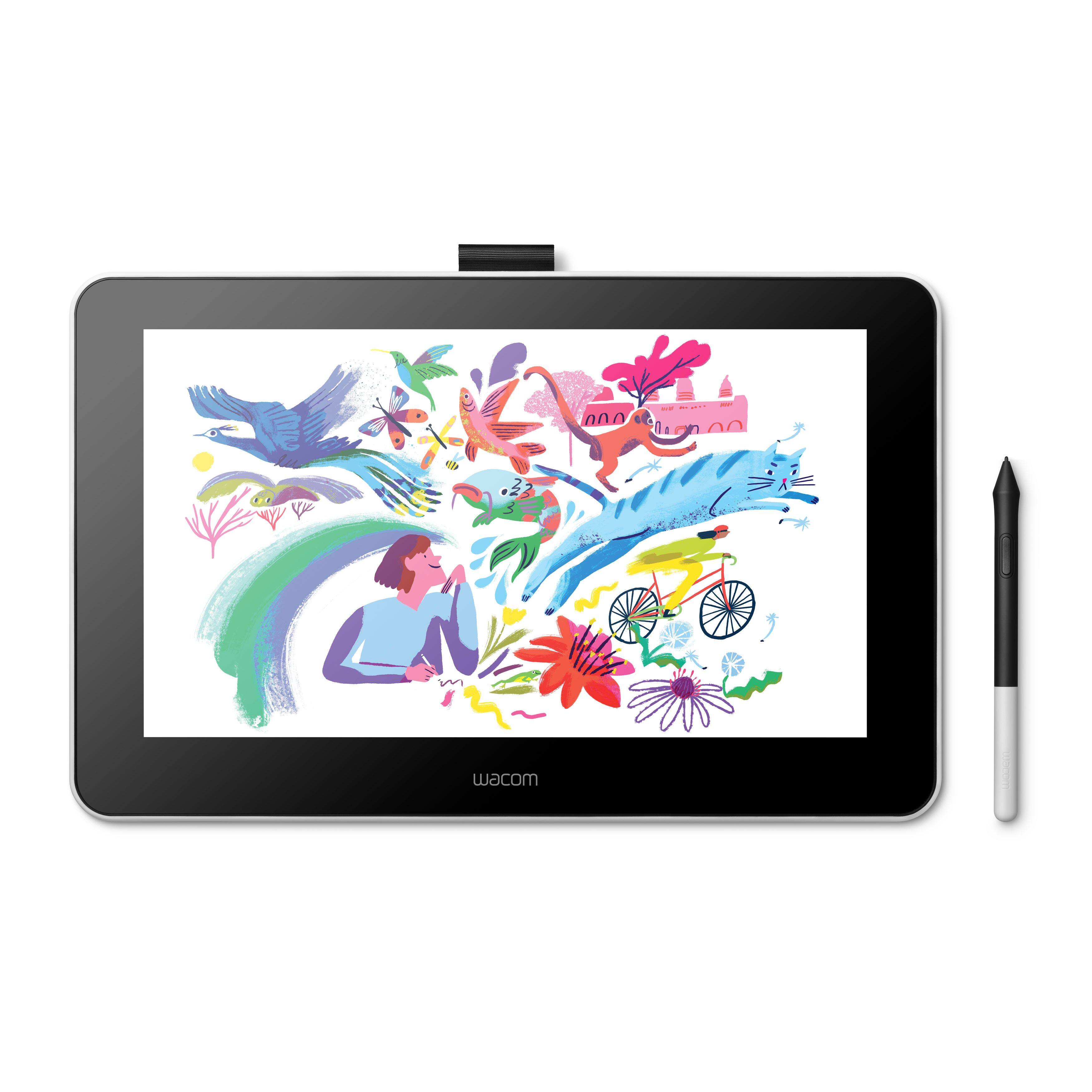
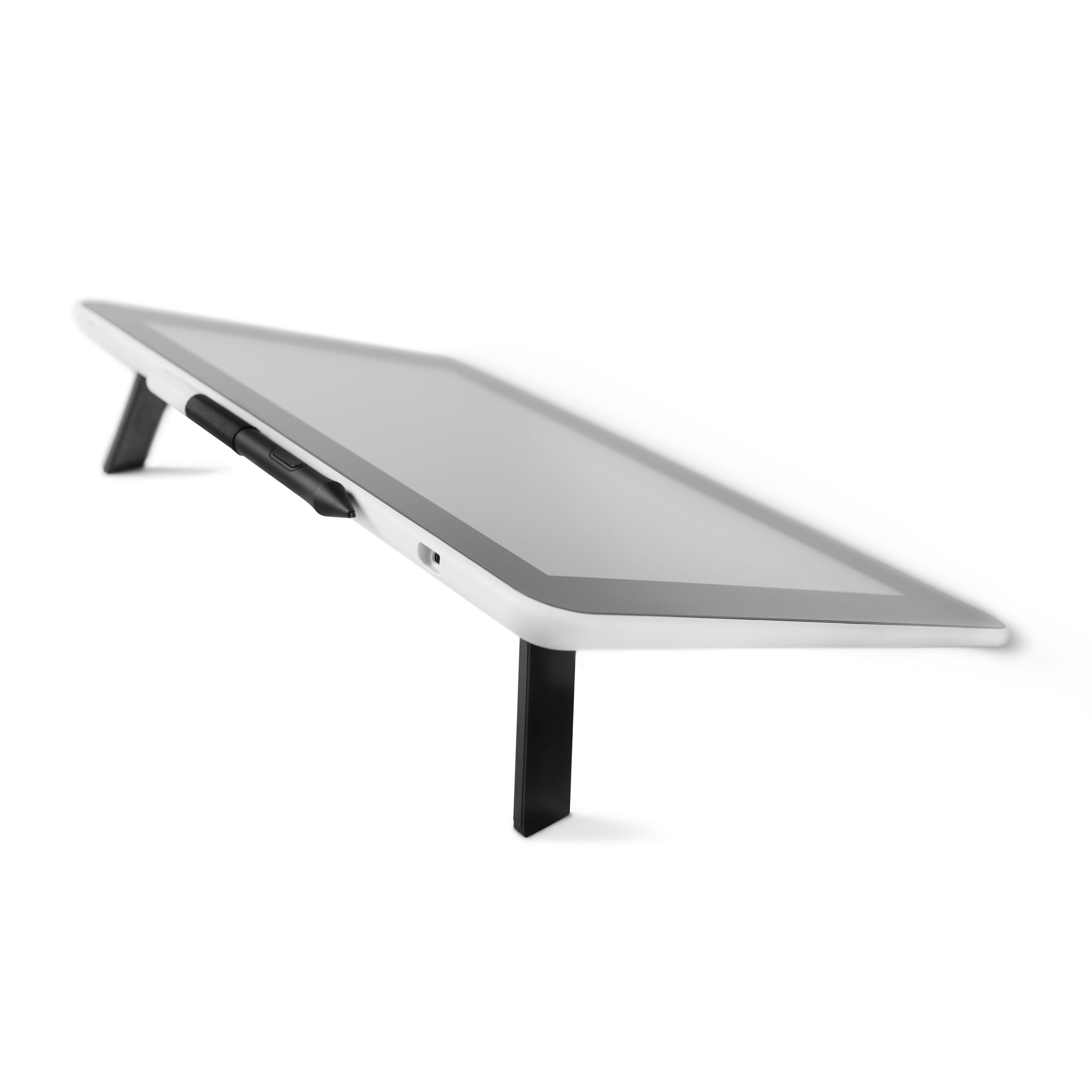
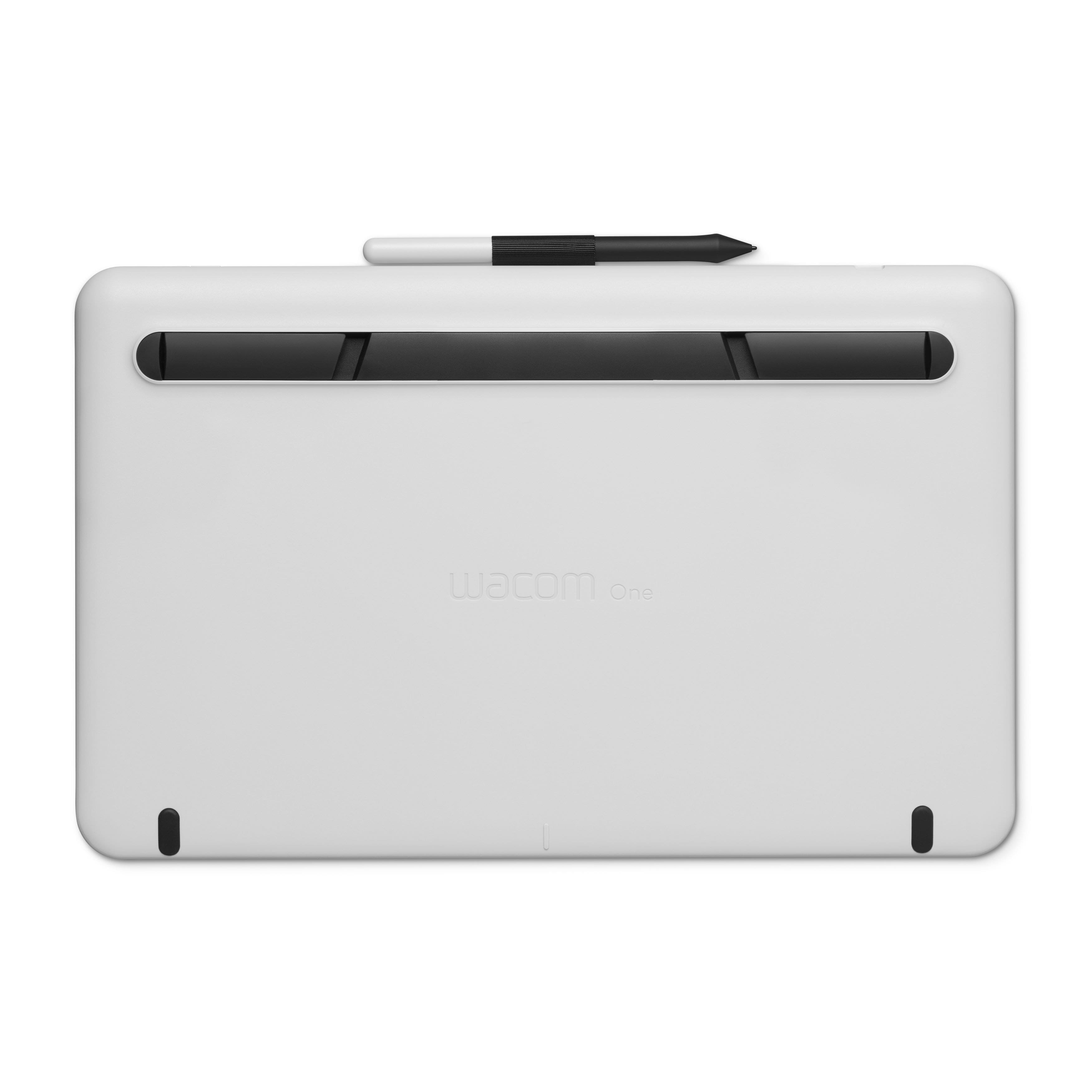
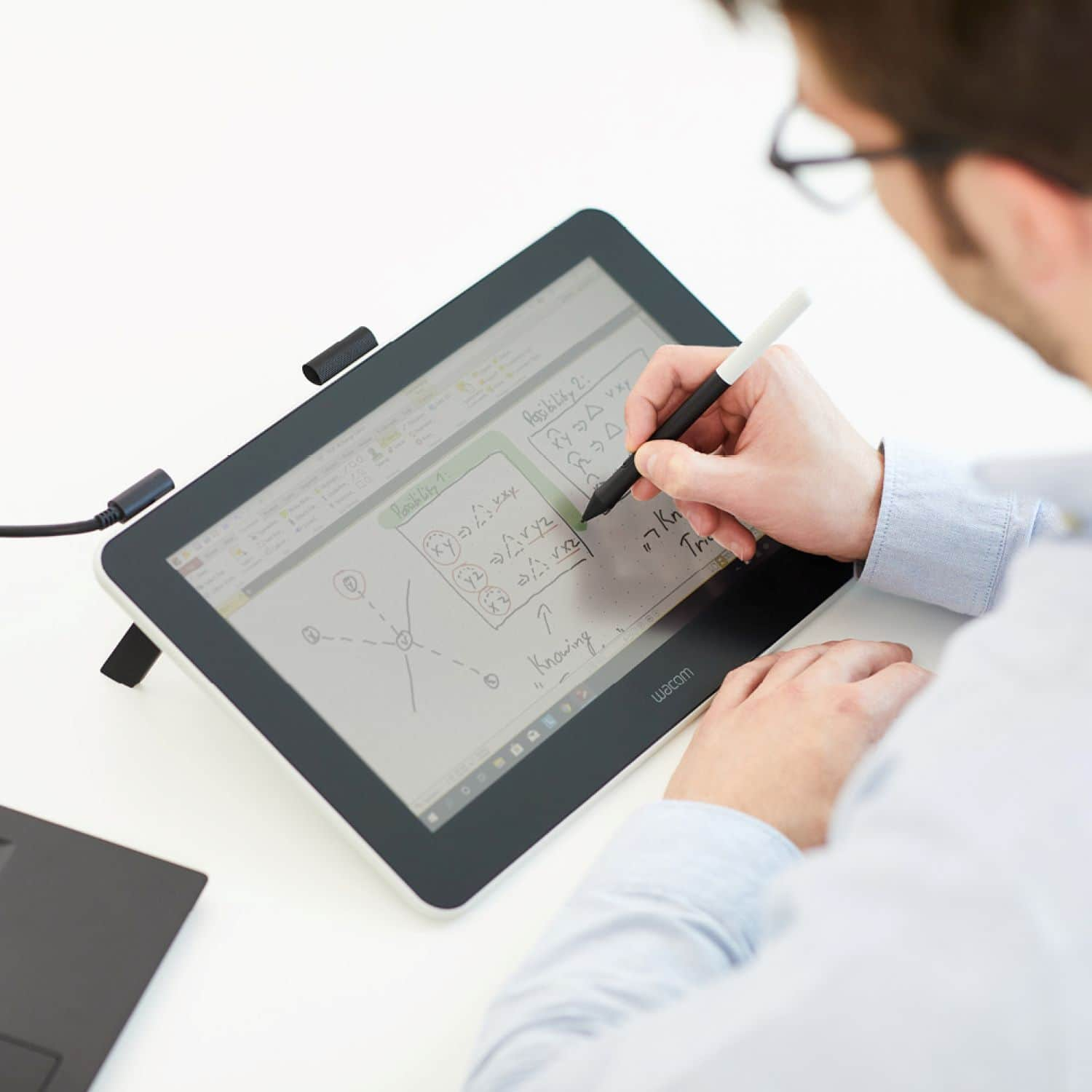
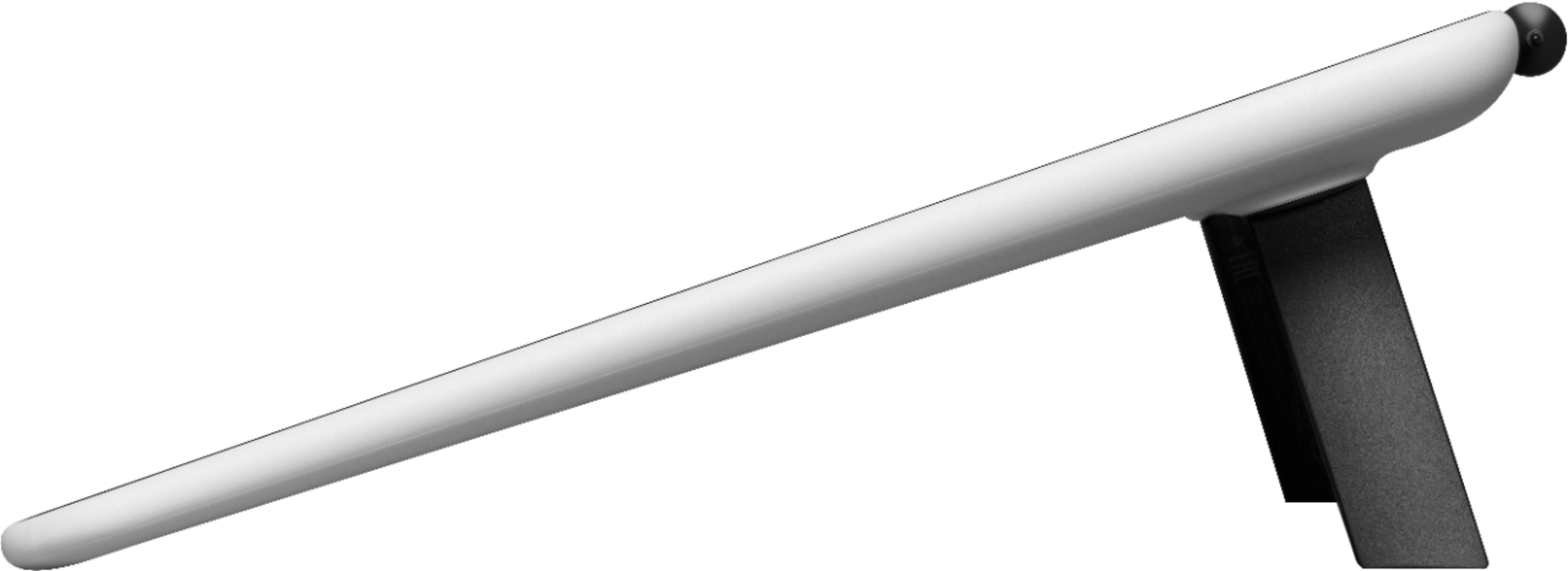
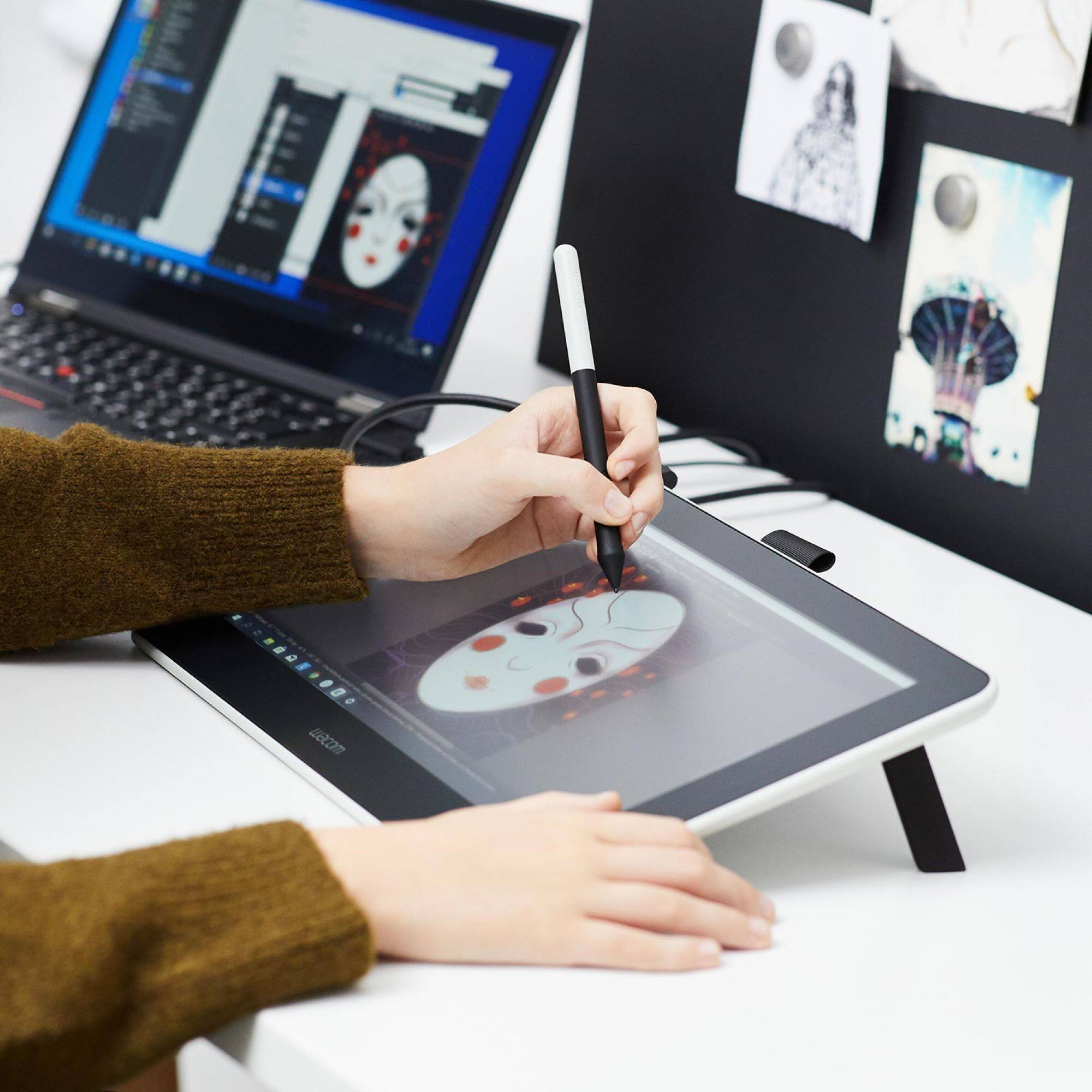
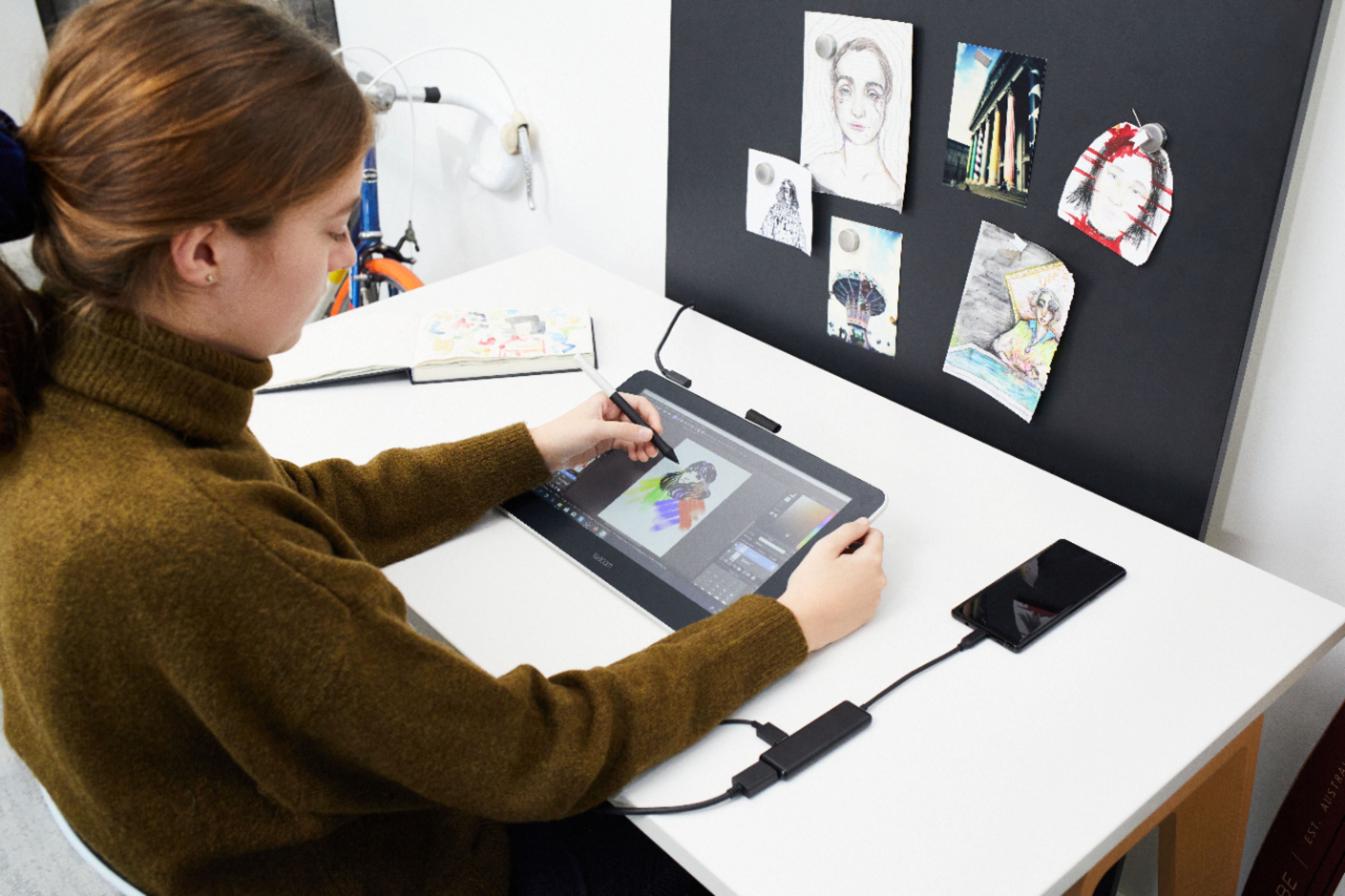
|Posted .This reviewer received promo considerations or sweepstakes entry for writing a review.Let me start by saying i'm not an artist and have very little freehand drawing skill, not that skill is needed to use and want this device. I have wanted a drawing tablet for awhile, but cost for my budget has been too high for a Professional Wacom tablet with screen until now. I did not want it to draw, but to help me for graphic work in Photoshop and with the software I use for my vinyl/card stock cutting machine. This is not a touch screen like your phone or tablet. There is no battery/Wi-Fi/Bluetooth. It is a mirror image of what your computers monitor is displaying. It does have a slight matted or muted image do to the tablets paper like screen finish. It is a tethered monitor you can interact with using the Wacom Pen. It will not work without the included pen(finger touches and wrist resting on the screen do nothing). But what you can do with the pen is amazing. I have just started and its like magic when the pen is almost touching the screens surface it shows the cursor(or tool icon in the app you are using). Then as you start moving the pen on the screen, you are drawing/writing. It is very quick and simultaneous as you move. And the pressure you use on the pen drastically changes the width/stroke of your motion on screen. Finally, I get the the precision a touch pad and mouse just were not meant to do. Granted you still need the keyboard for a few shortcuts and text entry in various apps. But this is the way to go to see and touch what you want to fix on your photo touch ups, or to just alter some artwork for various projects. Of course true aspiring artist and pro's will likely get far more than I could ever hope to get out of this device. It has many possibilities that I hope to learn how to use as I move forward with this terrific tablet. And for build quality. Top Notch. No flex in the structure of the tablet. The legs when flipped out, make this tablet stick like glue to the surface you set it on. They even include extra nibs under the leg. I did hold back one star for the one negative that kind of bugged me a little. The included cable that powers and connects to your computer is a bit messy for the portability I was hoping for. I'm sure it is the best solution for speed of drawing. Yet, a plug for HDMI, Plug for USB, plug 120v house current and the USB-C plug to power the tablet is a bit messy for communication between the tablet and computer. This is likely the trade off to get the price and function with the superior Wacom brand you know you want.
I would recommend this to a friend Nib broke off. Brand new. can't use. Returning it
||Posted .This reviewer received promo considerations or sweepstakes entry for writing a review.I bought this unit new at Best Buy on February 10. The next morning I opened it up and plugged it in and the nib broke off inside the pen and I can't get it out. Web search says the only way to replace it. No way to eject the broken nib inside the pen . I don't have time to screw with this. Returning it to the store this morning. Frustrated. This is my second Wacom product and neither work as promoted
No, I would not recommend this to a friendDon’t do it.
||Posted . Owned for 9 months when reviewed.This reviewer received promo considerations or sweepstakes entry for writing a review.Disappointed in this. The plugs are convoluted and poor connection. Couldn’t get it to work on mobile devices at all. Very sad child who loves to draw.
No, I would not recommend this to a friendToo many cables
||Posted . Owned for 6 months when reviewed.This reviewer received promo considerations or sweepstakes entry for writing a review.My girlfriend got this in hopes to start learning how to draw. She ended up returning this since it had a crazy cable set up. She went with the iPad Air and apple pen.
I would recommend this to a friendWould not work with Windows 7
||Posted . Owned for 1 month when reviewed.This reviewer received promo considerations or sweepstakes entry for writing a review.Box said it would work with a Windows 7 PC. Software for the pad would not allow download on Windows 7. Hoping laptop will allow update to Windows 10. It has taken several hours and still not there.
I would recommend this to a friend- Cons mentioned:Compatibility
Can't give it any stars
||Posted . Owned for 1 month when reviewed.This reviewer received promo considerations or sweepstakes entry for writing a review.When I bought this was told would work with my iMac but you need a HDMI cable hookup and none of the adapters will work, not even an apple one. Sucks for me I guess.
No, I would not recommend this to a friend