Customer Ratings & Reviews




- Model:
- DTC133W0A
- SKU:
- 6393542
Rating by feature
- Value
Rating 4.3 out of 5 stars
- Quality
Rating 4.5 out of 5 stars
- Ease of Use
Rating 4.2 out of 5 stars
Customers are saying
Customers recognize the One drawing tablet's ease of use and convenient screen size as significant advantages. Many appreciate its responsiveness and the included pen, while some find the setup process challenging and the cable management cumbersome. The compatibility with various operating systems is also a point of discussion, with some users experiencing difficulties. Overall, the price-to-performance ratio receives positive feedback.
This summary was generated by AI based on customer reviews.
Just a poor quality product
||Posted . Owned for 1 year when reviewed.This reviewer received promo considerations or sweepstakes entry for writing a review.This thing refuses to connect to computers. I have Windows, Mac, and Linux. Have tried connecting to all. Have installed, reinstalled, restarted drivers, again and again to no avail. Additionally screen quality is mediocre at best. Completely unusable product, I've no idea why Best Buy carries it.
No, I would not recommend this to a friendMore info
||Posted .This reviewer received promo considerations or sweepstakes entry for writing a review.I have no idea how to use this device with my Mac book pro, I wish their were more details on syncing in the package.
I would recommend this to a friendAnnoying
||Posted .This reviewer received promo considerations or sweepstakes entry for writing a review.Always have to be plugged in. This makes it hard when you do graphic design and aren’t always near a plug.
No, I would not recommend this to a friendNot what it seems to be
||Posted .This reviewer received promo considerations or sweepstakes entry for writing a review.This device was very complicated. In order to work with this tablet it needs to be plugged into your computer at all times. All of the downloads that came with this device or terrible and cost money. The programs for this device were cumbersome to download. All in all, this device definitely was not for me. I was under the impression that I could work on this without having to be connected to the computer. My mistake.
No, I would not recommend this to a friendRays opinion
||Posted . Owned for 3 weeks when reviewed.This reviewer received promo considerations or sweepstakes entry for writing a review.It's very difficult to learn and the tutorials pass over functions and symbols
I would recommend this to a friendWacom one
||Posted . Owned for 3 weeks when reviewed.This reviewer received promo considerations or sweepstakes entry for writing a review.Too complicated to work on, cannot support itself has to be connected to a pc in order to work.
No, I would not recommend this to a friendCovid-19 is just bad for sales
||Posted . Owned for 1 month when reviewed.This reviewer received promo considerations or sweepstakes entry for writing a review.This was a purchase I’ve been waiting a long time to make. I’ve been super excited about getting a Wacom tablet but I wasn’t able to get this to work with my current setup. I’m sure it’s something that the Best Buy sales people could have helped me with on the floor, but I didn’t have that opportunity so I just ended up returning it. Maybe I’ll try again when the stores open back up.
No, I would not recommend this to a friendGet a Kamvas pro
||Posted . Owned for 1 month when reviewed.This reviewer received promo considerations or sweepstakes entry for writing a review.Overpriced for what you get. Pen would disconnect from display ever 20-40 min.
No, I would not recommend this to a friendAwful
||Posted . Owned for 3 weeks when reviewed.This reviewer received promo considerations or sweepstakes entry for writing a review.Awful, would never buy one again. The money that was spent was not worth it at all.
No, I would not recommend this to a friendMassively overpriced for what it is
||Posted . Owned for 8 months when reviewed.This reviewer received promo considerations or sweepstakes entry for writing a review.I made the mistake of purchasing the Wacom One over a xp-pen tablet. Lower build quality, less features, and 80-100 dollars more expensive. You're honestly paying for the Wacom logo. Please save yourself some money and look at any of the Xp-pen tablets instead of this.
No, I would not recommend this to a friendVery complicated
||Posted .This reviewer received promo considerations or sweepstakes entry for writing a review.I received very little guidance and was told this was a great tablet for a beginner. Turns out, it’s not at all for a beginner and now Nobody will allow me to return this. This is not at all what I thought I was getting.
No, I would not recommend this to a friendEhh
||Posted . Owned for 7 months when reviewed.This reviewer received promo considerations or sweepstakes entry for writing a review.Not the easiest thing to use at all. Just too much to deal with.
No, I would not recommend this to a friendnot working properly
||Posted . Owned for 2 weeks when reviewed.This reviewer received promo considerations or sweepstakes entry for writing a review.not working properly, very unresponsive. would not recommend
No, I would not recommend this to a friendtechnition
||Posted .This reviewer received promo considerations or sweepstakes entry for writing a review.had to return it. im gonna go get the better one.
I would recommend this to a friendOne
||Posted . Owned for 1 month when reviewed.This reviewer received promo considerations or sweepstakes entry for writing a review.Seller was not clear on purchase. Returned item! Did not like the face that for the price it was not a use that easy to carry or travel with. You have to use with a laptop, so then you are traveling with two big items
No, I would not recommend this to a friendWires, involved…
||Posted . Owned for 1 month when reviewed.This reviewer received promo considerations or sweepstakes entry for writing a review.Better off buying an iPad. It’s an involved and many-wired set up for a PC. Would be nice to see this color tablet version actually act like a tablet. Just feels bulky and involved for 2021
No, I would not recommend this to a friendthe tablet's SN is already registered!!!!!!!!!!!!!
||Posted .This reviewer received promo considerations or sweepstakes entry for writing a review.hey I gave 400USD to buy a new tablet but Best Buy gave me a used one?????? Since I could not register the tablet, so I ask the Wacom CS and they said the tablet's SN is already registered!!!!!!!
No, I would not recommend this to a friendDrawing Tablet
||Posted . Owned for 5 months when reviewed.This reviewer received promo considerations or sweepstakes entry for writing a review.Daughter had issues with power plug broke off at the power plug in not very durable.
No, I would not recommend this to a friendWacom one
||Posted . Owned for 3 weeks when reviewed.This reviewer received promo considerations or sweepstakes entry for writing a review.Horribly disappointed in the function of the welcome one it does not sync to the laptop the way I’d like it to the display slow and the graphics on it are less than perfect
No, I would not recommend this to a friend- Cons mentioned:Setup

Great table for newbies
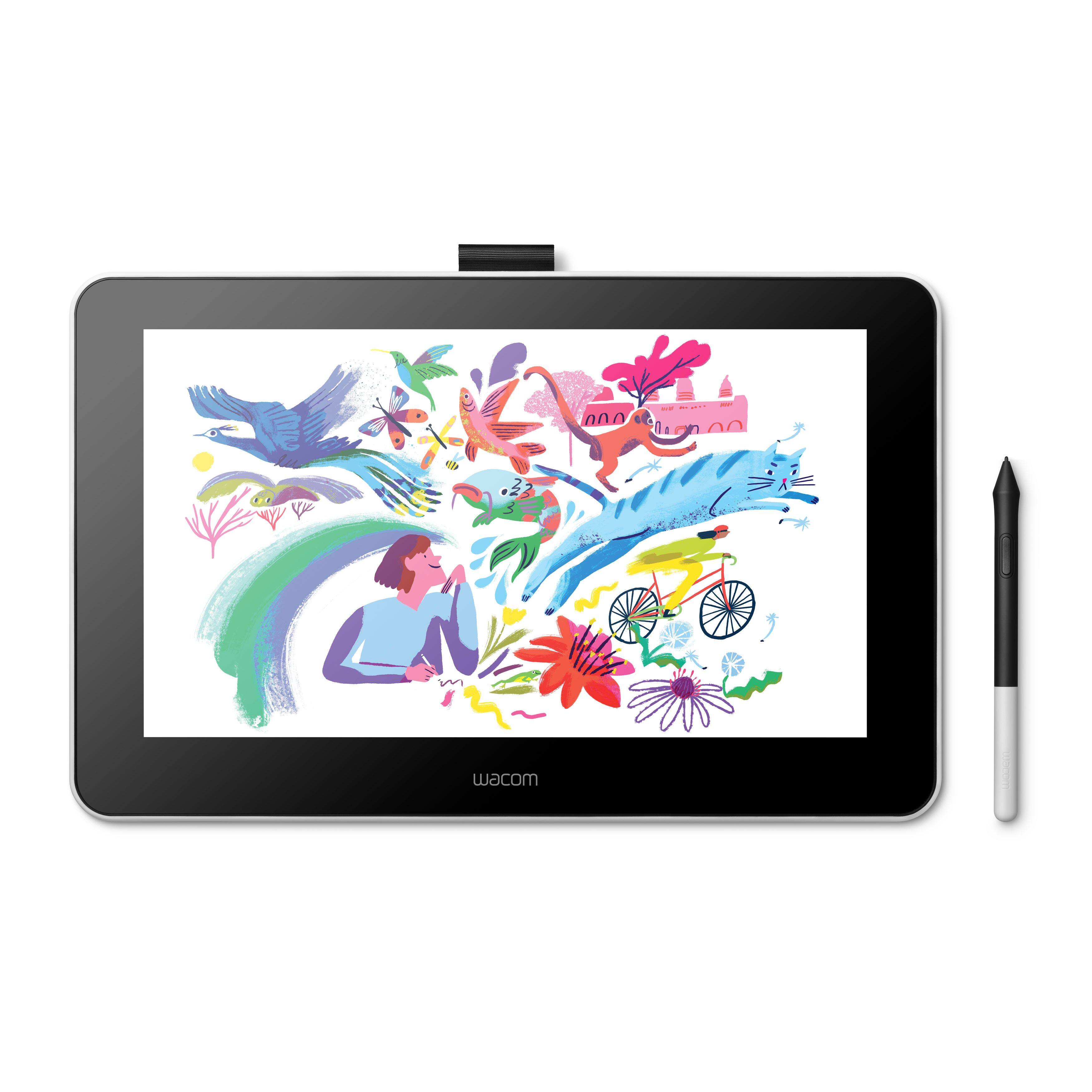
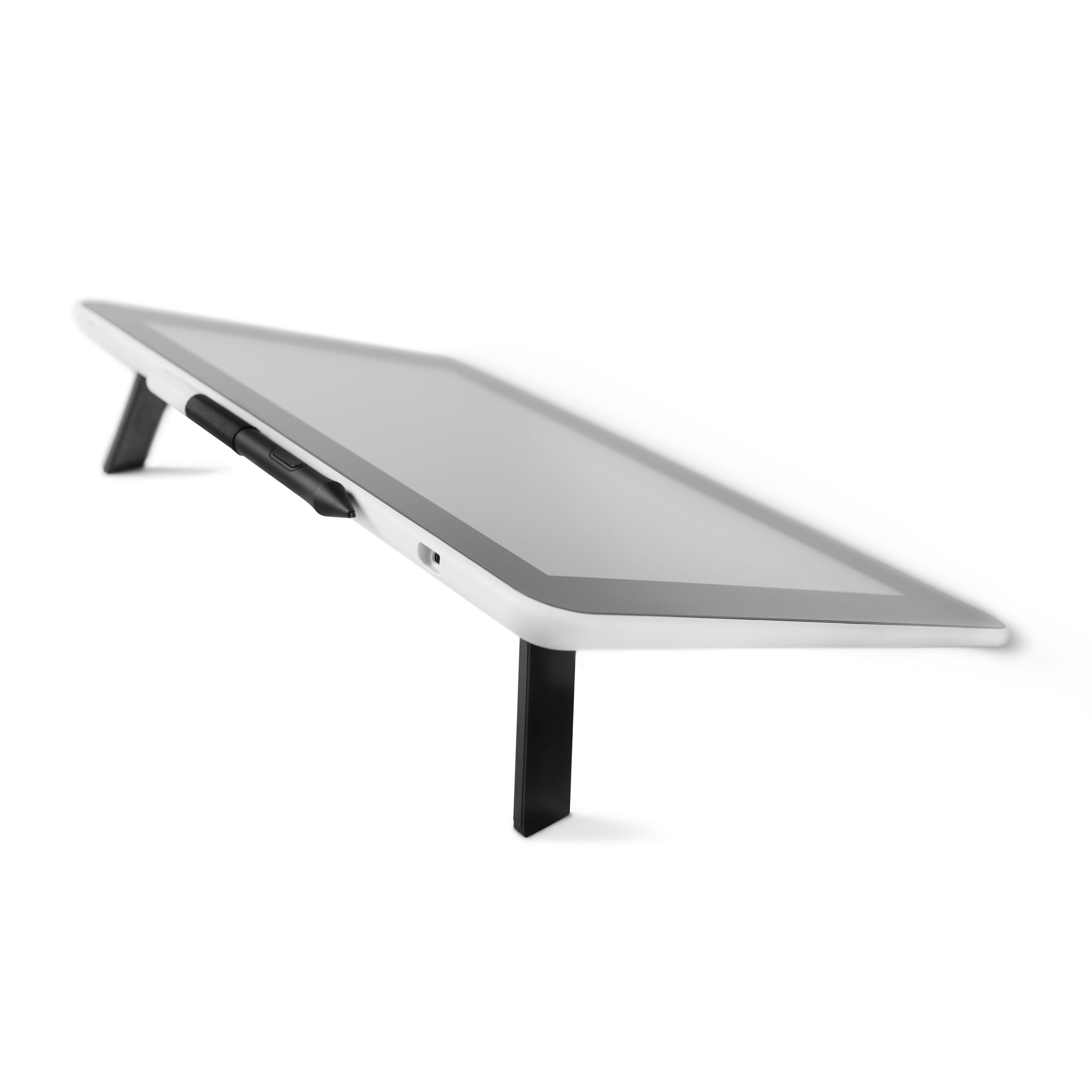
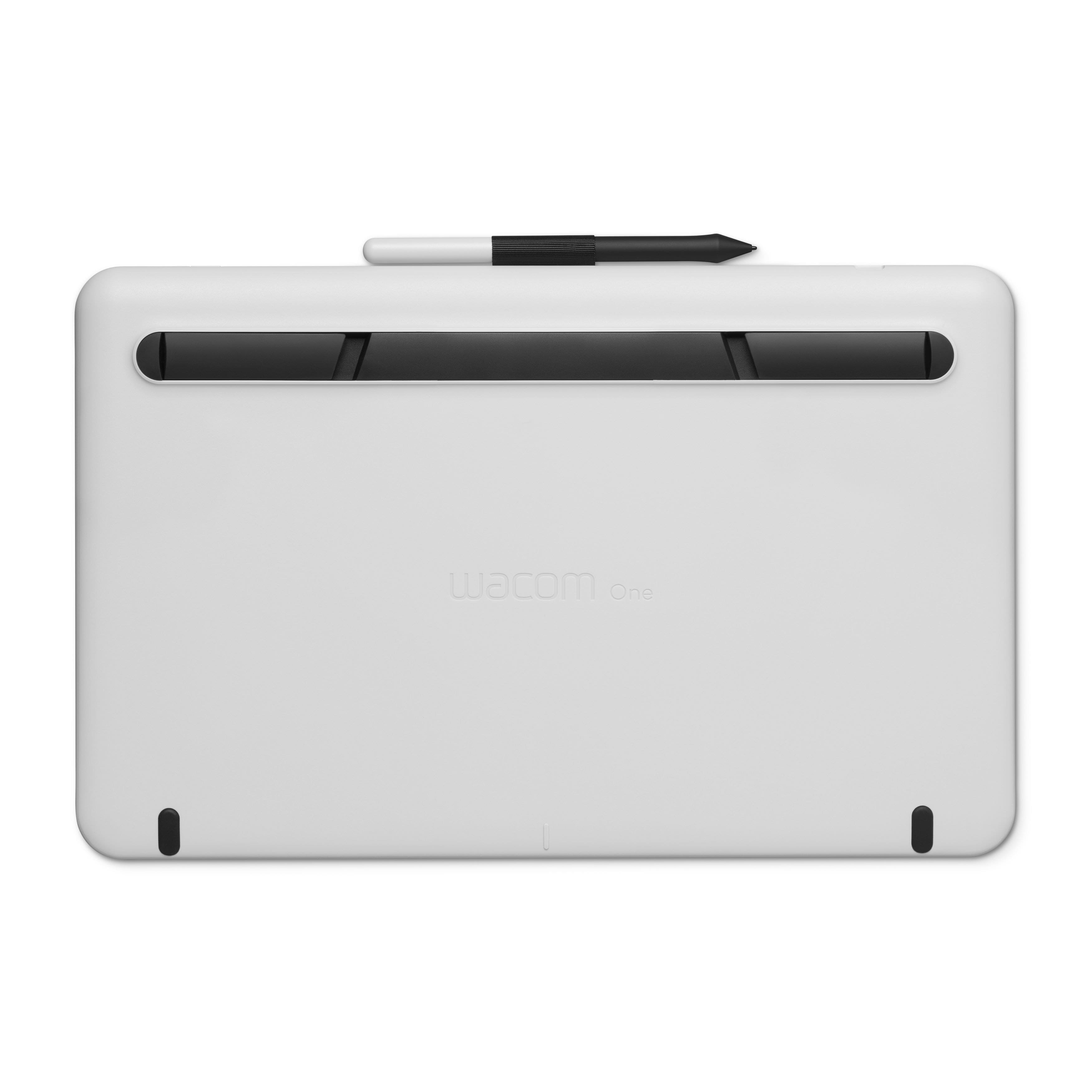
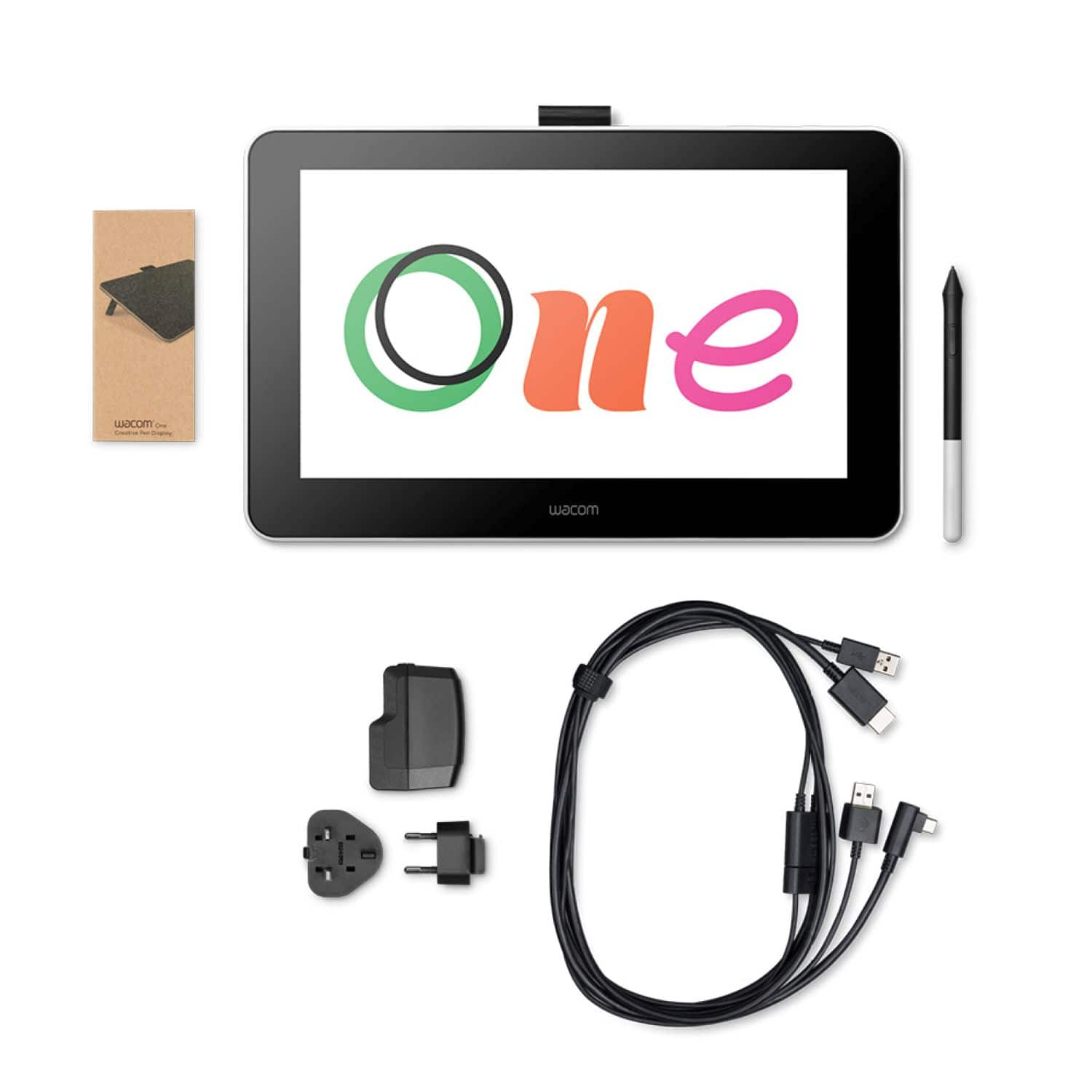
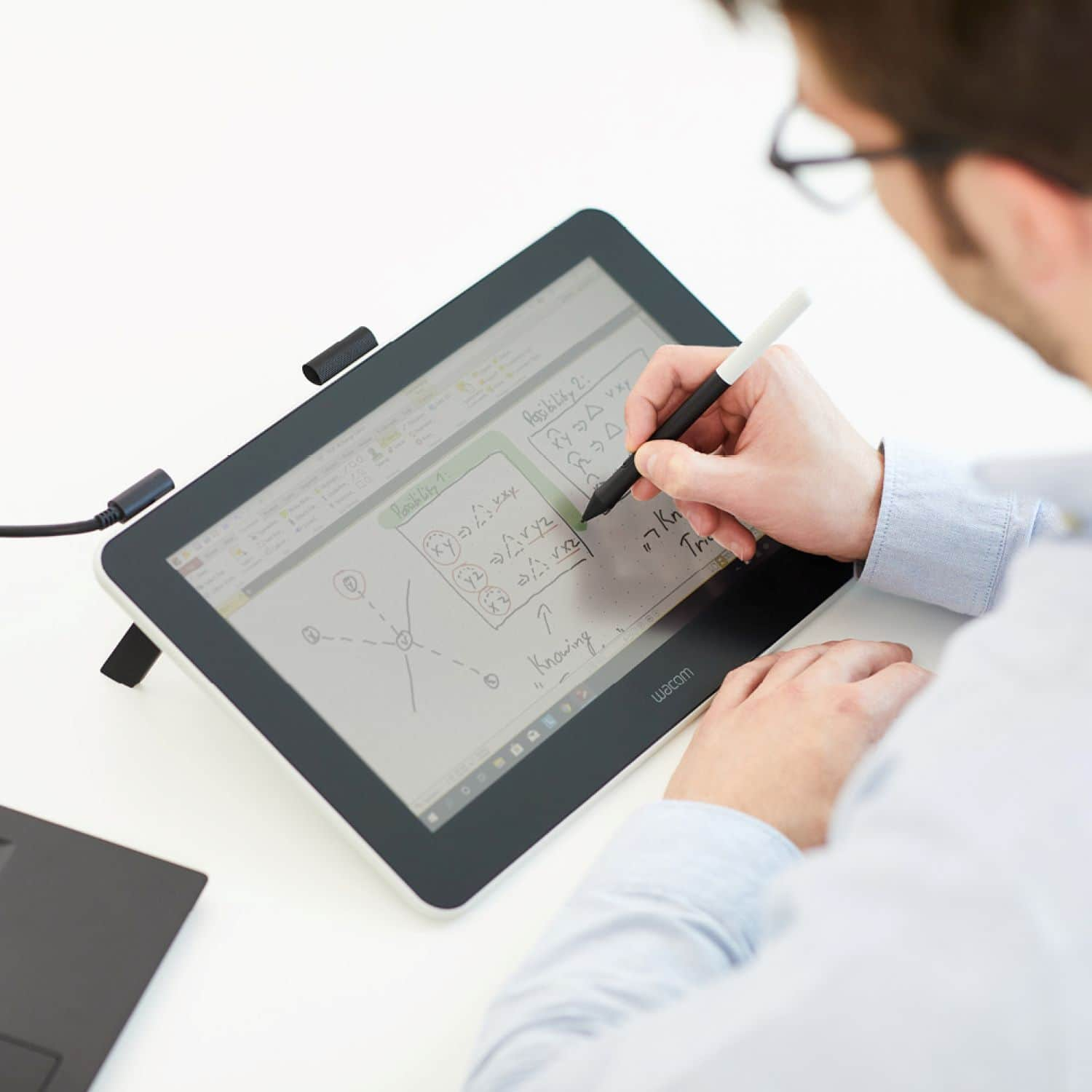
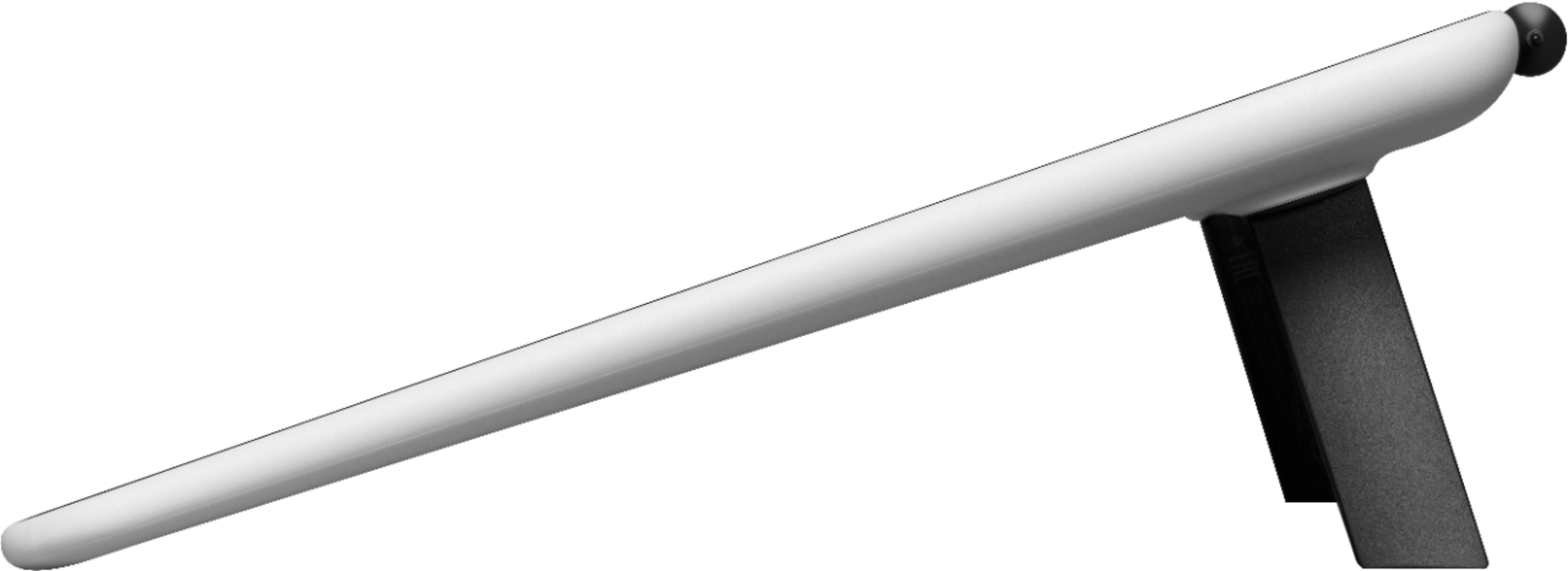
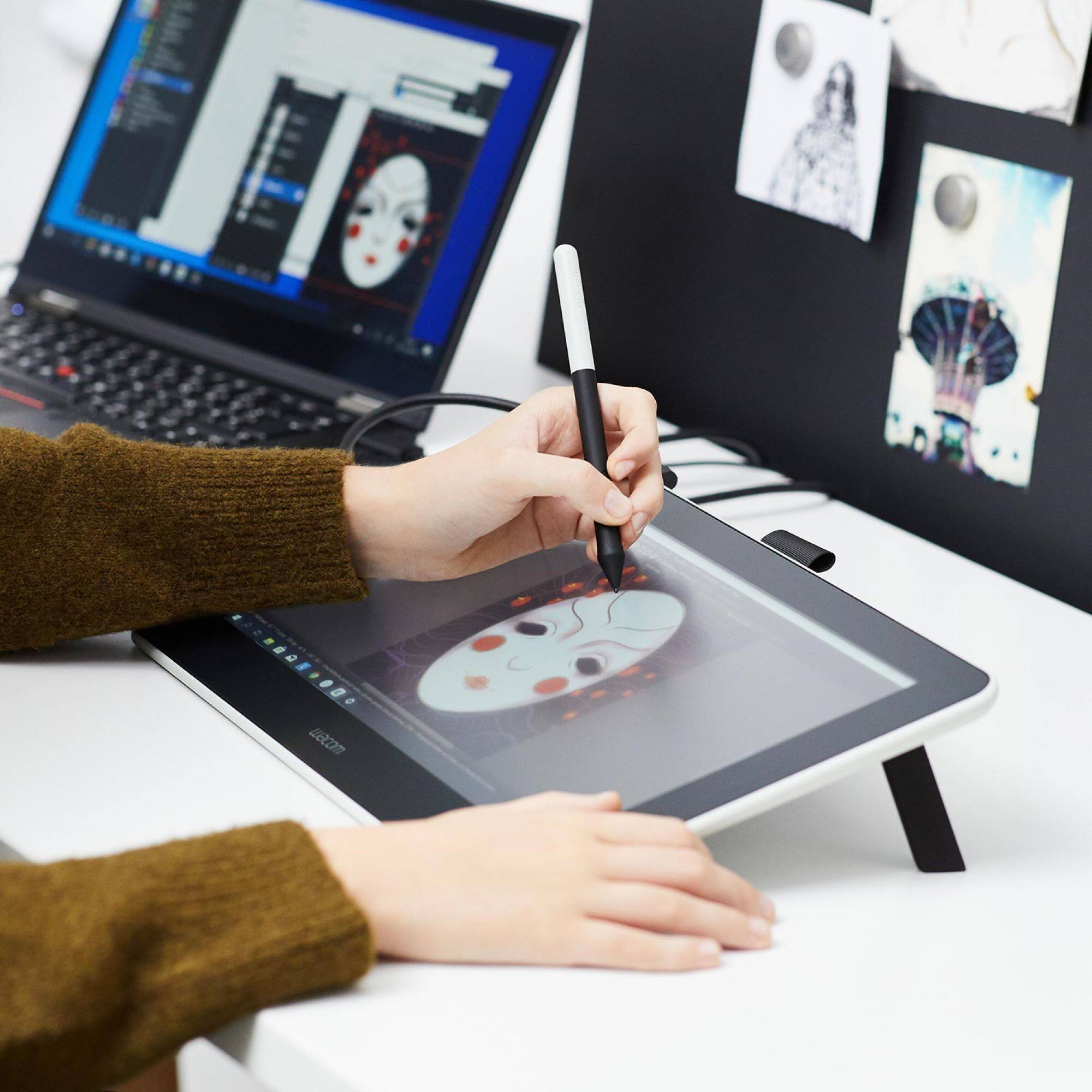
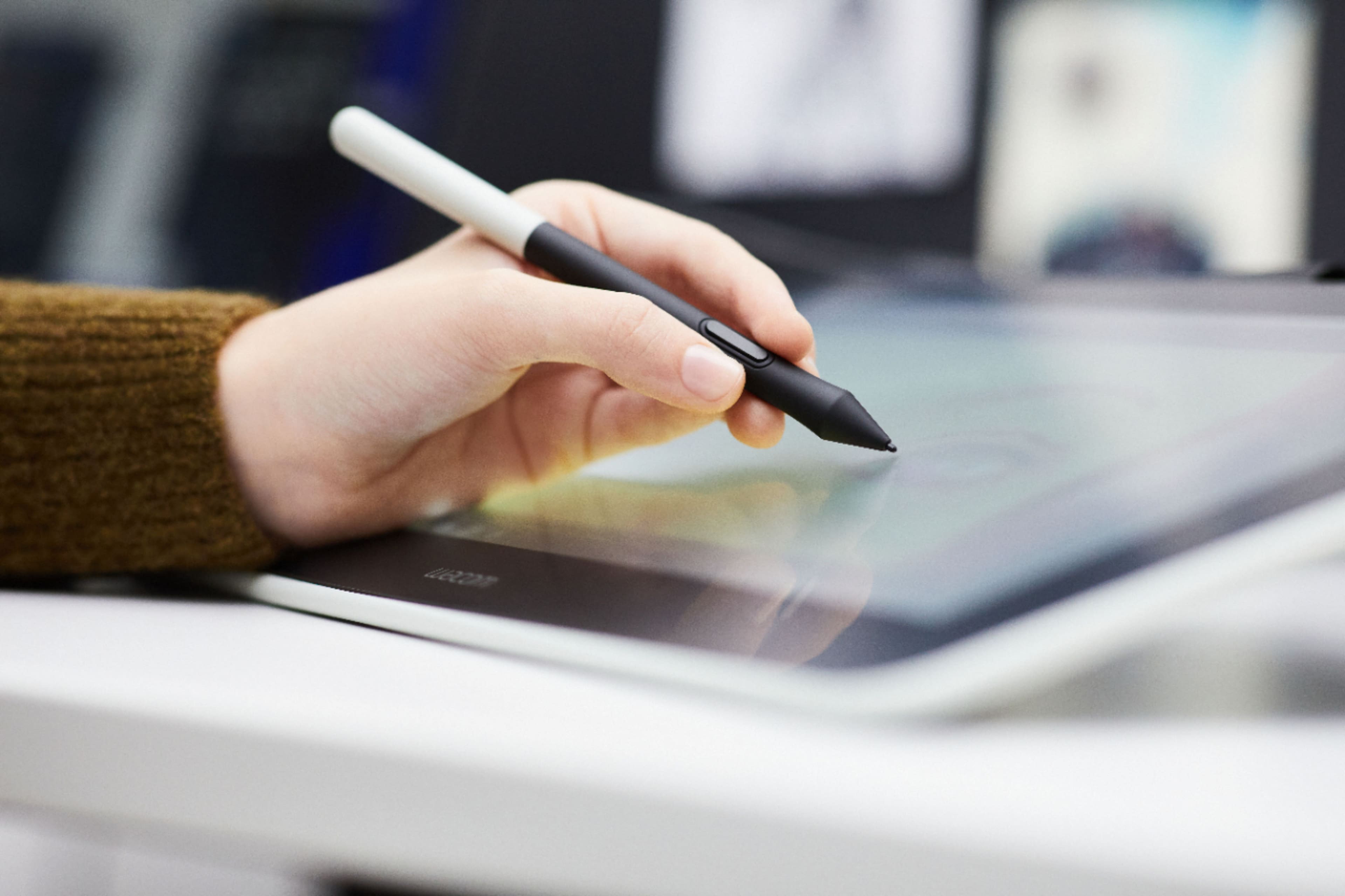
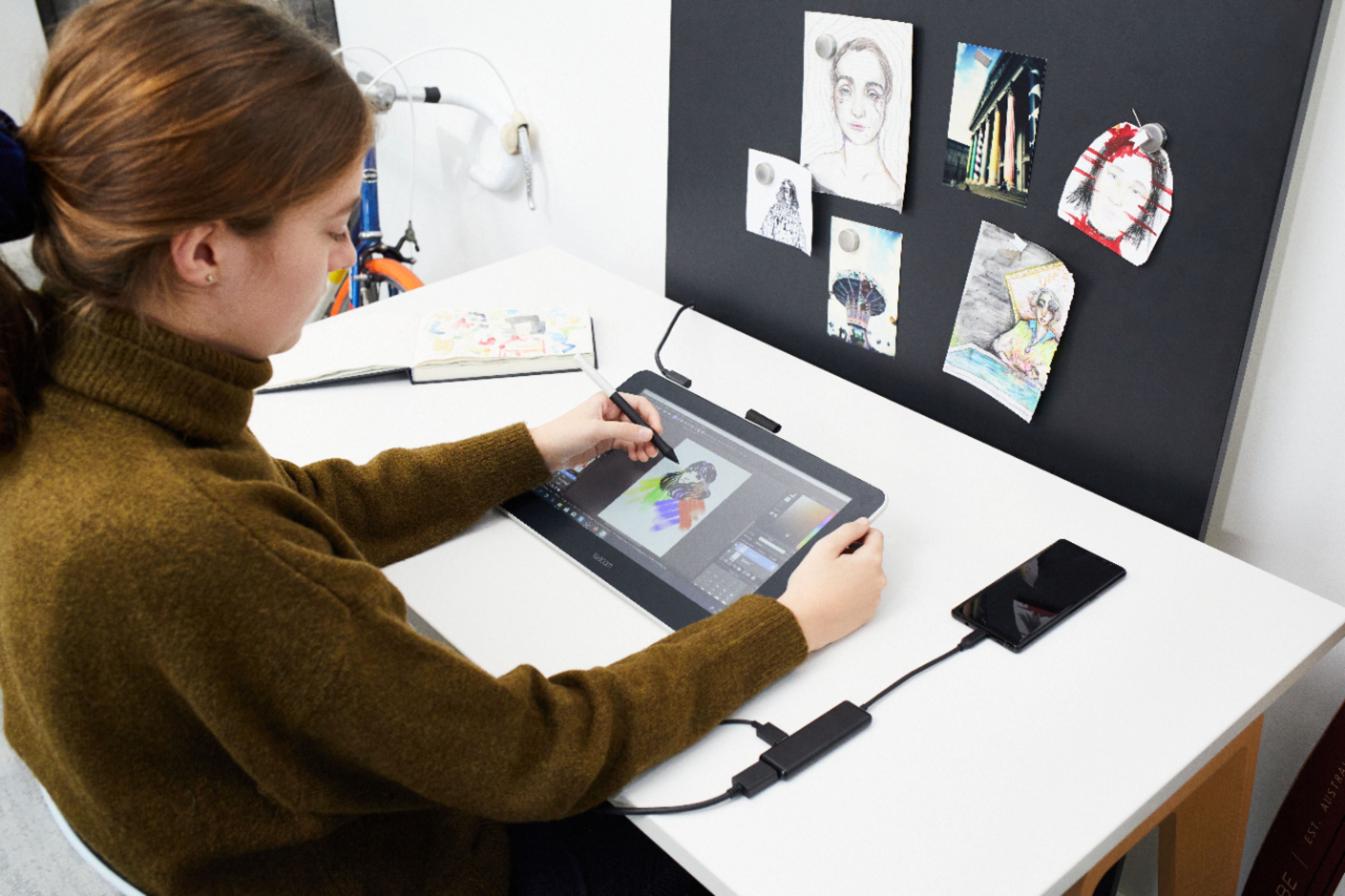
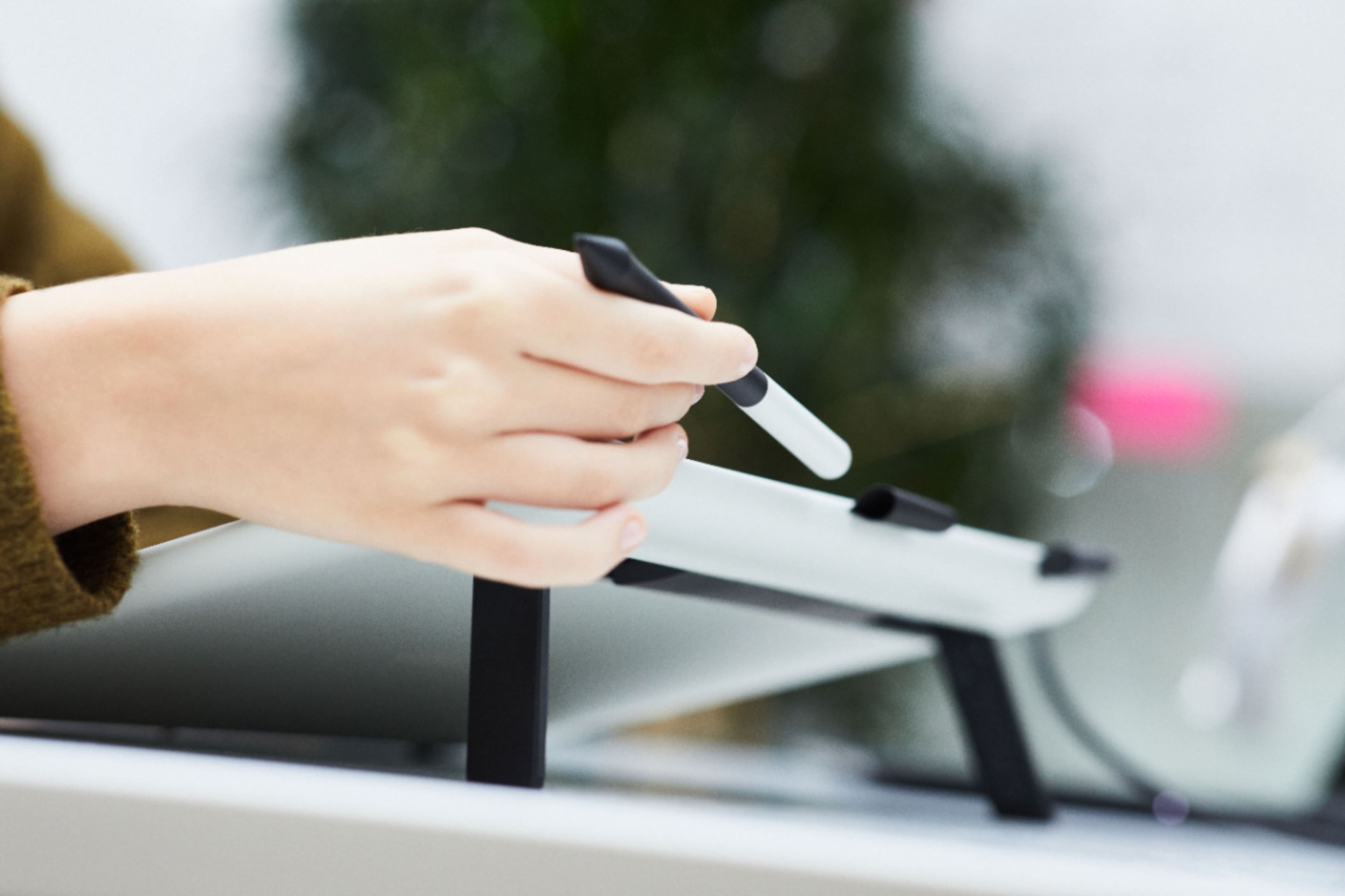
|Posted .This reviewer received promo considerations or sweepstakes entry for writing a review.I work in the graphic design world and have been very hesitant to use a pen and tablet but as soon as I saw this new Wacom One, I thought I'd finally take the step. Firstly, the Wacom One tablet is very well made, light and doesn't take up too much space. The previous model did not have a screen and I imagine the addition of one has made plenty of people happy. That being said, for my needs, it would be more helpful if it was actually bigger. My main work screen is a 1440p display so the screen mirroring on the 13" tablet screen is a bit awkward. Also, the resolution is at 1080p and I have to put on reader glasses to see the details clearly. Before I received this new model, I read preview articles on it and it sounded like setup would be a breeze. I thought is was all handle via one USB C cable. Unfortunately, that is not the case. It has multiple cables that handle power, hdmi and so forth. It makes a mess on my desk. Even though downloading the Wacom driver for my Mac was fast and easy, It took too long to get it up and running. I wish they had designed it with a single USB C cable in mind. The tablet does offer all kinds of customization for the included pen. Apparently, a few third-party pens can also be used on it which is a nice option. From general settings to individual application actions, there are plenty of things you can program the pen to do. The catch is that the pen button only has a single click function from what I can tell. But, for someone like me, all those options are a bit overwhelming. Fortunately, I had a coworker, who uses a Wacom on a daily basis, help walk me through the basics and explain what does what. Again, the options are amazing but it's going to take quite some time to master this tablet. One small interesting industrial design detail: there is a pen nib remover and extra nibs hidden under one of the flip out feet. Very clever design and I'm not sure if this is a distinctive detail or all Wacom tablets offer this. Overall, if you are needing a really nice tablet to get your feet wet with, this is a solid option. But Its small size and lower resolution don't make it a very smart choice for image retouchers or anyone who needs a serious tablet. Wacom did a nice job with this new Wacom One and I'll be diving into it further as time goes on.
I would recommend this to a friend