Customer Ratings & Reviews



- Model:
- DTC133W0A
- SKU:
- 6393542
Rating by feature
- Value
Rating 4.3 out of 5 stars
- Quality
Rating 4.5 out of 5 stars
- Ease of Use
Rating 4.2 out of 5 stars
Customers are saying
Customers recognize the One drawing tablet's ease of use and convenient screen size as significant advantages. Many appreciate its responsiveness and the included pen, while some find the setup process challenging and the cable management cumbersome. The compatibility with various operating systems is also a point of discussion, with some users experiencing difficulties. Overall, the price-to-performance ratio receives positive feedback.
This summary was generated by AI based on customer reviews.
USB malfunctioned had to return
||Posted . Owned for 1 week when reviewed.This reviewer received promo considerations or sweepstakes entry for writing a review.Downloaded drivers from website, device was not getting recognized...had to return despite multiple resets, restarts, etc. attempting to fix device...
No, I would not recommend this to a friendTerrible
||Posted . Owned for less than 1 week when reviewed.This reviewer received promo considerations or sweepstakes entry for writing a review.Terrible. Hard to even get to turn on, plug in. Just go with a tablet instead
No, I would not recommend this to a friendwaste of money.
||Posted . Owned for 10 months when reviewed.This reviewer received promo considerations or sweepstakes entry for writing a review.the display dies after few months and the support is non existence for this product. total rip off!
No, I would not recommend this to a friendWacom tablet
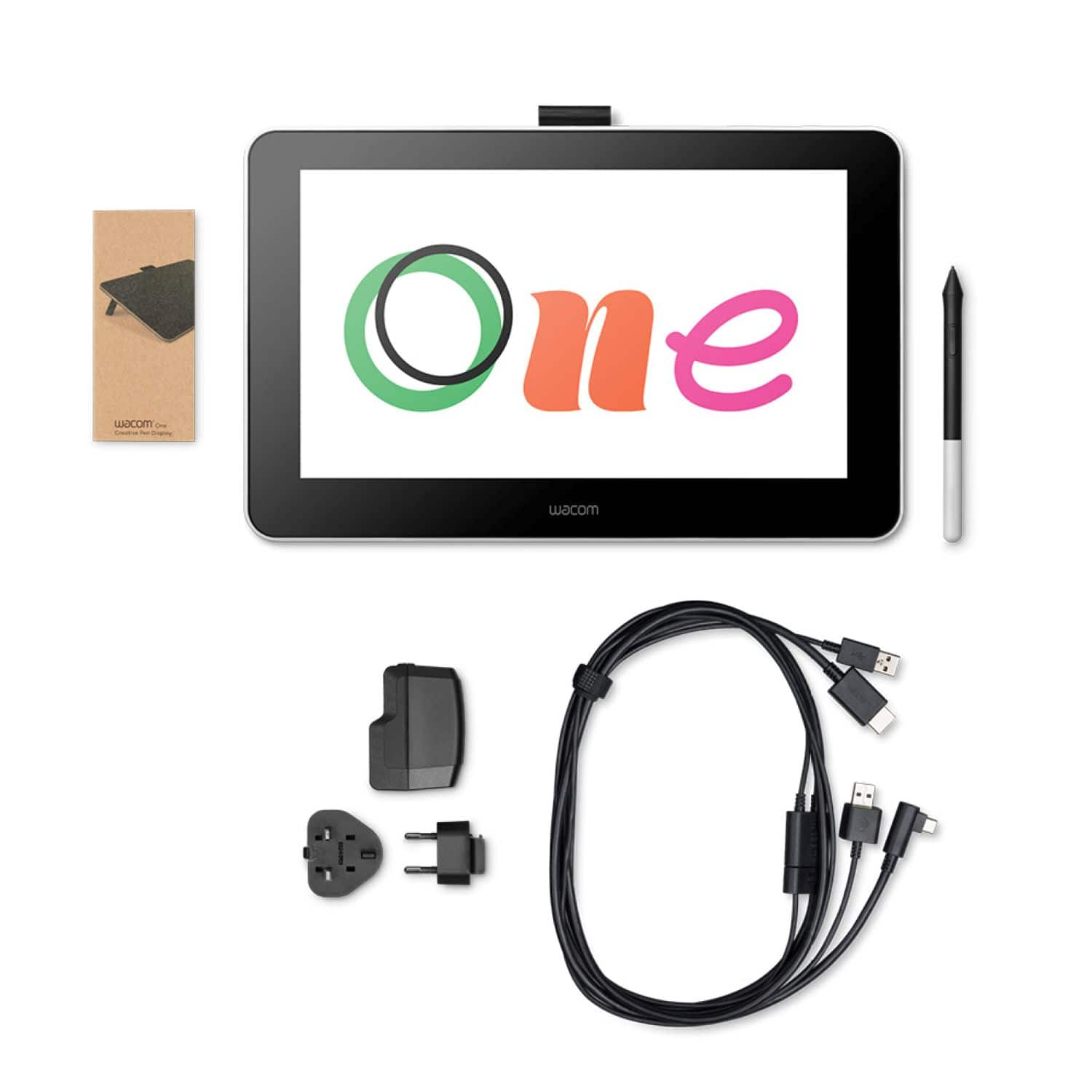
||Posted . Owned for 1 month when reviewed.This reviewer received promo considerations or sweepstakes entry for writing a review.Nice, the only issue is it requires too many wires. Not very practical to transport.
I would recommend this to a friendNah I’ll pass
||Posted . Owned for 3 months when reviewed.This reviewer received promo considerations or sweepstakes entry for writing a review.Just wasn’t for me. Had a slight lag and I didn’t like it.
I would recommend this to a friendQuit working after using it three times.
||Posted . Owned for 1 month when reviewed.This reviewer received promo considerations or sweepstakes entry for writing a review.Don't recommend. I enjoyed the product but it died after three uses.
No, I would not recommend this to a friend- Pros mentioned:DrawingCons mentioned:Cords
Good function, messy setup
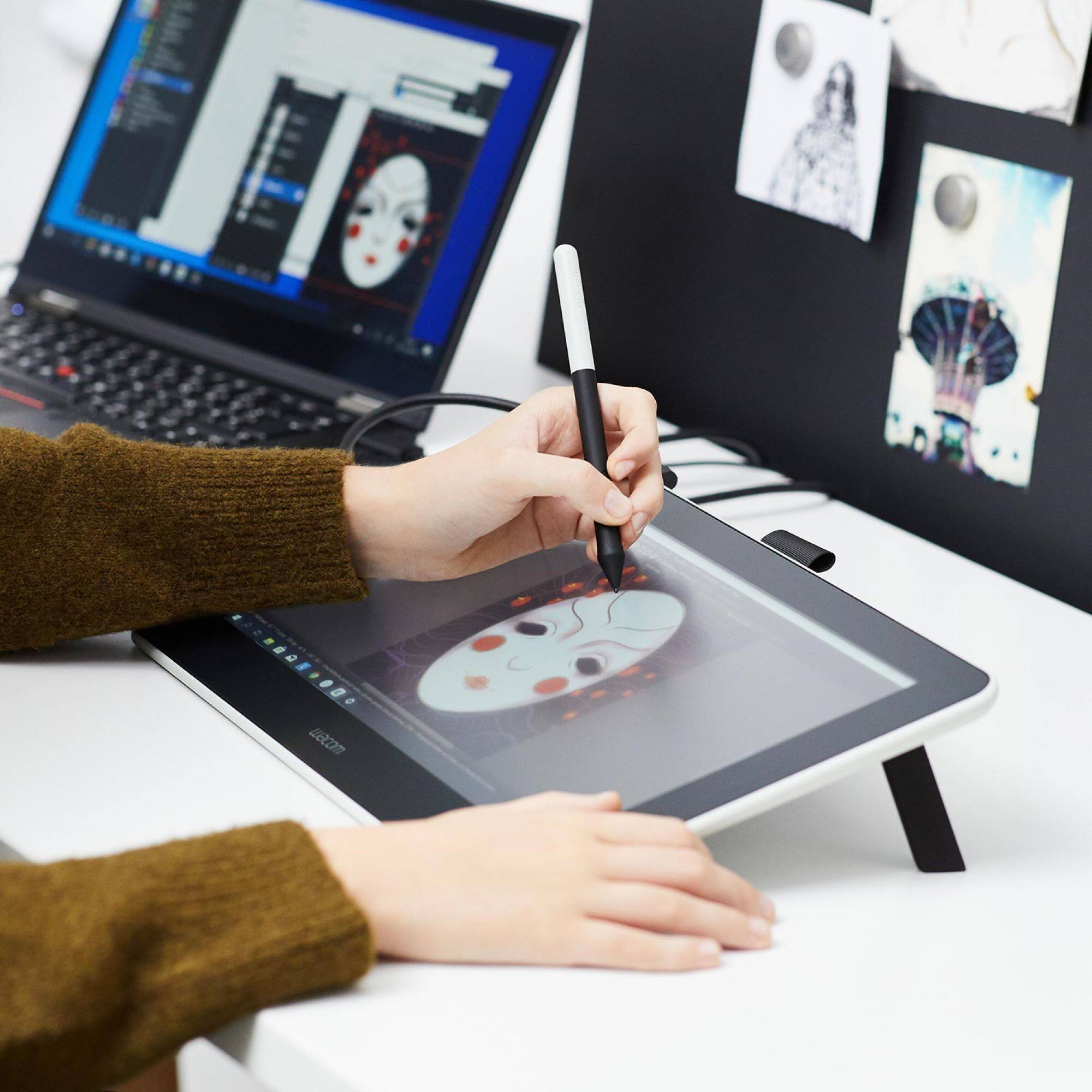
Posted .This reviewer received promo considerations or sweepstakes entry for writing a review.This is a good tablet for drawing, but scrolling on it was a bit annoying. Also there are a lot of cables that come with this. Better off using an iPad as a drawing tablet if you have a MacBook that you're looking to pair for and if you want a more convenient set up.
No, I would not recommend this to a friend 
Good Tablet, Some Limitations
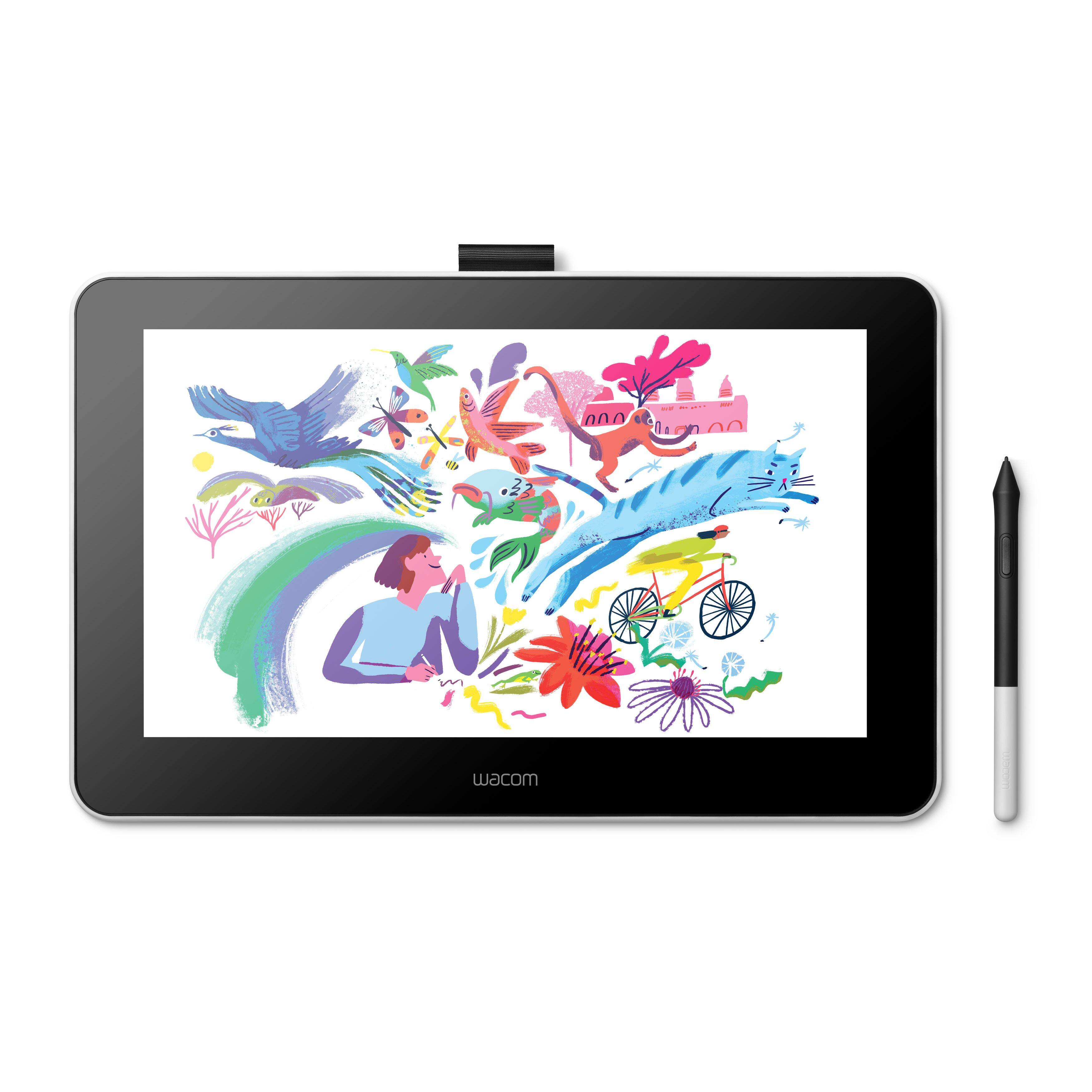
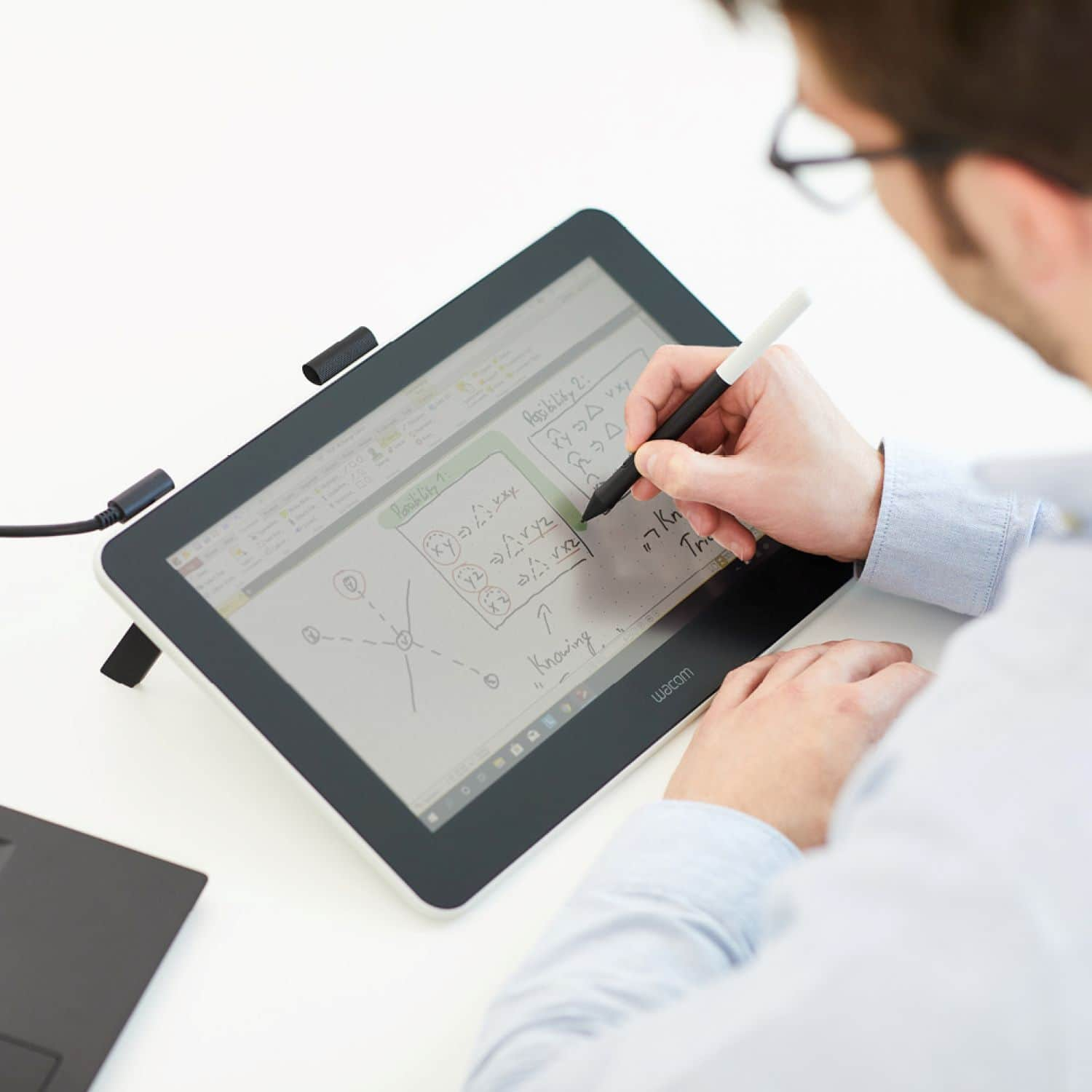
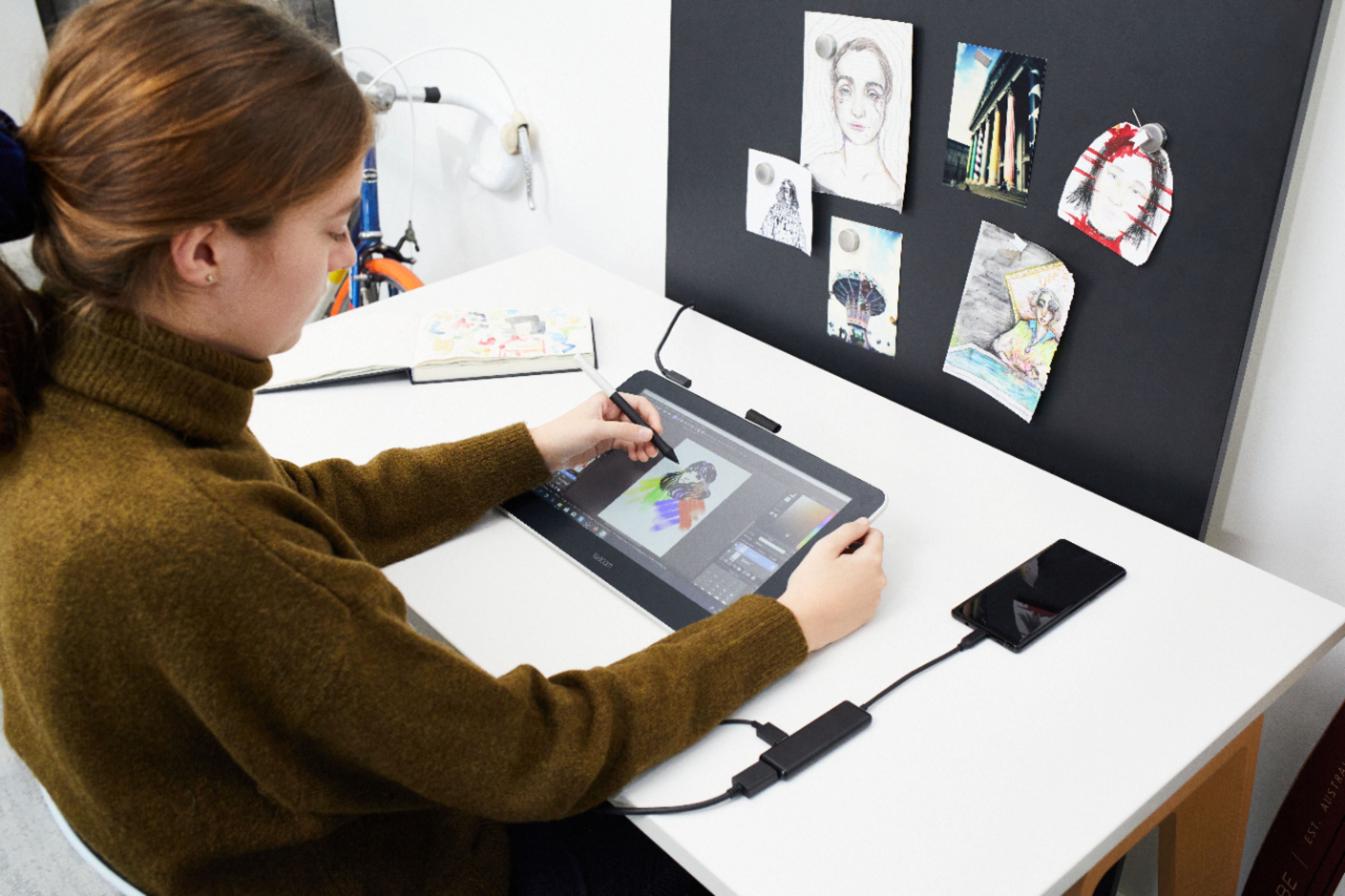
|Posted .This reviewer received promo considerations or sweepstakes entry for writing a review.I have always wanted to try out one of these Wacom Tablets, so when they introduced this new model with a screen at this price point is was a perfect storm. My S/O is an interior designer and I am a professional who still loves to write notes in a world where everyone types everything. So those are our use cases. The Feedback: 1. The screen resolution is not amazing. Good enough for my entry into the product category but if I were a serious creative it would be too dull. My S/O deals mostly with floorplans so not a huge limitation but when he does more colors and design the dullness is noticeable. 2. The writing function is amazing. It feels like writing on paper. This has become my primary use for the device, writing task lists and taking notes in meetings. I much prefer writing on this than any other tablet I have ever experienced. The most amazing part is that there is no "touch" functionality so you can rest your palm while writing without feedback. Caveat, this is too expensive for this to end up being my primary function for this device. 3. The dongle is cumbersome and set up in general is not as user friendly as it should be. It requires constant power, so definitely not a mobile tool. Then, it must plug into your computer via USB AND HDMI. I happened to have a HDMI to USB cable so I was able to get it running on my desktop. Most laptops have both but again, this isn't a very mobile tool. The required installation process is also a PITA, with necessary driver and software downloads. All in all. This is essentially a second monitor for a desktop setup that allows you to write, draw, edit, and maybe watch videos (keeping in mind the resolution isn't great) while you work. It's not very portable and so I wouldn't buy it to use with a laptop unless you don't move your laptop very much. Writing is a joy, but it's too expensive of a device for the limitations. Creatives will enjoy many more uses than I have as a professional, but serious artists willn't be a fan of the color range and screen resolution.
I would recommend this to a friend- Pros mentioned:Ease of use
Great Drawing Tablet
Posted .This reviewer received promo considerations or sweepstakes entry for writing a review.Purchased this for my daughter (age 12) who likes to draw. After purchasing some connectors and a large monitor, I plugged it into a PC desk computer. It works well and she was able to easily determine how to perform functions on the screen, which is mirrored onto the large monitor as well. Downloaded additional software as she became more proficient. We can save and print her drawings. Great tablet. I recommend.
I would recommend this to a friend Great tool for drawing with ease
|Posted .This reviewer received promo considerations or sweepstakes entry for writing a review.This tablet is exactly what I’d hoped for. I’ve stopped drawing on paper because this is just too good and so much more fun. The size of the tablet is perfect and not too heavy. The colors are rich and vibrant. The pen movements are flawless and pretty accurate. Setting up the Wacom was easy. Some drivers needed installing and soonafter getting started on drawing was quick. While using the pen lightly one can hear occasional slight scratchy type noises but this is not a game changer. All and all a great tablet for the art enthusiast. Tried downloading the software it came with but ran into some snafus and since i already have Photoshop and am accustomed to it for years, decided to keep the flow going and continued to use Photoshop. I probably would’ve tried harder to download the software and may still do so in the near future but for now, I was eager to get started and am hooked on drawing with a tablet.
I would recommend this to a friend- Pros mentioned:Ease of use
Digital Art Beginner
Posted .This reviewer received promo considerations or sweepstakes entry for writing a review.Great product, easy to connect and not much hassle getting all the drivers installed. It'll pretty much do everything for you on the install.
I would recommend this to a friend The next generation of doodle pads.
Posted .This reviewer received promo considerations or sweepstakes entry for writing a review.Daughter was very happy with this drawing pad. She likes to draw and needed something she could use for school. After reviewing other reviews I decided this would probably be the best for what she was wanting to accomplish. While there are some similar tablets Wacom send to be the best at what they do. Now both my daughter and niece have Wacom drawing pads and are able to draw rather impressive pictures very quickly. When it comes to volume these end up being cheaper than traditional drawing pads and markers, paints, pencils etc and they are already digitally saved.
I would recommend this to a friendGreat for Drawing, Pain to Setup
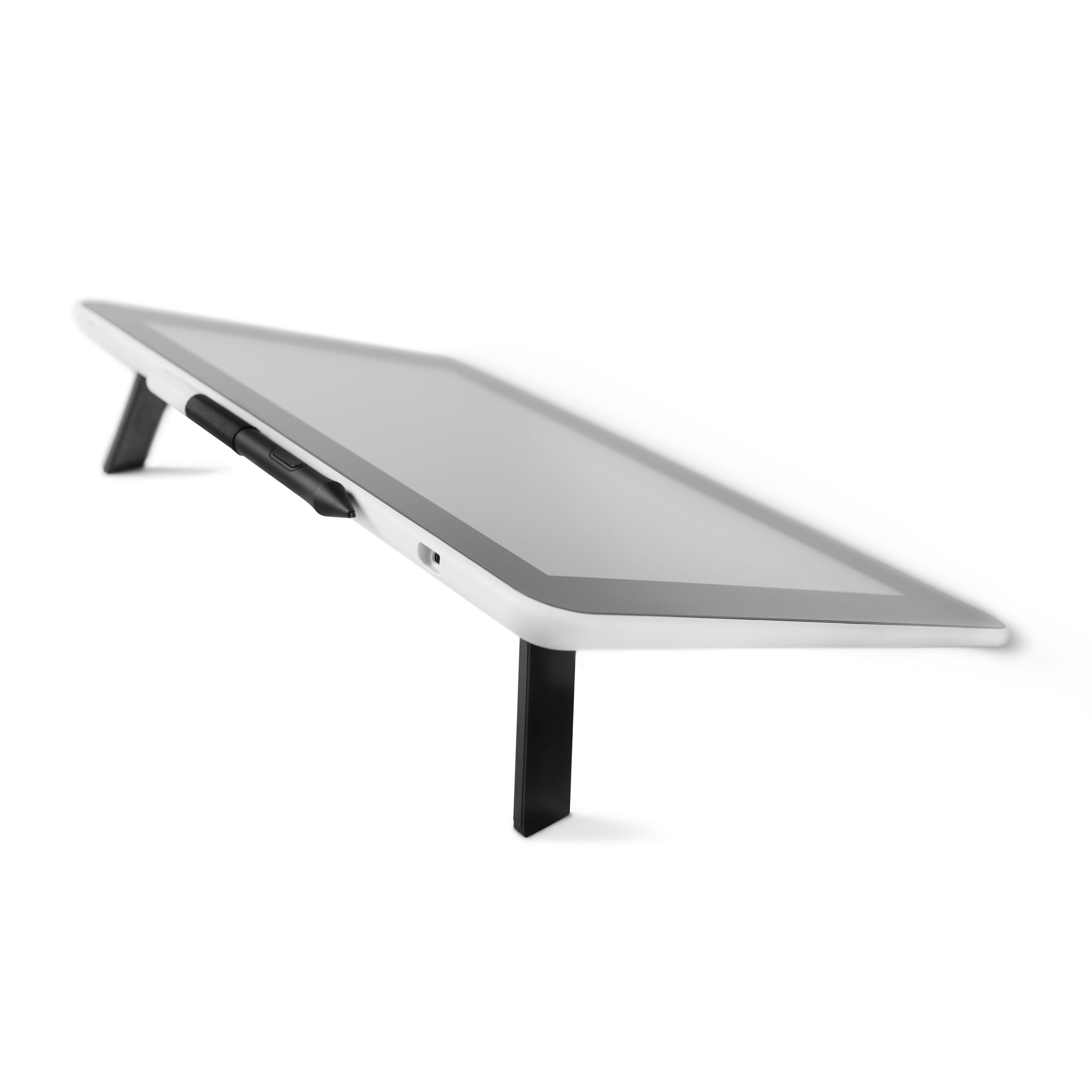
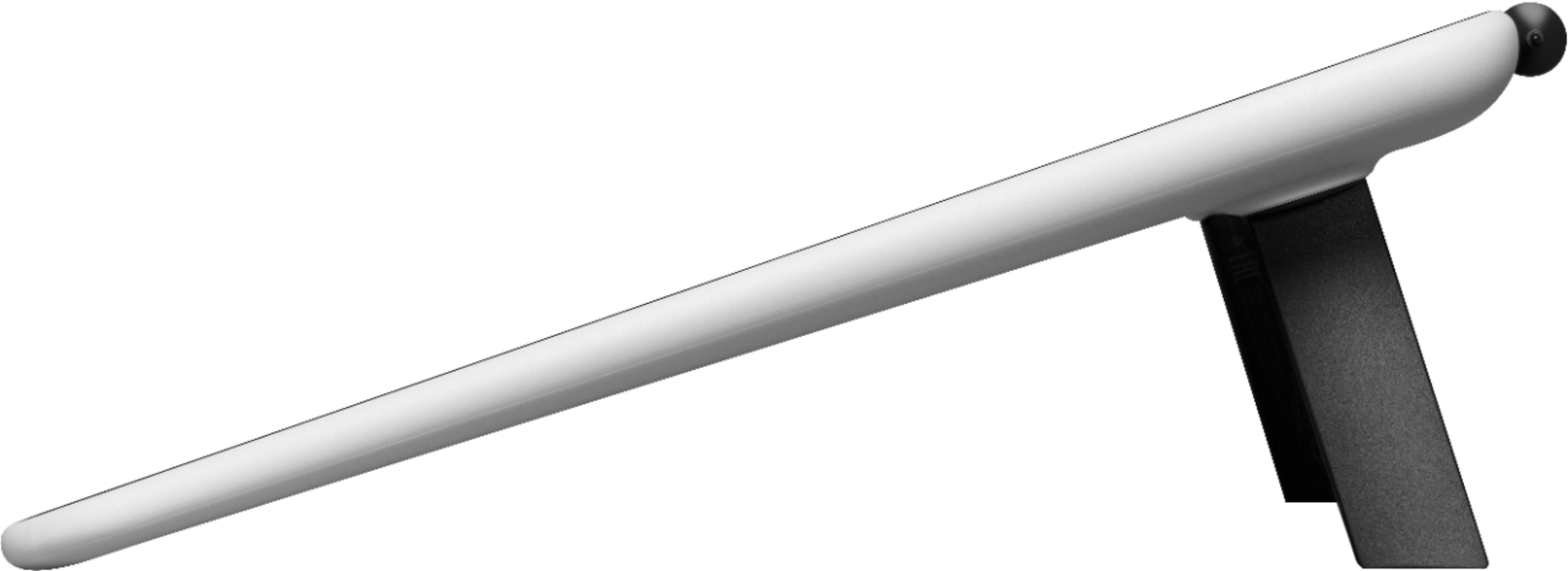
|Posted .This reviewer received promo considerations or sweepstakes entry for writing a review.I was really excited for the Wacom One. I mean it is a 13.3" drawing display that works on nearly all platforms. It comes with a nice, HD display and there is no noticeable lag when using it. This product allows you to write, draw, sketch, scribble, make notes, just about anything and save it all right on your computer. You can make wonderful art. It all sounds great. And if you have enough patience, you may get to do all of these things. However, there are some issues to deal with. First off, straight out of the box there are not a lot of instructions to help you get going. There is a small card to get you started and set up. It is mostly just pictures. So you kind of hope you set it up right. There were even a couple of steps like pulling out the support legs where I wondered if it was required or just optional. It doesn't even really tell you the steps to download the software. All it says is Step 6, Wacom.com/download. So I go through thinking I have everything set up correctly. Then when I go to the website. I shared my computer's display with the tablet so I felt I was on the right path. Finally when I get there, there is a video explaining all the connections. That would have been much more useful 10 minutes earlier. Once you get to the downloads, you have to go through a series of steps like creating an account, downloading all the drivers, registering the product (this is required to get accompanying software), and related software. Bamboo Paper is one of the related softwares that you can download. However, I was going through the steps to download on Windows 10. Every time I tried to download the software, it would go into a loop where I had to select the software. The only way I could download it was to go through the Windows store. Don't get me wrong, once you get Bamboo Paper working, it is awesome. Getting there though was way more work than it was worth. Another issue to be aware of is you do have to consider some space and cable management with this system. The device works great off of a laptop. However, the footprint for the laptop and then this display can take up quite a bit of room on a desk. The other part is there is a wall outlet to plug up the device. Then this cord must also go the the laptop USB and the laptop HDMI ports. There are just a lot of cables going everywhere. It can be a bit annoying. All that aside, the product is great at what it is able to do. The pen works way better than an iPad or even a Surface Pro. The pen is able to determine pressure differences and use that to make a line thicker or thinner. You can also change the angle of the pen to do the same thing. You can use many different colors too. It is wonderful to produce amazing art on a computer. In the end, I really like the Wacom One. It is light years beyond the capability of an iPencil or Surface Pro Pen. But you just have to be prepared that it is not as easy to get going as those others are either. I would recommend this to a friend. Bu the friend must be comfortable with technology.
I would recommend this to a friend- Pros mentioned:Ease of use
Very Fun and Worth the Price
Posted .This reviewer received promo considerations or sweepstakes entry for writing a review.After the setup it was easy to acclimate to and is a permanent fixture on my desk.
I would recommend this to a friend - Pros mentioned:Ease of use
Wacom One
Posted .This reviewer received promo considerations or sweepstakes entry for writing a review.I really enjoy this tablet. Its easy to use. I'm trying to get back to my love of drawing.
I would recommend this to a friend - Pros mentioned:Ease of use
Good tablet for price
Posted .This reviewer received promo considerations or sweepstakes entry for writing a review.It works perfectly! Haven't had any issues with it.
I would recommend this to a friend Not ready for home computers
|Posted .This reviewer received promo considerations or sweepstakes entry for writing a review.I really, really wanted to love this, unfortunately I do not. Setup was incredibly frustrating. I had to download the updated driver and go through product registration multiple times. For example, I entered the product Id as requested and it told me it wasn't found. I kept entering it and the seventh or eighth time it took it! I was entering the same exact sequence! Finally, I got to the point of downloading the software. The proprietary software "Bamboo" requires Windows 10. I have Windows 10 Home - apparently that is not the same. I was unable to load the software. I tried it on both my computers, one an older one that had Windows 10 added and a new (one month old) computer that came with it. Neither machine was able to install the software, I was in a vicious loop of it asking me to choose the software, hit download and back around it went. I would only recommend to a friend if they were a "techie" (which I am). I spent several hours and ended up simply frustrated. Their idea of documentation is mostly utube videos. I might try customer support next weekend and I might just put it back in the box. I was really looking forward to using this, what a shame that it lacks basic compatibility with most home computers.
I would recommend this to a friendWacom drawing tablet
Posted .This reviewer received promo considerations or sweepstakes entry for writing a review.I purchase the Wacom for my nephew and he loved it at first. We ended up returning it because it didn’t have digital conversion feature that he needed. For kids this is great, begging drawers and budget lookers.
I would recommend this to a friendA Decent Entry- Level Pen Display
Posted .This reviewer received promo considerations or sweepstakes entry for writing a review.Compact, yet still large enough to work with. Textured draw space is a plus. Would have like a functioning eraser though.
I would recommend this to a friendTablet is great - software is not
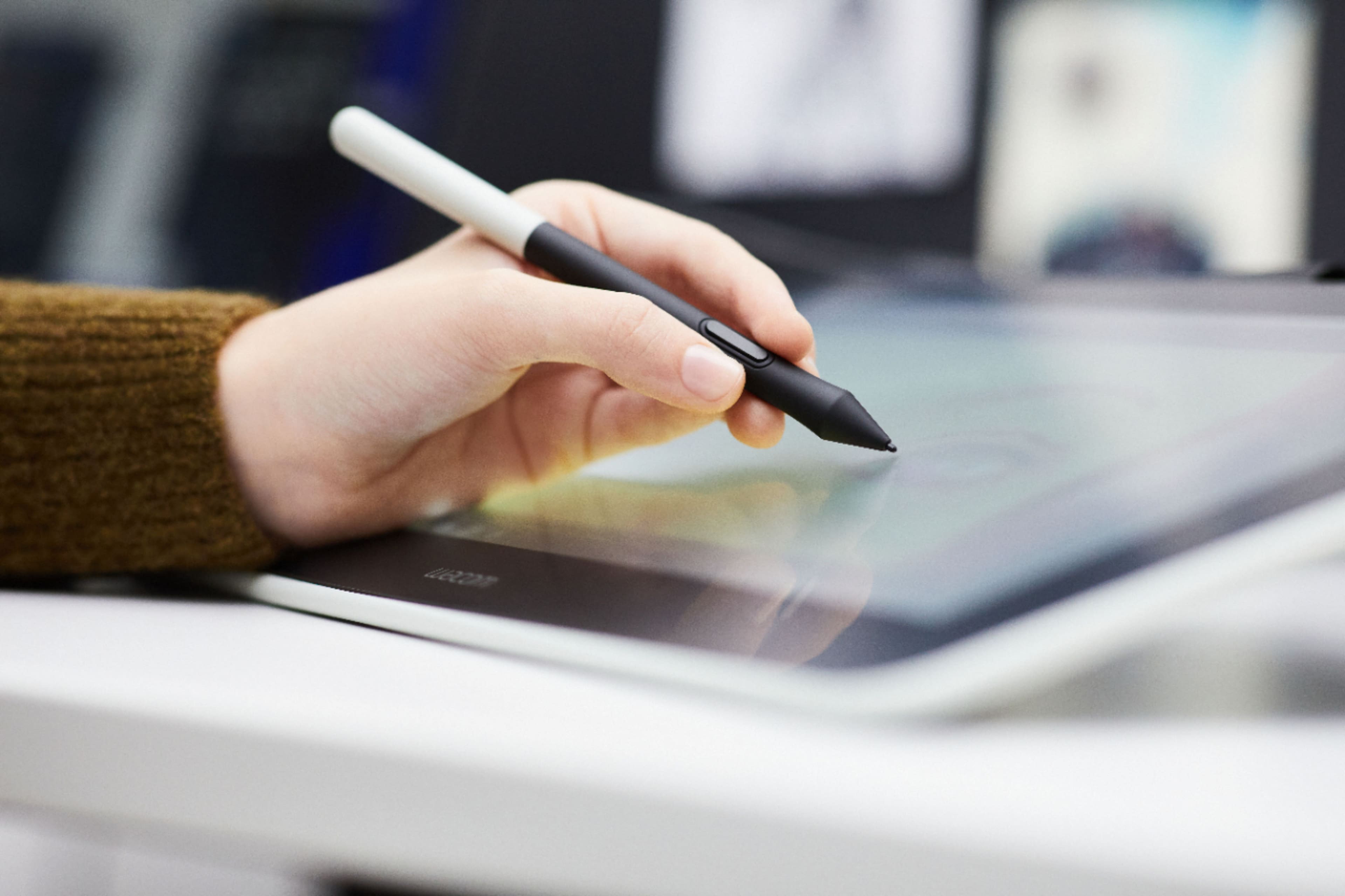
|Posted .This reviewer received promo considerations or sweepstakes entry for writing a review.I’ve definitely had my patience tried by this device over the past week. I know this device is supposed to improve productivity and creativity but instead I have found it infuriating. The bamboo paper software that is bundled in does not work properly. You have to open it on your monitor, open the book you are writing into, and then drag it over to the tablet. Once it’s there, you cannot open the book, and I’ve experienced tons of glitches from the pen no longer writing into the app, the app freezing when you try to add a page to the book, and just being generally difficult to use. Other apps work with full pen functionality, and it only ever becomes an issue with Bamboo paper. I have worked with Wacom support over the past few days and nothing has resolved the issue. I also have some significant questions about the durability of the pen, particularly the nibs. I found that after barely any use, and within 24 hours of opening the box, my nib broke off and could not be removed from the pen. Add to this the fact that the pen is product specific - you can’t just go buy a different Wacom/Bamboo pen for this unit, and it makes me fear I’ll be doing this again somewhere down the road. I believe this device could be useful if it just performed consistently, and that is unfortunately not something I can be optimistic about until the software catches up.
No, I would not recommend this to a friend