Customer Ratings & Reviews



- Model:
- DTC133W0A
- SKU:
- 6393542
Rating by feature
- Value
Rating 4.3 out of 5 stars
- Quality
Rating 4.5 out of 5 stars
- Ease of Use
Rating 4.2 out of 5 stars
Customers are saying
Customers recognize the One drawing tablet's ease of use and convenient screen size as significant advantages. Many appreciate its responsiveness and the included pen, while some find the setup process challenging and the cable management cumbersome. The compatibility with various operating systems is also a point of discussion, with some users experiencing difficulties. Overall, the price-to-performance ratio receives positive feedback.
This summary was generated by AI based on customer reviews.
- Pros mentioned:Ease of use
Drawing
||Posted . Owned for 3 weeks when reviewed.This reviewer received promo considerations or sweepstakes entry for writing a review.Easy to use and some options drawing programs to try before buy them.
I would recommend this to a friend - Pros mentioned:Ease of use
Great Product
||Posted . Owned for 10 months when reviewed.This reviewer received promo considerations or sweepstakes entry for writing a review.Really great to use for illustration projects. 100% would recommend.
I would recommend this to a friend - Pros mentioned:Drawing
Great for artists
||Posted . Owned for 3 weeks when reviewed.This reviewer received promo considerations or sweepstakes entry for writing a review.Great drawing tablet! My daughter uses it constantly, she is definitely getting my money's worth out of it!
I would recommend this to a friend - Pros mentioned:Ease of use
Great Tablet
||Posted . Owned for 3 weeks when reviewed.This reviewer received promo considerations or sweepstakes entry for writing a review.Purchased for my daughter. Great price point and she loves the ease and quality of it.
I would recommend this to a friend - Pros mentioned:Ease of use
Great for artists
||Posted . Owned for 1 year when reviewed.This reviewer received promo considerations or sweepstakes entry for writing a review.I use this daily, it improved my art so much. Easy to use and wacom accessories are easy to purchase.
I would recommend this to a friend - Cons mentioned:Compatibility
not what i thought it was
||Posted . Owned for 1 month when reviewed.This reviewer received promo considerations or sweepstakes entry for writing a review.not what i expected you need a pc to run thus tablet with windows
No, I would not recommend this to a friend - Pros mentioned:Screen size
worth it
||Posted . Owned for 1.5 years when reviewed.This reviewer received promo considerations or sweepstakes entry for writing a review.If you need a tablet to see what you are drawing with for your computer, this works extremely well.
I would recommend this to a friend - Cons mentioned:Hdmi
Nice feature but bad design
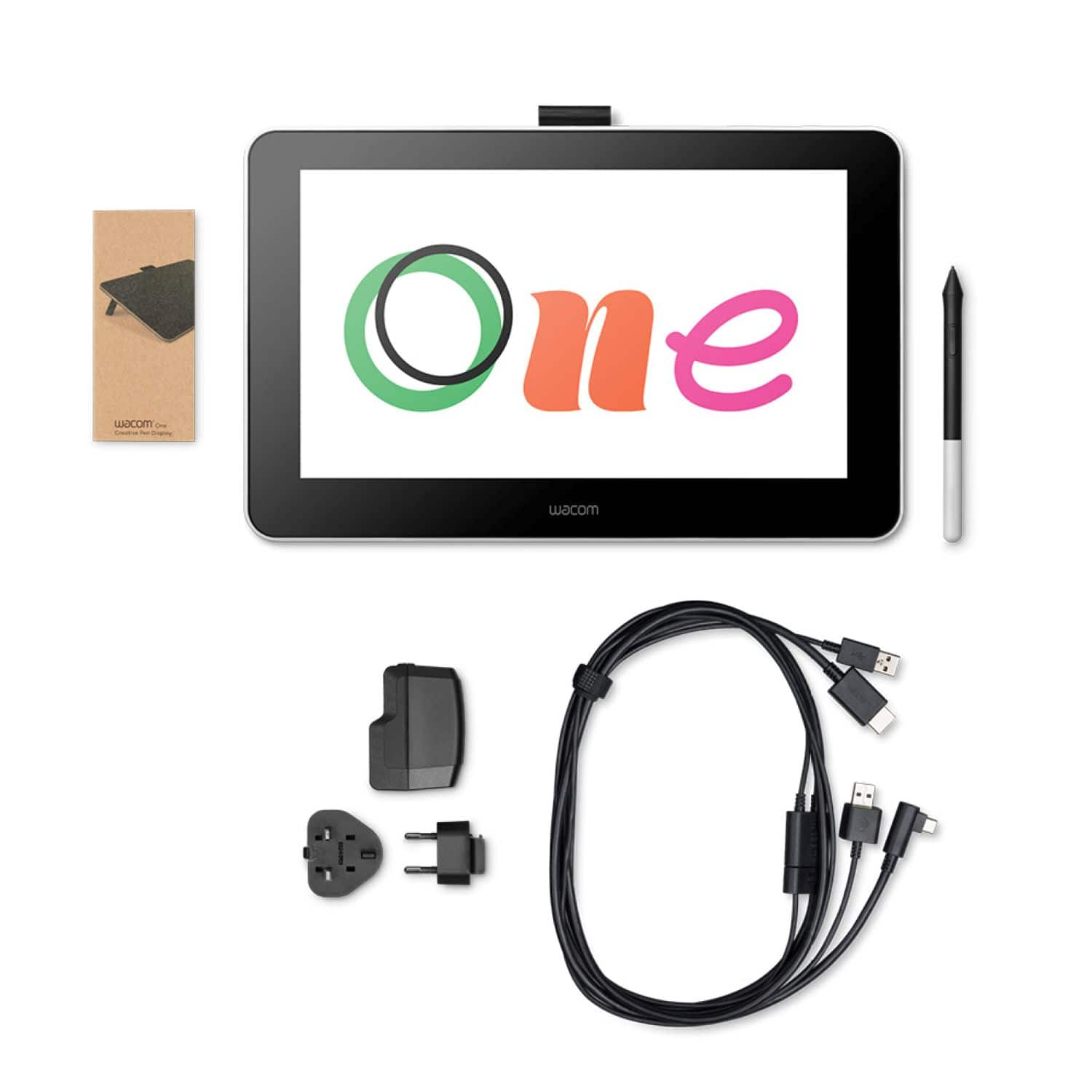
||Posted . Owned for 3 weeks when reviewed.This reviewer received promo considerations or sweepstakes entry for writing a review.The product provides a nice feature but it’s very painful to use with a device like windows or mac or Chromebook. You need usb, usb-c and hdmi port to connect this one device to the computer. That’s a horrible thing. Most of the recent devices don’t come with hdmi as usb-c itself solves the purpose to detect second monitor. Without displaying any of these feature and need in website, I bought this and now my return date is past, have stuck to this and have to buy extenders to accommodate these many wires and input and yet computers sometime doesn’t detect this as a second monitor.
No, I would not recommend this to a friend - Pros mentioned:Ease of use
An affordable Wacom
||Posted . Owned for 1.5 years when reviewed.This reviewer received promo considerations or sweepstakes entry for writing a review.I really like my Wacom One. It works great for my purposes and it feels good to use.
I would recommend this to a friend - Pros mentioned:Drawing

Excellent product
|Posted . Owned for 1 month when reviewed.This reviewer received promo considerations or sweepstakes entry for writing a review.Great product for drawing and animation, thank you
I would recommend this to a friend - Pros mentioned:Ease of use, Screen size
The graphics tablet changed how I want to lecture
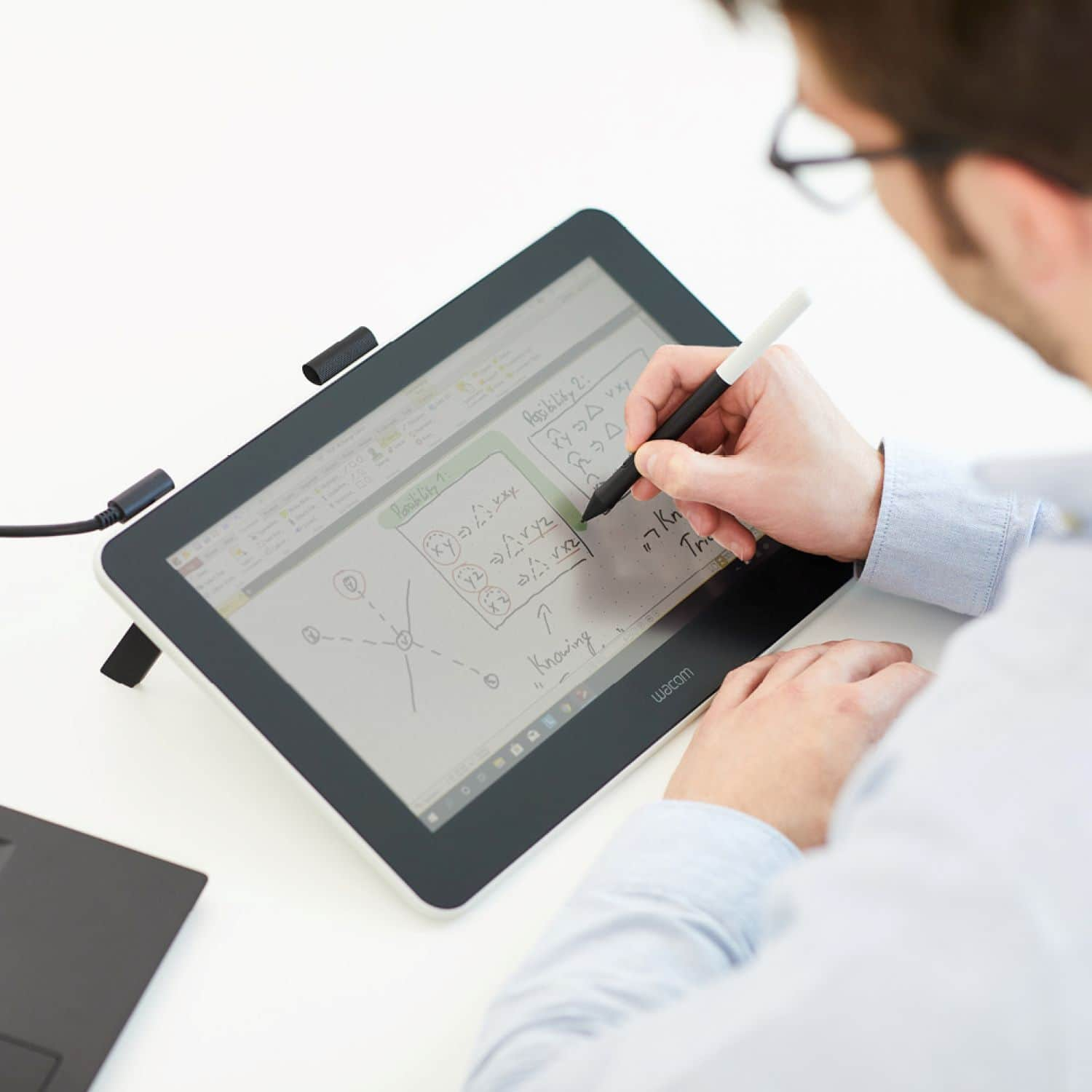
||Posted . Owned for 1 month when reviewed.This reviewer received promo considerations or sweepstakes entry for writing a review.I bought the Graphics tablet thinking it might come in handy while I try to teach through the internet. I had no idea how useful it is. I use Power Point normally because that has become the standard. I preferred a chalk board since I could be more spontaneous. Presenting Power Point slides on a Wacom tablet combined the best of both worlds! Now I can dynamically enhance the slides which shows students that they could add meaningful notes to the slides. Love it!
I would recommend this to a friend - Pros mentioned:Drawing, Screen size
Very good for the price point.
||Posted . Owned for 1 month when reviewed.This reviewer received promo considerations or sweepstakes entry for writing a review.Great drawing experience so far. It's small obviously, but very workable size. I only draw half the time, and spend the rest in After Effects or Blender, where this cintiq is perfect as a second monitor, for graph editors or just watching an anime while I work. Content looks great on the matte screen. It doesn't get super bright, but for the shady office I work in, its a very comfortable level.
I would recommend this to a friend - Pros mentioned:Drawing
Wacom-One-Drawing Tablet
||Posted . Owned for 1 month when reviewed.This reviewer received promo considerations or sweepstakes entry for writing a review.Great Drawing Tablet and no problems. I would recommend it.
I would recommend this to a friend - Pros mentioned:Ease of use
Recommend 10/10
||Posted . Owned for 1 month when reviewed.This reviewer received promo considerations or sweepstakes entry for writing a review.Very easy to start using and doesn't take up much space on my desk. Great quality and software.
I would recommend this to a friend - Pros mentioned:Ease of use
Pretty Pics
||Posted . Owned for 3 weeks when reviewed.This reviewer received promo considerations or sweepstakes entry for writing a review.The Wacom One makes it a lot easier and efficient to detail my drawings with ease.
I would recommend this to a friend - Pros mentioned:Responsiveness, Screen size
Amazing To Work With
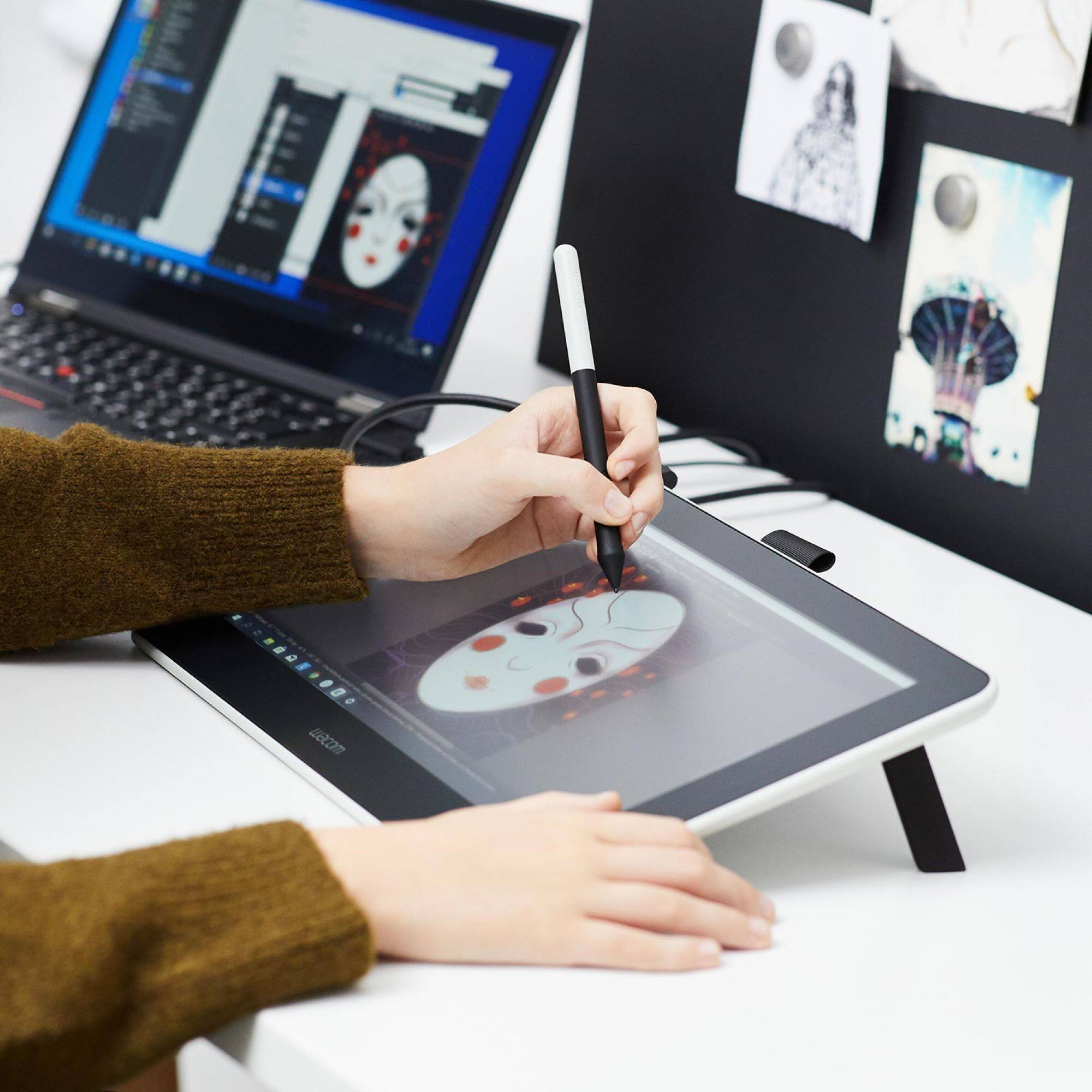
||Posted . Owned for 3 months when reviewed.This reviewer received promo considerations or sweepstakes entry for writing a review.The tablet is amazing to work with, especially with Krita. Some of my pros are: The screen and how it only detects the pen which really comes in hand when I need to rest my hand on it. The pressure sensitivity of the pen and how the pen comes with new nubs for when I run through the others. My only con is the button on the, I never knew how to really connect it even if I tried. Other than that amazing quality.
I would recommend this to a friend - Pros mentioned:Ease of use
Great
||Posted . Owned for 3 weeks when reviewed.This reviewer received promo considerations or sweepstakes entry for writing a review.I love this it is so easy to use and I just can’t stop using ever since I got it
I would recommend this to a friend - Pros mentioned:Ease of use
Drawing Tablet
||Posted . Owned for 3 weeks when reviewed.This reviewer received promo considerations or sweepstakes entry for writing a review.Works perfectly for what I needed! It makes the job I needed to complete much easier!
I would recommend this to a friend - Pros mentioned:Ease of use
good help
||Posted . Owned for 1 month when reviewed.This reviewer received promo considerations or sweepstakes entry for writing a review.it works perfectly awesome for my art work it will work perfectly for anyone
I would recommend this to a friend - Pros mentioned:Ease of use
Miacat
||Posted . Owned for 1 month when reviewed.This reviewer received promo considerations or sweepstakes entry for writing a review.Easy to use and great resolution, Drawing is easy and flow is clear.
I would recommend this to a friend