Customer Ratings & Reviews











- Model:
- WDBDNH0010BBK-WRSN
- SKU:
- 6551145
Rating by feature
- Value
Rating 4.7 out of 5 stars
- Quality
Rating 4.9 out of 5 stars
- Ease of Use
Rating 4.8 out of 5 stars
Customers are saying
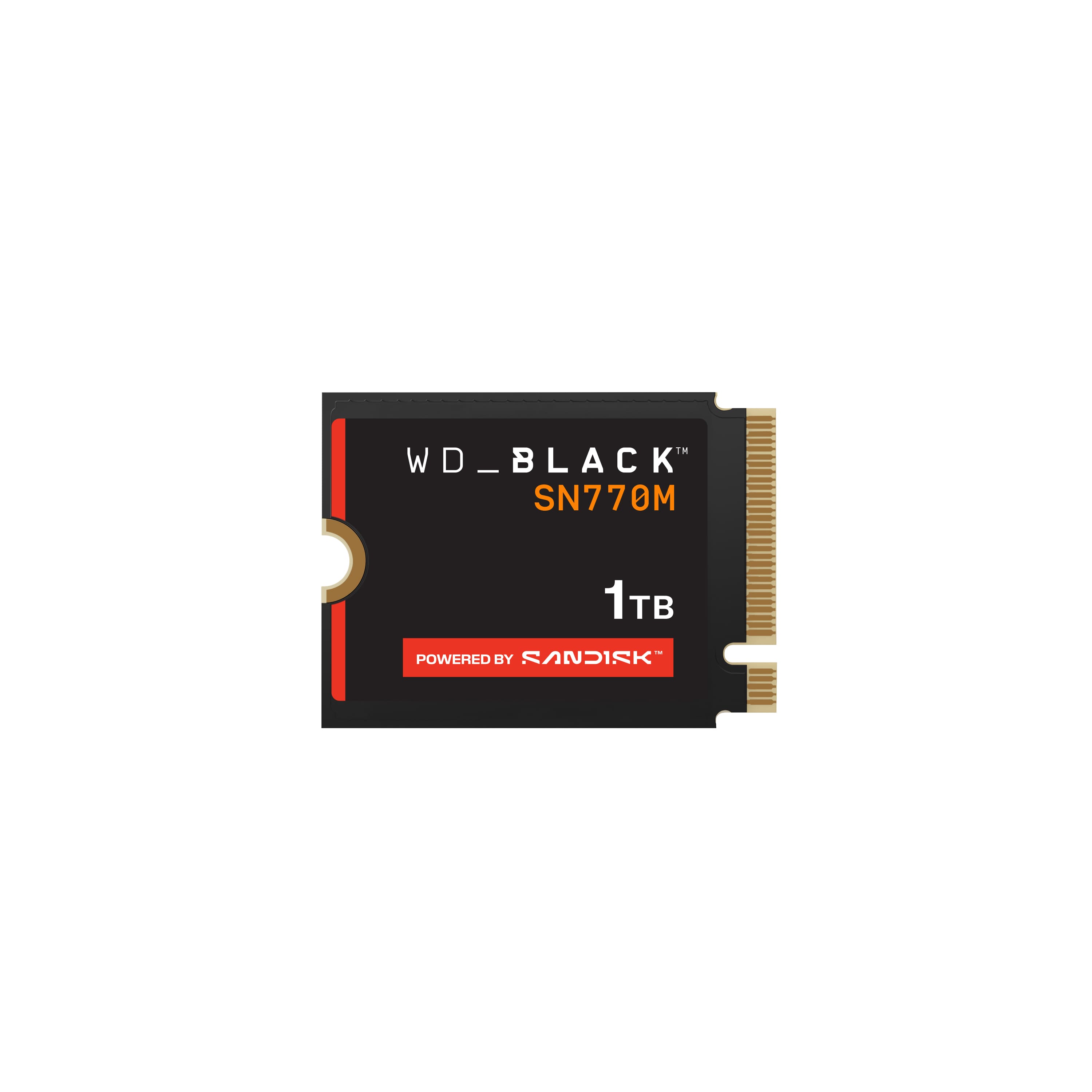
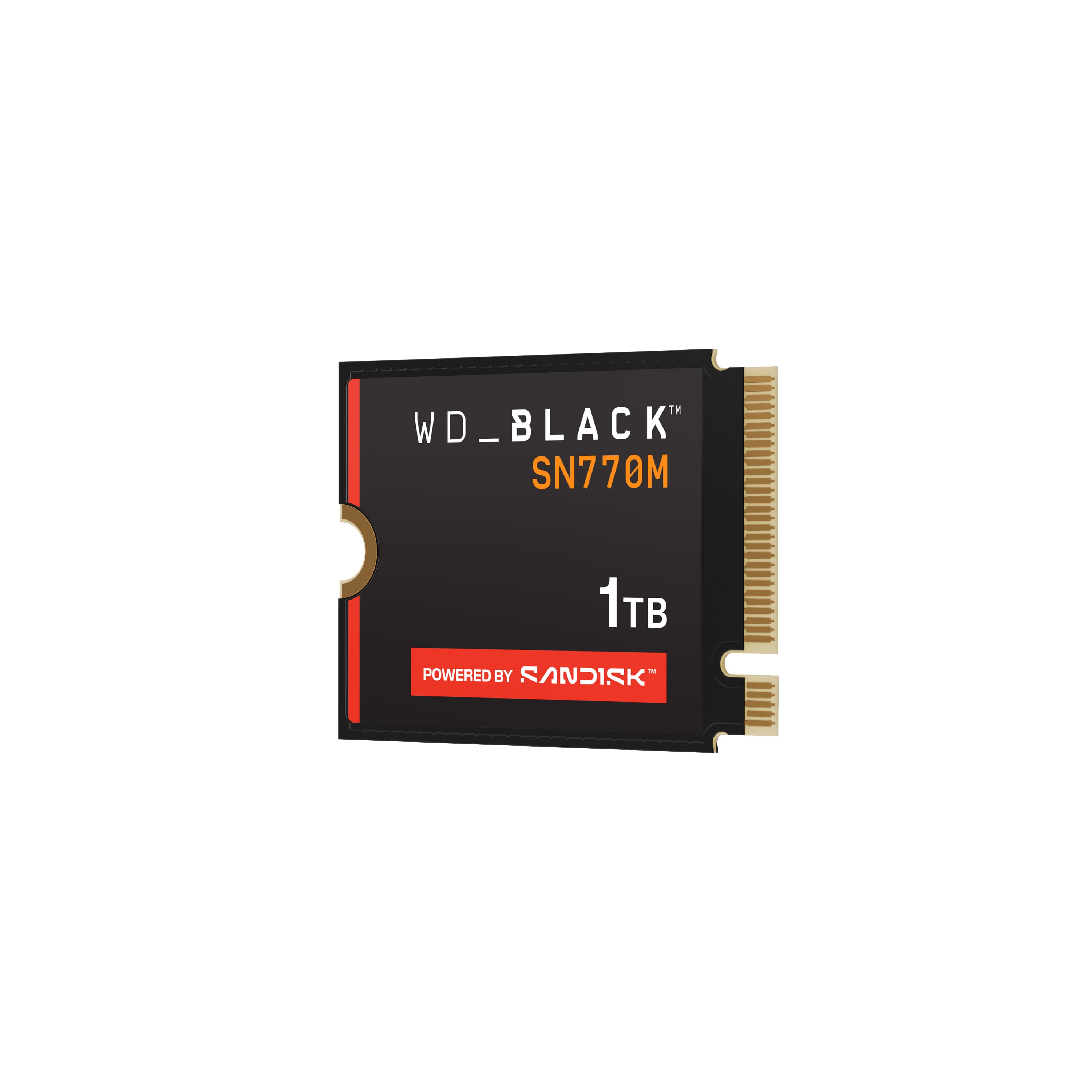
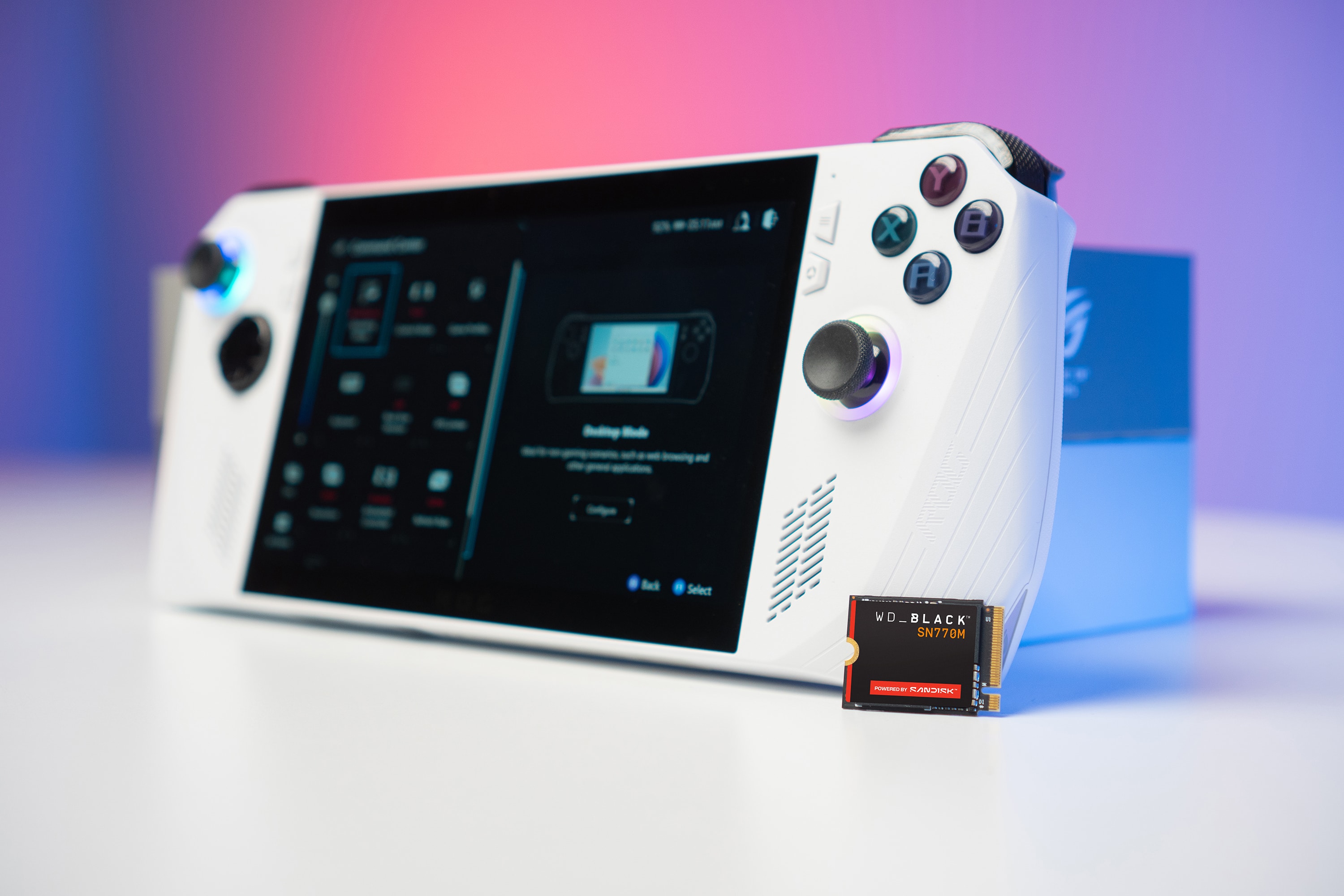
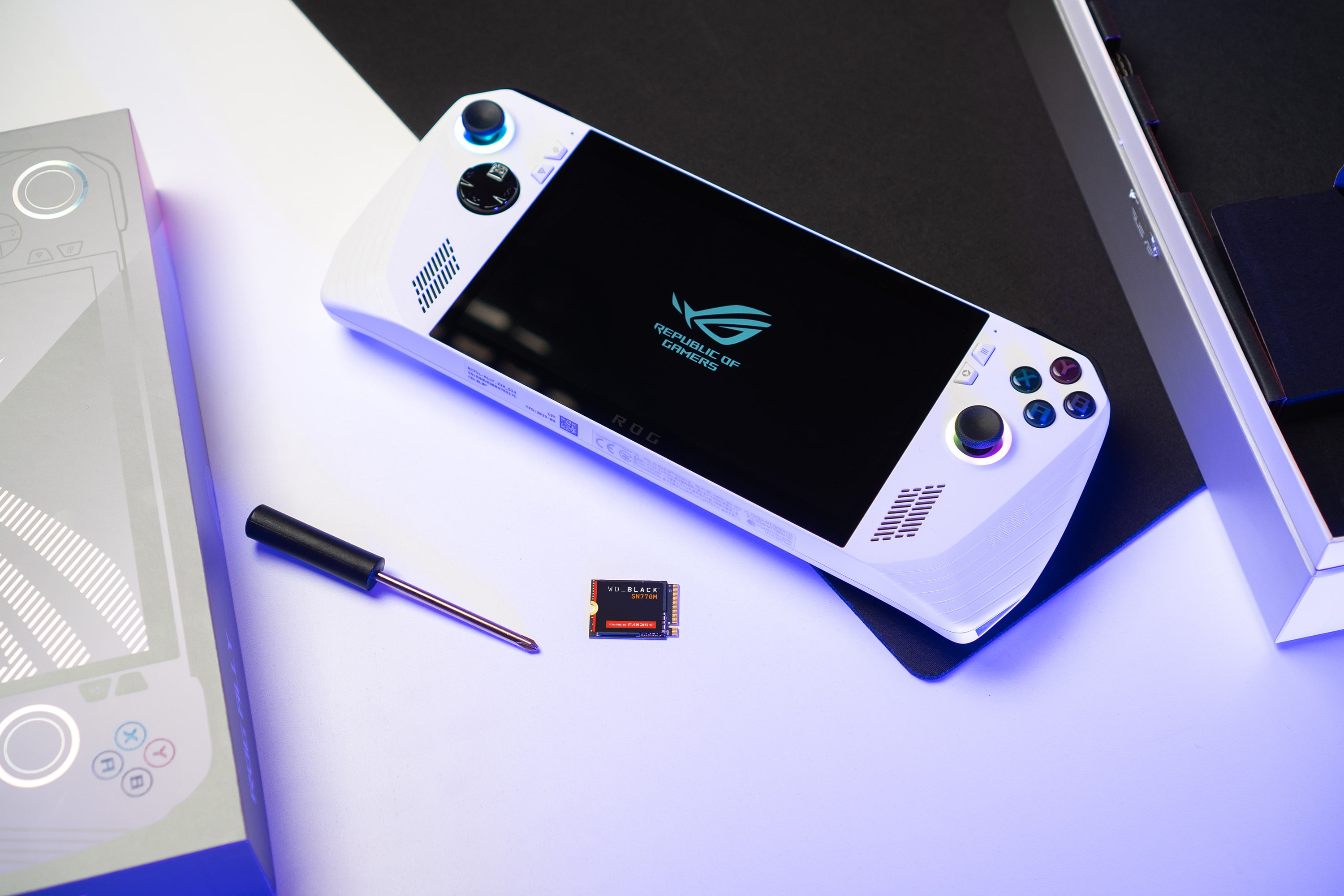
Customers have good things to say about the BLACK SN770M 1TB Internal SSD, particularly its speed and storage capacity, which contribute to great load times. Users also appreciate the drive's performance and how easy it is to install, especially in devices like the ROG Ally. Compatibility and the compact size of the SSD are additional benefits that customers find valuable.
This summary was generated by AI based on customer reviews.
Works fine
||Posted . Owned for 6 months when reviewed.This reviewer received promo considerations or sweepstakes entry for writing a review.Works for what I needed Glad I got it before the price went up
I would recommend this to a friend- Pros mentioned:Ease of use
So dope
||Posted . Owned for 1 month when reviewed.This reviewer received promo considerations or sweepstakes entry for writing a review.It was dope. It was dope how easy it was to install on my rog ally
I would recommend this to a friend Seamless Integration
||Posted . Owned for 1 month when reviewed.This reviewer received promo considerations or sweepstakes entry for writing a review.We purchased this to have Bestbuy install it into the Rogue Ally. It’s a seemless fit and operation. Great purchase.
I would recommend this to a friendSteam deck
||Posted . Owned for 2 months when reviewed.This reviewer received promo considerations or sweepstakes entry for writing a review.For the price amazing value for steam deck, only pain was installation.
I would recommend this to a friendBest upgrade for the steam deck!
||Posted . Owned for 2 weeks when reviewed.This reviewer received promo considerations or sweepstakes entry for writing a review.Pick up the ifixit toolkit with the drive. Go to the site and easy upgrade. The drive works perfectly and have vastly improved the functionality of the Steam Deck.
I would recommend this to a friend- Pros mentioned:Ease of use
Great for the price
||Posted . Owned for 2 weeks when reviewed.This reviewer received promo considerations or sweepstakes entry for writing a review.Works great very simple to install into computers.
I would recommend this to a friend Fast SSD
||Posted . Owned for 2 weeks when reviewed.This reviewer received promo considerations or sweepstakes entry for writing a review.Installed on my surface pro 8. Had some restart issues, solved by SW setting. Now the read/write speed is 5kb/s.
I would recommend this to a friendMust have
||Posted . Owned for 9 months when reviewed.This reviewer received promo considerations or sweepstakes entry for writing a review.Works great with the surface pro, a must have for more memory.
I would recommend this to a friendGreat upgrade!
||Posted . Owned for less than 1 week when reviewed.This reviewer received promo considerations or sweepstakes entry for writing a review.Bought for my Rog ally. Won’t great definitely a good upgrade.
I would recommend this to a friendWD M.2 2230 ssd
||Posted . Owned for 1 month when reviewed.This reviewer received promo considerations or sweepstakes entry for writing a review.This m.2 nvme ssd 2230 has the quality expected from Western Digital. Works well with the PS5
I would recommend this to a friendyes
||Posted . Owned for 3 weeks when reviewed.This reviewer received promo considerations or sweepstakes entry for writing a review.good good good good good good good good goood goood
I would recommend this to a friendRog ally needs this upgrade
||Posted . Owned for 1 month when reviewed.This reviewer received promo considerations or sweepstakes entry for writing a review.Easy-ish to upgrade price was expected. Asus rog ally needs the upgrade. 512gb isn't enough.
I would recommend this to a frienddesk stream
||Posted . Owned for 1 month when reviewed.This reviewer received promo considerations or sweepstakes entry for writing a review.Would highly recommend this for anyone that is into gaming or computers
I would recommend this to a friendIt's great it's a must
||Posted . Owned for 3 weeks when reviewed.This reviewer received promo considerations or sweepstakes entry for writing a review.You need this to fully utilize the hardware. So it's worth it
I would recommend this to a friendSSD
||Posted . Owned for 1 month when reviewed.This reviewer received promo considerations or sweepstakes entry for writing a review.It is a solid state drive that works as it is made to do
I would recommend this to a friendNice upgrade
||Posted . Owned for less than 1 week when reviewed.This reviewer received promo considerations or sweepstakes entry for writing a review.Upgraded the drive in my rog ally and this drive so far has been great. No complaints
I would recommend this to a friendSsd upgrade
||Posted . Owned for 1 month when reviewed.This reviewer received promo considerations or sweepstakes entry for writing a review.Legit product Def big upgrade on my Microsoft surface
I would recommend this to a friendSteam deck
||Posted . Owned for 3 weeks when reviewed.This reviewer received promo considerations or sweepstakes entry for writing a review.I love it bought it for the steam deck for more memory and games
I would recommend this to a friendBlue screen king
||Posted . Owned for 6 months when reviewed.This reviewer received promo considerations or sweepstakes entry for writing a review.1. Driver Issues Outdated or incompatible drivers: The SSD might not be getting the correct drivers, or there could be conflicts with the existing drivers on your system. Ensure the following: Update SSD drivers: Go to Device Manager and check the storage controller drivers. If they're outdated or corrupted, update them. Windows updates: Make sure that Windows is up to date with all the latest patches. Sometimes, updates address hardware compatibility issues. WD Dashboard: Check if there are any driver updates for the SSD through the WD Dashboard tool, if available for Surface PCs. 2. Firmware Compatibility SSD Firmware: Ensure the firmware on the SSD is up-to-date. Manufacturers release updates to address issues like stability and compatibility. You can check for firmware updates on the Western Digital Support website or through their WD Dashboard. 3. M.2 Slot or Hardware Conflicts Slot compatibility: Ensure that the M.2 slot on the Surface PC is compatible with the PCIe 4.0 NVMe SSD. If the slot is older or only supports PCIe 3.0, there could be issues, though the 4070M should still work fine in many systems. Make sure the SSD is properly seated in the M.2 slot. Hardware conflicts: If other peripherals or hardware are conflicting, disconnect other devices and test again. 4. Check for Overheating Thermal throttling: If your Surface PC is running hot, the SSD might be experiencing throttling or overheating, leading to instability and blue screens. Ensure proper ventilation and check if the SSD is reaching high temperatures under load. 5. Corrupted Windows Installation Corrupted system files: A blue screen can be caused by corrupted files or system settings. You can run the System File Checker (sfc /scannow) or the DISM tool to repair Windows: Open Command Prompt as Administrator and type: bash Copy code sfc /scannow If that doesn't fix it, try: bash Copy code DISM /Online /Cleanup-Image /RestoreHealth These tools will scan and repair corrupted system files that might be causing the issue. 6. Disable Fast Startup Fast Startup can sometimes cause issues with certain hardware setups. You can try disabling it: Go to Control Panel > Power Options > Choose what the power buttons do. Click on Change settings that are currently unavailable and uncheck Turn on fast startup. 7. Test the SSD in Another System If possible, test the SSD in another system to rule out the possibility that the SSD itself is faulty. If the blue screens persist on a different system, you may have a defective SSD. 8. Check Blue Screen Error Codes The blue screen error code can give more information on what's causing the issue. Pay attention to any specific error codes or "Stop Codes" that appear when the system crashes. Search for these codes online for more targeted troubleshooting. 9. Consider Compatibility Issues with Surface PC Some devices, especially ultrabooks like Surface PCs, have specific compatibility issues with certain third-party hardware. While the WD BLACK SN770M is a solid SSD, there could be firmware or compatibility issues with Surface devices that prevent it from functioning properly. If the SSD continues to cause issues despite troubleshooting, you might want to consider checking the Surface forums for similar problems or contact Microsoft support. Summary Checklist: Update drivers for the SSD and the system. Check SSD firmware and update it if necessary. Ensure the SSD is correctly installed and compatible with the Surface’s M.2 slot. Test the SSD in another system to check for defects. Run sfc /scannow and DISM to repair Windows. Disable Fast Startup. Check the blue screen error code for more specifics. If none of these solutions fix the issue, there might be a deeper compatibility problem between the SSD and the Surface PC that requires further investigation.
No, I would not recommend this to a friendBrand response from Western Digital Team
Posted .Hi NeotheOne, As of February 2025, Western Digital has separated into two independent companies and the support process for your Western Digital and Sandisk branded products may have changed. All Hard Drive products remain with Western Digital, and all SSD and Flash products are now supported by Sandisk. We apologize for any confusion or inconvenience. For support of your SSD or Flash product, please contact the SanDisk support team on Social Media handle @sandisk

Great upgrade option
||Posted . Owned for 3 weeks when reviewed.This reviewer received promo considerations or sweepstakes entry for writing a review.Easy to install and excellent storage upgrade for the Ally
I would recommend this to a friend