Customer Ratings & Reviews











- Model:
- WDBDNH0010BBK-WRSN
- SKU:
- 6551145
Rating by feature
- Value
Rating 4.7 out of 5 stars
- Quality
Rating 4.9 out of 5 stars
- Ease of Use
Rating 4.8 out of 5 stars
Customers are saying
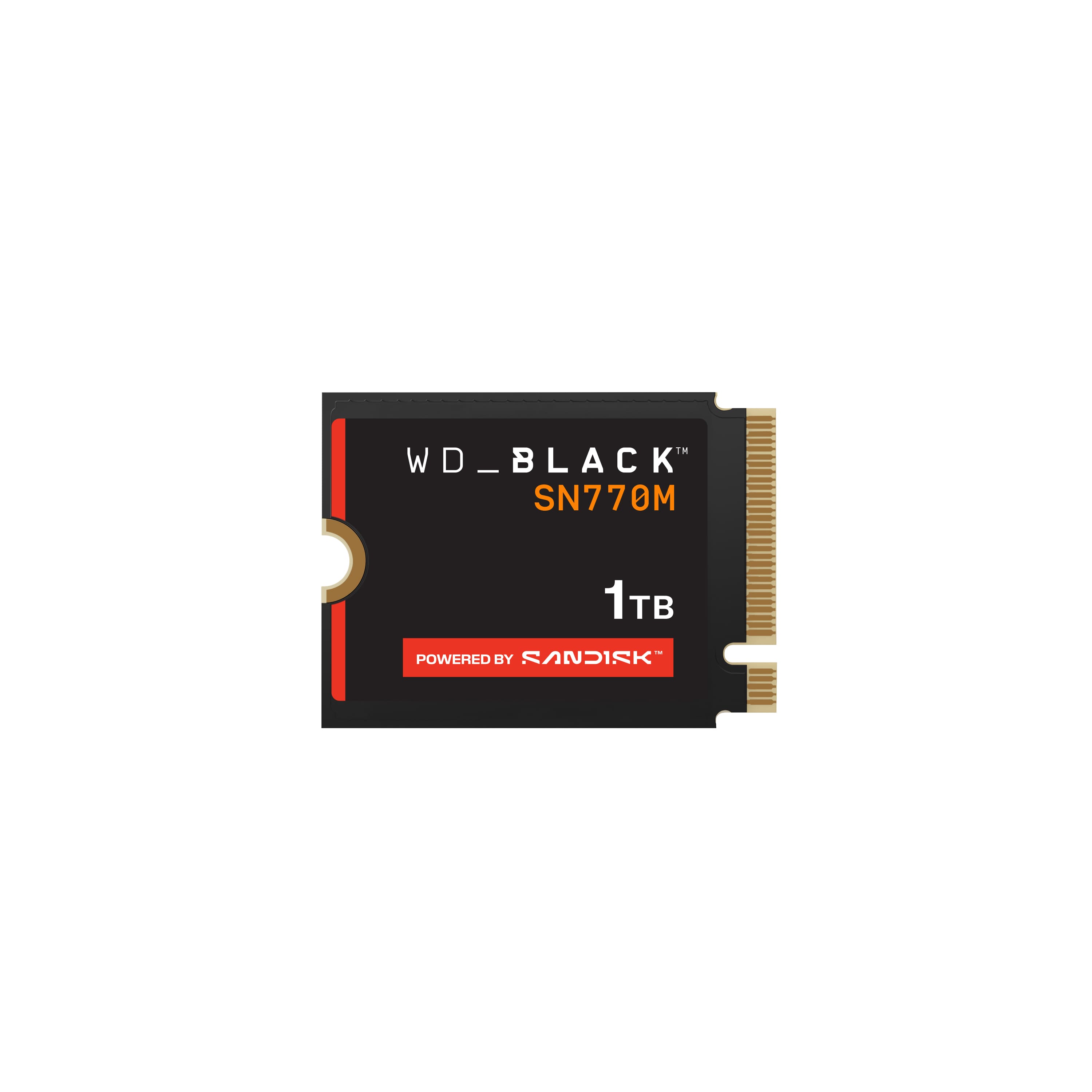
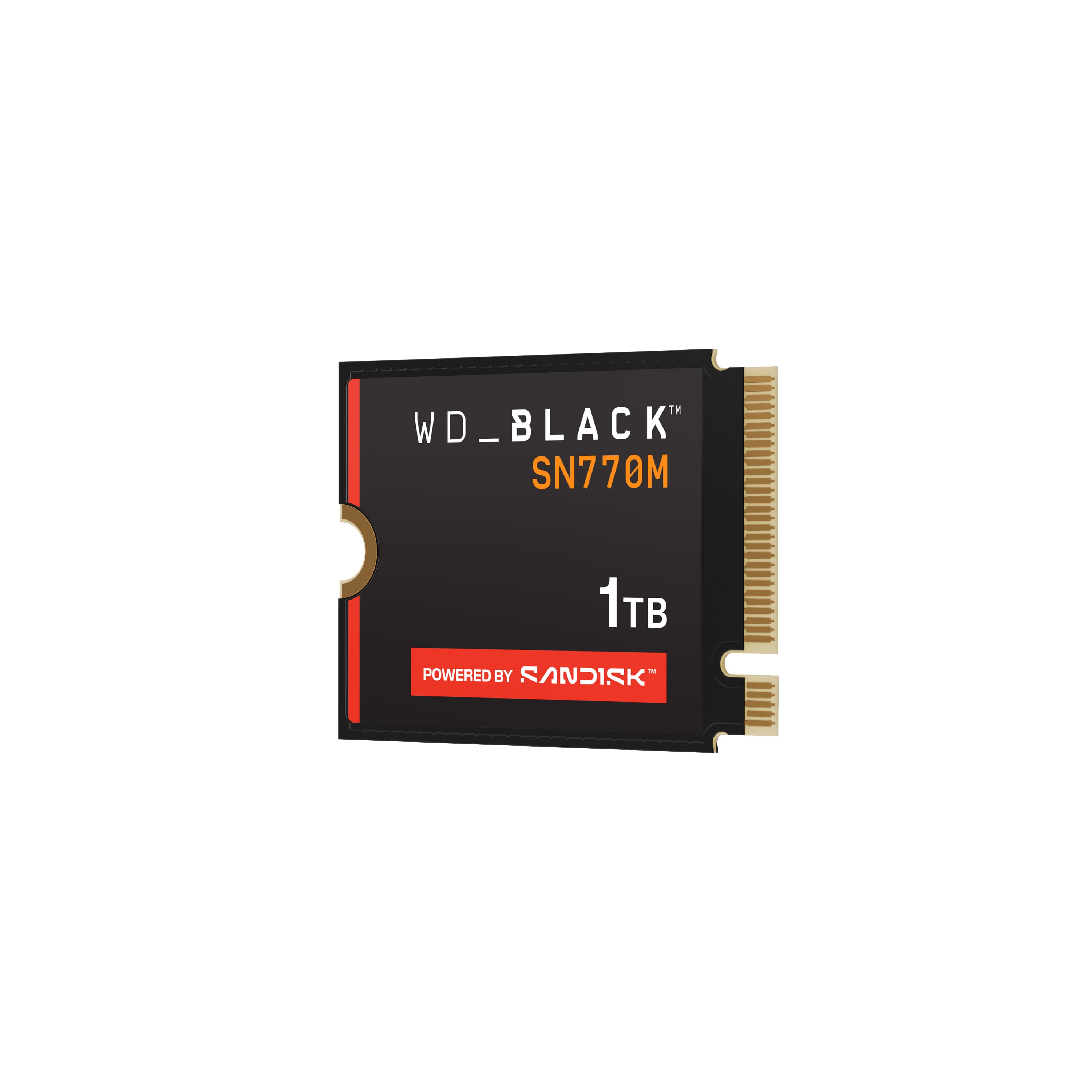
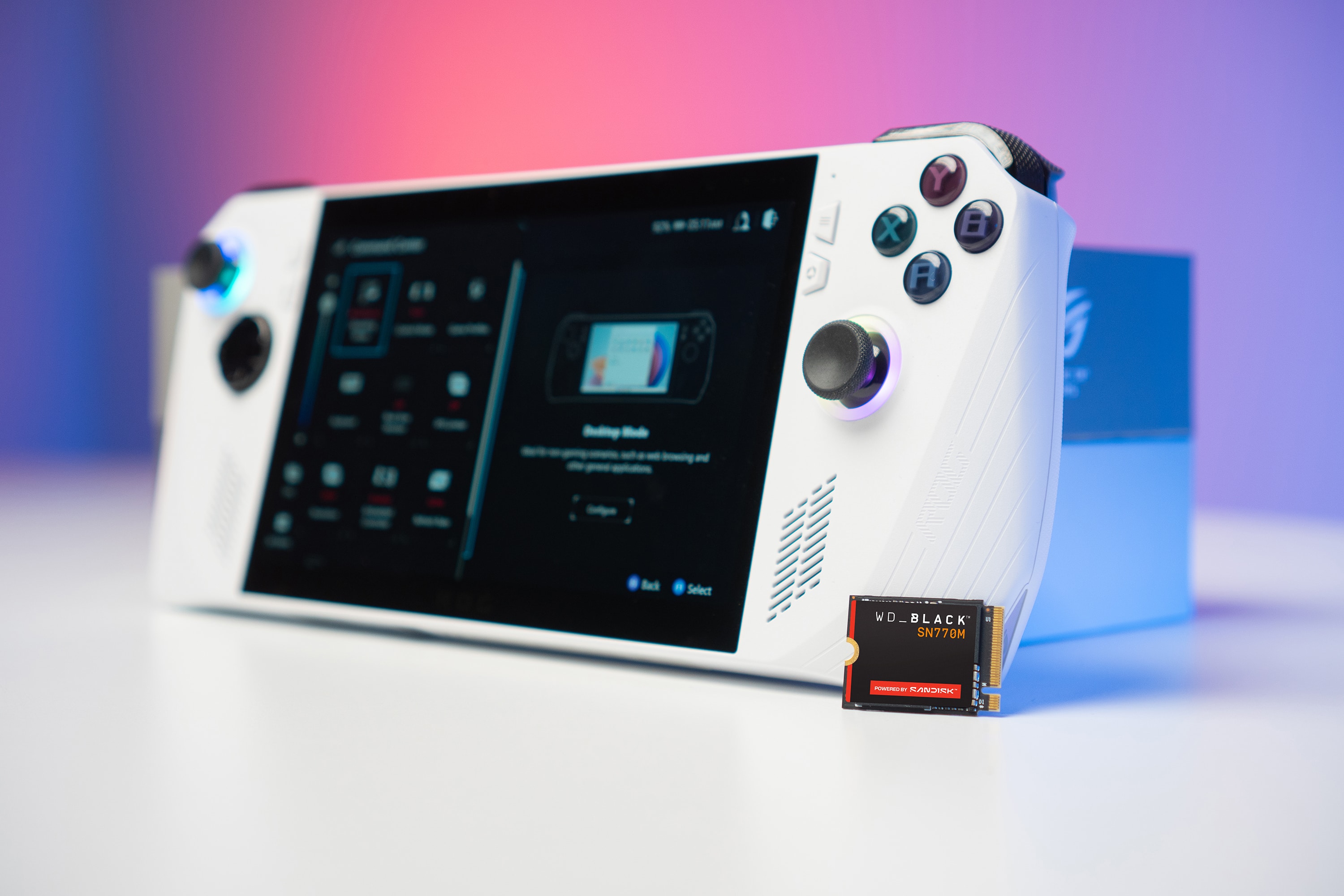
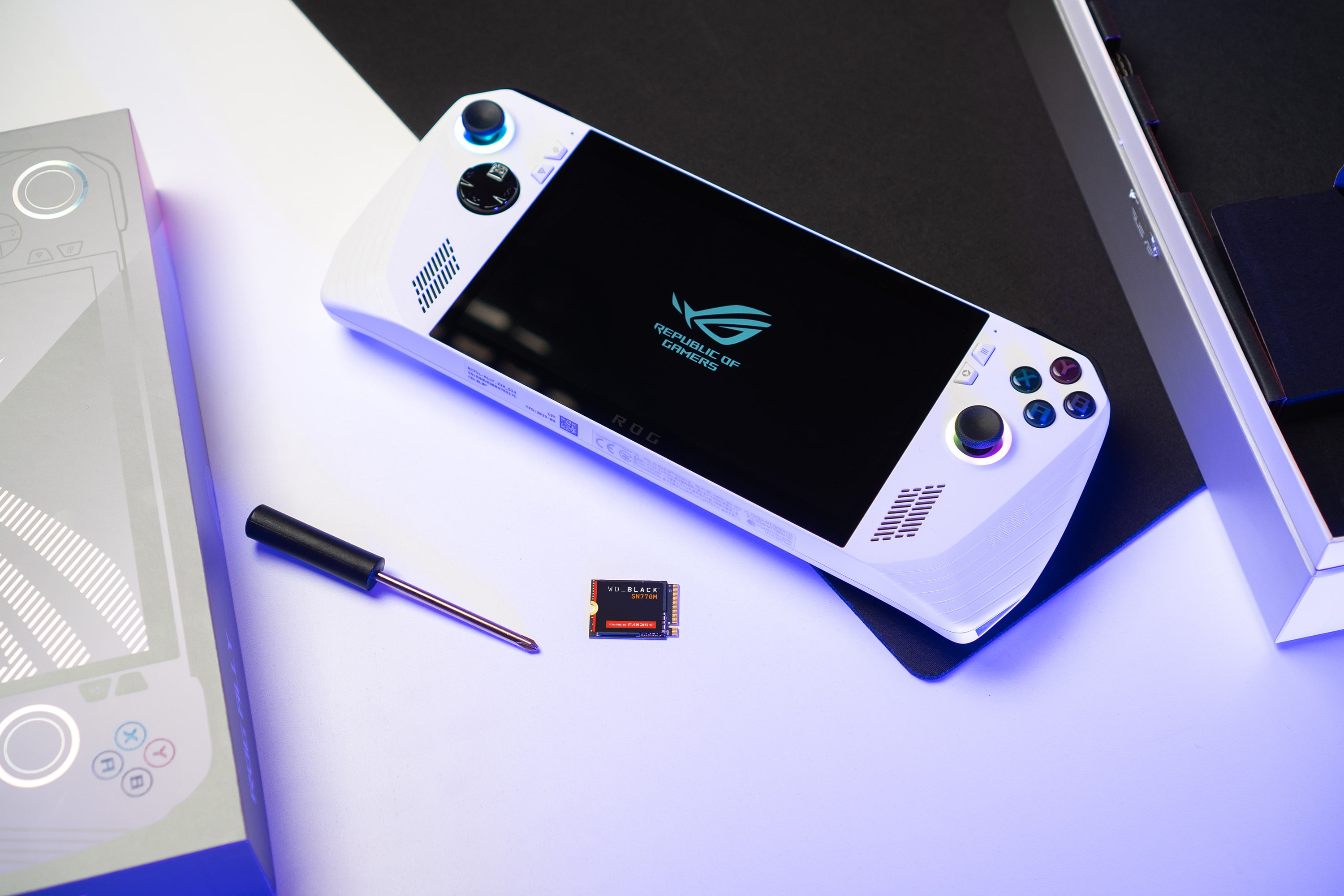
Customers have good things to say about the BLACK SN770M 1TB Internal SSD, particularly its speed and storage capacity, which contribute to great load times. Users also appreciate the drive's performance and how easy it is to install, especially in devices like the ROG Ally. Compatibility and the compact size of the SSD are additional benefits that customers find valuable.
This summary was generated by AI based on customer reviews.
Can’t go wrong
||Posted . Owned for 3 weeks when reviewed.This reviewer received promo considerations or sweepstakes entry for writing a review.Very good a tad bit on the pricy side but works as advertised.
I would recommend this to a friend- Pros mentioned:Storage
Can’t say much
||Posted . Owned for 1 month when reviewed.This reviewer received promo considerations or sweepstakes entry for writing a review.Unfortunately had to return mines but will be getting again to upgrade my storage on my handheld
I would recommend this to a friend - Pros mentioned:Storage
Purchased for the storage capacity
||Posted . Owned for 1 month when reviewed.This reviewer received promo considerations or sweepstakes entry for writing a review.Purchased for the storage capacity, didnt see an increase in speed.
I would recommend this to a friend - Pros mentioned:Speed

Fantastic, incredible small drive
|Posted .This reviewer received promo considerations or sweepstakes entry for writing a review.Enjoying this WD Black SN770M (MINI) PCIe Gen4 drive. Performance: The SN770M has PCIe Gen4 technology, which allows for much faster read and write speeds compared to the previous Gen3 SSDs. Rated for sequential read speeds of up to 5,150 MB/s and sequential write speeds of up to 4,900 MB/s. This means instantaneous response and full throttle for quick system boots and blazing fast game loading times. This drive can also tear through large files and data transfers making it ideal for anyone who desiring high-speed storage. Paired in my system with another similar M2 I am seeing consistent 4GB/s!!!! transfer speeds when moving large – INSANE! Endurance: This drive is built with excellent components, no moving parts, and will essentially never fail. Trusted with the Western Digital name and history of making quality products that last. Compatibility: I slapped this drive into the ROG Ally (simple 5 minute upgrade) and works immediately and flawlessly when incorporated. But this drive will also work in any system that supports PCIe Gen4 technology and a mini M2 slot. This is intended for and ideal for a handheld such as the ROG Ally but can technically go in any M2 slot. If it’s your intention to put in a laptop or desktop be sure to check if your motherboard has mounting screw at this “mini” length – this drive is about ½ the length of a typical M2 and I know not all motherboards will have the proper length mount for it so just double check. Important to note that this is also backward compatible with PCIe Gen3 interfaces but you won't be able to fully utilize its maximum performance potential without a Gen4. Price: Current pricing is beautiful! I can’t believe storage like this has become so affordable even with the highest end extreme performance and capacity it has. In conclusion, this drive has been super impressive at delivering exceptional performance, trusted reliability, and in such a small “mini” size format. With its PCIe Gen4 interface, it offers incredibly fast speeds and is a great choice for demanding handhelds to power through all your gaming sessions. I have thoroughly enjoyed having this drive as part of my setup. Would definitely recommend to anyone looking to add more storage space and desiring incredible speed as well.
I would recommend this to a friend good replacement drive for steam deck
||Posted . Owned for 3 weeks when reviewed.This reviewer received promo considerations or sweepstakes entry for writing a review.Good replacement internal hard drive for steam deck
I would recommend this to a friend- Pros mentioned:Installation, Performance, Speed
Perfect
|Posted .This reviewer received promo considerations or sweepstakes entry for writing a review.I am new to PC gaming and got the ROG Ally when it came out. One thing I never realized: computer games take up WAY more space than console games (and it is definitely worth it when it comes to graphics!!). I wanted to extend the storage of my handheld and was happy to see the familiar Western Digital brand had exactly what I was looking for - a 1 TB SSD. I have used their flash drive storage devices before was was quite happy with them, and this did not disappoint. Being new to PC gaming, I am also new to computer accessories. I was even HAPPIER to see that this card not only increases storage, but performance as well. Load times moved through much quicker than before, streaming seemed to be much smoother, there was virtually no lag, and there was less hesitation and time spent in a frozen state. And the SPEED! I knew computer gaming was faster than console gaming, but I never knew to what extent that actually was. This item was very easy to install and set up. I definitely am not a master with computer technology, but I did it no problem.
I would recommend this to a friend Wdsn770 2230
||Posted . Owned for 1 month when reviewed.This reviewer received promo considerations or sweepstakes entry for writing a review.Wanted to buy 2tb version but didnt have any in stock. Its also a little on the expensive side when not on sale
No, I would not recommend this to a friend- Pros mentioned:Speed
Excellent upgrade for your handheld gaming device!
|Posted .This reviewer received promo considerations or sweepstakes entry for writing a review.The WD Black SN770M 2230 PCIe Gen 4 SSD is an amazing upgrade for your handheld gaming system. If you are going to use this in your ROG Ally it is recommended to make a backup of your current drive so that you don't have to wait for your Ally to rebuild from scratch. WD has a cloning tool available on their website that allows you to do this process, you will just need an external enclosure to put the SSD drives into for cloning. Installation of the drive into the ROG Ally is very easy and involves simply removing screws on the back of the handheld, disconnecting the power, and then taking the old drive out and putting the new one in. If you need help with this installation there are plenty of videos available to help with this process. The drive itself is a standard M.2 PCIe Gen 4 SSD with a 2230 size. This means that while it is a perfect fit for the ROG Ally, it is also compatible with any Gen 4 SSD with a 2230 slot. I have used this inside of my laptop and desktop, there are also smaller laptops which have a 2230 SSD slot which this can be used in. I think this is a great choice for anyone who is looking to expand their game library and to increase their speeds on their handheld devices. With WD's excellent warranty and great customer support this is an easy choice for anyone looking to get an upgrade for their devices.
I would recommend this to a friend - Pros mentioned:Installation, Speed, Storage
Excellent storage upgrade
|Posted .This reviewer received promo considerations or sweepstakes entry for writing a review.Right from the start, let me say that if you’re a person who loves to game and has a lot of space used already on your ROG Ally, this is an absolute must on upgrades. The Ally is already pretty compact, but Asus clearly planned ahead for expanded storage and made access/installation a pretty straightforward process. Combine that with the equally impressive products from Western Digital and you’re looking good. WD offered two size options, 1TB or 2TB. I think for most gamers, the 1TB is probably sufficient. However, if you are a heavy gamer, have a lot of games in your rotation, or maybe just want to be safe, then go for the 2TB option. It’s obviously a little more expensive, but it’s an upgrade you’ll appreciate for a long time. I haven’t noticed any functionality issues since switching to the WD SSD. Although technically since this is a 2230 drive, the speeds aren’t necessarily as high, when used with the Ally, I honestly felt it was a pretty seamless transition and have not experienced any lag. For me, the important pieces were all hit here: easy install, seamless integration with no lag, and of course the additional storage space. The Ally has already been pretty amazing, but the expanded storage space from WD just makes it that much better.
I would recommend this to a friend - Pros mentioned:Installation, Speed, Storage
Fast and Easy to Install in Rog Ally
|Posted .This reviewer received promo considerations or sweepstakes entry for writing a review.The WD-Black SN770 1Tb SSD is a fast M.2 2230 NVMe SSD that can be used to replace the SSD in the Asus ROG Ally or most any other device that has a M.2 NVMe SSD slot with a 2230 form factor. Installation in the Ally is easy. You simply remove the screws from the back cover of the Ally (one actually remains in), remove the cover, unplugged the battery, remove the existing 512gb SSD, and insert the new one. You then reverse the process and you are ready to load the operating system. In my case, I did this from the Asus Cloud Recovery which was very effective. When you are done you have a faster SSD that has twice the storage capacity of the original one. I tested several SSDs in the ROG Ally in Turbo mode using CrystalDiskMark 8.0.4; the original 512gb, a Sabrent Rocket 1TB, and this WD SSD. The results show that the WD is much faster than the original and also faster than the Rocket which is a highly rated SSD. The results for SEQ1MQ8T1) were the following: Original Read 3400 mb/sec Write 2400 Sabrent Read 4400 Write 4700 WD Read 5277 Write 4980 I highly recommend the WD to anyone wanting to upgrade their Rog Ally to a higher capacity and faster SSD.
I would recommend this to a friend Not compatible with Microsoft Surface Pro 8..
||Posted . Owned for less than 1 week when reviewed.This reviewer received promo considerations or sweepstakes entry for writing a review.Just a word from experience… tried two of these sn770m.2 1Tb add in Microsoft surface pro 8. They were not compatible. Would go into recovery/restore/start up loop. Had Best Buy geeks and another brand diners try to install with same results. Finally tried another manufacture and it installed perfectly. May have just been my situation but sending out a work of caution if you try it for a Microsoft surface pro 8 upgrade
No, I would not recommend this to a friend- Pros mentioned:Storage
A MUST HAVE Upgrade To The ASUS ROG Ally!
|Posted .This reviewer received promo considerations or sweepstakes entry for writing a review.This review is going to be short, sweet, and to the point. When I first got my ROG Ally, I didn't really worry about the onboard storage because the microSD slot meant I could throw in as much as I wanted (within reason), but given that there has been some issues with SD cards becoming corrupted (which seems to have calmed down now), I started really thinking about a hardware upgrade. Wouldn't you know it, Western Digital comes out with the SN770M in both 1TB and 2TB capacities and at a really good price! They are even billing this as THE Ally upgrade to get and they are right. I couldn't have asked for an easier upgrade really. All the hassle I had was from me trying to save myself time when all I did was add more. I've done TONS of HD/SSD upgrades over the years and my preferred way of doing it is to clone the original drive over to the upgrade, swap em out, and be done with it. For the most part that has always worked pretty well for me, but this go-around my software seemed to continually have a problem, and after three failed attempts (again, this was a problem on the software side, NOT the SN770 or the ROG Ally), I just went with the way Western Digital and ASUS recommend. Loosen six screws on the back of the Ally (five of which you remove), pop the back off of the Ally, unplug the battery, unscrew the old drive and pull it, slot in the new SN770, screw it down, reattach the battery and close everything back up. I was in and out in less than five minutes. I then plugged the ROG Ally into its charger, fired her up, went from the EZ BIOS screen to the Advanced screen and ran the ASUS Cloud Recovery process. About 30 minutes later I had my Ally ready to go like she was brand new out of the box and I reloaded my games. It took less time for me to do it the right way than it did doing my three failed attempts at doing the cloning process. Since my saves are mostly in the cloud, I should have just done this from the start. This really is THE upgrade to get for your ASUS ROG Ally, or any device that uses the 2230 form factor and needs some extra space.
I would recommend this to a friend - Pros mentioned:Speed, Storage
Perfect Storage Upgrade for the ROG Ally
|Posted .This reviewer received promo considerations or sweepstakes entry for writing a review.First thing first - This is a Western Digital internal SSD. I've been purchasing Western Digital products since my early college years, going back to 2002- both internal and external HDD and SSDs as well as flash drives. They have a solid foundation in manufacturing reliable computer parts and this product, specifically, comes with a 5-year manufacturing warranty, which is longer than most standard warranties. Keep in mind that this is a Western Digital BLACK drive so you have access to the WD Digital Dashboard, which helps you keep checks your drive and offers a user-friendly user interface to monitor drive health, capacity, speed, temperatures, performance, firmware updates, etc. It is a solid tool for ensuring this SSD is performing the way it should to offer you a good gaming experience. Let's be honest here, the overall concept of a mobile Windows gaming device is REALLY pushing the limits of what can be done on a small scale, so making the most of critical components like the internal SSD is, I'd say, crucial. Unfortunately, due to how large PC games have gotten over the years (necessary evil for gaming evolution and quality), upgrading the storage capacity on the ROG Ally is probably a worthwhile investment- it's a handheld gaming device so it's easier to have games installed locally instead of deleting and downloading large 1GB+ size files while on the go. I'd liken the installation process of SN770M SSD to be comparable (on a difficulty basis) as following instructions for putting together a large LEGO set - it's not intuitively obvious how to piece everything together but once you have the instructions available to you, you're good to go- the physical installation takes <10 minutes. That being said, there are SO many resources online, particularly YouTube, that will walk you through how to manage both software and the hardware - the easiest one is the one from "iFixit", which quickly runs through the installation process, particularly hardware component. There are some PREPARE your ROG Ally before installation!!! - Remove the microSD card that you may have installed into the system; - Make sure all the firmware through the MyAsus app is updated; - Backup into ASUS Cloud, and/or... - Backup to Acronis True Image for Western Digital (BETTER METHOD) to clone your drive and reinstall --> note that the Cloud Recovery approach requires double checking the BIOS settings to ensure time/dates are correct; otherwise, you WILL come across some recovery issues. I'd opt for the Acronis cloning method, which is my default approach based on failed experiences with ASUS Cloud in the past. I fully expect that anyone that owns a ROG Ally will have the basic knowledge of playing around the computer hardware (at a basic level) so this isn't going to be a science project. Even if you're absolutely new to this, as mentioned before, there are so many resources to be able to install and reap the benefits of a simple upgrade like this and plenty of help online if troubleshooting is necessary. Preparation is key! PERFORMANCE - overall, the SN770M works VERY well and is a speedy little monster compared to the OEM drive. Read speeds are a small bump from 4k MB/s to 5k MB/s and write speeds jump significantly from 1800 to 5000 MB/s (all rough numbers). It's a noticeable difference. For the 1TB SSD, I'd say you could probably get away with having 4-8 games available to you at any given time... if you like to carry a lot of games with you, you MAY want to opt for the larger 2TB version.
I would recommend this to a friend - Pros mentioned:Installation, Speed
A MUST have for ROG ally steam deck and more
|Posted .This reviewer received promo considerations or sweepstakes entry for writing a review.This drive is a MUST have for anyone using an ROG ally, steam deck or any other device where actual speed matters sense this is a PCIe gen 4 ssd it blazes! When you look for the 2230 size SSD you’ll notice very quickly that there isn’t much out there because this is a “non standard” in terms of size of the chip or ssd itself. That said it means most of the other options on the market are PCIe 3 and much slower than this which makes this so nice to have gen 4 on. As far as installing on an ASUS ROG ally it couldnt be easier. There is instructions that outline it perfectly for you from western digital. There is a cloud recovery mode on the ally that allows the device to boot into bios when you first install this new drive and recover the entire windows and everything needed to it to fire it back up right away as long as your on WIFI. In the older days or on other devices you may have needed to “clone” your current SSD to have it just work but this saves a lot of time. Other things to note these SSD are not only good for the steamdeck and rog ally but also work great in Microsoft surface pro, ROG flow z13 gaming tablet, even making a CF express type B card for your mirrorless camera body that takes them from an amazing SSD like this. Ive actually tried this out in all of these situations just to confirm that they do in fact all work as you’d expect with mind-blowing speed for the size. Some of the applications require you to use a thermal pad to ensure cool evenly spread heat in extreme loads (like in a CFexpress B situation in a camera).
I would recommend this to a friend Stupid
||Posted . Owned for 1 month when reviewed.This reviewer received promo considerations or sweepstakes entry for writing a review.Stupid me I can’t install it and now it’s passed the return period so I’m screwed
No, I would not recommend this to a friend- Pros mentioned:Speed
Simple exact fit more space
|Posted .This reviewer received promo considerations or sweepstakes entry for writing a review.The WD Black SN770M 1TB internal SSD added that additional memory space I needed for my Roge. The install can be complex for some but with little knowledge it is a matter of taking out a few screws from the back and the SSD can be accessed under the black protective plastic in between the two fans. The SSD is held by another screw that can easily be removed also and once done the new ssd fits right back into the same place and you use all he original hardware. Once you install you will have to go to advanced setting and then ASUS cloud recovery to boot it back up from the cloud or set it up as a new device. But over all a very simple install and it opens the space up for those additional games you may not have been able to save previously. This SSD is a Gen 4 which it only means better than what you had and with faster speeds it is only better. I Overall Western Digital is a well-known brand and it stands behind its name, and this product shows why they are one of the best companies. So, if if you are in the market for to upgrade your device weather it is the Roge another compatible device i recommend th WD-Black SN770M SSD.
I would recommend this to a friend Absolutely necessary
|Posted .This reviewer received promo considerations or sweepstakes entry for writing a review.When I first got my ROG Ally, I was worried about hard drive space. I had loaded up Starfield, and the install was over 100GB. Since the stock Ally only has a 512GB Hard drive, it was taking up almost a quarter of the available space (after the windows install, all the game stores, and all the other necessary programs. What's the point of a powerful portable PC if you can only have 3 or 4 games on it at a time? It's not like a console where you can swap out a disk or cartridge (though, the Ally does have a SD slot, using it is not recommended until ASUS can figure out what is zapping them). This is where WD comes in to save the day. Installing the WD_BLACK SN770M couldn't be easier. 6 screws hold the backing of the case on, and one screw for the SSD slot. A quick swap, then booting to BIOS allows you to do a cloud reinstall of Windows, no disk cloning necessary. There's videos on Youtube, and an official walkthrough with screenshots on the ROG site, in case you absolutely need a step by step. It's recommended to update the BIOS and firmware before attempting the swap, especially the clock in the BIOS so you don't have issues with the cloud reinstall. Since the WD_BLACK SN770M is the same form factor as the stock SSD, there's no modding or anything required to get it to fit in, unlike many of the hacks you see online with larger sized SSDs using right angle adapters (which take a slight performance hit) that require extra heat shielding and possible case alterations to get them to fit. It slots right in, the holes line up, and you just put everything right back together without worrying if your custom shim or heat spreader is touching the RAM. Now that my hard drive size doubled, I'm absolutely loving my Ally! Much more room for both the huge AAA games, plus a bunch of indy games and emulators. There's even room to install some programs that I consider necessary for any PC (text editors, python IDE, entertainment apps), that I was previously leaving off because I already had them installed everywhere else. As for the old, stock SSD, I read that there are USB-C enclosures that will let me use it as an external hard drive. I could have used the enclosure to clone the old SSD to the new, larger one, but I wanted to get started right away and didn't mind reloading everything. The only thing I that could have made this better is getting the 2TB instead of the 1TB, but otherwise this has definitely been a worthwhile upgrade to my ROG Ally.
I would recommend this to a friend- Pros mentioned:Installation, Storage
Great Steam Deck Upgrade
Posted .This reviewer received promo considerations or sweepstakes entry for writing a review.Easy to install and works perfect for Steam Deck. Great load times and storage, just not it doesn’t come with a cover so try to transfer the one from the SSD already in the Deck.
I would recommend this to a friend - Pros mentioned:Performance, Storage
Awesome storage to use
Posted .This reviewer received promo considerations or sweepstakes entry for writing a review.Having fun with my storage, one of the best purchases I’ve made. Highly recommend! I use it in my ROG ALLY and it’s flawless.
I would recommend this to a friend - Pros mentioned:Speed
fantastic for handheld gaming devices
Posted .This reviewer received promo considerations or sweepstakes entry for writing a review.Perfect upgrade for my steam deck, fast speeds and low cache tax
I would recommend this to a friend