Customer Ratings & Reviews



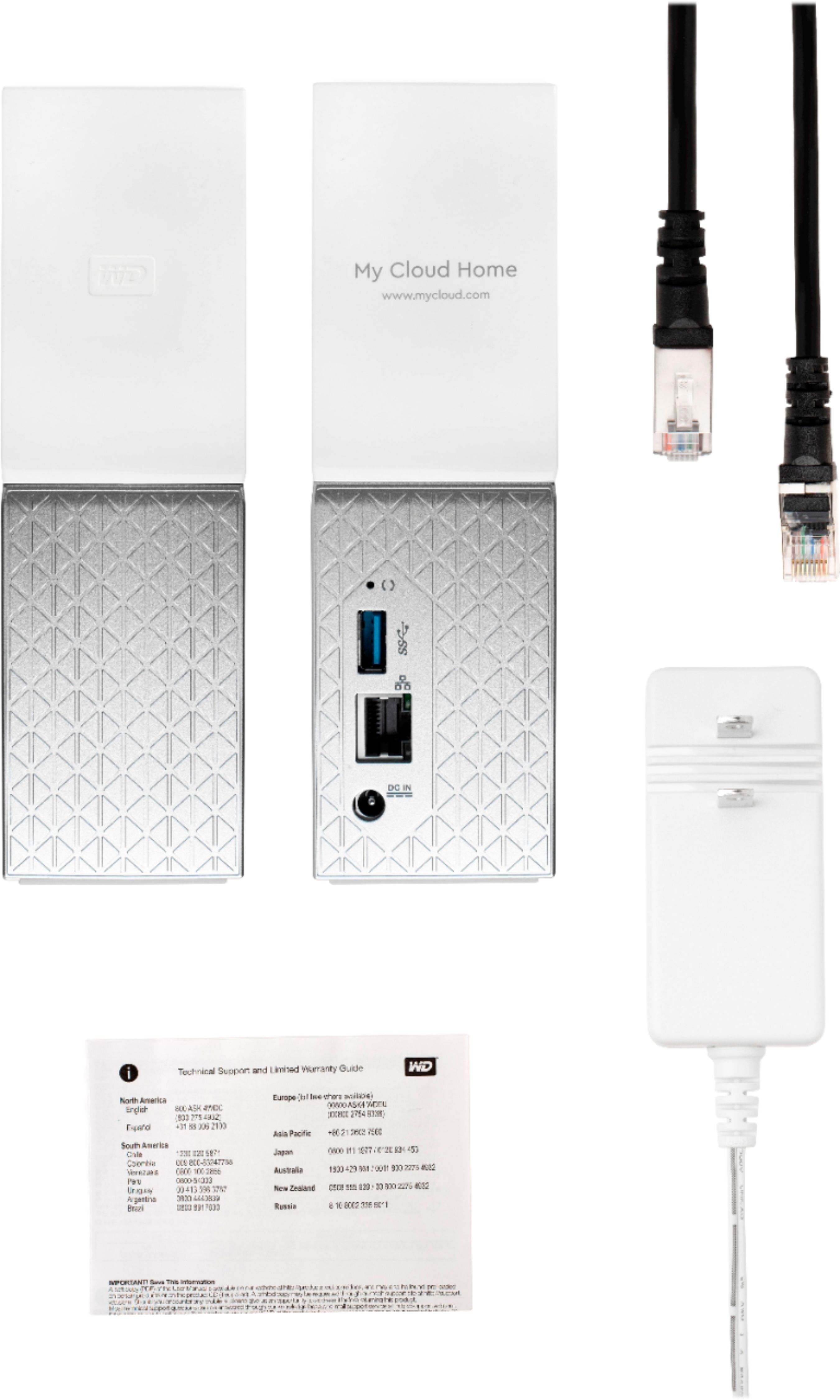



- Model:
- WDBVXC0080HWT-NESN
- |
- SKU:
- 5990209
Customer reviews
Rating 3.8 out of 5 stars with 197 reviews
(197 customer reviews)Rating by feature
- Value3.8
Rating 3.8 out of 5 stars
- Quality4.1
Rating 4.1 out of 5 stars
- Ease of Use3.8
Rating 3.8 out of 5 stars
Customers are saying
Customers praise the My Cloud Home 8TB Personal Cloud for its easy setup process, with many saying it is simple enough for anyone to use. The storage capacity is also well-received, with users appreciating the ability to store all of their photos and videos in one place. While some users have concerns about compatibility and price, the overall sentiment towards the product is positive.
This summary was generated by AI based on customer reviews.
Rated 1 out of 5 stars
Would not connect
||Posted .This reviewer received promo considerations or sweepstakes entry for writing a review.Tried 2 routers but could not get it connected to my network. Returned.
No, I would not recommend this to a friendRated 1 out of 5 stars
Garbage
||Posted . Owned for 1.5 years when reviewed.This reviewer received promo considerations or sweepstakes entry for writing a review.Items stopped working after 6 months. Cost 4000 to get the data off the drive.
No, I would not recommend this to a friendRated 1 out of 5 stars
Dis not work for Samsung SSD
||Posted . Owned for 1 month when reviewed.This reviewer received promo considerations or sweepstakes entry for writing a review.Did not work on Samsung SSD backup. Not satisfied.
No, I would not recommend this to a friend- Pros mentioned:Ease of use, StorageCons mentioned:Speed
Rated 1 out of 5 stars
WD MyCloud Home 8TB
Posted .This reviewer received promo considerations or sweepstakes entry for writing a review.My experience with this is 50/50. While the device is easy to set up, accessing the files is cumbersome and not what I had expected. I also own the PR4100 with 16TB and the setup and functionality is over and above this product. The MyCloud Home was great for about 6 months and now with about 3 TB in free space remaining I'm seeing constant hanging, spastic drops in speeds and constant crashing. I believe this to be due to the latest firmware but cannot confirm this as of yet. When the product works it's great. Handled everything I could throw at it and had great speeds and access while cumbersome via WD Connect was manageable. My honest opinion is to get yourself the upgraded PR2100 or PR4100. The last version of the PR4100 (EX4) I owned lasted 4 years with no hiccups or issues until the end. New PR4100 handles everything like a beast and store my Plex media with another server fetching the data from the PR4100.
No, I would not recommend this to a friend - Cons mentioned:Security
Rated 1 out of 5 stars
Insecure, unreliable, restricted use, bad support
Posted .This reviewer received promo considerations or sweepstakes entry for writing a review.Problems with the 8TB WD My Cloud Home • MacBook Pro finder hangs and crashes laptop when copying a file greater than 4GB: ⁃ My Cloud Home Copy File Failure "too large for the volume's format" | WD Support ⁃ https://support.wdc.com/knowledgebase/answer.aspx?ID=18367 • To work around this, Adobe Creative Cloud must be stopped, defeating one primary use of the NAS for working with photographs • Opening a Mac .dmg disk image residing on the NAS resulted in hanging the finder and crashing the laptop • WD has not provided any assurance that the many many bugs that were discovered in WD My Cloud devices have been fixed ⁃ Unpatched Western Digital Bugs Leave NAS Boxes Open to Attack | Threatpost | The first stop for security news ⁃ https://threatpost.com/unpatched-western-digital-bugs-leave-nas-boxes-open-to-attack/124125/ • Customer service was sometimes good, sometimes idiotic. They claimed the only way to update files on the NAS was via the WD Discovery sync or via drop and drag. That is, you could not modify files on the NAS in place - Photos, iTunes, Text Edit were said to be unable to make changes. On 9/21 they claimed macOS 10.13 had already been released (it was released 9/25) so I should upgrade to it. And they would not confirm security problems had been addressed. This would be an ideal device for my needs - photos, music, time machine backups - if only it worked reliably and securely. It fails on both counts. September 23, 2017, updated 9/27
No, I would not recommend this to a friend - Pros mentioned:Storage
Rated 5 out of 5 stars
Highly recommended
Posted .This reviewer received promo considerations or sweepstakes entry for writing a review.This is my second of this kind. First got a 4TB that is almost full. This is a great product that actually allows to store, read or download data from literally anywhere as long is available internet. The app controller allows to plug several units and we just have to select the one we want. I’m really very satisfied, so far, with this storage system. Recommended.
I would recommend this to a friend - Pros mentioned:Ease of use
Rated 5 out of 5 stars
Cannot go wrong with this purchase.
Posted .This reviewer received promo considerations or sweepstakes entry for writing a review.Seamless setup, easily configured and WD has a known track record for solid equipment.
I would recommend this to a friend - Pros mentioned:Storage
Rated 1 out of 5 stars
Dead Less Than 15 Days
Posted .This reviewer received promo considerations or sweepstakes entry for writing a review.First of all, my initial thoughts on the product was good. I liked the My Cloud App, the storage, the looks, and features. However, it has only been 10 days and the drive went dead. It seems the internal power supply died. No light, no power, nothing. The drive was even on a power strip. This is truly pathetic, and amounts to WD cutting corners in manufacturing and shipping garbage out to customers. I already uploaded a ton of family photos, and now this. I'm a very angry customer,
No, I would not recommend this to a friend - Cons mentioned:Security
Rated 1 out of 5 stars
A terrible backup drive...
Posted .This reviewer received promo considerations or sweepstakes entry for writing a review.This is a really terribly restricted device. You have to use a special app just to mount a share. According to the online support there is supposed to be a hidden share that you can backup to, but it does not work and you have to enable support for SMB 1.0 to even see it. This is a security risk as this has been deprecated by Microsoft to help thwart ransomware attacks. It clearly says BACKUP on the box as a suggested use. This is incredibly misleading. The apps that show up in the WD Discovery app don't work with this device. Why are they even there available to download and install if they AREN'T SUPPORTED BY THE DEVICE?! This has been the worst experience I have ever had with a WD device. Very Disappointing. It's going back to the store.
No, I would not recommend this to a friend Rated 1 out of 5 stars
Couldn't get it working after 3 days
Posted .This reviewer received promo considerations or sweepstakes entry for writing a review.This is a horrible drive. I have 20+ years experience as a software developer and couldn't get this thing working on a home network. Took a couple days just to get it recognized using the web browser app but mapped drive letter on one pc kept not working, a 2nd pc couldn't access it. No way to map a drive letter other than the initial install. The bundled WD Backup software turns out isn't even supported by the drive. Most of the trouble shooting manuals on the web site don't match up. Was able to make some folders on the drive via the Web app but they were not visible from the networked drive link on the other computer. Finally gave up, too much effort, to inconsistent and setup instructions require a large amount of customizing of your Windows OS services.
No, I would not recommend this to a friendRated 1 out of 5 stars
Device is Off Line - All my photos are Gone!
Posted .This reviewer received promo considerations or sweepstakes entry for writing a review.I purchased this to hold all of my photos over many years. I uploaded thousands of photos from normal external hard drives and had the MyCloud app set to upload all new photos automatically. You might say it worked great until an update last week when it simply stopped working. The message says Device is Off Line… 40 years of photos locked on a personal cloud that I cannot open. Conclusion…. Much better to use reliable cloud services: Apple, Google, Amazon… you pay by the month but so far everything is Safe!
No, I would not recommend this to a friendRated 1 out of 5 stars
Beware!
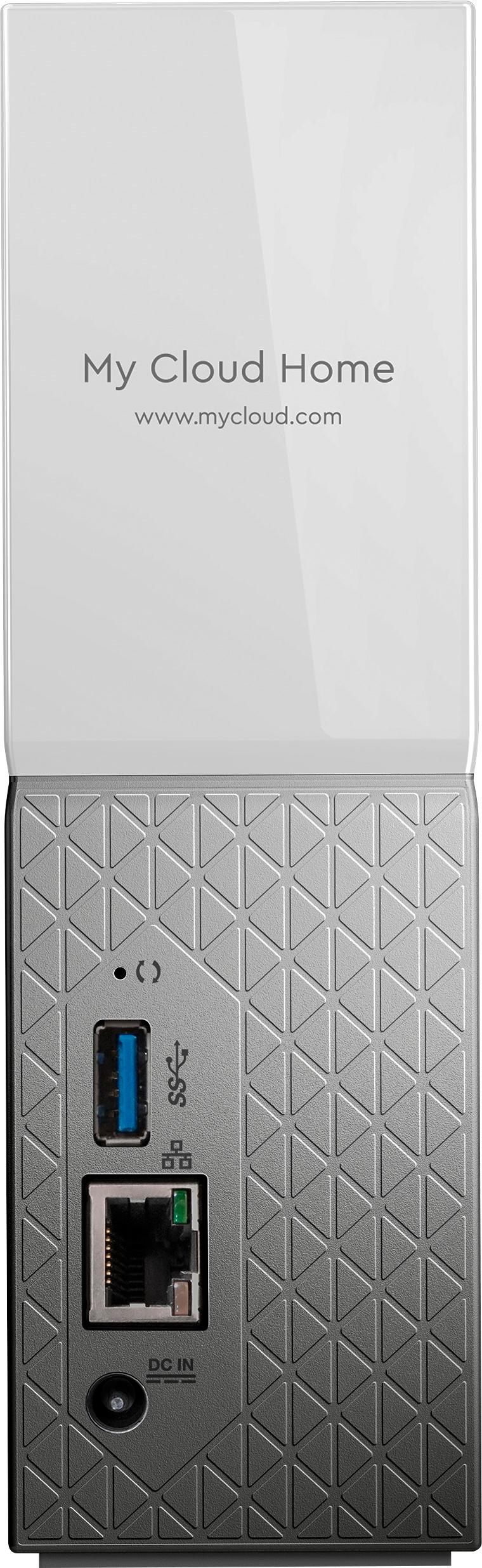
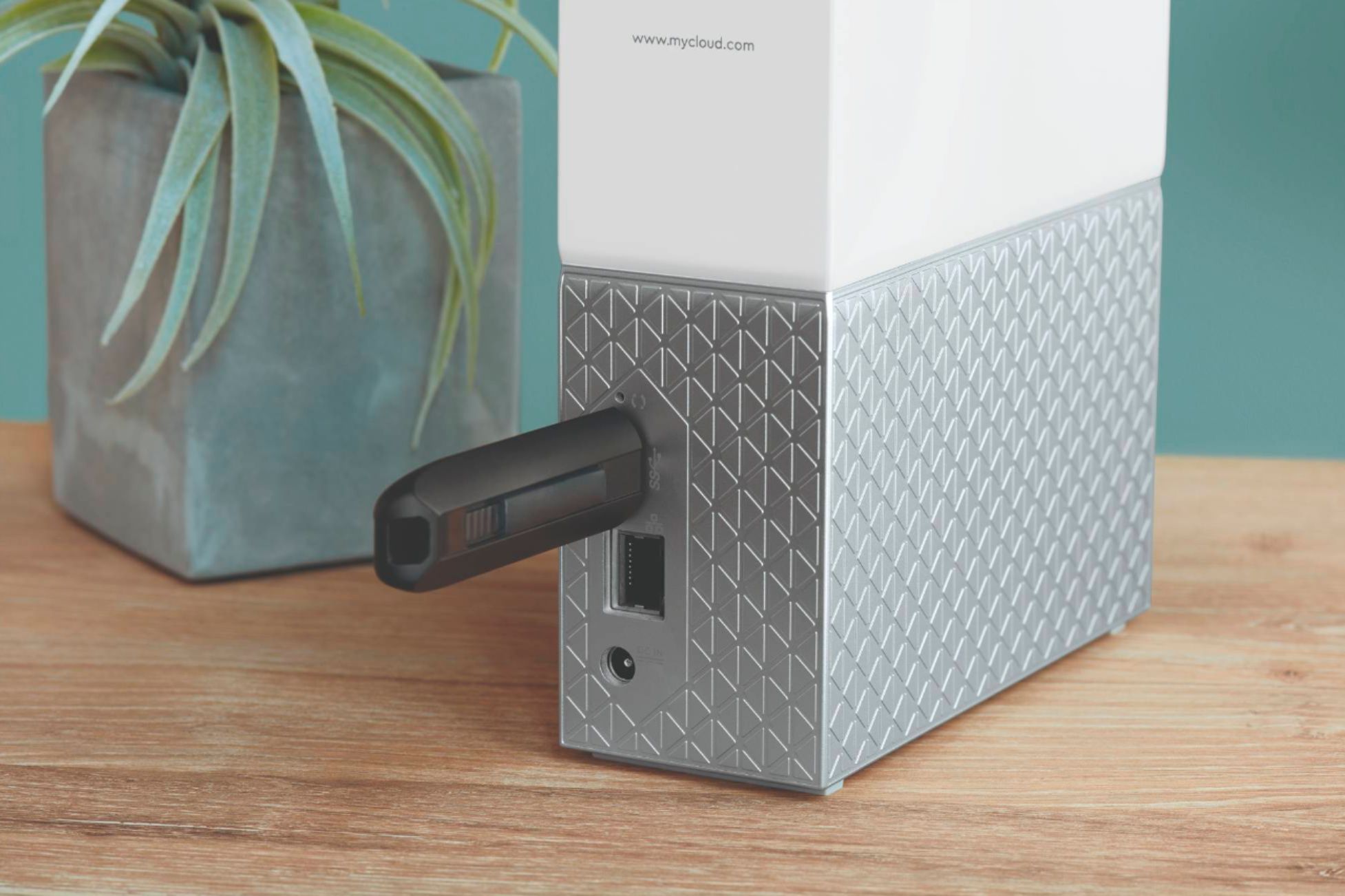
Posted .This reviewer received promo considerations or sweepstakes entry for writing a review.Beware! Use of this drive requires it be CAT5 wired to a wifi router, the router connect to the internet, and wifi active. You cannot wire it via ethernet either directly to a computer or via a LAN to control it or access data. It's USB is for input only. So, no wifi and/or internet = no access to your data. AND even worse ... any search function is limited ONLY to folders - NOT the files in the folders. Thus it stores lots of files you cannot find by name, size, type or date etc. Idiotic!
No, I would not recommend this to a friendRated 1 out of 5 stars
Garage, but if you want to loose all your files
Posted .This reviewer received promo considerations or sweepstakes entry for writing a review.Do not water your time or money! Had this piece of garbage for 4 hours before it went offline and wouldn’t come back online. Called “tech support”... what a joke! Their idea of troubleshooting was to make sure it was plugged in. After several calls and incompetent reps I was told to do a soft reset, now the device won’t even power on and all my files are gone. Their response.... to pay for data recovery and they send me another worthless piece of crap! Spare yourself the headache, DO NOT BUY THIS GARBAGE!
No, I would not recommend this to a friendRated 1 out of 5 stars
Video is IphoneX incompatible.
Posted .This reviewer received promo considerations or sweepstakes entry for writing a review.Uploaded IphoneX videos are not directly compatible with MyCloud. You can only play uploaded videos either after downloading back to your phone or by opening them in a webbrowser, instead of being able to play them seamesly on your cloud. What is most perplexing is that WD does not have a support number (or if it does have one, it is buried somewhere that is almost impossible to find.)
No, I would not recommend this to a friendRated 1 out of 5 stars
Don't Buy this
Posted .This reviewer received promo considerations or sweepstakes entry for writing a review.I did not realize that their was a difference between the "MyCloud Home" and "My Cloud" drives. This NAS is a utter piece of garbage and I regret buying it. I would leave a negative review if possible.
No, I would not recommend this to a friendRated 1 out of 5 stars
Very disappointing
Posted .This reviewer received promo considerations or sweepstakes entry for writing a review.I was very disappointed, especially for the price. Access is too restrictive--only via their app. AND most of all, no Linux access, except to the public directory. I built one with Raspberry PI and a 10TB USB drive. I wish that had occurred to me before Icwasted so much money on this.
No, I would not recommend this to a friendRated 1 out of 5 stars
Disappointed
Posted .This reviewer received promo considerations or sweepstakes entry for writing a review.This product did not meet my expectations, and I ended up returning it. I was expecting something that looked and felt and acted much like a traditional NAS, but maybe easier to use, for the home market. What this is, instead, is a limited-functionality appliance that is simple to setup, but is very difficult to use in a mixed OS environment (I have Linux and Mac primarily). There is no way of finding the IP address, which made it very hard to map a share from Linux. There doesn't appear to be an easy way to create local users, and instead each user needs to have a cloud account created and login with that instead. After fighting with this, I returned it to BestBuy and bought a Synology NAS instead. Maybe in a Windows or Mac only environment, where you're looking for network based backups (like Time Machine), this would work good, but for my needs, it isn't a good fit.
No, I would not recommend this to a friend