Customer Ratings & Reviews
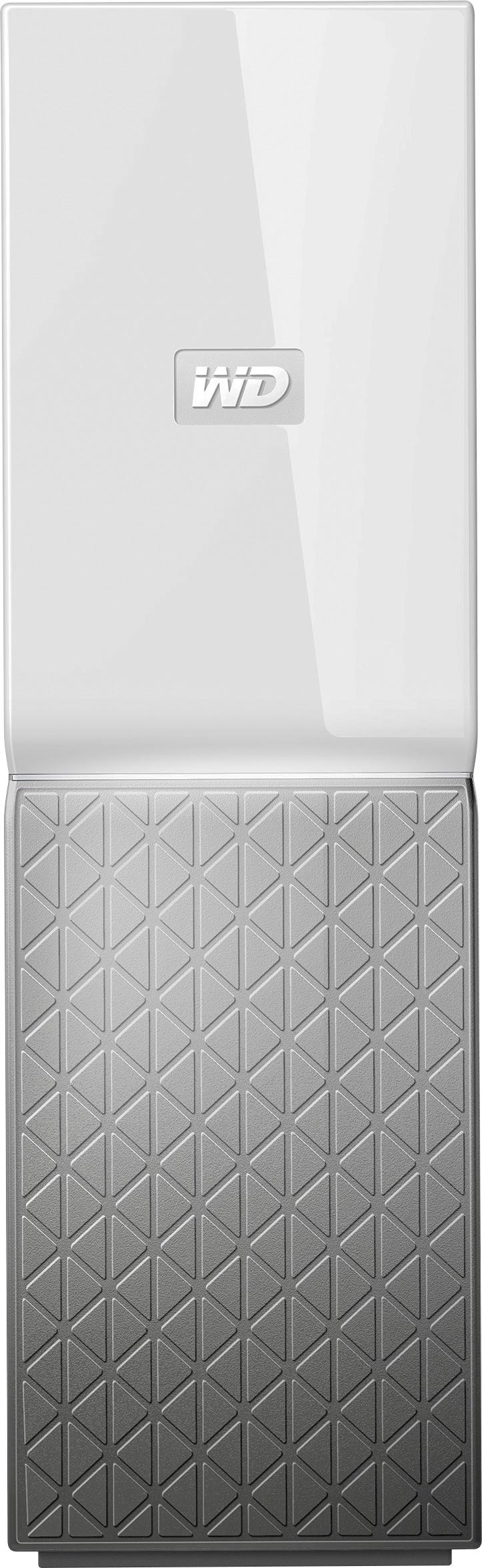
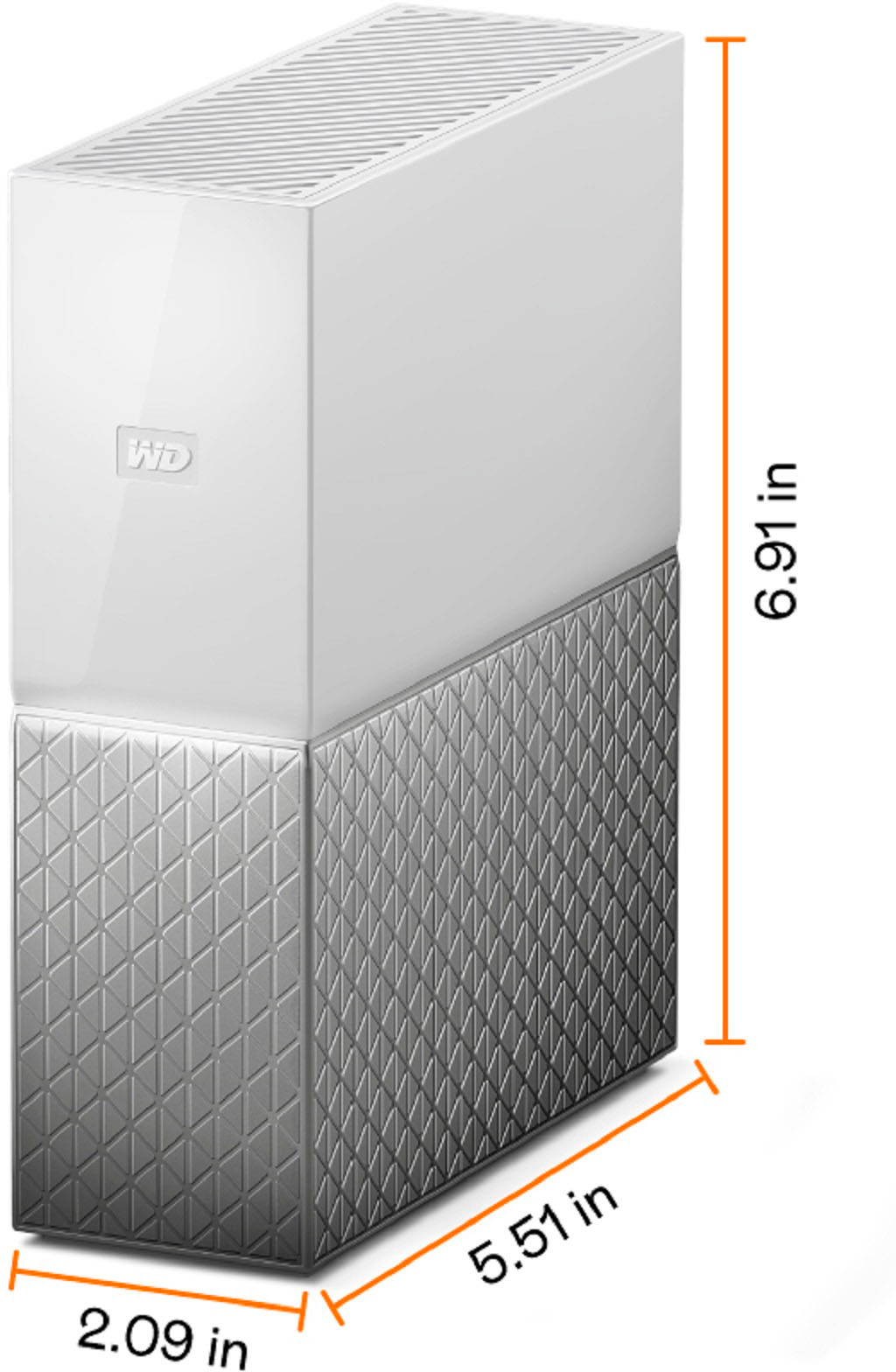
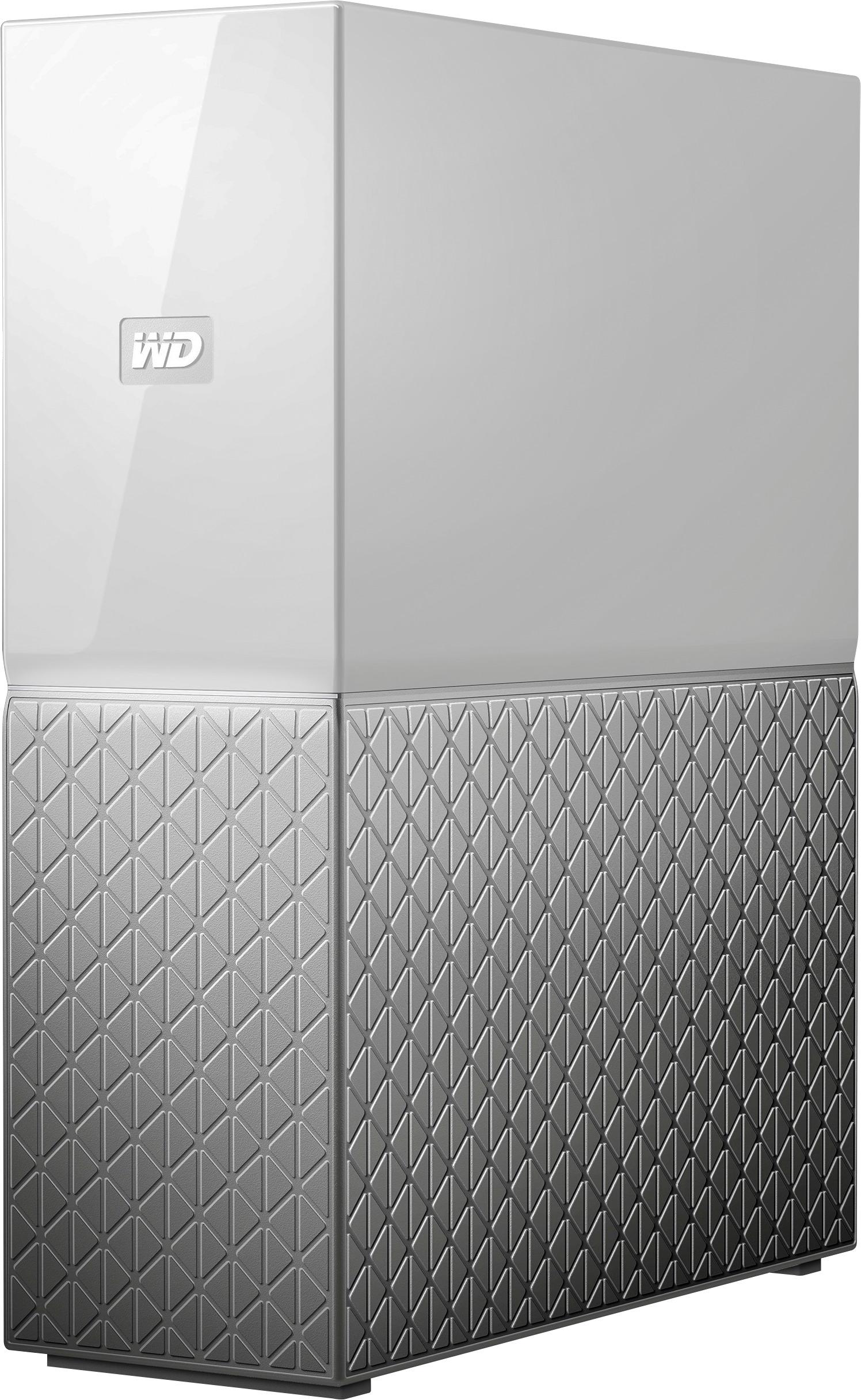

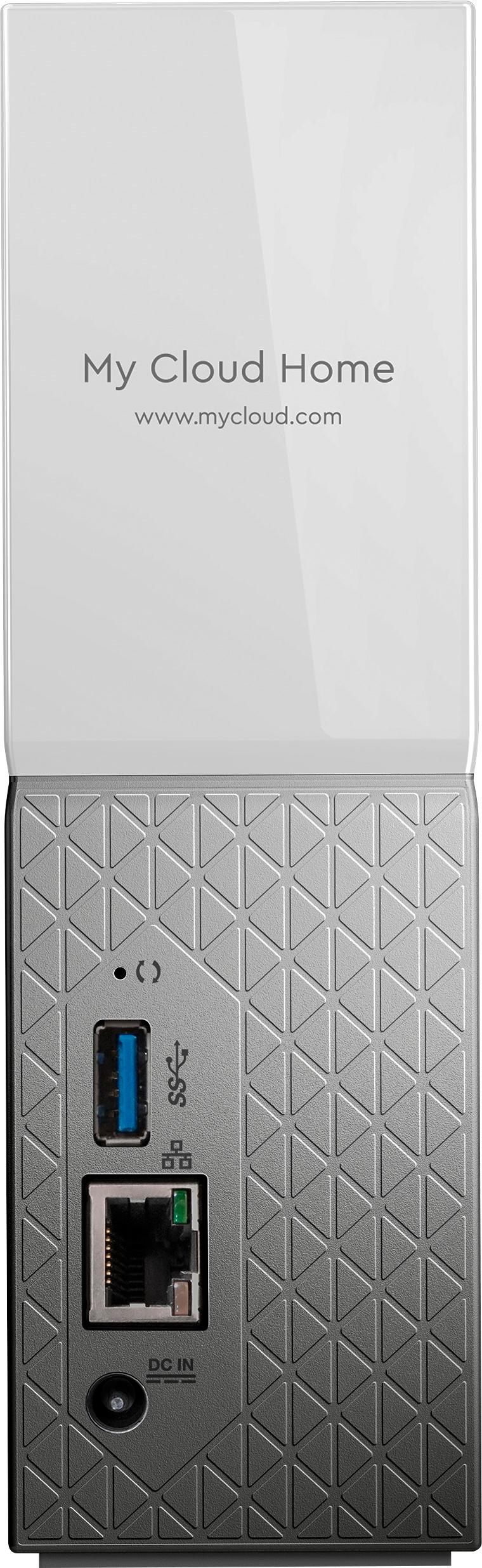


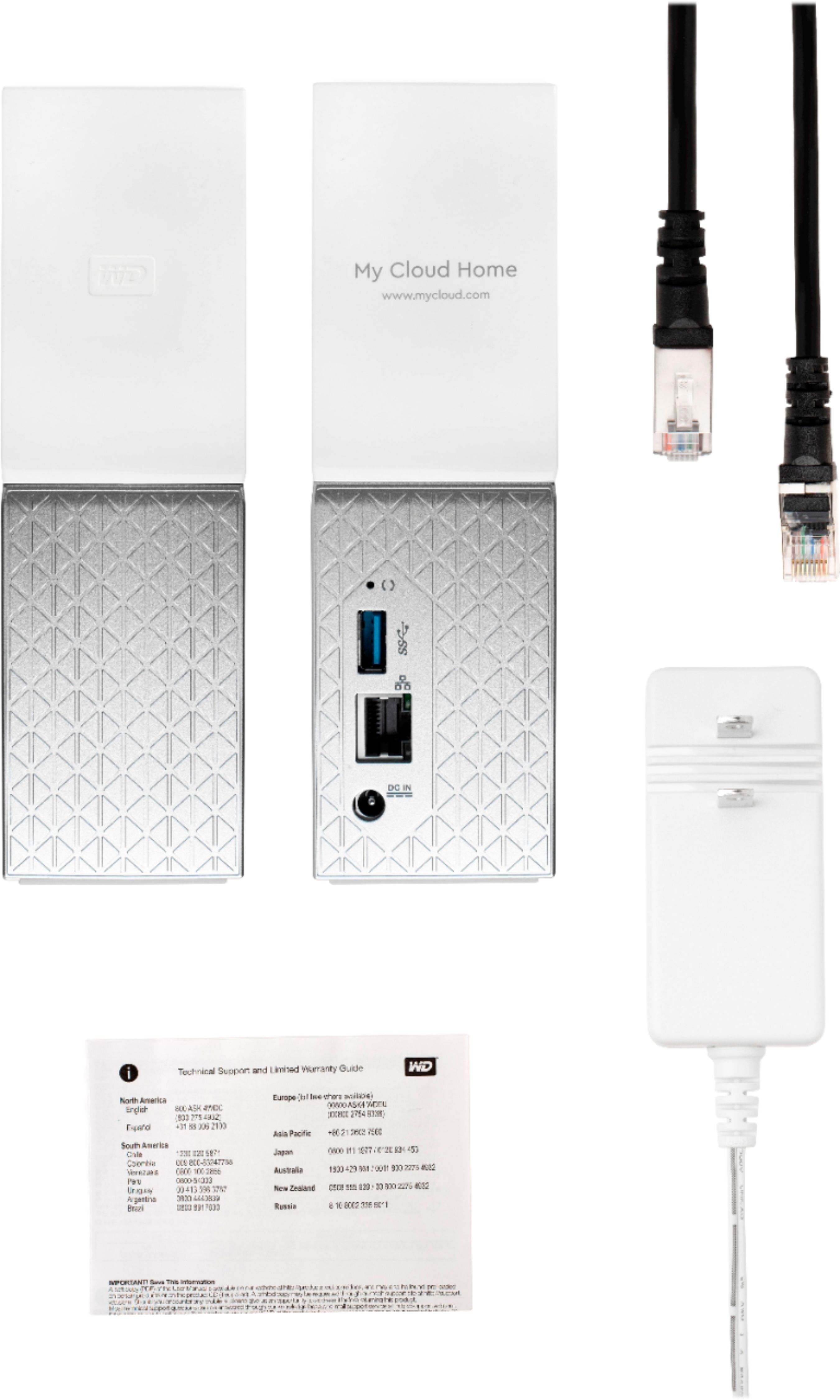



- Model:
- WDBVXC0080HWT-NESN
- |
- SKU:
- 5990209
Customer reviews
Rating 3.8 out of 5 stars with 197 reviews
(197 customer reviews)Rating by feature
- Value3.8
Rating 3.8 out of 5 stars
- Quality4.1
Rating 4.1 out of 5 stars
- Ease of Use3.8
Rating 3.8 out of 5 stars
Customers are saying
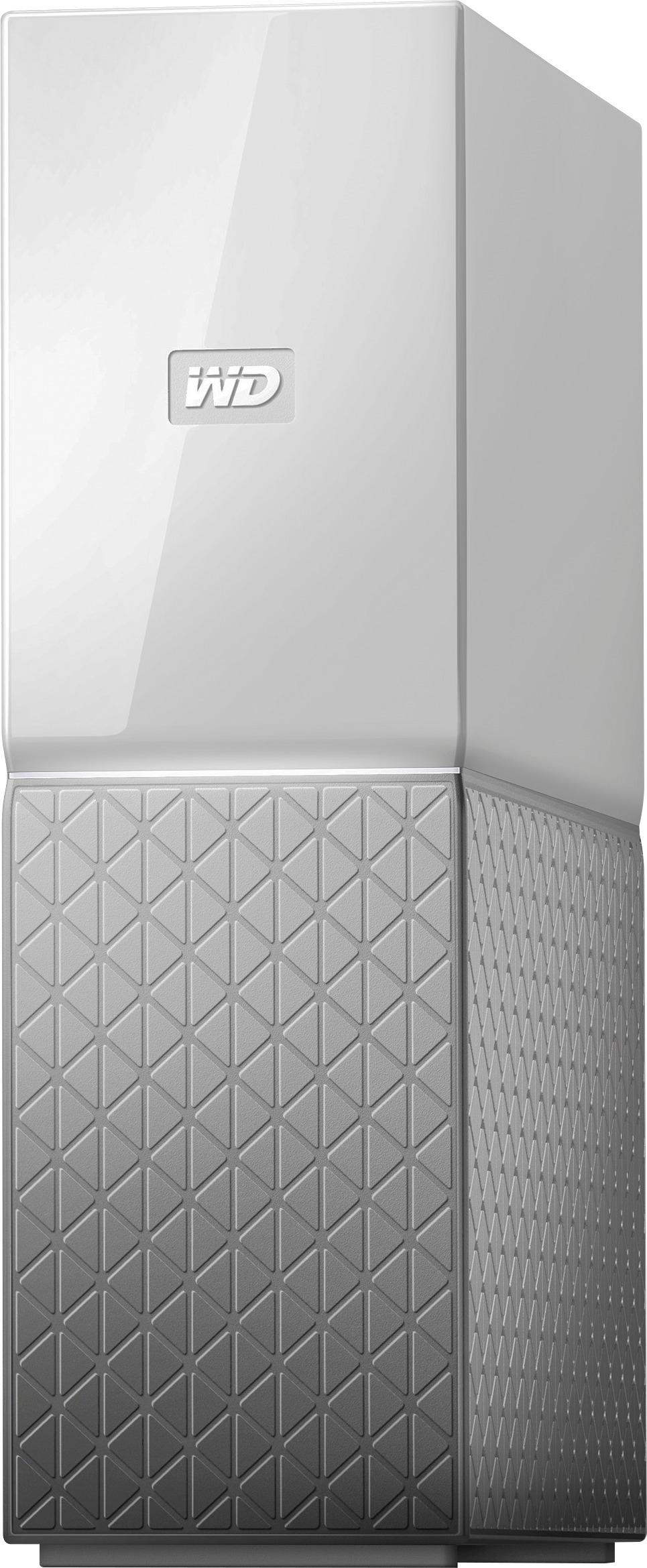
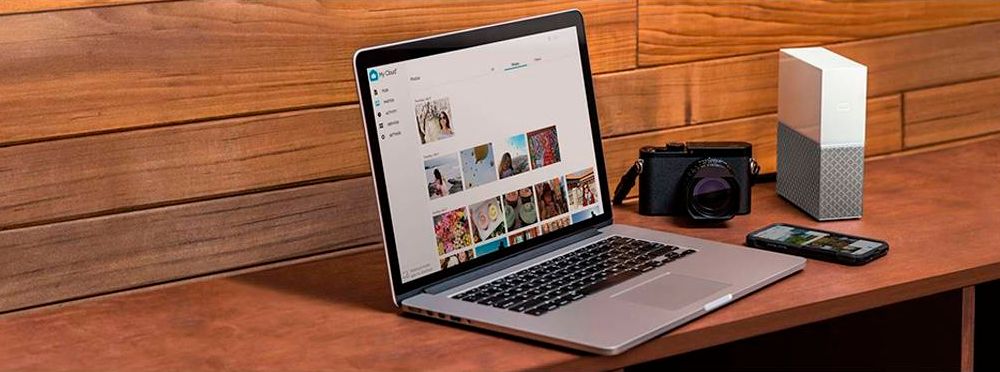
Customers praise the My Cloud Home 8TB Personal Cloud for its easy setup process, with many saying it is simple enough for anyone to use. The storage capacity is also well-received, with users appreciating the ability to store all of their photos and videos in one place. While some users have concerns about compatibility and price, the overall sentiment towards the product is positive.
This summary was generated by AI based on customer reviews.
- Pros mentioned:SetupCons mentioned:Speed
Rated 2 out of 5 stars
Wanted to like it
||Posted . Owned for 7 months when reviewed.This reviewer received promo considerations or sweepstakes entry for writing a review.I was so into the idea of this. Setup was a breeze and the app is actually very good. However, it is painfully slow. So slow that it only deserves two stars. If you want to do this right, don’t get a WD product.
No, I would not recommend this to a friend - Cons mentioned:Speed
Rated 3 out of 5 stars
The brand is good but access is slow.
||Posted . Owned for 2 months when reviewed.This reviewer received promo considerations or sweepstakes entry for writing a review.It's a good hard drive because it's Western Digital, but it's slow. Could it be because of the Wan or Lan network? I don't know, but that's not how it works for me.
No, I would not recommend this to a friend - Pros mentioned:Ease of use, Storage
Rated 5 out of 5 stars
Love it
||Posted . Owned for 1.5 years when reviewed.This reviewer received promo considerations or sweepstakes entry for writing a review.Have all my photos, music and videos on it. Also very easy to connect with my TV to access them all.
I would recommend this to a friend Rated 3 out of 5 stars
Kind of works, not able to backup WIN10.
||Posted . Owned for 3 weeks when reviewed.This reviewer received promo considerations or sweepstakes entry for writing a review.Buyer beware. The WF My Cloud Home is not really Network Attached Storage. It does not allow Win10 to map a drive as Windows require you to authenticate to a NAS drive. I am unable to backup WIN 10 to this drive. I am able run TimeFinder from my MAC but only to the Public folder. The phone app works great to backup iPhone pictures, but are inaccessible from my MAC or PC unless I login with the same user account for every iPhone in the family. There is no Administrative interface like there was with WD My Cloud, which is NOT the same product even though the names are similar. I am contemplating returning the device.
No, I would not recommend this to a friend- Pros mentioned:Storage
Rated 4 out of 5 stars
Lots of room
||Posted .This reviewer received promo considerations or sweepstakes entry for writing a review.This external drive has lots of storage room for your backups and files. It not too hard to set up, but it comes with NO INSTRUCTIONS AT ALL.
I would recommend this to a friend - Pros mentioned:Setup
Rated 4 out of 5 stars
Good NAS for the price and functionality
||Posted .This reviewer received promo considerations or sweepstakes entry for writing a review.The drive was easy to set up and get on to the network. I have been using it to host data around my home network and have seen no latency so far.
I would recommend this to a friend - Pros mentioned:Performance
Rated 4 out of 5 stars
Great Quality
||Posted .This reviewer received promo considerations or sweepstakes entry for writing a review.This is a great system, I do not have high speed internet so that created a problem, but a friend of mine has high speed and his works great.
I would recommend this to a friend - Pros mentioned:Remote access
Rated 4 out of 5 stars
Great Backup Device
||Posted .This reviewer received promo considerations or sweepstakes entry for writing a review.This backup device is not only available from all my computers but is available when I am away by logging into it on the web. Great Feature.
I would recommend this to a friend - Cons mentioned:Speed
Rated 4 out of 5 stars
Easy storage solution, not the fastest
||Posted . Owned for 1 month when reviewed.This reviewer received promo considerations or sweepstakes entry for writing a review.It was pretty much plug in and go. Have not had any problems with the device although it is not especially fast.
I would recommend this to a friend - Cons mentioned:Speed
Rated 2 out of 5 stars
A poor product for anyone looking for a proper NAS
||Posted . Owned for 3 months when reviewed.This reviewer received promo considerations or sweepstakes entry for writing a review.This is a poor product for anyone looking to have a proper Network Attached Storage. You're restricted from doing anything with it unless you go through the Western Digital website. Furthermore trying to view things on it in a browser is plagued by poor codec support. Plex makes it somewhat usable, but it's so slow that I've had issues transcoding movies at 1080p. A waste of money. If you have the knowledge, best bet may be to build your own if you still want to go through Best Buy.
No, I would not recommend this to a friend - Cons mentioned:Interface
Rated 1 out of 5 stars
A waste
||Posted .This reviewer received promo considerations or sweepstakes entry for writing a review.Stay away. Really miss the old straight forward drive interface on the old mycloud drives. This is a pain to use as a network storage drive for streaming. Have to use apps for streaming instead of having the DLNA streaming software built in. Can't map the drive as a network drive on your pc. have to use the web interface for file transfer. there are work arounds, but the old interface was so much better.
No, I would not recommend this to a friend - Pros mentioned:Setup, Storage
Rated 5 out of 5 stars
Works good
||Posted . Owned for 1.5 years when reviewed.This reviewer received promo considerations or sweepstakes entry for writing a review.Easy setup and use. Use for backup and longterm storage.
I would recommend this to a friend - Pros mentioned:Ease of use, Storage
Rated 5 out of 5 stars
WD My Cloud
||Posted .This reviewer received promo considerations or sweepstakes entry for writing a review.Very easy to set up and has plenty of storage. Good looking too.
I would recommend this to a friend - Pros mentioned:Ease of use
Rated 5 out of 5 stars
Easy to set up and use and does what I need
||Posted .This reviewer received promo considerations or sweepstakes entry for writing a review.Out of the box to functional use couldn't have been easier with quick download of phone app and app for my win10 laptop and desktop. I easily moved all my content to this drive and can see it from anywhere in the world.. with my phone or laptop, etc. Why didn't I do this earlier?
I would recommend this to a friend Rated 5 out of 5 stars
Network Drive
||Posted .This reviewer received promo considerations or sweepstakes entry for writing a review.If you need a NW Hard Drive - This is the way to go. With 8TB of storage; plenty of room to store my stuff.
I would recommend this to a friendRated 3 out of 5 stars
Slow read/write operations
||Posted . Owned for 3 weeks when reviewed.This reviewer received promo considerations or sweepstakes entry for writing a review.The drive is easy to set up and has tons of capacity. But the wi fi reading and writing operation to PC or iPad is slow as molasses. Be prepared to wait quite a while to transfer your photos and files.
No, I would not recommend this to a friend- Pros mentioned:Ease of use
Rated 4 out of 5 stars
Nice
||Posted .This reviewer received promo considerations or sweepstakes entry for writing a review.Easy setup and use. Wish I could have automated back up to another my cloud for redundancy
I would recommend this to a friend - Pros mentioned:Ease of use, Storage
Rated 5 out of 5 stars
Works well Easy to set up
||Posted .This reviewer received promo considerations or sweepstakes entry for writing a review.Works well Easy to set up More than enough storage space
I would recommend this to a friend - Pros mentioned:Ease of use
Rated 5 out of 5 stars
Great back up for phones and tables.
||Posted . Owned for 3 weeks when reviewed.This reviewer received promo considerations or sweepstakes entry for writing a review.This product works great as a backup for cell phonss and tablets. Very easy to use and app works great as well. I would highly recommend.
I would recommend this to a friend - Pros mentioned:Storage
Rated 5 out of 5 stars
Excellent
||Posted .This reviewer received promo considerations or sweepstakes entry for writing a review.This device worked great for the purpose of having my home videos saved and available for streaming on other devices. I mainly use to with Plex. However, that services does limit the amount of directory folders you can have on this personal cloud device... Either way that doesn't hinder this device any bit. This was a great buy.
I would recommend this to a friend