Customer Ratings & Reviews



- Model:
- WDBFTM0040BBL-WESN
- SKU:
- 12142577
Rating by feature
- Value
Rating 4.6 out of 5 stars
- Quality
Rating 4.7 out of 5 stars
- Ease of Use
Rating 4.7 out of 5 stars
to a friend
Customers are saying
Customers express satisfaction with the product's generous storage capacity, ease of use, and reliability. They also appreciate its compact size, modern USB-C connectivity, and good price. However, some users wished for a longer cable and found the transfer software's instructions unclear.
This summary was generated by AI based on customer reviews.
Good external
||Posted .This reviewer received promo considerations or sweepstakes entry for writing a review.This would be a lot better with instructions. There is none
I would recommend this to a friendGood product
||Posted .This reviewer received promo considerations or sweepstakes entry for writing a review.I took 1 star because it was not already for apple OS
I would recommend this to a friendLots of storage, but pricey
||Posted .This reviewer received promo considerations or sweepstakes entry for writing a review.This device certainly has a lot of storage, but it costs more than it should. I bought the priciest one with features I probably didn't need. I recommend buying the cheaper version.
No, I would not recommend this to a friend
Another Dependable HD From Western Digital!
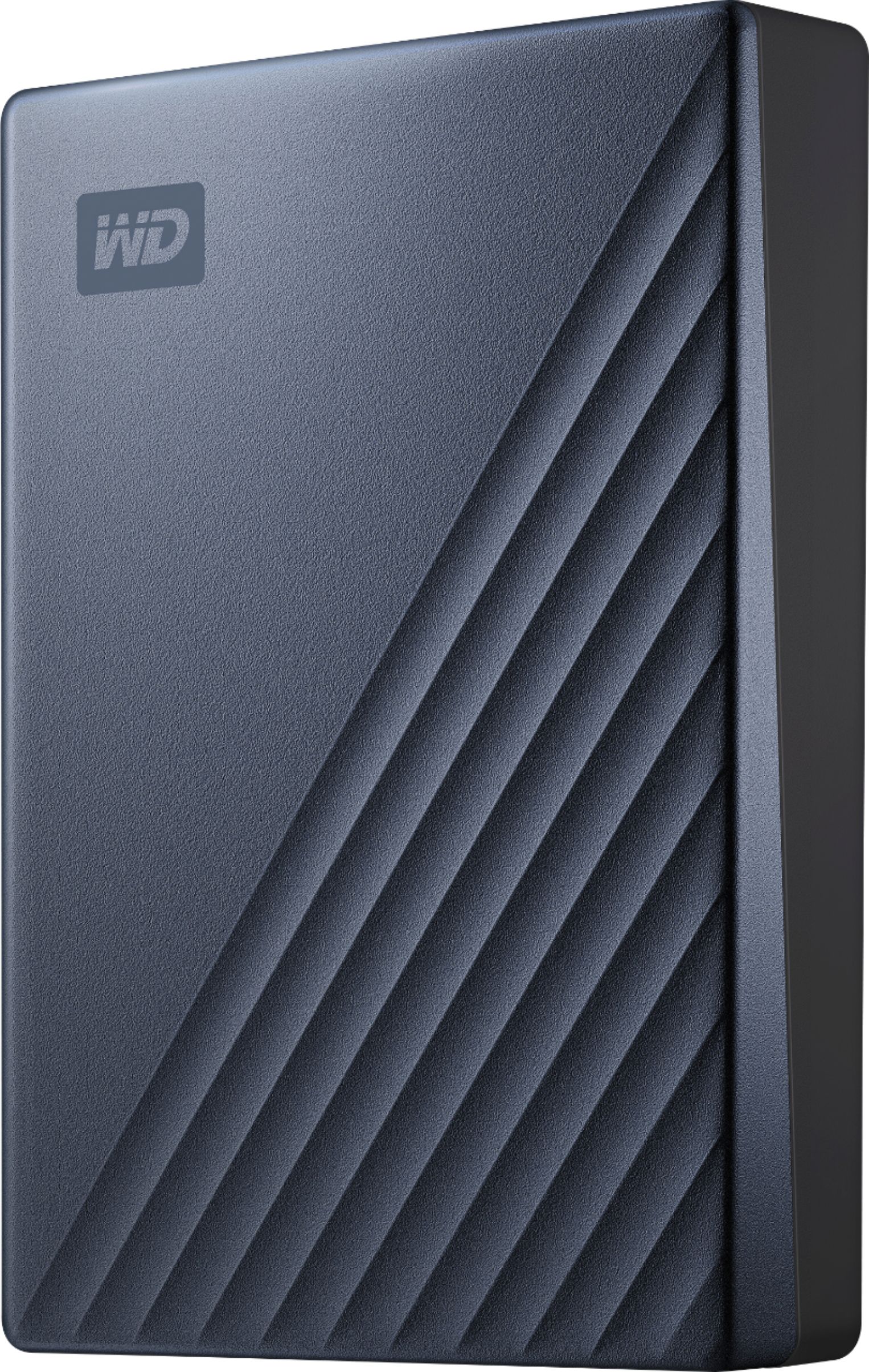
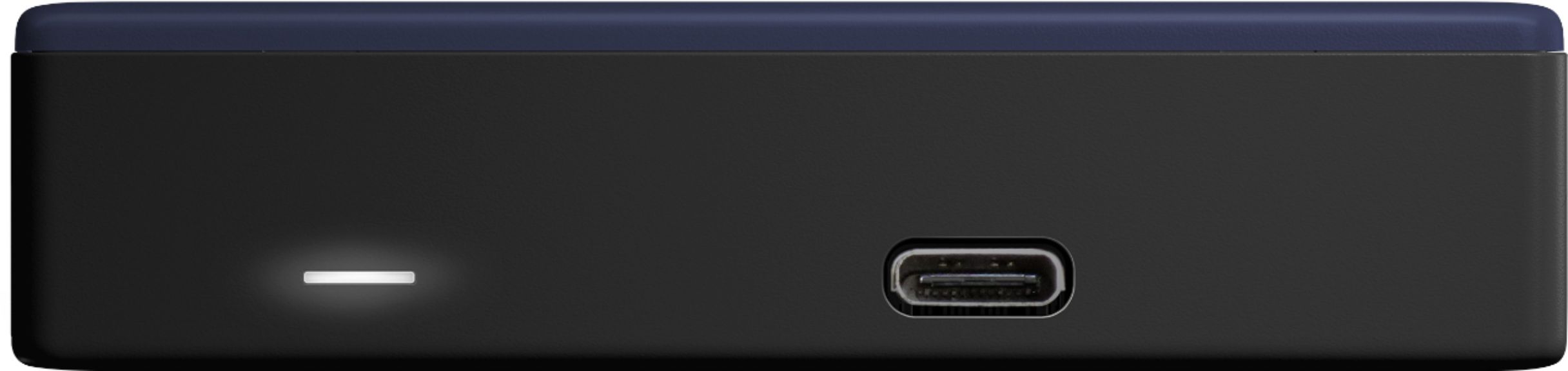
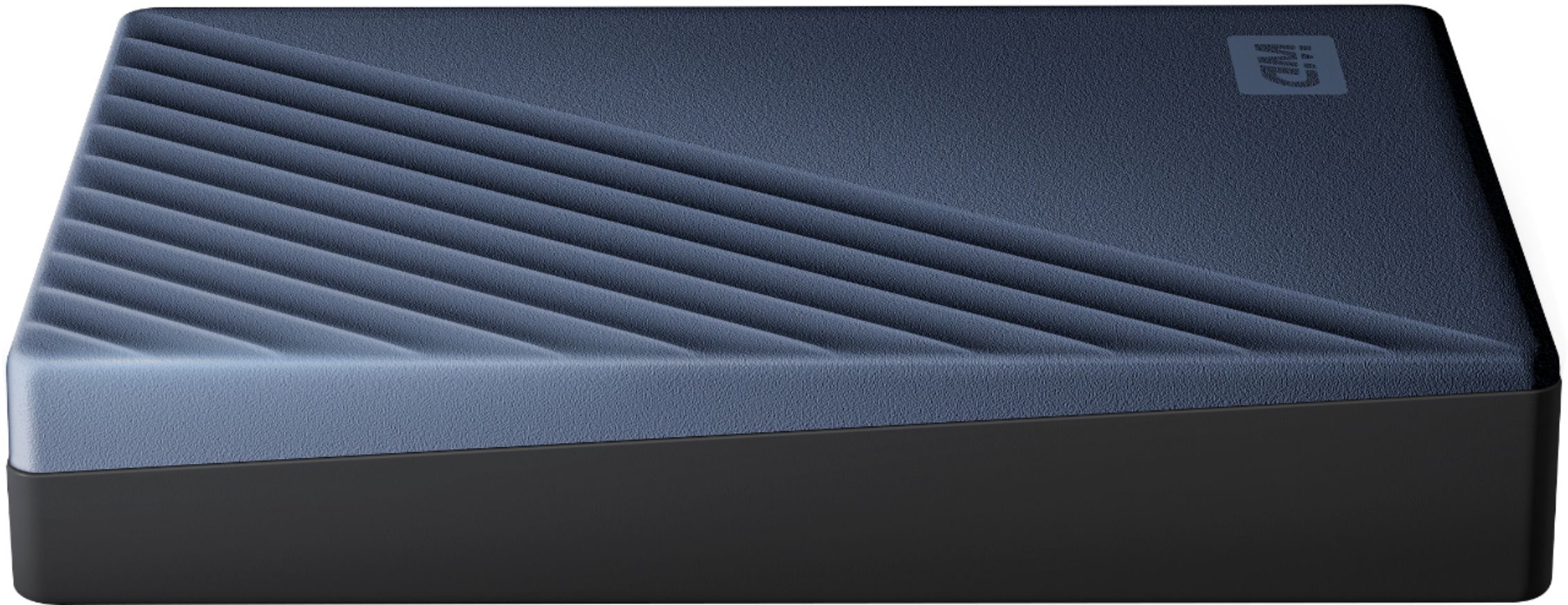
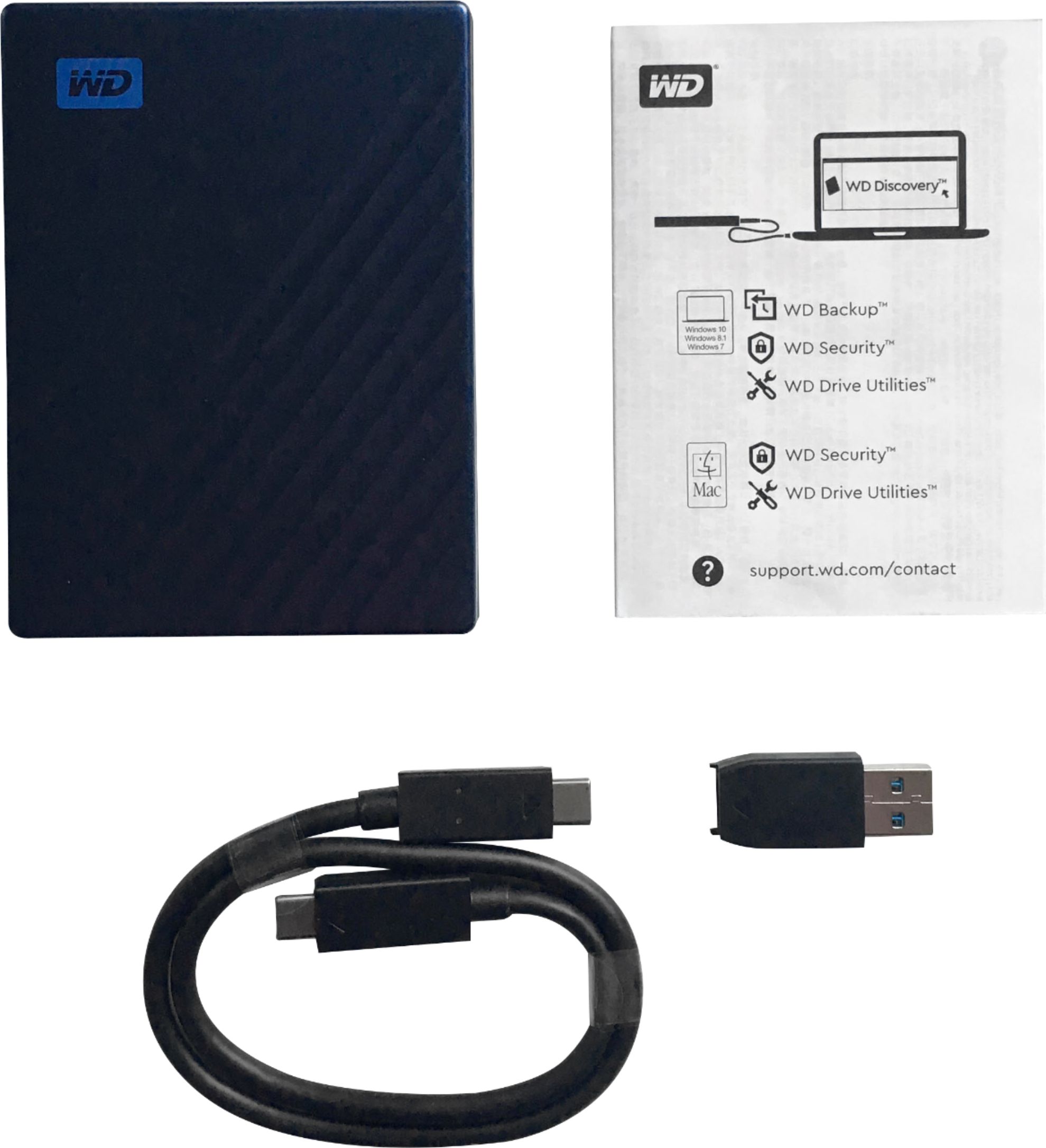
|Posted .This reviewer received promo considerations or sweepstakes entry for writing a review.This is yet another great offering from Western Digital. When it comes to mass storage for static files (i.e. files that aren't accessed all the time like photos, videos, documents). When it comes to hard disk drives for mass storage, I have always turned to Western Digital because they have yet to let me down. In terms of design, the HD's silver and black design cues are a welcomed modern touch. However, I definitely would have liked to see WD start using brushed aluminum instead of the silver coated plastic. This would truly make the drive stand out. The drive performs at what you'd expect a Hard Disk Drive to perform at when transferring files over 3.0 USB speeds. For reference, I transferred 162 GBs of 1080p x.264 videos from my PC to this drive and it took about 25 minutes with a write speed of ~ 117 MB/s. What I like about this drive is that it offers hardware encryption in case you are storing sensitive files. The drive itself has a USB Type-C port and comes with a USB Type-C cable that also comes with a standard USB adapter that you can use to connect to devices that don't have a USB Type-C port. I do wish that the cable would have been slightly longer. One HUGE recommendation I have is that if you're purchasing this drive, definitely buy the case that Western Digital sells for $19.99. I bought mine at best buy and they're located right next to the drives. I can't recommend this enough. Not only is it a perfect snug fit for the drive, but the case itself is very high quality and will protect your drive. Especially if you're someone like me that throws their drives in their backpack and takes it work. The case also has a small sleeve to store your USB Type-C cable and adapter!! Overall, great drive and will definitely be picking up more in the near future.
I would recommend this to a friendEconomical but questionable quality
||Posted . Owned for 1.5 years when reviewed.This reviewer received promo considerations or sweepstakes entry for writing a review.I was very happy with it first year. However, it stopped working, basically not communicating with my PC after nearly 1.5 years. Don’t know how to retrieve the backed up data on it.
No, I would not recommend this to a friendIS NOT SUPPORTED BY MANUFACTURER. JUNK
||Posted . Owned for 10 months when reviewed.This reviewer received promo considerations or sweepstakes entry for writing a review.This product has already been dropped by manufacturer customer support. Lost access to thousands of files. Furious!!
No, I would not recommend this to a friendTerrible product
||Posted . Owned for 1 month when reviewed.This reviewer received promo considerations or sweepstakes entry for writing a review.The USB port broke off in my computer and caused a short in the system.
No, I would not recommend this to a friendSlow but Steady
||Posted .This reviewer received promo considerations or sweepstakes entry for writing a review.It's pretty slow, but that's to be expected for an HDD of this size. I haven't had any R/W problems so far.
No, I would not recommend this to a friendBad experience
||Posted . Owned for 3 weeks when reviewed.This reviewer received promo considerations or sweepstakes entry for writing a review.I bought this for business use after already owning two WD 2TB SSD units. The 2 TB units worked fine, and I actually wanted to buy a 2 TB unit again, but my local store was out of stock. So, I purchased the 4TB unit on the eve of a business trip. Well, I connected the drive to my laptop and got nothing. The laptop didn’t recognize that a drive had been connected, and the drive had the dreaded slow, steady blinking light. I later tried connecting to two other computers with the same results. I also tried different USB cables, with no change. So, needless to say I was terribly disappointed, and to make matters worse I had to purchase a replacement drive at a significant cost (no Best Buy near my trip location). When I got home, I immediately returned the drive to my BB store for a refund.
No, I would not recommend this to a friendSlow to mount?
||Posted . Owned for 3 weeks when reviewed.This reviewer received promo considerations or sweepstakes entry for writing a review.I own several of these, but my most recent is slow to mount, frankly it doesn’t make me feel confident about my data storage.
No, I would not recommend this to a friendFrustration & Disappointment
||Posted . Owned for 1 month when reviewed.This reviewer received promo considerations or sweepstakes entry for writing a review.This is the 4th Passport I've purchased—yes, I need/use them all. The first 3 have been excellent, I love them, and rely on them. I suspect this is just a faulty item and not indicative of the new line of Passports as a whole. It repeatedly over-heated—disconnected, let it cool, used alternate Passport, plugged this one in again—and in the last week of my 6 week ownership, it completely failed. Tested it multiple ways, spent 4 + hrs on phone — on hold, talking with this person then that person answering their pointed questions, following their instructions for testing yet again. Finally got authorization to return under warranty for replacement. "I'l send an email right away with instructions." "Right away" turned out to be another 4 hours. I finally got it sent off yesterday. I trust that the replacement will hold up to the standard set by my first 3.
No, I would not recommend this to a friendFast FAST Drive
|Posted .This reviewer received promo considerations or sweepstakes entry for writing a review.This is my first 4 TB drive. It’s amazing how much storage one can get on a drive this size. The silver and gray metal design is attractive on my desk and it’s the same two-tone color as my HP computer, so it looks great and works as well as it looks. This is the fastest non-solid state drive I’ve ever seen. I was able to back up my entire laptop with transfer speeds of over 100 Mb/sec. My older “My Passport” drive maxed out at just 35 Mb/sec. Very impressive. The transfer cable is terminated with a USB-C connector which is becoming more and more popular especially with newer laptops. Don’t worry if your computer doesn’t have that port, the drive comes with a standard USB-A adapter which is what I used for those transfers with excellent speed. When I get a new laptop, I’ll be able to remove that adapter. Other thoughts: The drive is very quiet, you can hardly hear those disks spinning around in there. It also remains cool. It does not require any power connections, getting all its power from the single USB connecter to your computer. It’s appreciated as something I DON’T need is another cable on my desk taking up AC power. The drive comes with a three-year warranty. At this price point, it’s an amazing value for such a fast device with this much storage capability. I’m old and I can remember how the first Western Digital drive I ever bought was a 40 Megabyte drive in 1987. It cost $495 !
I would recommend this to a friendPassport.
||Posted . Owned for 3 weeks when reviewed.This reviewer received promo considerations or sweepstakes entry for writing a review.Still in box not used to date..........................
I would recommend this to a friendNo USB-A adapter
||Posted . Owned for 1 month when reviewed.This reviewer received promo considerations or sweepstakes entry for writing a review.The disk works well, however the box describes that it has a USB-C cable with a USB-A adapter. Only the USB-C box existed in the box. There was no USB-A. I needed to buy a new cable to connect to my computer with only USB-A ports.
No, I would not recommend this to a friendSpacious and small
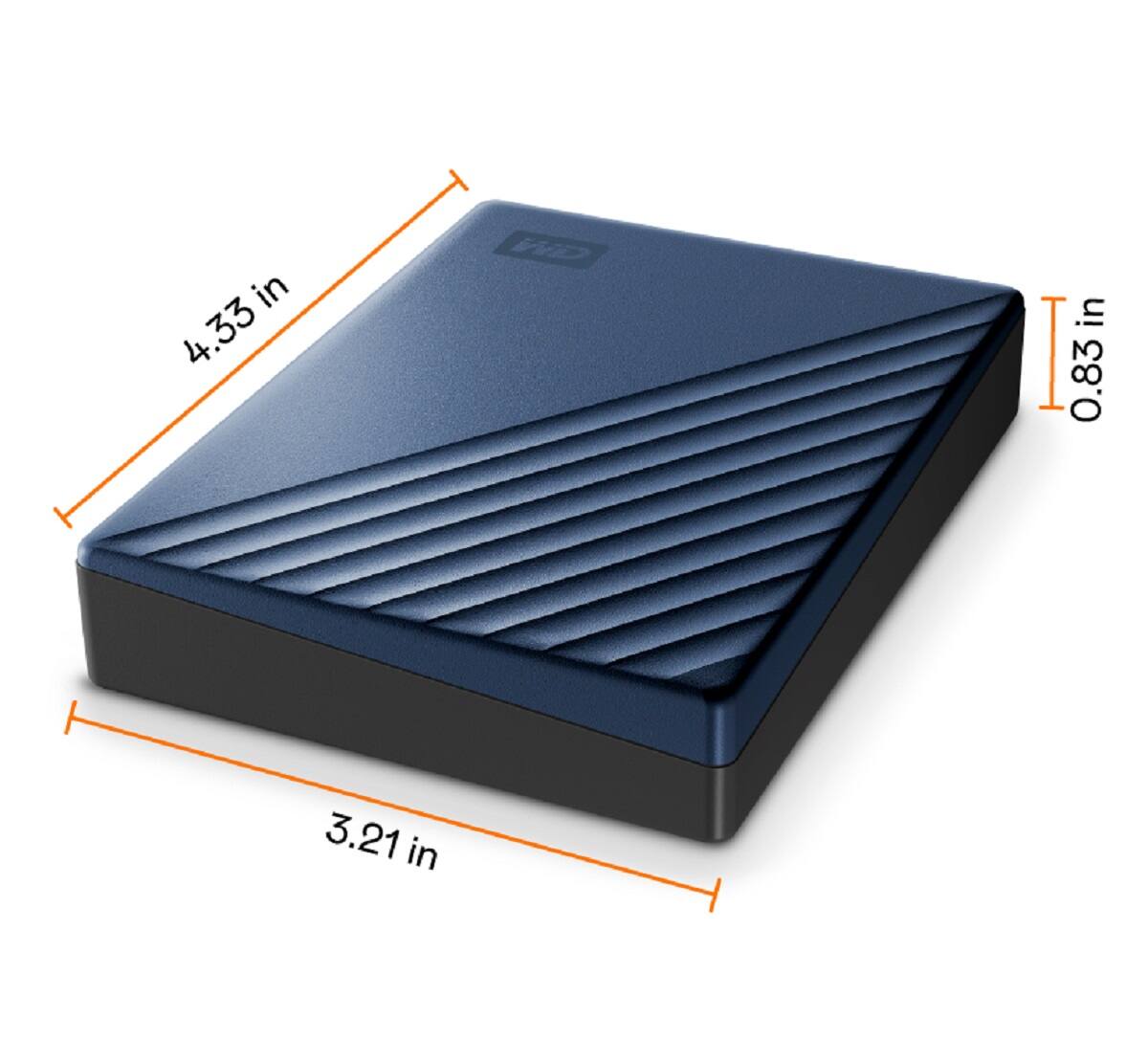
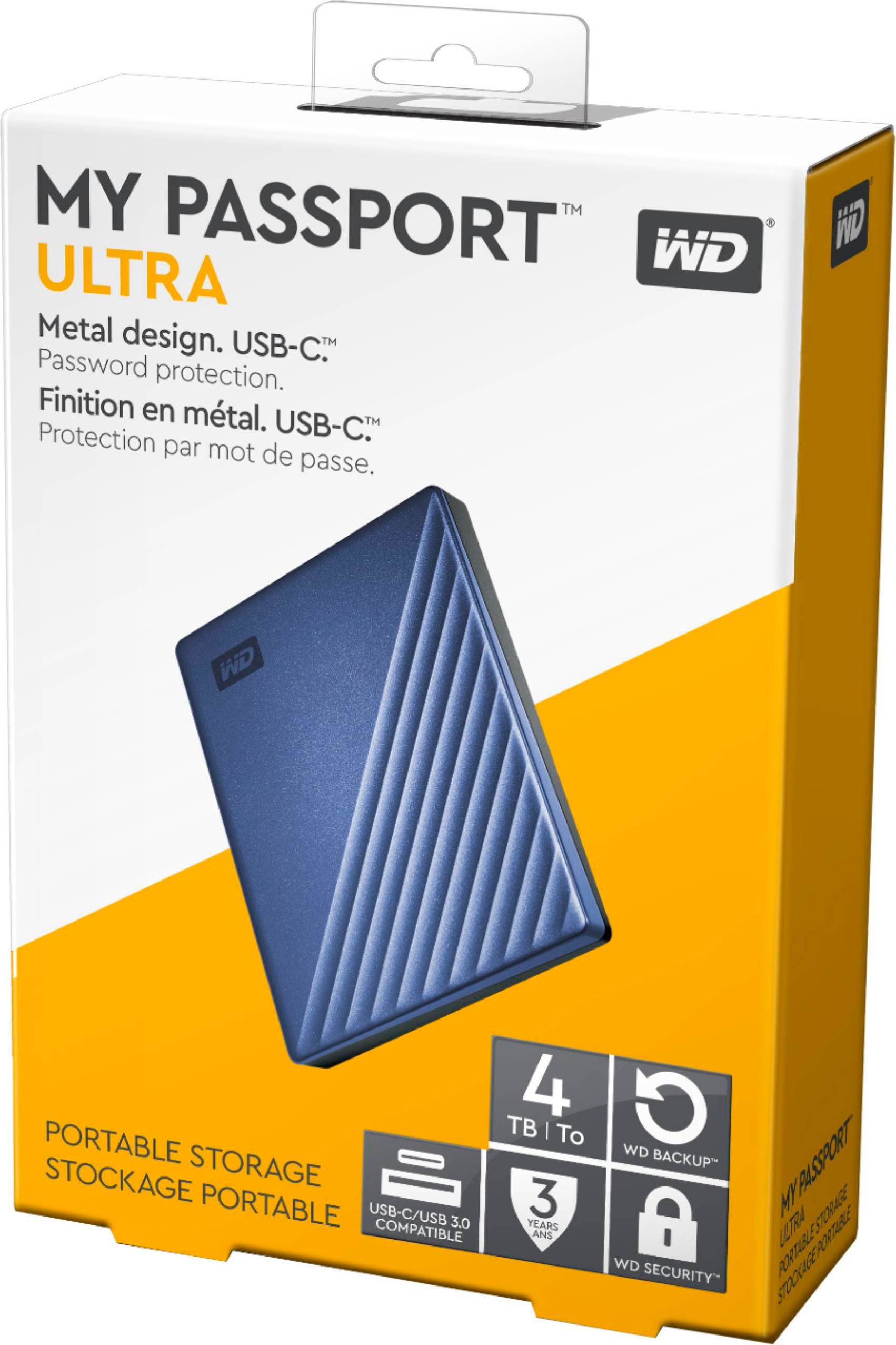
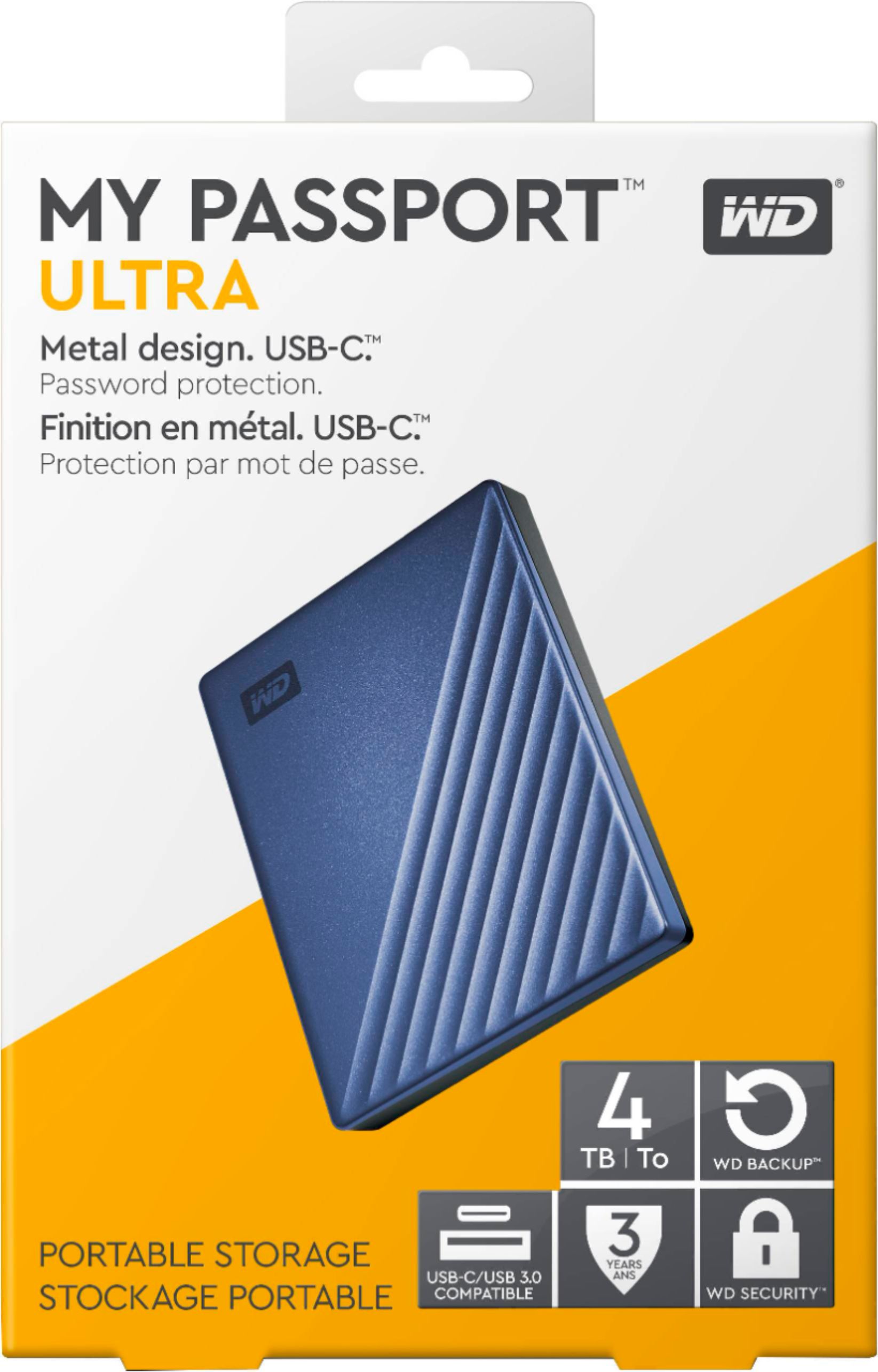
|Posted .This reviewer received promo considerations or sweepstakes entry for writing a review.The WD 'MY PASSPORT ULTRA" is a sleek looking 4 TB drive (also comes in 2 TB but I have the 4). It is just under 21 mm thick. It comes ready for USB-C and 3.0 with a small included adapter. I like that it comes with a limited 3 year warranty. If you have both a Mac and/or a PC, you can switch back and forth with no problem and back up all your data. The included software now works with several cloud-based storage, such as Google Drive or Dropbox. Additionally, you can encrypt your files with 256 bit AES Hardware Encryption. As a benchmark, I transferred an 18 GB file from my PC to the Passport with USB-C (3.0), and it took 2 min 37 seconds. It was BLAZING fast. Transferring back from the Passport to the PC was slightly quicker, at 2 min 33 seconds. Overall, extremely satisfied.
I would recommend this to a friendSeems good but need documentation!
||Posted . Owned for 1 month when reviewed.This reviewer received promo considerations or sweepstakes entry for writing a review.Seems like an excellent b product, but there was no documentation on how to set it up for use it. Online is no help.
No, I would not recommend this to a friendThought it would work but soon found out
||Posted . Owned for less than 1 week when reviewed.This reviewer received promo considerations or sweepstakes entry for writing a review.Extremely slow. Took like 4 hours to back up my system. I'm definitely returning for something better to suit my needs.
No, I would not recommend this to a friendHardware is Great, Software Unexceptional
|Posted .This reviewer received promo considerations or sweepstakes entry for writing a review.The WD My Passport Ultra 4TB drive is an excellent piece of hardware for backup and archival storage. Unfortunately the provided software doesn't really measure up, which is a shame. This is a commodity priced drive in a small, solid-feeling enclosure about the size of a double high 2.5" drive. The enclosure is sealed and appears very rugged. WD doesn't publish any specs on the actual hard drive itself, but it is pretty fast. It's a good choice for backup and archival secondary storage. The single connector is a USB-C connector that also powers the drive; no separate power brick. The supplied cable is a USB-C to USB-C cable with a USB-C-USB-A plug adapter. I tested the drive with Atto and it quickly peaked out at about ~115MB/sec write and ~130MB/sec read, with encryption on. In comparison, the internal 7200rpm SATA drive peaked at ~150MB/sec write and ~165MB/sec read with no encryption. Using file explorer to copy directories of photos, videos, and music yielded similar results. So, all things considered, performance is quite good for an external drive. Encryption requires a utility be installed to input the password for the encryption key and is currently available on Windows and IOS; Linux and Chrome users are currently out of luck. One very nice feature, the drive appears to be very low power for a performance drive; running it on my laptop didn't significantly shorten the battery life of the laptop. Very impressive. The supplied software was a distinct disappointment (NOTE: This is a windows only review, for IOS your mileage may vary). The WD Discovery program ran extremely slowly on both the desktop and laptop on which I installed it. It's really a system tray app manager, allowing you to access the utility, security, and backup apps. It took a long time to launch, and once launched, started the other apps sluggishly. The utility and security apps let you see the drive status, put it to sleep, set the key password, etc. The Backup utility was atrocious. The initial backup took almost 2hrs to complete, for a drive containing about 400GB. By contrast, a full backup using Acronis (my backup manager of choice) took about 35min backing up the same drive to the Ultra 4TB. The WD Backup utility can then be run on a scheduled basis, copying any new or modified files to a separate archive on the drive. I'll stick with Acronis. WD makes a older version of Acronis available for download (for free) and I recommend this over the supplied backup utility; it's far faster and more versatile. BTW., the backup utility is supposed to be able to back up some cloud stores, but it seems to have problems with the Facebook authentication protocols and fails. Hopefully that will get fixed soon. All in all, the hardware is a very solid drive that provides excellent performance with or without encryption. The supplied software was disappointing, but there are so many alternatives it really didn't detract much from the purchase. What with upgrading hardware, malware attacks, and simple laptop theft, the investment in this quality backup unit is well worth it.
I would recommend this to a friendBeware of incompatibility
||Posted .This reviewer received promo considerations or sweepstakes entry for writing a review.This unit will NOT function with older machines that have older USB or Windows XP OS's
No, I would not recommend this to a friendJunk.
||Posted . Owned for 10 months when reviewed.This reviewer received promo considerations or sweepstakes entry for writing a review.After less than a year of use, the internals failed. All our photos and videos are now locked in and we cannot retrieve them without paying someone to recover them. This is a well known problem with the drives and WD will just tell you "it has failed...get another one." Unfortunately, I didn't find out they were junk until it was too late.
No, I would not recommend this to a friend