Customer Ratings & Reviews


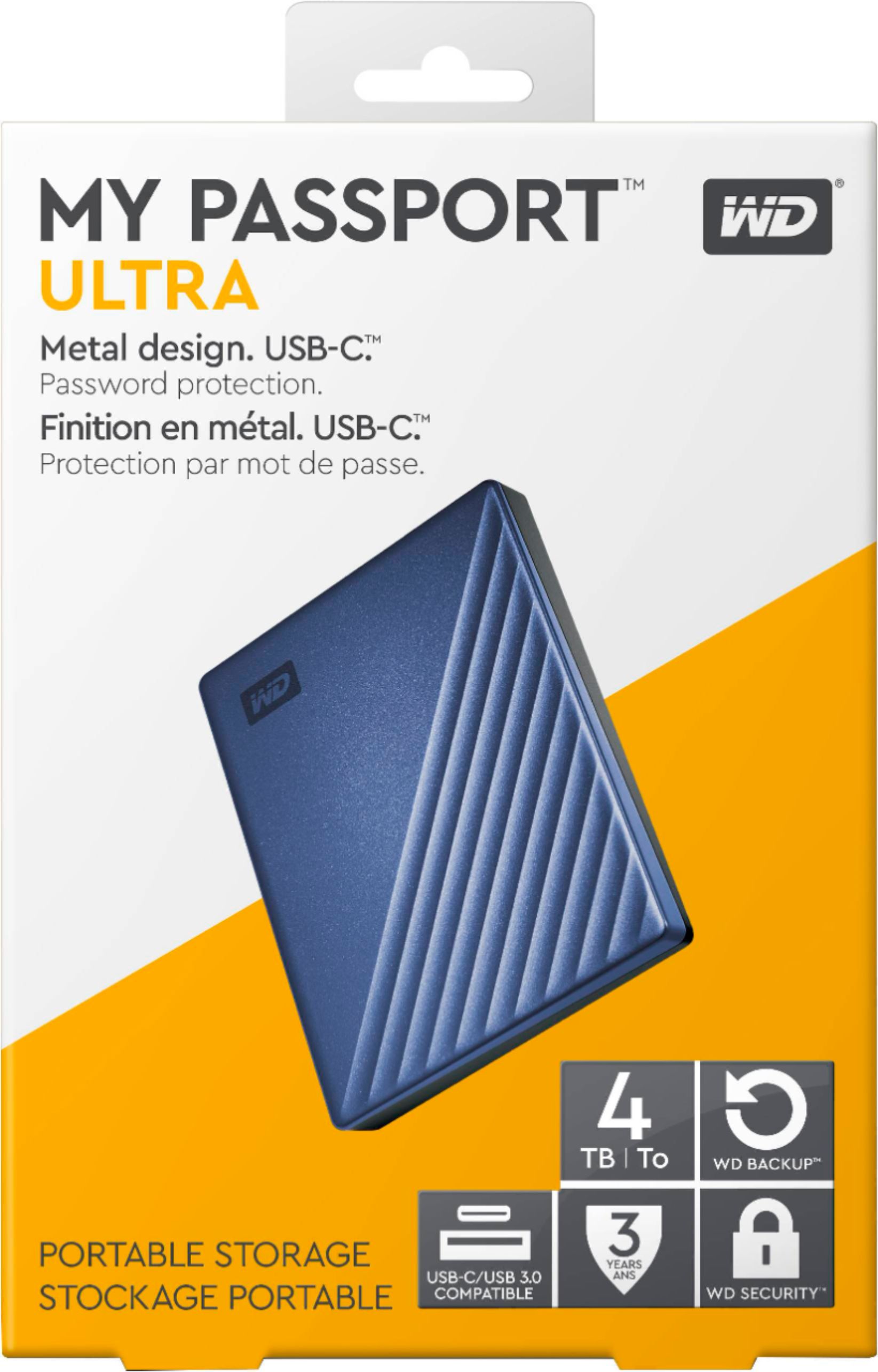

- Model:
- WDBFTM0040BBL-WESN
- SKU:
- 6290667
Rating by feature
- Value
Rating 4.6 out of 5 stars
- Quality
Rating 4.7 out of 5 stars
- Ease of Use
Rating 4.7 out of 5 stars
Customers are saying
Customers frequently mention the My Passport Ultra 4TB External Hard Drive's substantial storage capacity and ease of use. Many appreciate its reliability and compact size, making it suitable for travel. While the inclusion of USB-C compatibility is a plus for modern devices, some customers have expressed a desire for a longer cable and clearer instructions for the transfer software.
This summary was generated by AI based on customer reviews.
- Pros mentioned:Usb-c

Lot's of Storage in a Small Package
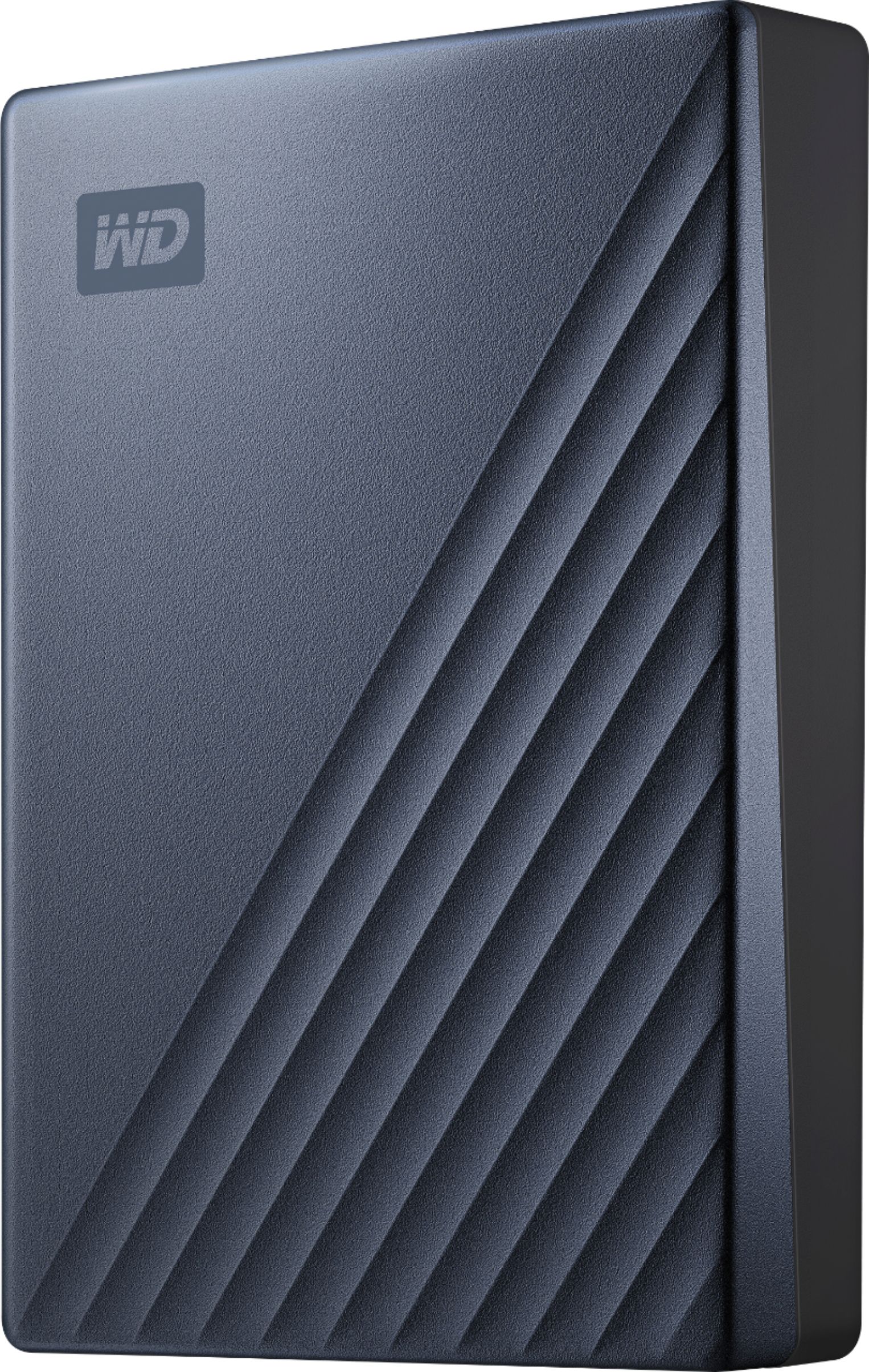
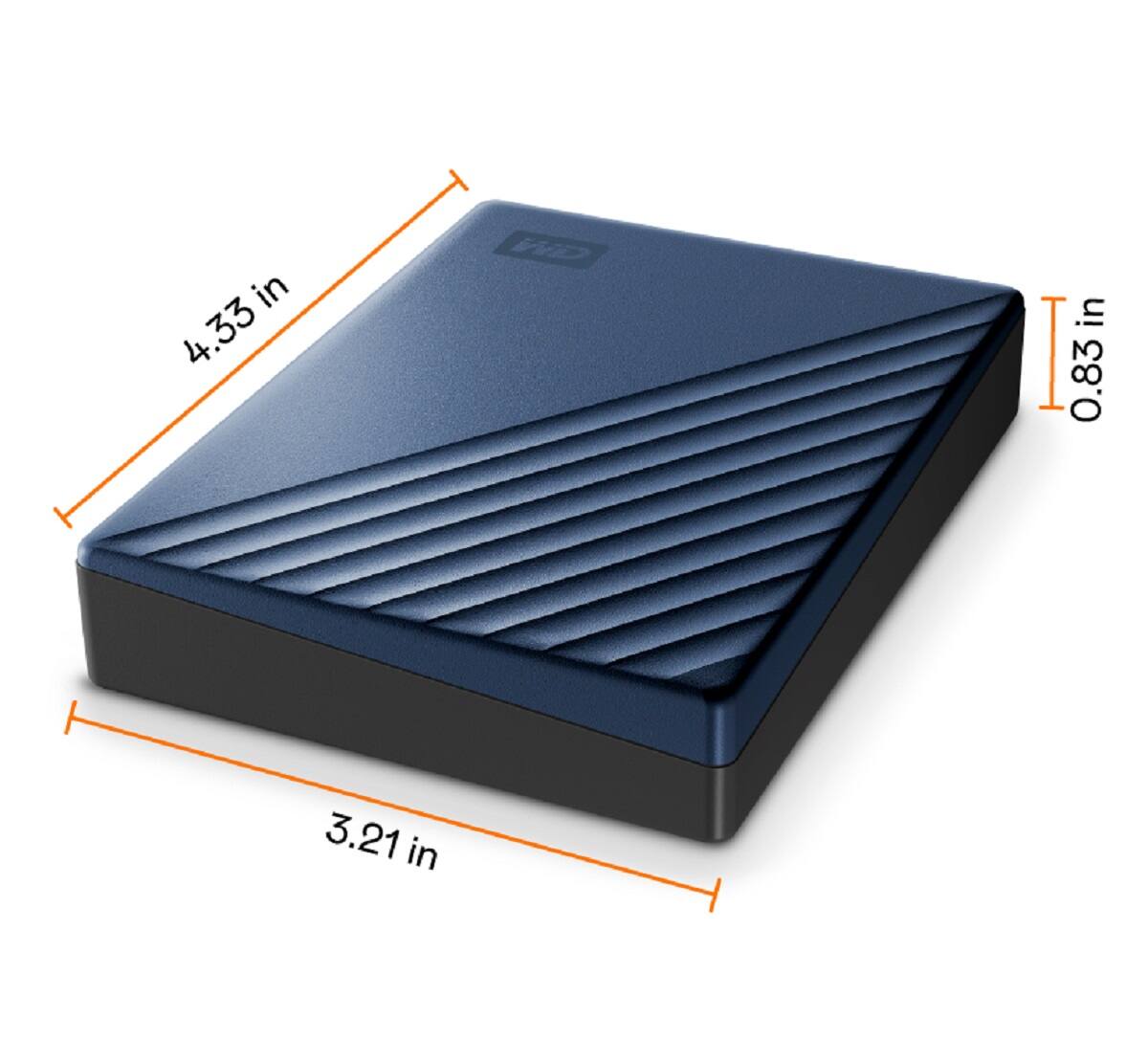
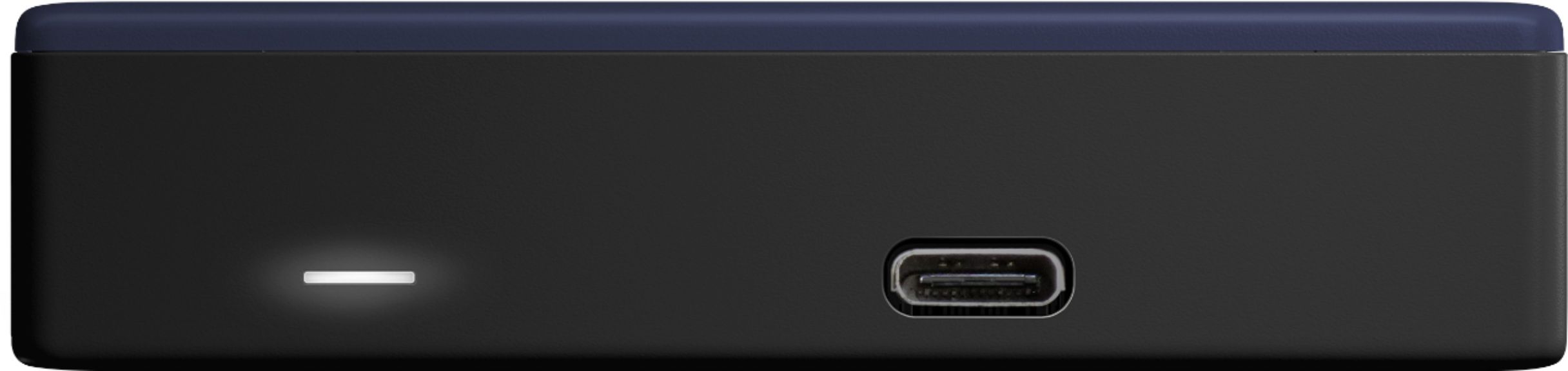
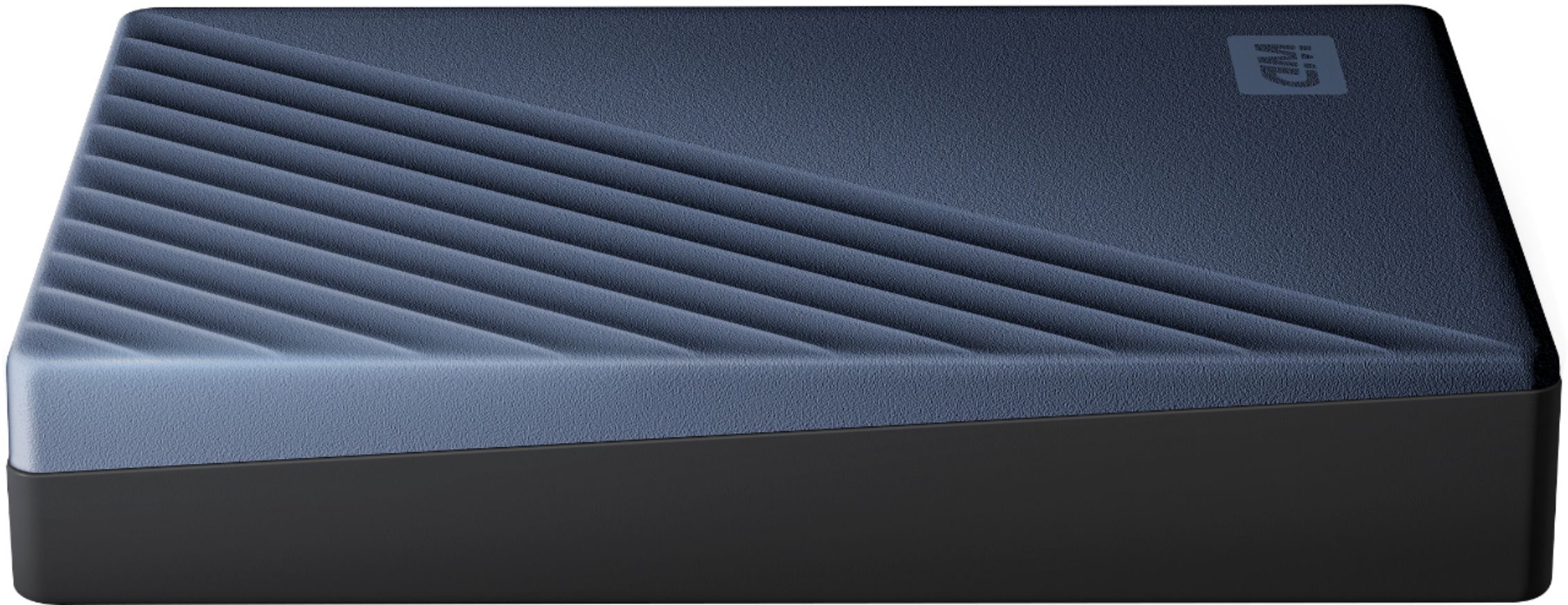
|Posted .This reviewer received promo considerations or sweepstakes entry for writing a review.When I go out to shoot photos with my 36 megapixel Nikon D800, I shoot a lot. So much that I have had to carry multiple 1 TB hard drives to transfer all my files so I can reuse my SD cards. Now with this 4TB portable, I can transfer thousands of photos and videos and still have room for whatever comes along. This drive is one of the first portables to come with the new USB-C jack so I can use it with my new PC laptop which only has USB-C or with my MacBook Pro (an older model) that only has USB 2.0 by using the cable with adapter plug that came with the drive. The drive is about 1/2 inch shorter but slightly thicker than my previous portable hard drives. Using the new USB-C interface, the transfer rate is much faster than before. The design of the drive, not that it matters to the functionality of the drive, is very modern looking with a very professional looking silver cover rather than just a solid black box. The drive came formatted in the NTFS format but since I use it for both my PC and Mac, I reformatted it to ExFAT so both OSes can read and write to it. The drive comes with software installed on it for both Mac and PC that will help you format the drives and turn on hardware encryption. If you plan on reformatting the drive, remember to copy the software to another drive before formatting this one or you will lose it (you can always download it from the WD website I suppose). Of course you could always us the drive for your desktop computers as well to backup your internal drives or just use it to store 1000's of photos, music, movies etc. and take them on the road with you for a long vacation. When I go out on a pro photo shoot, I always carry 2 drives with one backing up the other and carry one in my luggage and one in a pocket or in my car. Just in case something happens to one, I know I will always be able to come back with my valuable photos.
I would recommend this to a friend - Pros mentioned:Reliability
Fast drive but not perfect
|Posted .This reviewer received promo considerations or sweepstakes entry for writing a review.The drive itself is nice but security can be a concern in a multiuser environment. Read / Write speeds for me are only limited by the hardware it is connected to. 4K video plays instantly with no delay whether connected via USB 3.1 or 3.0. It also connects via USB 2.0 with no issues. The file transfer speeds are just slower at 2.0. The size and weight are reasonable considering it has a metal housing. My older Passport model was comparable to the size of a smartphone and could easily fit into a pocket. The new model is about twice as thick so that is no longer an option. But this new model has a much larger capacity and much faster performance. The drive comes with software that gives people the option of automatically unlocking the drive when they log into a computer. It says that it is limited to the specific user. However, once the drive is unlocked, there is no way to lock it without ejecting. If someone else logs into the machine while the drive is unlocked, they can access everything on the drive. This could be a major problem whether at home or work if multiple people log into the same computer. If only one person uses the machine, this is not an issue. And the auto unlock feature is pretty nice in that scenario. The drive would be automatically encrypted if stolen or connected to a different computer. But it works smoothly when connected to the proper machine. When it comes to ejecting, it sometimes gets finicky. My computer will insist that it is still in use which makes me wait longer or shutdown just to unplug the drive. It is not doing it as much now but it still happens from time to time even though nothing is running on the drive. For speeds, when connected via USB 3.1, it reads and writes files to my hard drive at about 120 MB/s. For USB 3.0 (on a different machine), I was able to achieve a max burst of 700 MB/s when transferring a 3.5 GB file to an SSD but also slowed down to around 120 MB/s average. It averaged around 30 MB/s when copying the same file to my mechanical drive and to another USB drive. Compared to my older model, I am happy with the enhanced performance. My only major frustration is the security issue requiring it to be unplugged in order to re-lock it.
I would recommend this to a friend Poor cable connection
||Posted .This reviewer received promo considerations or sweepstakes entry for writing a review.The cable to drive connection is flimsy at best. If you bump the cable even in the slightest, the drive connection is broken. Very poor connection, will not buy this USB-C version again.
No, I would not recommend this to a friendUltimate storage solution
|Posted .This reviewer received promo considerations or sweepstakes entry for writing a review.I usually stay away from the super huge external hard drives due to a bad experience I had a few years ago with a competing brand. Lets just say my whole music and movie collection was lost due to drive corruption. So now, years later I thought it would be best to make a backup of all of my important files that are spread across multiple drives. 4TB is more than I can fathom filling any time soon. But, it's good to know that it's there to expand to. Now, the best part of this drive is that it is USB-C (backwards compatible as well, so don't worry). I was blown away by the speeds in which my files transferred. While I didn't run any metrics, it was like night and day compared to any external hard drives I have used in the past. The form factor is very sleek (and as those of us down south say, it sure is purty!). It is literally a little bigger than my wallet. Therefore, it will easily fit in a backpack, briefcase or purse. I feel a ton more confident in this drive in its longevity. The key is to always have a backup! And this drive is the perfect one to backup ALL your devices to!!
I would recommend this to a frienddont buy
||Posted . Owned for 1 year when reviewed.This reviewer received promo considerations or sweepstakes entry for writing a review.stop working suddenly , fatal hardware error .....
No, I would not recommend this to a friendEnd up returning it
||Posted .This reviewer received promo considerations or sweepstakes entry for writing a review.This item was recommended to me saying that's very good but unfortunately it did not work when I plugged it in, ending up returning it and getting a different kind
No, I would not recommend this to a friendNot easy!
||Posted . Owned for 3 weeks when reviewed.This reviewer received promo considerations or sweepstakes entry for writing a review.Was told it was easy to use. Still can’t get it to function right. Haven’t taken time to concentrate on it but it is not as easy as “just plug it in”.
No, I would not recommend this to a friendSolid Drive with Future Proofed Port
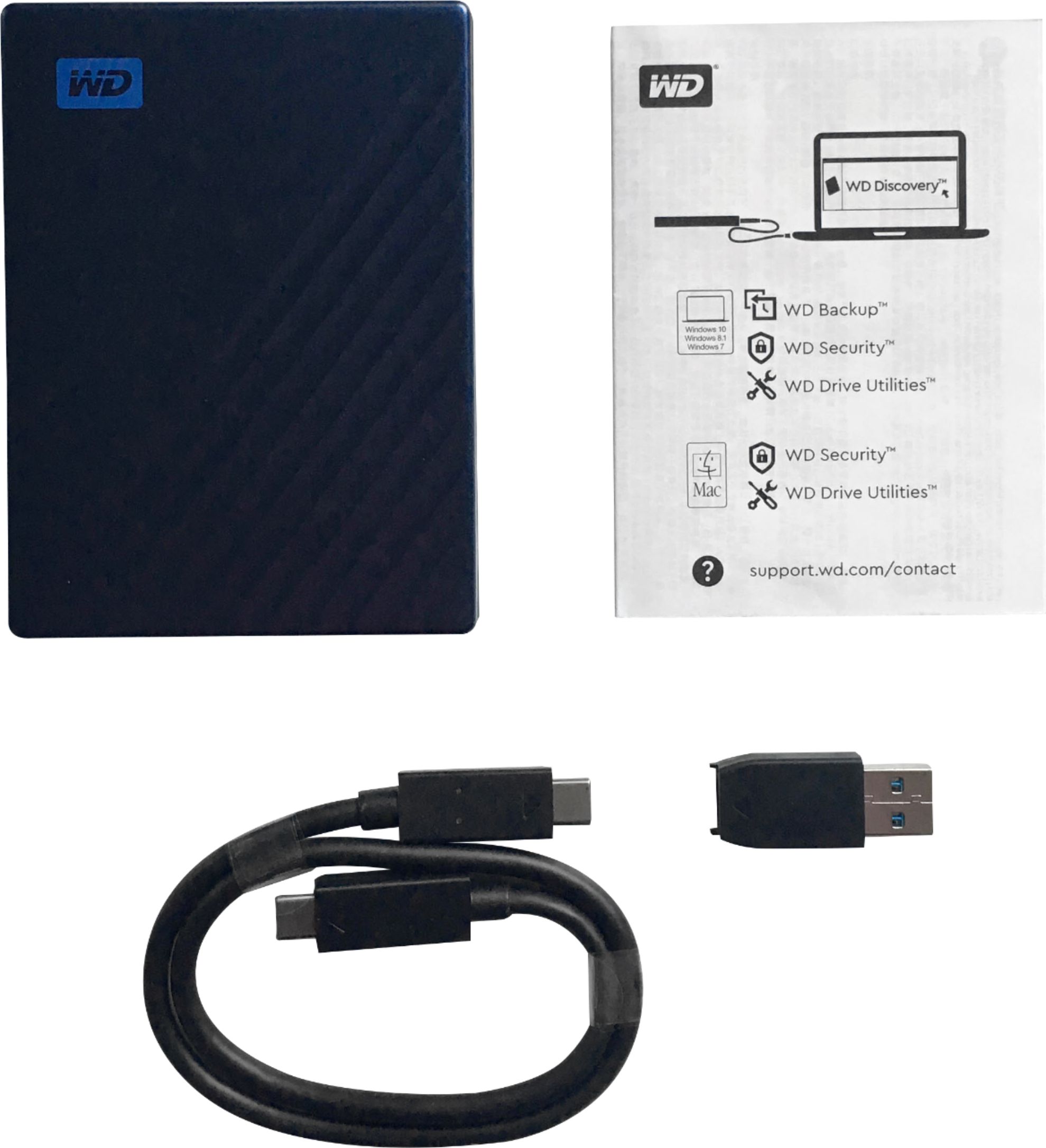
|Posted .This reviewer received promo considerations or sweepstakes entry for writing a review.I got this drive to back up a Seagate 4 TB external HDD. I haven't had the best luck with WD externals in the past (3 others I purchased all crashed within days of purchase), but I thought I'd give this one a shot. I haven't speed tested it or anything, but for my purposes, it works really well. It transferred about 3.5 TB of content from the original Seagate USB 3.0 external HDD to the WD in about 8-12 hours (I was away from the system when it completed download, so I can't say when it completed for sure). Aside from transfer speeds, I like that the included cable comes with a USB type-B adapter. What's more, the adapter has two notches that line up to two grooves on the cable, this helps to lock the adapter into place so it doesn't fall off when you disconnect the cable from the computer. It's a small touch, but one that I appreciate a lot. Overall, great HDD!
I would recommend this to a friendGood overall with a few weaknesses
|Posted .This reviewer received promo considerations or sweepstakes entry for writing a review.I acquired the WD My Passport Ultra 4TB external hard drive simply to have another backup storage device. I already have a 2 TB WD Elements Desktop WDBAAU0020HBK Hard drive and a 1 TB My Passport portable drive. But I say it never hurts to have redundant backups. As a side note, the variety of names of WD's drives really slays me. The name on the box and drive itself, WD My Passport Ultra, does not tell the full story. When I used "Safely Remove Hardware and Eject Media" feature of Windows 10 to disconnect the drive, this program gave me the option to eject the "My Passport 260D," So I looked that up on the WD website and found that there are four versions of the My Passport Ultra with USB C connections: the 260D, 260E, 2605, and 2606. Who knows what the differences are. The site did not explain. I was particularly interested in two features of the newer Passport Ultra (besides its huge capacity). One is that it uses a USB 3.1 Type C interface (although it comes with a Type A adapter) supporting transfer rates of up to 10 GB per second. I thought this would be a perfect match with my laptop, which has a Thunderbolt Type C port (rated up to 40 GB per second). Second, the accompanying software includes easy importing from online sources such as Facebook, OneDrive, DropBox, and Google Drive. Backing up Facebook with one click was a major draw for me. Now, I normally prefer to back up my files in a rather old-school fashion, using a script containing commands such as: xcopy C:\Download\*.* E:\Filesbak\Download\ /E/V/S/D/Y/Z This good old DOS-based xcopy command, if working correctly, should copy all of the files from my Download folder to the location I specify on the external drive that I labeled E:\. But only if a file with the same name as an existing file is a newer version. That's what I want. I don't like keeping tons of multiple versions of my files in storage. The trouble is, after working for years, for some reason the xcopy command no longer checked to see if files with the same name were different. It insisted on copying all the files in the specified folder, even those that were identical. What a waste of time. So I was interested in checking out the backup software that came with the WD Passport Ultra. The written instructions that came with the drive were typical. One tiny paragraph explaining where to find PDF versions of the manual and how to register online, followed by a huge section on "binding individual arbitration and class action waiver agreement," safety, and other legal matters. In 24 languages. Fortunately, the installer for the important software, WD Discovery, was already on the drive. The software was both easy to install and intuitive to use, although I did download the manual to check on a couple of issues. Then, I downloaded the WD Backup program from a link on WD Discover and set up my first backup, selecting 185 GB worth of files from my solid state hard drive. Obviously, with all the steps necessary in backing up files, a USB 3.1 theoretical transfer rate of 10 GB/sec does not mean that the files will be backed up in 20 seconds, or even 20 minutes. I was not prepared, however, for how long this initial backup would take: 1 hour and 28 minutes. Curious about the transfer rate, I downloaded and ran the ATTO Disk Benchmark program, testing transfer rates from files sized from 512 bytes to 64 MB. The results showed an increase in speed until the 32 KB size, at which the rate plateaued at about 109 MB/sec. So that is the realistic transfer rate. You can set the backing up frequency to just about anything you want, so I set mine for a weekly backup. Because the future backups will include only new and revised files, the process should not be lengthy like the initial backup. One thing I did not like was that the backed up files were in a format that was not directly readable. For example, there is no possibility of browsing to a backed up PDF file and opening it with Adobe Acrobat. To read any files, they must be restored first. Furthermore, one can not restore a single file, only a folder full of files. I tried the process, and it was not difficult. You can restore the files to their original location or any location of your choosing. I restored a couple of folders to my desktop, and all of the files in them were readable and fine. As for the importing of files from online sources, I immediately ran into a problem trying to back up Facebook. My attempt resulting in the following message: "Facebook has detected WD Discovery isn't using a secure connection to transfer information. Until WD Discovery updates its security settings, you won't be able to use Facebook to log into it." I then scoured the user's manual, the WD help pages, and the entire Internet for a solution to the problem. Nothing. I email Western Digital and am still waiting to hear back from them. On the positive side, imports from Google Drive, Dropbox, and OneDrive ran almost flawlessly. I got "Import Complete" messages from Google Drive and Dropbox, and when I browsed to the folders where I asked for the import, all the files were there and readable. However, with OneDrive I got the following message: "Import failed. Files imported 130 of 131" and it gave me the name of the file that failed to import. It was just a short text file and I have no idea why it was not backed up. So, it looks like this hard drive and its associated backup software are not perfect. But is that ever the case? The disk and software worked well enough and look like they will serve me well.
I would recommend this to a friend- Pros mentioned:Size, Storage capacity
Great HD in Small Size
|Posted .This reviewer received promo considerations or sweepstakes entry for writing a review.This is a great little hard drive. I wiped it and reformatted using the Mac OS Extended format and it works perfectly. This one hard drive takes up less room and gives me more space than 4 of my other external drives. What a time/space saver!
I would recommend this to a friend Died on me after 6 months
||Posted . Owned for 5 months when reviewed.This reviewer received promo considerations or sweepstakes entry for writing a review.This died on me after 6 months. I can’t recover anything unless I pay thousands of dollars.
No, I would not recommend this to a friendnot bad; still good
||Posted .This reviewer received promo considerations or sweepstakes entry for writing a review.I wish it could have been smaller so it will be more convenient to bring anywhere else. It is too pricey. still good.
I would recommend this to a friend- Pros mentioned:Ease of use
Easy to use
Posted .This reviewer received promo considerations or sweepstakes entry for writing a review.Love it, easy to install. For Mac is excelent. And cheap price.
I would recommend this to a friend DOA
||Posted . Owned for 2 weeks when reviewed.This reviewer received promo considerations or sweepstakes entry for writing a review.Didn’t work, my PC would not recognize it when I plugged it in. Best Buy did refund my money though.
No, I would not recommend this to a friendNot even worthy of 1/2 star
||Posted . Owned for 3 weeks when reviewed.This reviewer received promo considerations or sweepstakes entry for writing a review.dropped it once...data is unretrievable...piece of garbage! want a refund!
No, I would not recommend this to a friendexternal passport
||Posted . Owned for 1 month when reviewed.This reviewer received promo considerations or sweepstakes entry for writing a review.I couldn't get mine to work with my apple laptop so it was a waste of money
No, I would not recommend this to a friendAbsolute dog poop
||Posted . Owned for 3 months when reviewed.This reviewer received promo considerations or sweepstakes entry for writing a review.Slow. Unreliable. Basically unusable in a professional atmosphere.
No, I would not recommend this to a friend- Pros mentioned:Ease of use, Storage capacity
Thicc storage
Posted .This reviewer received promo considerations or sweepstakes entry for writing a review.Lots of storage, nice to have it being portable and usable outside
I would recommend this to a friend - Pros mentioned:Size
The software sets it apart
|Posted .This reviewer received promo considerations or sweepstakes entry for writing a review.I have used other WD external drives for backing up my computer. This small (in size) portable drive comes with much improved backup software. It even recognized my WD Book that was connected, so I can see the last backup and the capacity left on both drives with one click. I use the Passport Ultra for my pictures and the Book for all my other files. They are quiet and the backups seem intact when I check them.
I would recommend this to a friend - Pros mentioned:Usb-c
Great drive, works as advertised
|Posted .This reviewer received promo considerations or sweepstakes entry for writing a review.This drive comes with the USB-C cable and the WD Backup application that allows for a cloud based back-up. Drive connected to my laptop with no issues, the software installation started on its own and completed. The speed feels satisfatory without any noticeable delays.
I would recommend this to a friend