Best Lavalier Mic iPhone
-
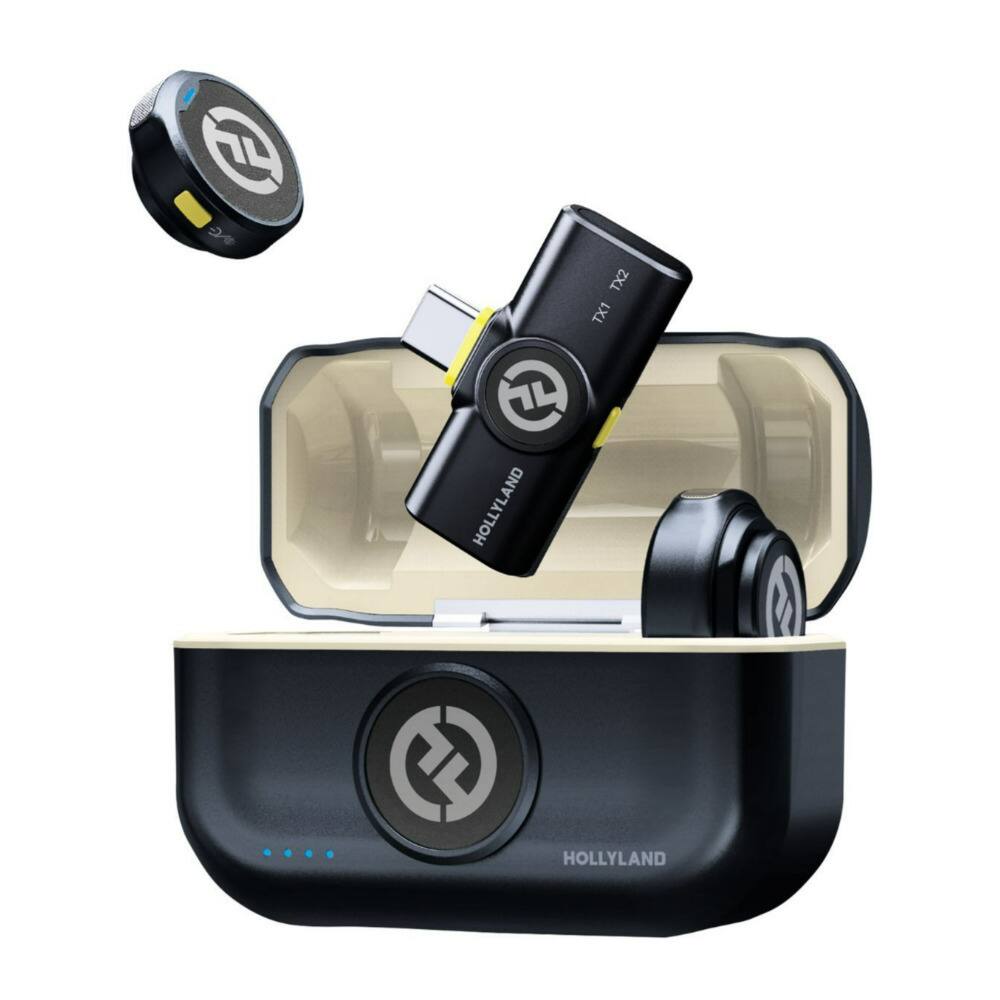
HOLLYLAND - LARK M2S Combo (Space Gray, Camera RX + USB-C RX + USB-C to Lightning Cable) Wireless Microphone System - Black
SKU: JJ8Y39Q674See all Bluetooth & Wireless SpeakersProduct Description
A wireless microphone system in space gray with a durable titanium clip-on design for secure, comfortable use.Your price for this item is $114.00 -
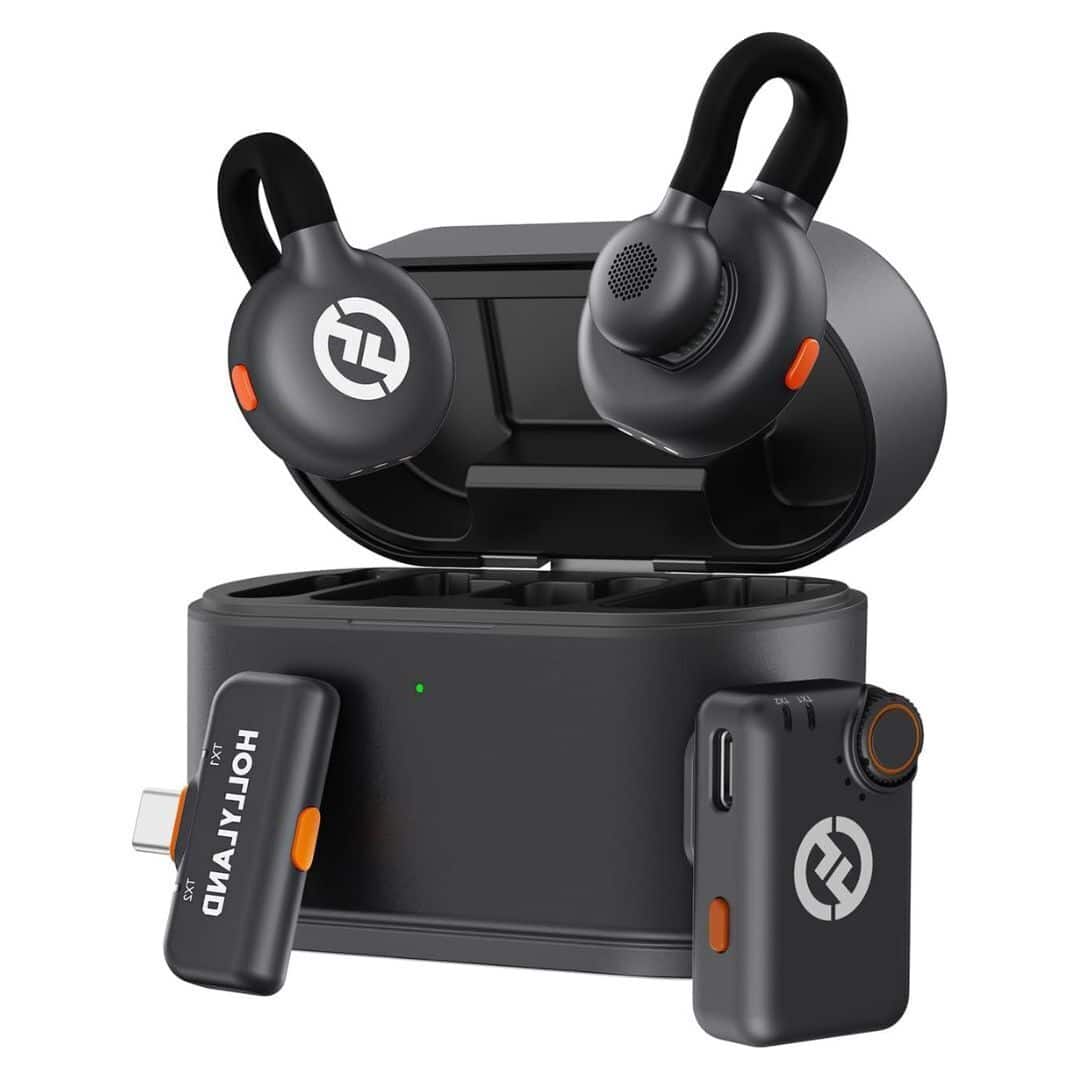
HOLLYLAND - LARK M2 DUO 2-Person Wireless Microphone System with USB-C Connector (2.4 GHz, Shine Charcoal) - Black
SKU: JJ8Y39QL6SSee all Bluetooth & Wireless SpeakersProduct Description
A lightweight black wireless microphone system delivering lossless sound and 1,000-foot range for two users.Your price for this item is $76.00Save $13The previous price was $89.30 -
HOLLYLAND - LARK M2S Mini Combo (Space Gray, Camera RX + USB-C RX) Wireless Microphone System - Black
SKU: JJ8Y39Q974See all Bluetooth & Wireless SpeakersProduct Description
A discreet, space gray wireless microphone system with adjustable noise cancellation, ideal for streaming and presentations.Your price for this item is $98.10Save $13The previous price was $111.99 -
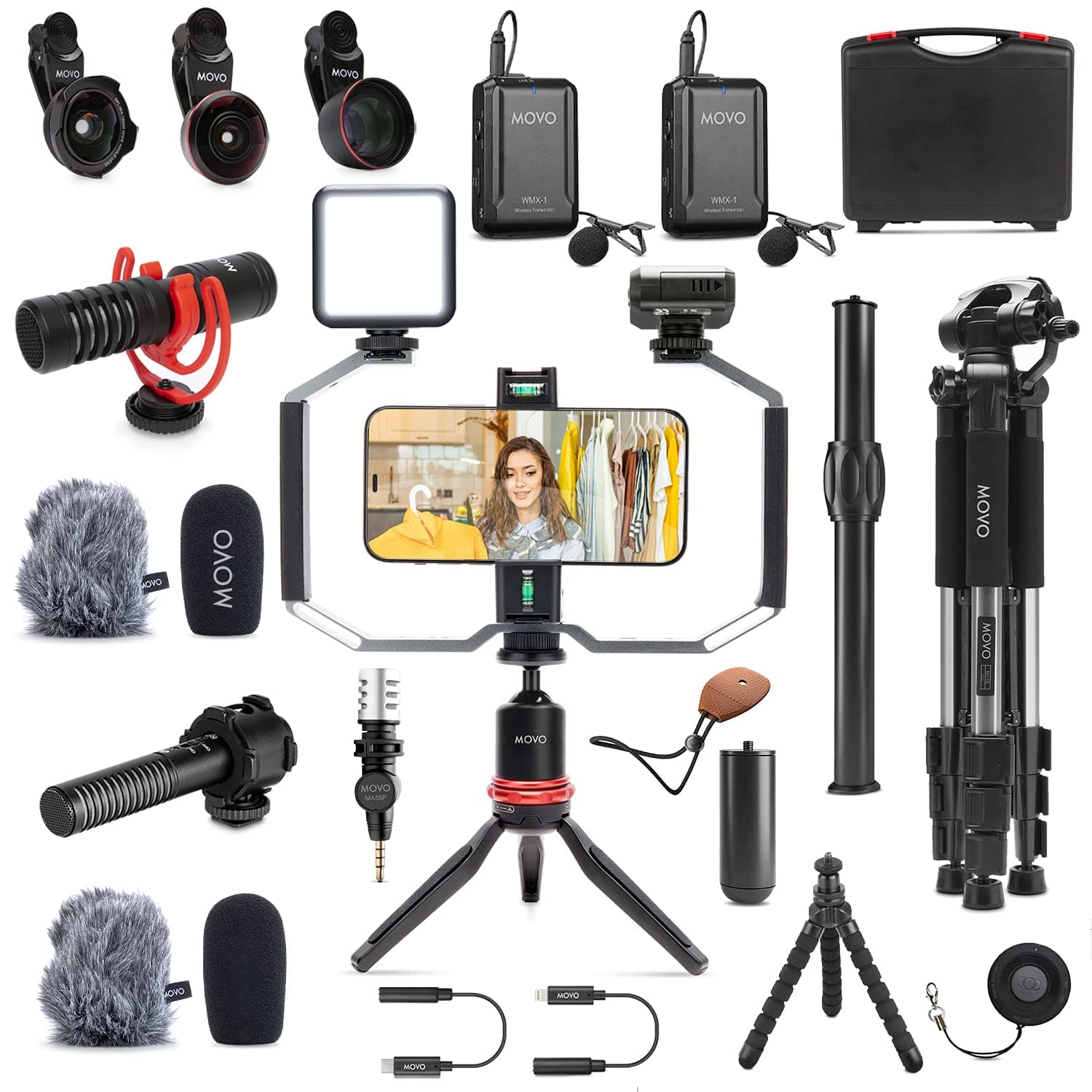
MOVO - iVlog5 Director’s - Lightning Compatible YouTube Starter Kit - Accessories: Tripod, Phone Stand, Lens, Mics
SKU: J3LVLQ39RYSee all Vlogging KitsProduct Description
A comprehensive vlogging kit featuring multiple microphones, tripods, lighting, lens adapters, and a hard-shell case.Your price for this item is $499.95 -
DJI - Mic 2 (1 TX, Platinum White)
SKU: CZ9GHL5X36See all Open-Ear HeadphonesProduct Description
A wireless platinum white clip-on mic offering 6-hour battery, noise cancelling, and crystal-clear audio.Your price for this item is $68.53Save $30The previous price was $99.00 -
HOLLYLAND - LARK M2 Duo Wireless Microphone System with Lightning Plug (Shine Charcoal) - Black
SKU: JJ8Y39Q842See all Bluetooth & Wireless SpeakersProduct Description
A lightweight black wireless lavalier microphone system delivering lossless sound and up to 1,000-foot range.Your price for this item is $85.00Save $3The previous price was $88.00 -
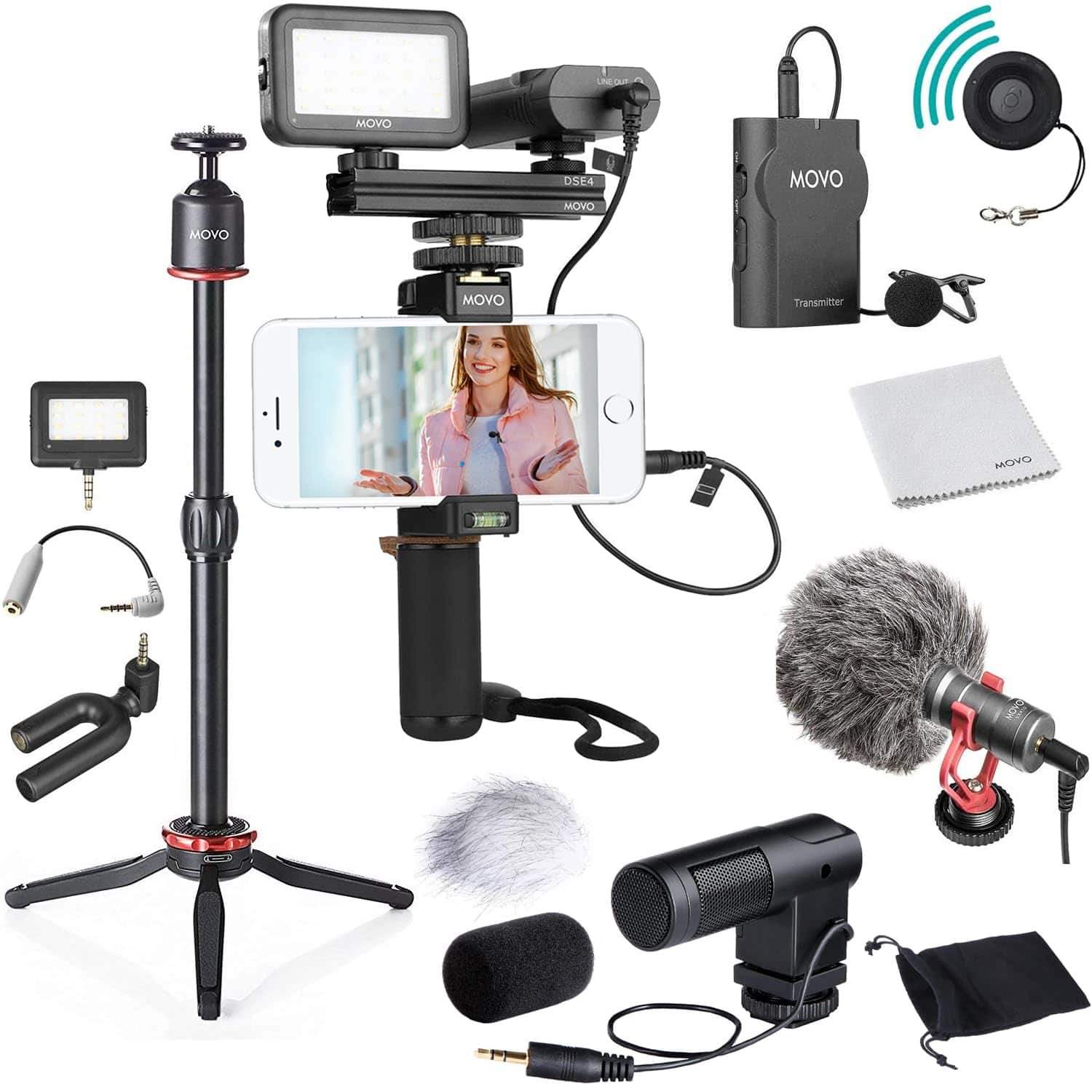
MOVO - V8 Huge Vlogging Kit for iPhone with Tripod, Grip, Microphones, LED Lights, and Wireless Remote Vlog
SKU: J3LVLQ3YJGSee all Vlogging KitsProduct Description
A complete smartphone video kit featuring multiple microphones, LED lights, tripod, grip, and wireless remote.Your price for this item is $299.95 -
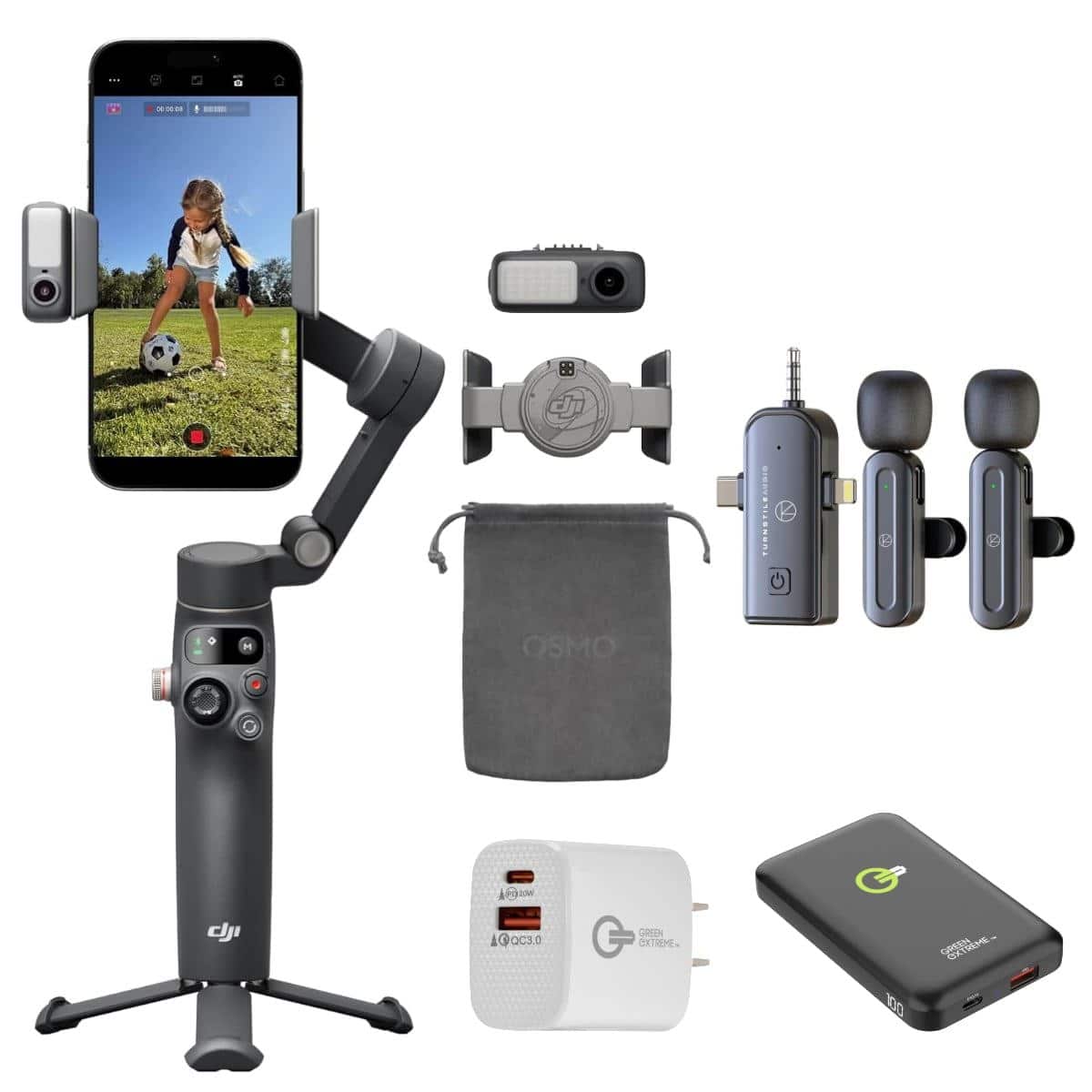
DJI - Osmo Mobile 8 Smartphone Gimbal, w/Lav Mic, Power Bank Wall Charger
SKU: JJ89LHR954See all Cell Phone Tripods & MountsProduct Description
A plastic smartphone gimbal with 3-axis stabilization, 360° rotation, intelligent tracking, fill light, and audio capture.Your price for this item is $179.99Save $20The previous price was $199.99



Best Sellers



Related Pages


FAQ
Check whether your iPhone has a USB-C or Lightning port, then choose a lavalier microphone or receiver with a compatible connection. A wired microphone with a 3.5mm plug may require an adapter that supports microphone input; a headphone-only adapter will not work for recording.
A wired lavalier microphone connects to your iPhone through a cable, sometimes with an adapter. A wireless system typically uses a clip-on microphone or transmitter that sends audio to a receiver connected to your phone. Wireless transmitters generally require charging or batteries, while power requirements for wired microphones vary.
Compatibility depends on the microphone, its connection, and the app. Some camera, voice-recording, livestreaming, and video apps accept external microphone input automatically, while others offer an audio-input setting. Check the app’s external audio support before choosing a microphone.
Some wireless lavalier systems support two transmitters connected to a single receiver. Depending on the system and recording app, the voices may be combined into one audio track or recorded on separate channels. Look for dual-transmitter support and confirm the available recording modes.
Depending on your recording setup, consider controls such as microphone mute, adjustable input gain, and headphone monitoring. Some wireless systems also offer battery indicators and onboard recording. Available controls vary, and certain settings may be managed through a companion app rather than on the microphone itself.