Best Microphone
The best microphone for you depends on whether you’re recording music, streaming, or joining video calls. Browse microphones with your setup in mind, comparing connection types, pickup patterns, and device compatibility. Consider where you’ll record and whether you need to capture sound from one direction or several to help narrow your options.
What to look for in a microphone
Finding the best microphone for your setup starts with matching its connection, pickup pattern, sound characteristics, and features to how you plan to use it.
1. Intended Use
2. Connection and Compatibility
3. Pickup Pattern
4. Sound and Setup Features
-
1
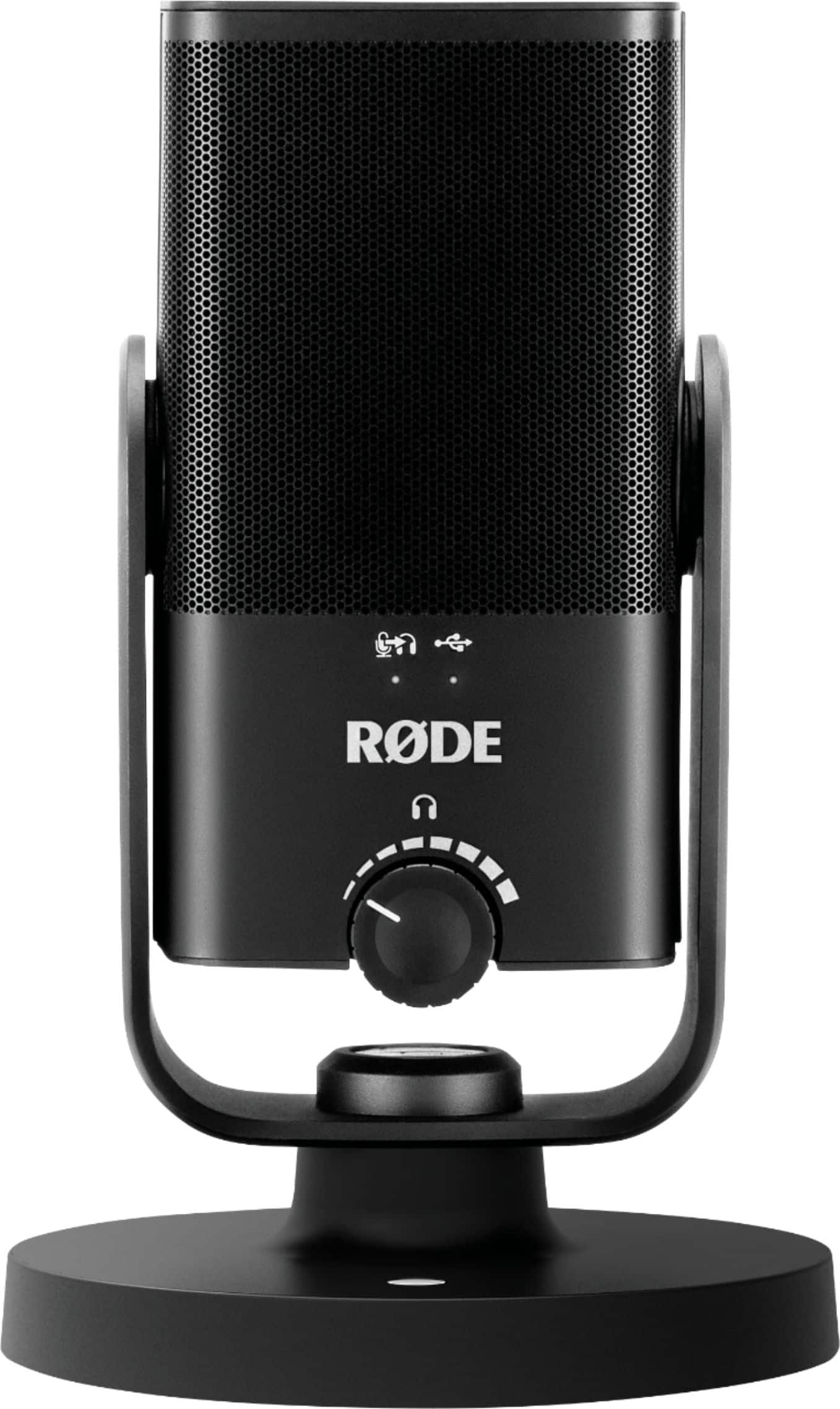
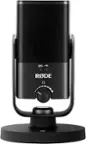
RØDE - NT-USB MINI Studio-Quality USB Microphone - Black
About this product
A compact black USB microphone delivering studio-quality sound with built-in pop filter and zero-latency monitoring.
What customers like
(68)$109.99 Your price for this item is $109.99 -
2
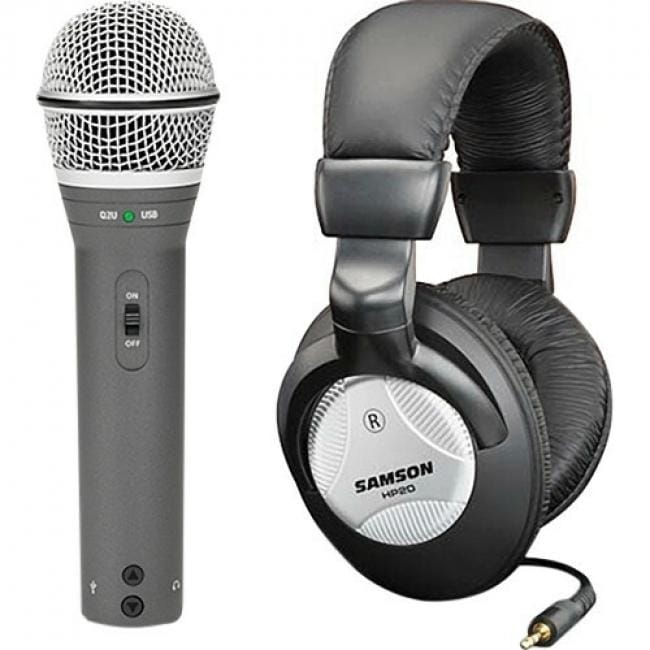
Samson - Q2U Rugged Wired Dynamic Microphone - Gray - 6.56 ft - Mono - 50 Hz to 15 kHz - 32 Ohm -54 dB - Cardioid
About this product
A rugged gray cardioid dynamic microphone with XLR, mini USB, and mini-phone connectivity for versatile recording.
(0)$99.99 Your price for this item is $99.99 -
3
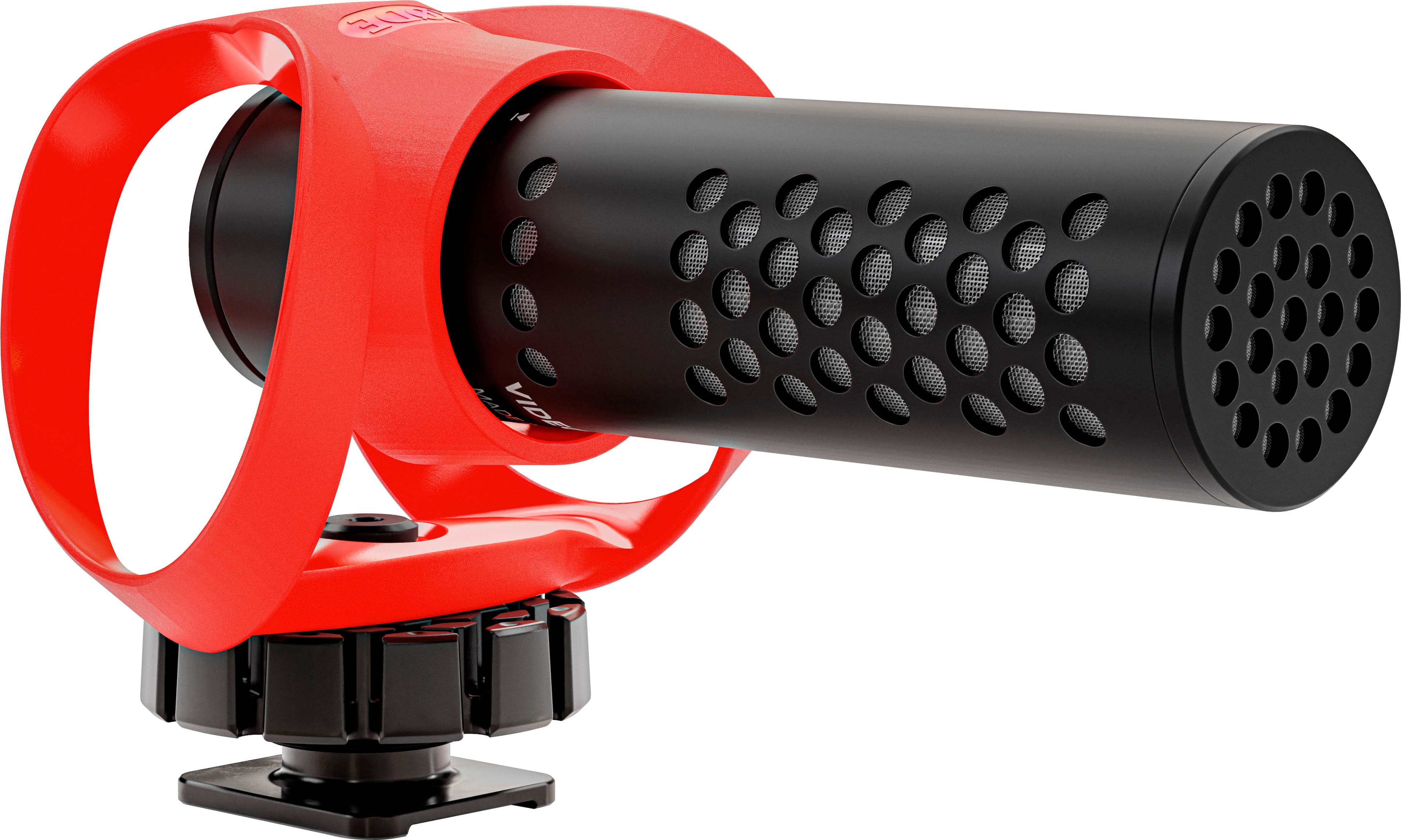
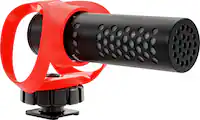
RØDE - VideoMicro II Wired Supercardioid Shotgun Microphone - Black
About this product
A compact black supercardioid shotgun microphone with rugged all-metal construction and advanced HELIX isolation mount.
What customers like
(74)$89.99 Your price for this item is $89.99 -
4

Pyle - In Ear Back Electret Microphone -
About this product
An in-ear electret microphone delivering clear, high-fidelity audio for hands-free performances and presentations.
(0)$31.99 Your price for this item is $31.99 -
5
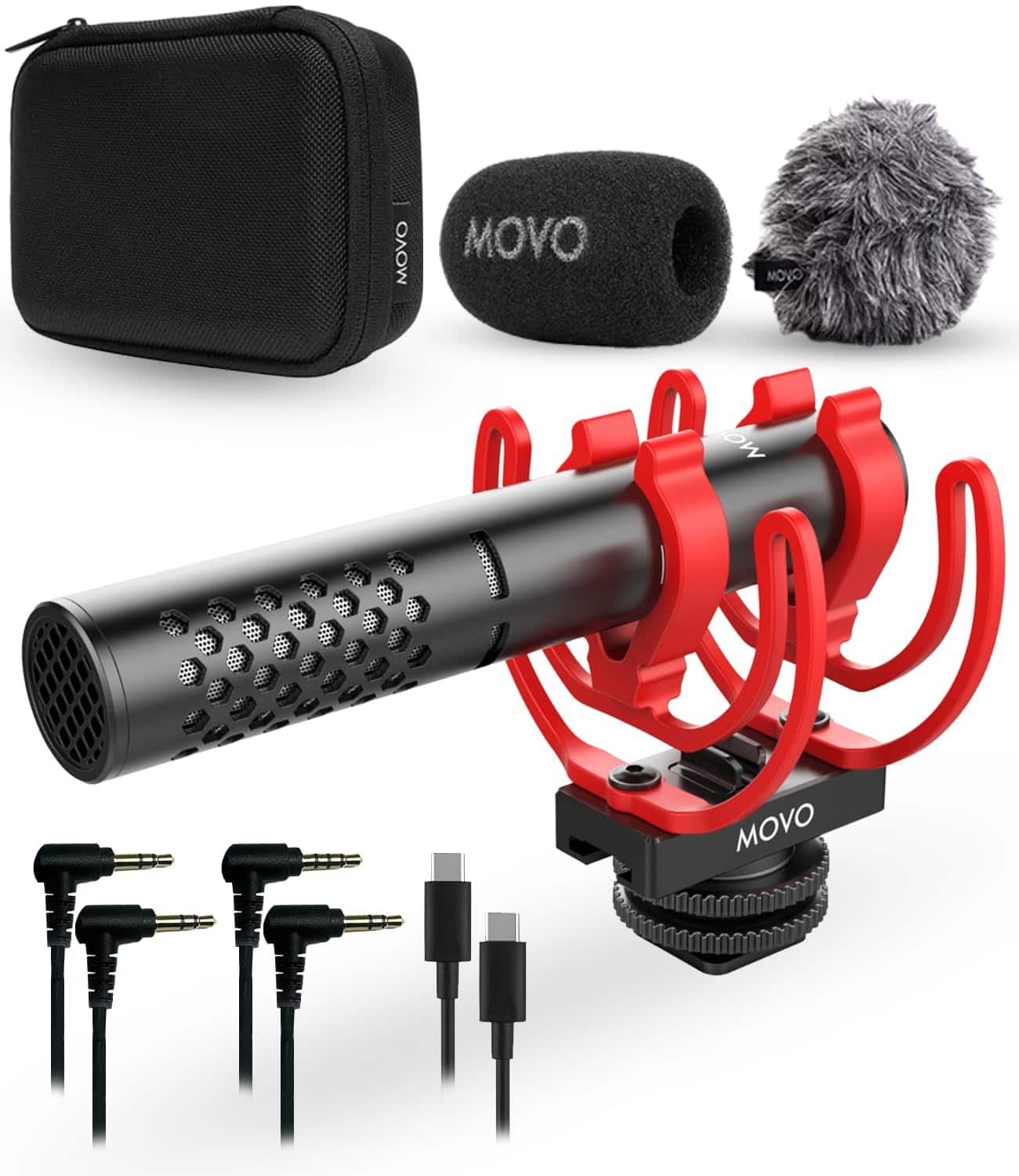
MOVO - X1-Mini Video Shotgun Mic for Camera - Supercardioid 3.5mm/USB-C Analog/Digital Camera Microphone for DSLR, iPhone
About this product
A durable aluminum supercardioid microphone capturing high-fidelity audio for cameras, smartphones, and computers.
(1)$69.95 Your price for this item is $69.95
Best Microphone
FAQs
Common microphone types include dynamic, condenser and ribbon microphones. These categories describe how a microphone converts sound into an electrical signal. When choosing a microphone, also consider its connection type, pickup pattern and power requirements.
USB microphones include built-in audio conversion and connect to a compatible device through USB. XLR microphones use an XLR connection and typically connect to a mixer or audio interface. For computer recording, an XLR setup generally requires an audio interface to convert the microphone’s analog signal into digital audio.
A pickup pattern describes the directions from which a microphone captures sound. Cardioid microphones primarily capture sound from the front, omnidirectional microphones capture sound from all directions, and bidirectional microphones capture sound from the front and back. Some microphones offer selectable pickup patterns.
Check your device’s available ports, operating system requirements and recording app support. Depending on the microphone and device, you may need an adapter, an audio interface or a particular cable. For XLR microphones, also check the microphone’s power requirements and the available inputs on your mixer or audio interface.
Gain adjusts the microphone signal level, while mute switches the microphone’s audio output off. On microphones with a headphone connection, headphone volume controls the listening level. Some models also have a mix control that adjusts the balance between live microphone monitoring and audio playback from a connected device.