Bluetooth Desktops
-
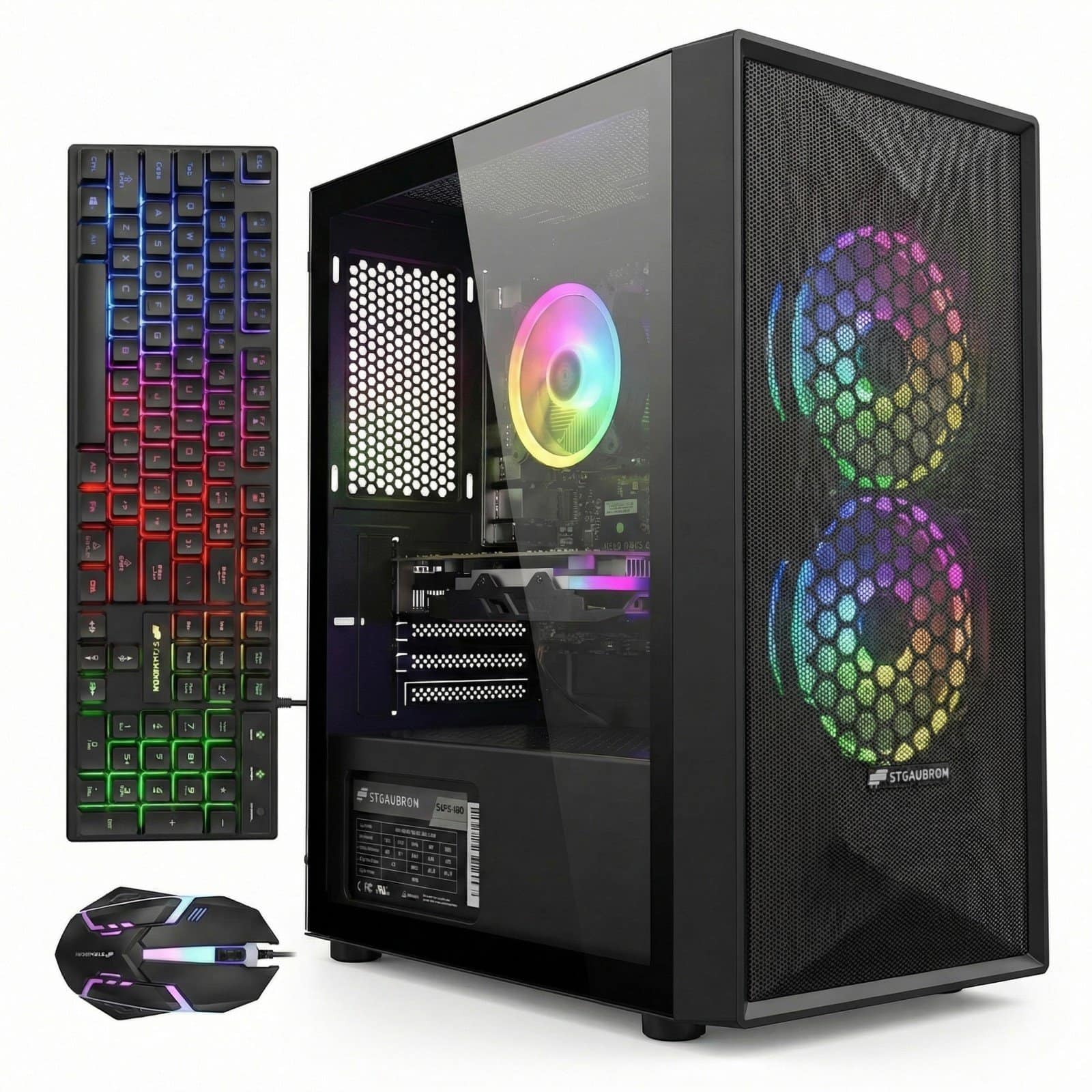
STGAubron - Gaming Desktop PC, Intel Core i5 up to 3.7G, GeForce RTX 2060 6G, 16GB RAM, 512GB SSD, WiFi, BT 5.0, Win11H - Black
SKU: JXZSQVPGPSSee all Gaming DesktopsProduct Description
A black gaming desktop featuring Intel Core i5, GeForce RTX 2060, 16GB RAM, and 512GB SSD.Your price for this item is $614.99 -
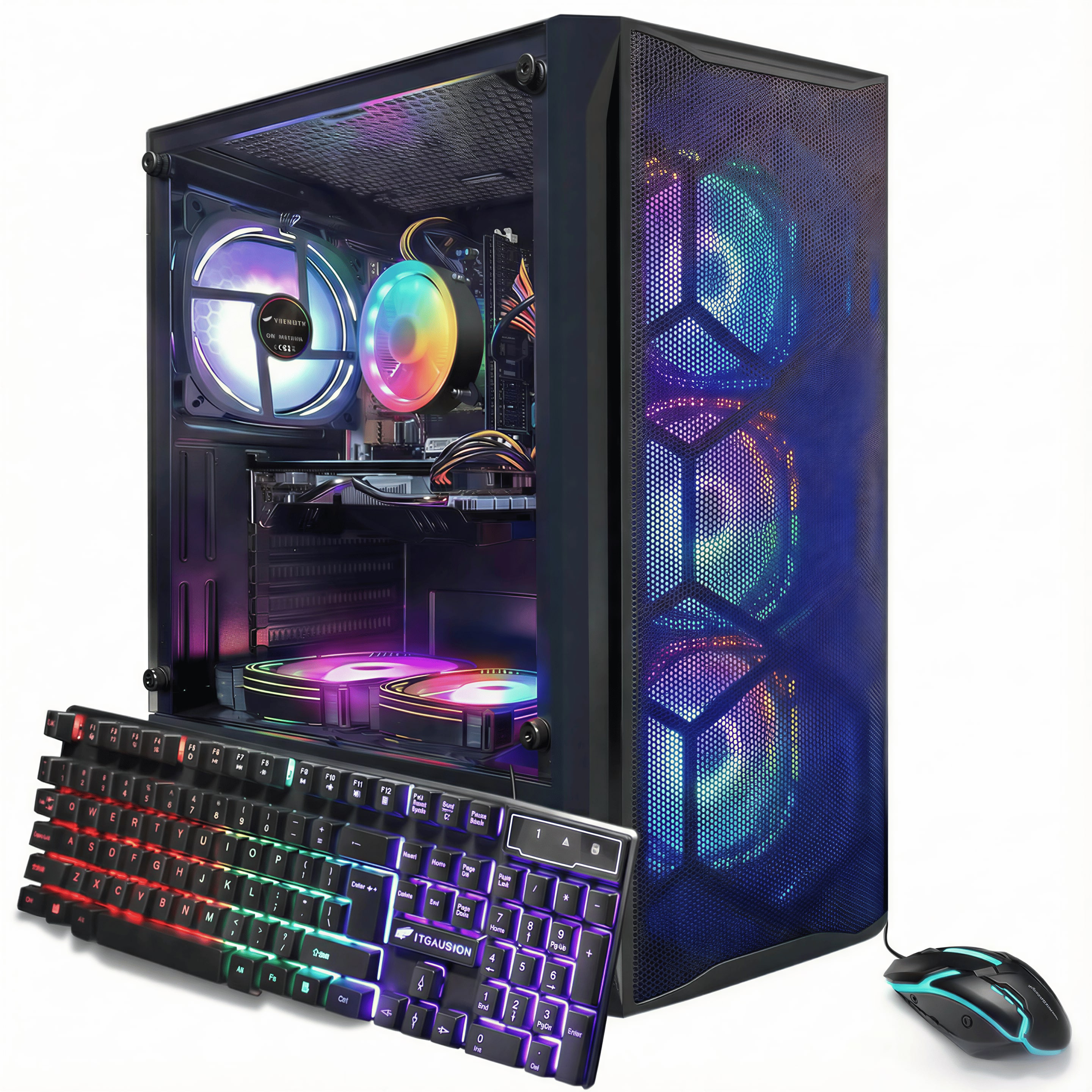
STGAubron - Gaming Desktop PC, Intel Core i7 up to 3.9GHz, Radeon RX 580 8G, 16G RAM, 512G SSD, WiFi 6, BT 5.2, Win11H - Black
SKU: JXZSQV9SCHSee all Gaming DesktopsProduct Description
A black gaming desktop featuring Intel Core i7, Radeon RX 580, 16GB RAM, 512GB SSD, and WiFi 6.Your price for this item is $614.99
Best Sellers






Related Pages


FAQ
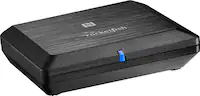
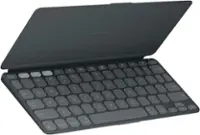
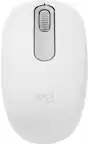
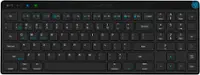
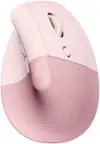
A Bluetooth desktop typically refers to a computer desktop setup that includes Bluetooth-enabled devices, such as a wireless keyboard and mouse, allowing you to connect peripherals without the need for cables.
Yes, most Bluetooth desktops are designed to be compatible with both Windows and Mac operating systems. Always check the product specifications for specific compatibility details.
Bluetooth desktop setups offer a clutter-free workspace by eliminating the need for wired connections. They also provide flexibility for device placement and make it easy to switch peripherals between different devices.
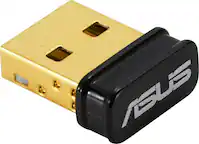
If your computer does not have built-in Bluetooth, you can use a Bluetooth USB adapter (dongle) to enable wireless connectivity for your Bluetooth desktop devices.
To pair your Bluetooth keyboard and mouse, turn on the devices and enable pairing mode. Then, open your computer’s Bluetooth settings, select the devices from the list, and follow the on-screen instructions to complete the connection.