Computers For Business Use
-
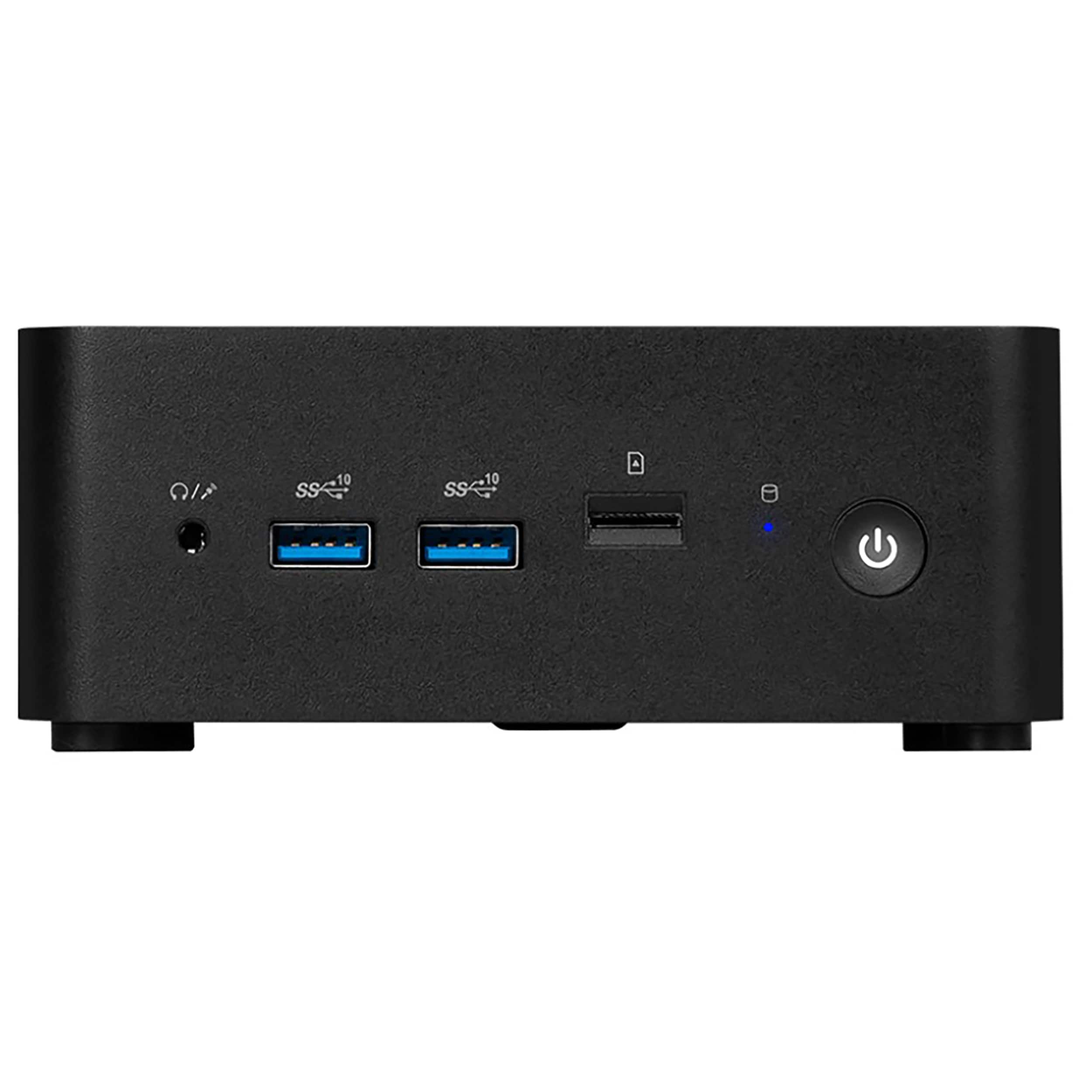
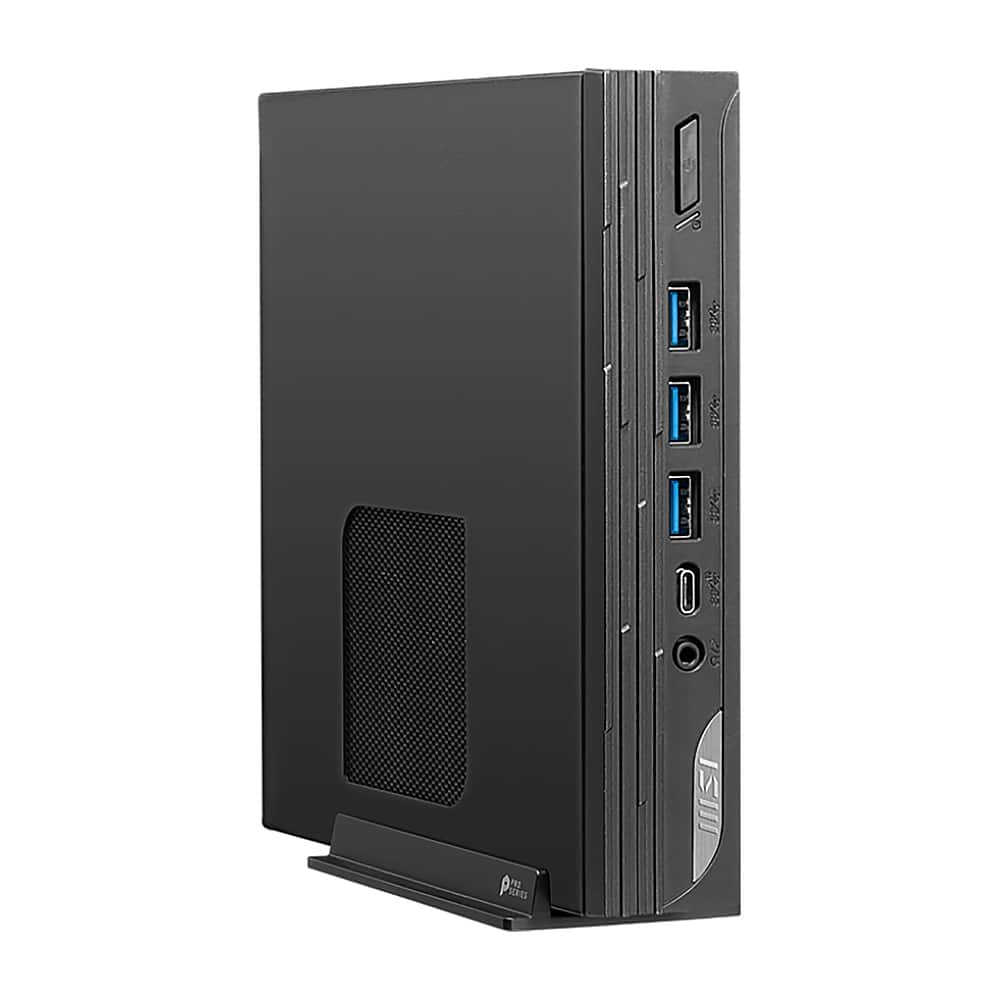
MSI - Cubi NUC Desktop - Intel Core 7-150U - 32GB Memory - 1TB SSD - Black
SKU: J3P7TXSHTRSee all Computer TowersProduct Description
A compact black desktop featuring an Intel Core i7, 32GB memory, 1TB SSD, and Wi-Fi 6E.Your price for this item is $1,399.99 -
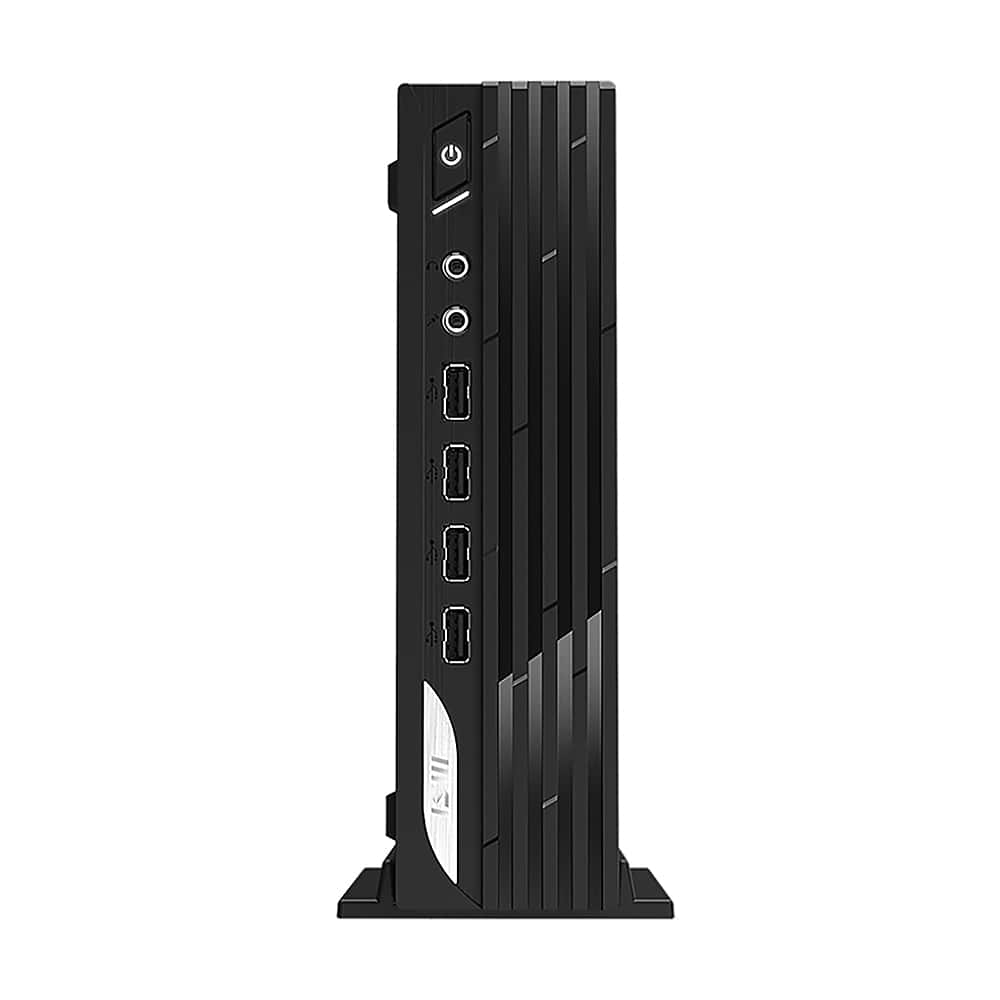
MSI - PRO DP21 SFF Desktop - Intel Core i7-13700 - 8GB Memory - 500GB SSD - Black
SKU: J3P7TXGFW4See all Computer TowersProduct Description
A compact black desktop featuring an Intel Core i7 processor, 8GB memory, and 500GB SSD storage.Your price for this item is $749.99 -
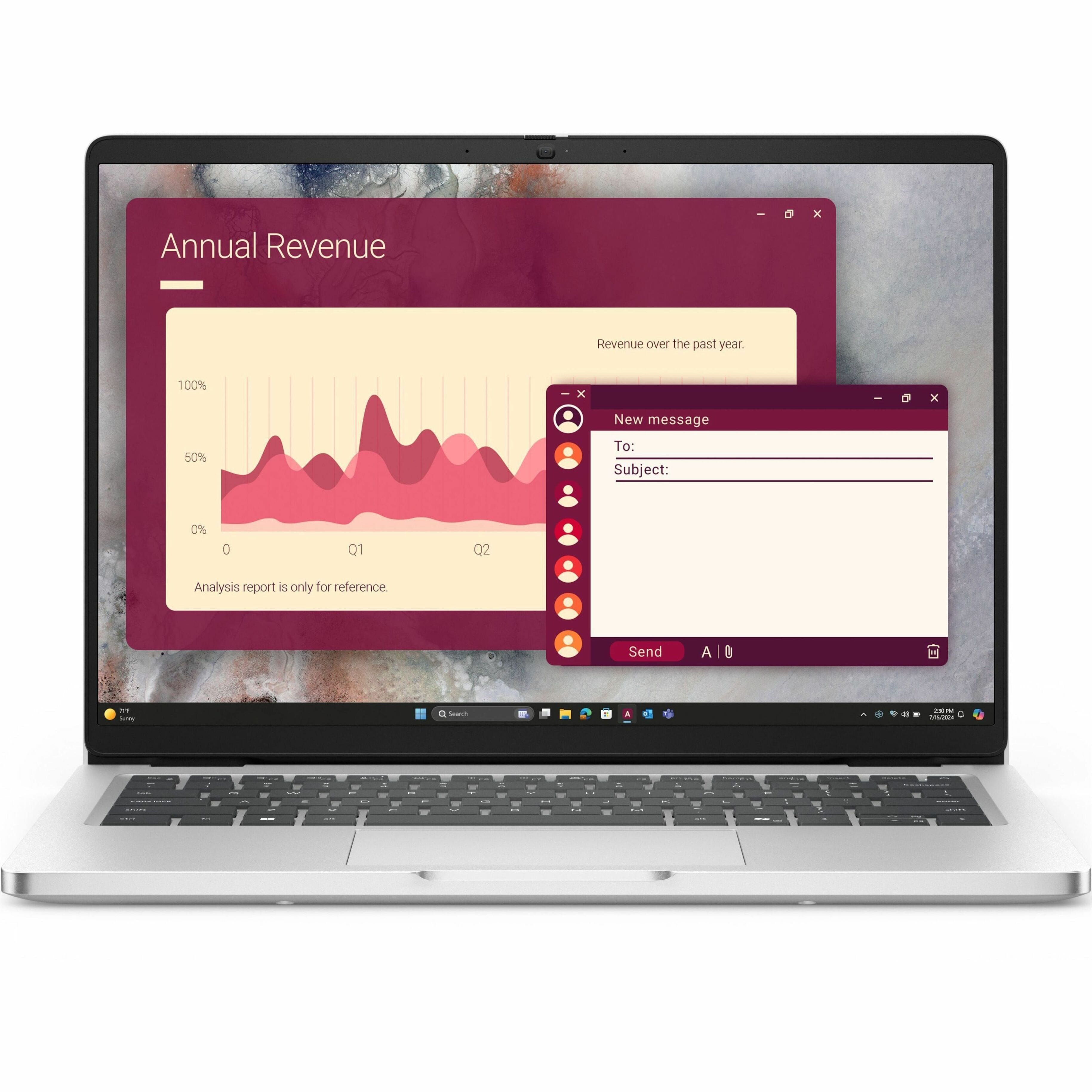
Dell - Pro 14 14" IPS LCD 1920 x 1200 (Full HD Plus) Laptop - Intel Core 5 with 8GB Memory - 256 GB SSD - Magnetite, Other
SKU: J3K4L63YFSSee all Windows LaptopsProduct Description
A sleek magnetite laptop featuring Intel Core 5, 8GB RAM, 256GB SSD, and Windows 11 Pro.Your price for this item is $999.99Save $250The previous price was $1,249.99 -
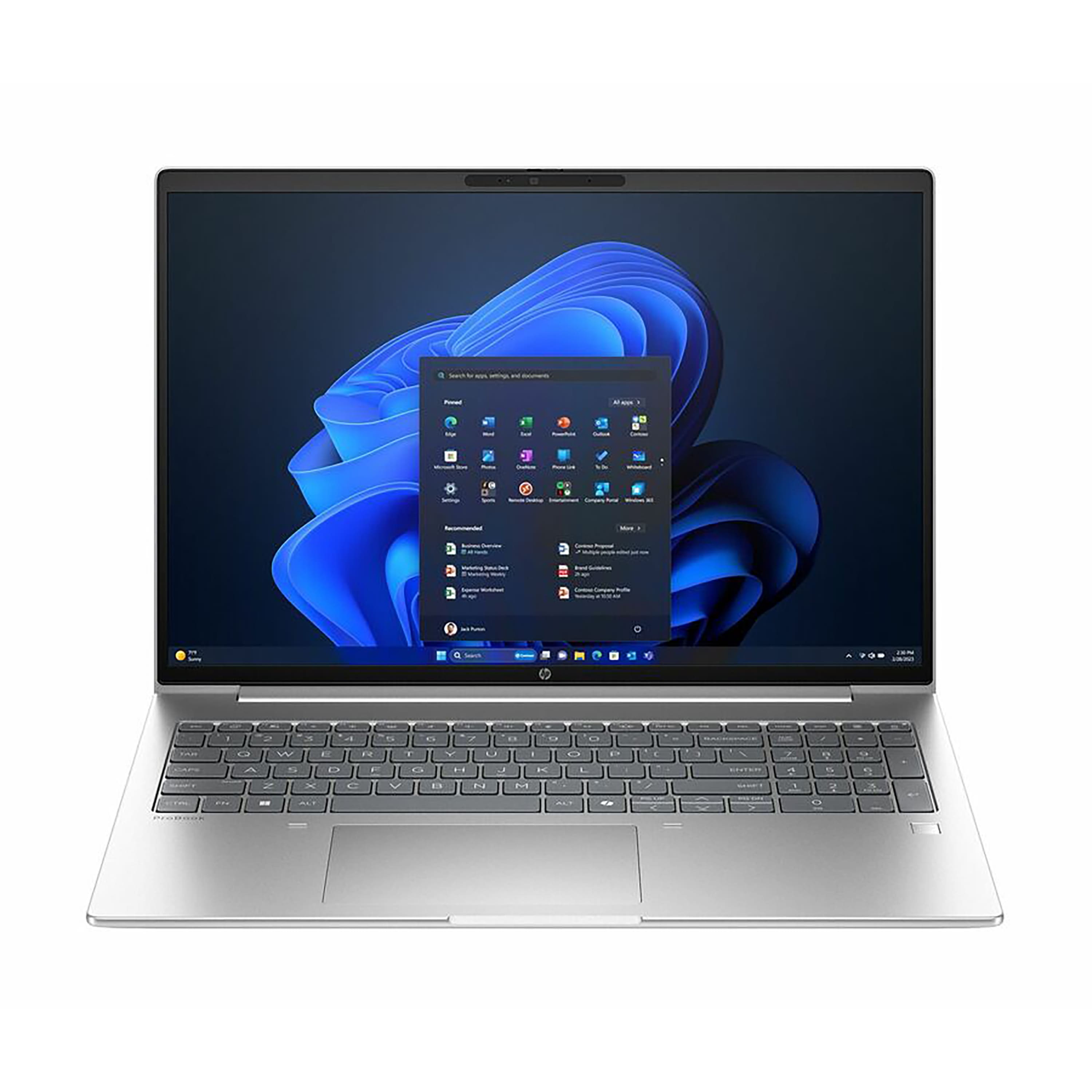
HP - ProBook 16" Laptop - AMD Ryzen 5 230 with 16GB Memory - 256GB SSD - Pike Silver
SKU: JJGH2L39G8See all Windows LaptopsProduct Description
A silver laptop featuring an AMD Ryzen 5 processor, 16GB memory, and a 256GB SSD for business tasks.Your price for this item is $799.00Save $230The previous price was $1,029.99 -
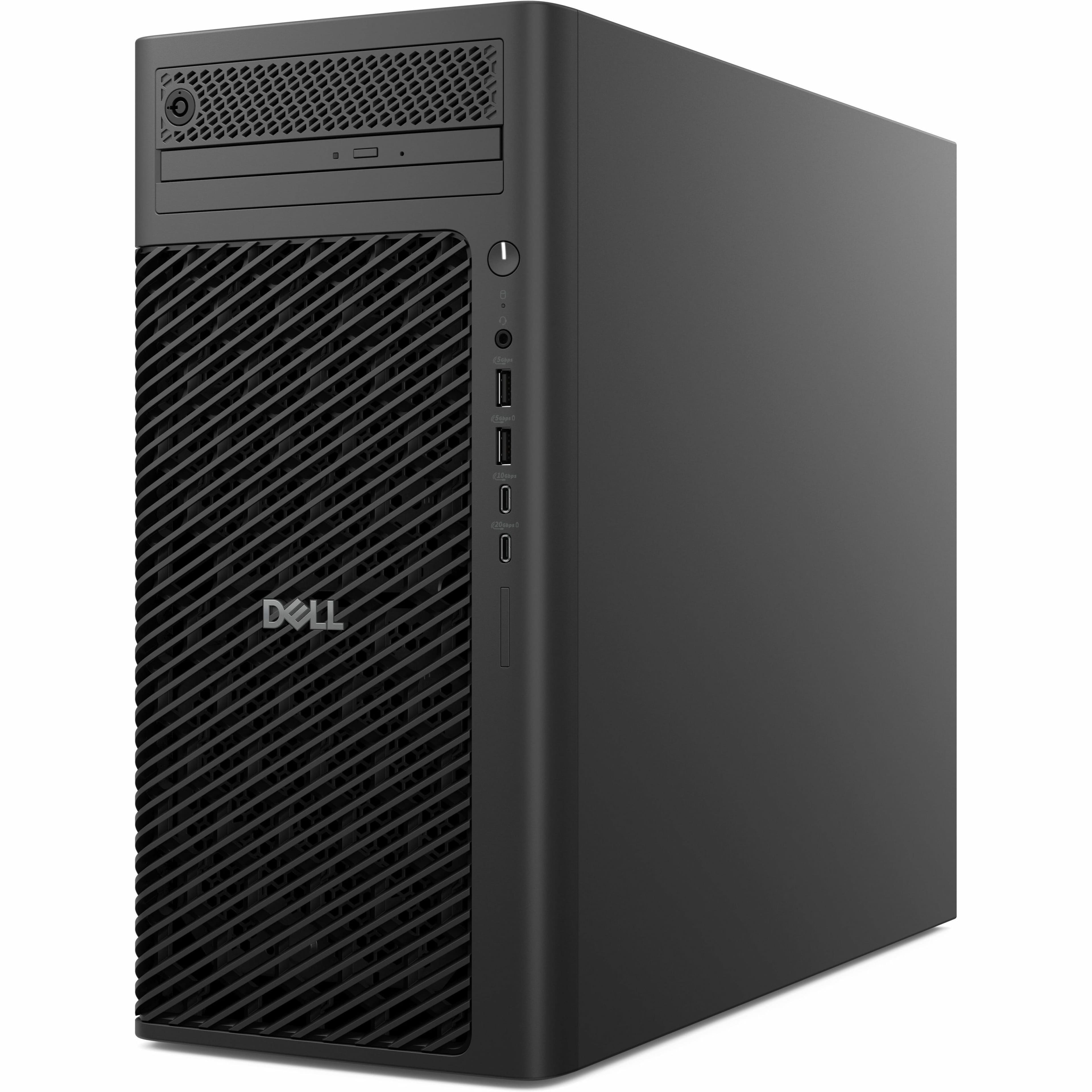
Dell - Pro Max Tower Desktop Computer - Intel Core 265 - AMD Radeon Pro W7500 Up to 8 GB - 16GB Memory - 512GB SSD - Black
SKU: J3K4L63PPJSee all Computer TowersProduct Description
A powerful black tower desktop featuring Intel Core Ultra 7, 16GB RAM, 512GB SSD, and AMD Radeon graphics.Your price for this item is $2,629.99 -
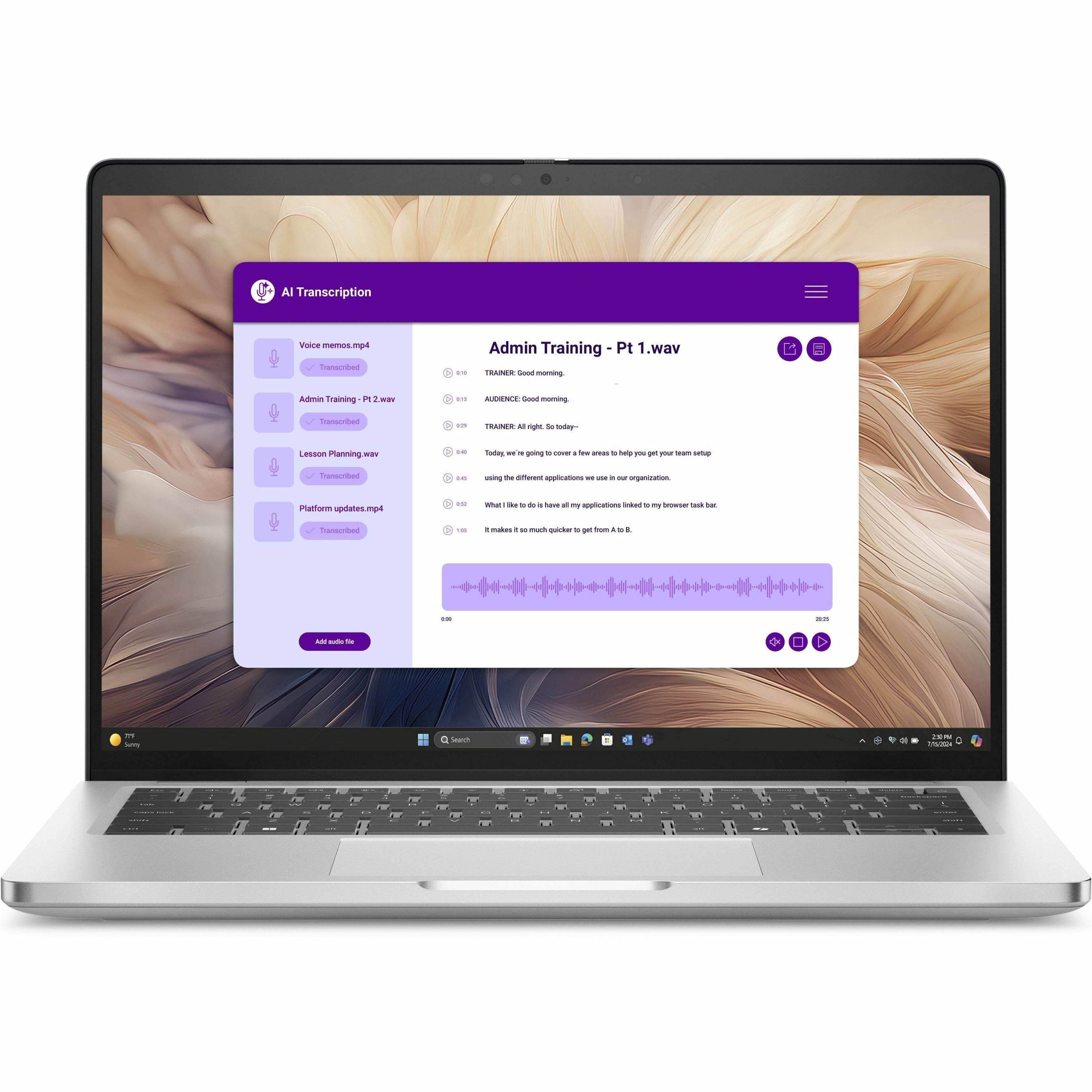
Dell - Pro 14 Plus PB14250 14" Copilot+ PC Laptop Intel Core Ultra 5 236V vPro Technology 16GB 512GB SSD - Silver
SKU: J3K4L6X53PSee all Windows LaptopsProduct Description
A sleek silver laptop featuring Intel Core Ultra 5, 16GB RAM, 512GB SSD, and built-in AI chip.Your price for this item is $1,689.99 -
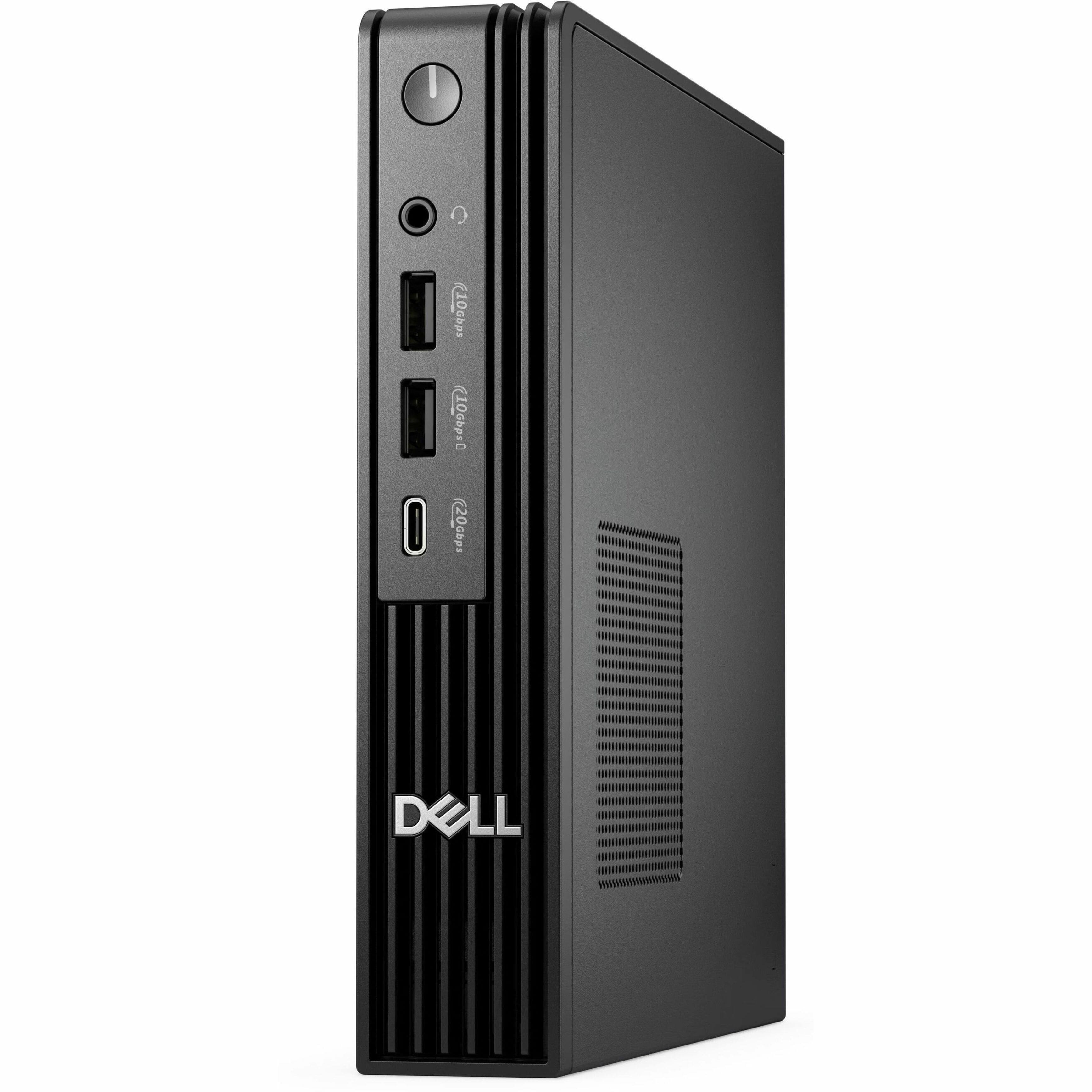
Dell - Pro Desktop - Intel Core Ultra 5 - 16GB Memory - 512GB SSD - Black
SKU: J3K4L63366See all Mini PCsProduct Description
A compact black desktop featuring Intel Core Ultra 5, 16GB memory, 512GB SSD, and Windows 11 Pro.Your price for this item is $1,709.99 -
MSI - PRO DP10 Desktop - Intel Core i7 - 16GB Memory - 1TB SSD - Black
SKU: J3P7TXLHZGSee all Computer TowersProduct Description
A compact black desktop featuring Intel Core i7, 16GB memory, 1TB SSD, and Windows 11 Pro.Your price for this item is $1,203.83 -
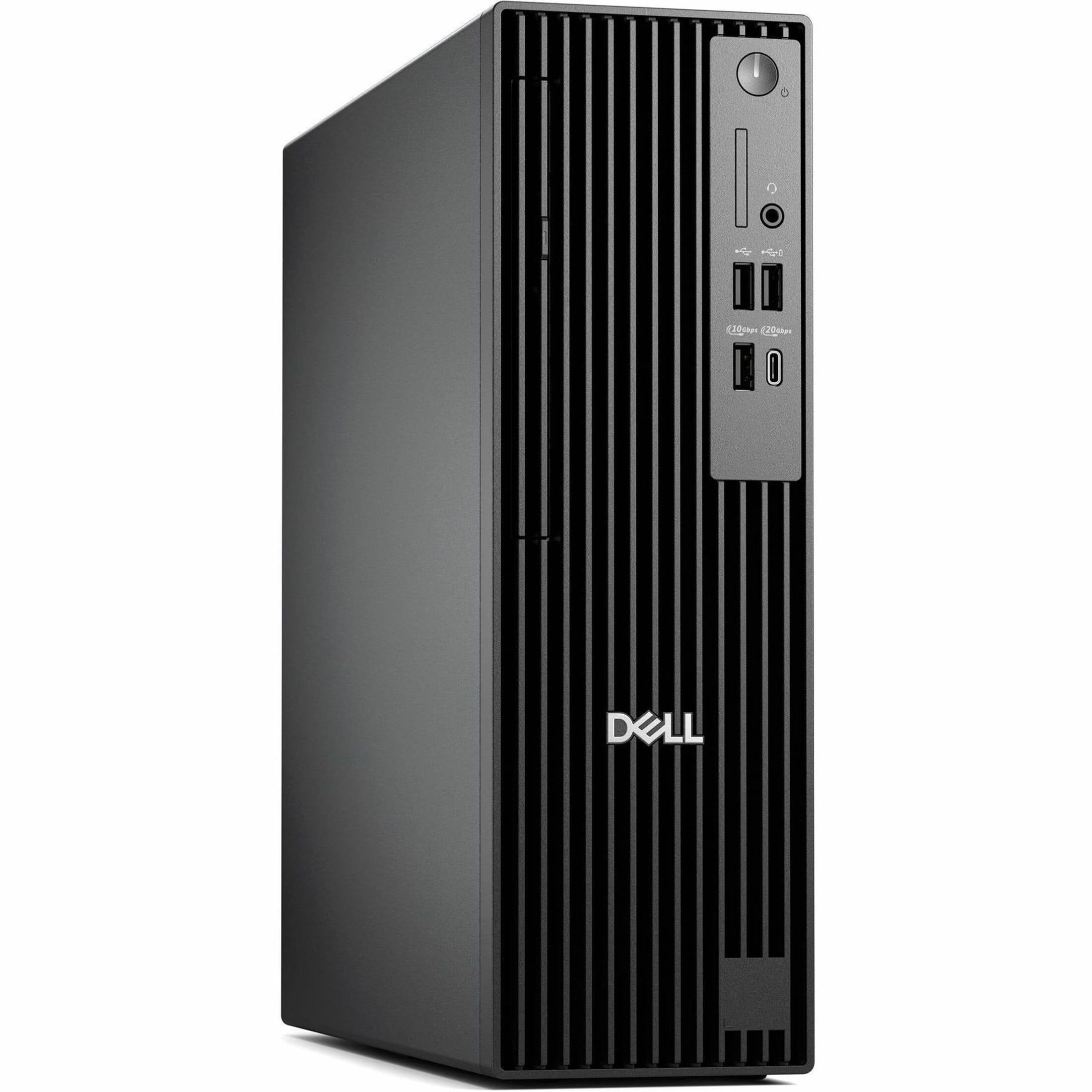
Dell - Pro Slim Plus Desktop - Intel Core Ultra 7 - 32GB Memory - 512GB SSD - Standard Black
SKU: J3K4L6XW3XSee all Computer TowersProduct Description
A sleek black desktop featuring Intel Core Ultra 7, 32GB RAM, 512GB SSD, and Windows 11 Pro.Your price for this item is $2,269.00Save $70The previous price was $2,339.99 -
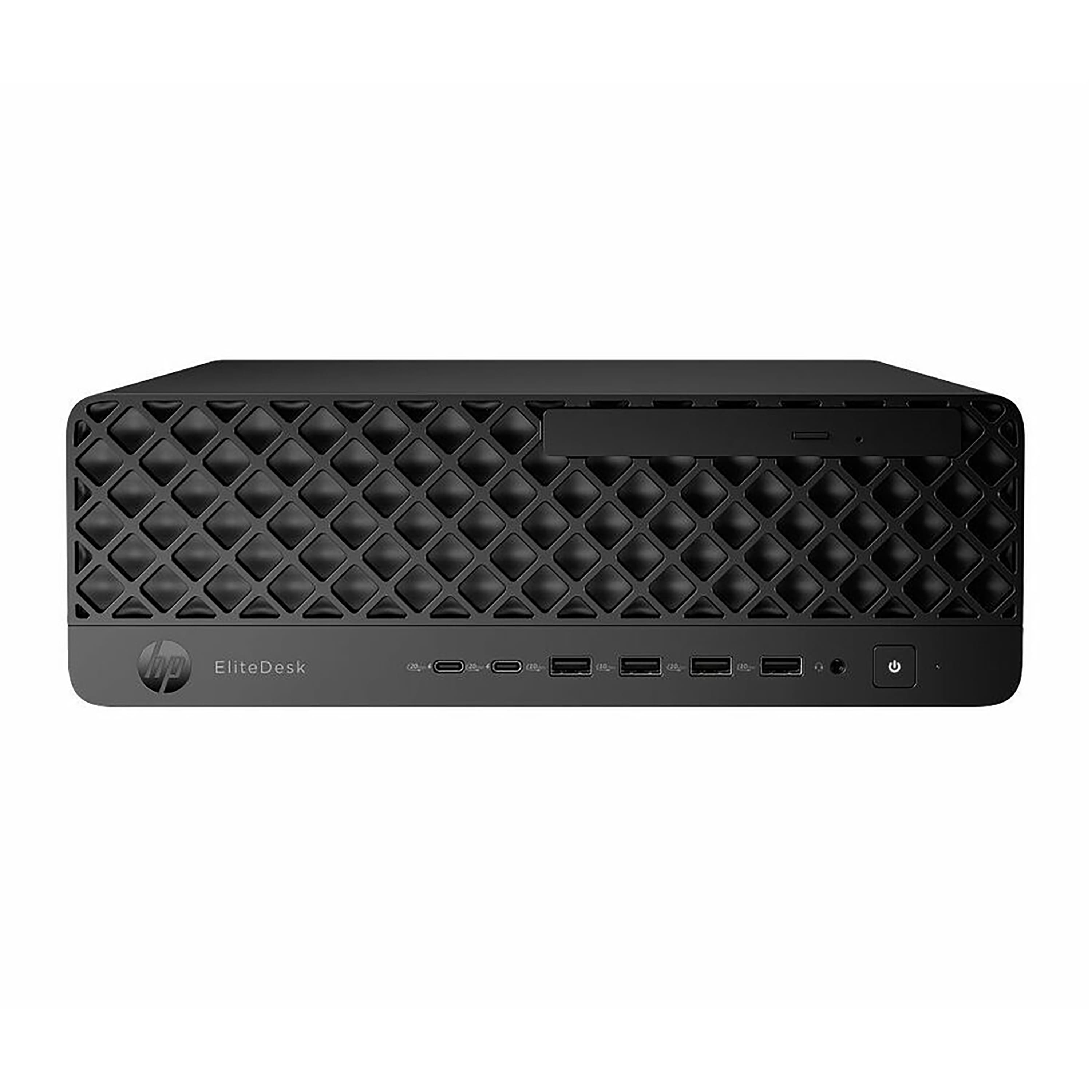
HP - EliteDesk SFF Desktop - Intel Core Ultra 7 - 32GB Memory - 512GB SSD - Jack Black
SKU: JJGH2G5RVRSee all Mini PCsProduct Description
A powerful black desktop featuring Intel Core Ultra 7, 32GB memory, 512GB SSD, and Windows 11 Pro.Your price for this item is $2,359.99
Best Sellers






Related Pages



FAQ
When selecting a computer for business use, consider features such as a fast processor, sufficient RAM (at least 8GB), ample storage space (SSD preferred), reliable security options, and a durable build. Additional features like a comfortable keyboard, multiple connectivity ports, and a long battery life can further enhance productivity.
Windows and macOS are the most commonly used operating systems for business computers due to their wide compatibility with business software and security features. Some businesses also use Linux for specialized tasks or enhanced customization. Choose the operating system that best supports your business applications and workflow.
Yes, many business computers support multi-monitor setups. Look for models with multiple video output ports such as HDMI, DisplayPort, or USB-C. This feature can improve multitasking and productivity by providing more screen real estate for your work.
Some business computers come with pre-installed productivity software like Microsoft Office or trial versions of popular business apps. Always check the product specifications to see what software is included, and consider purchasing additional software licenses as needed for your business operations.
To keep your business data secure, choose computers with built-in security features such as biometric authentication (fingerprint readers or facial recognition), TPM chips, and encrypted storage. Regularly update your operating system and software, use strong passwords, and consider installing professional antivirus and firewall solutions.