Best Laptop For Youtube Video Editing
-
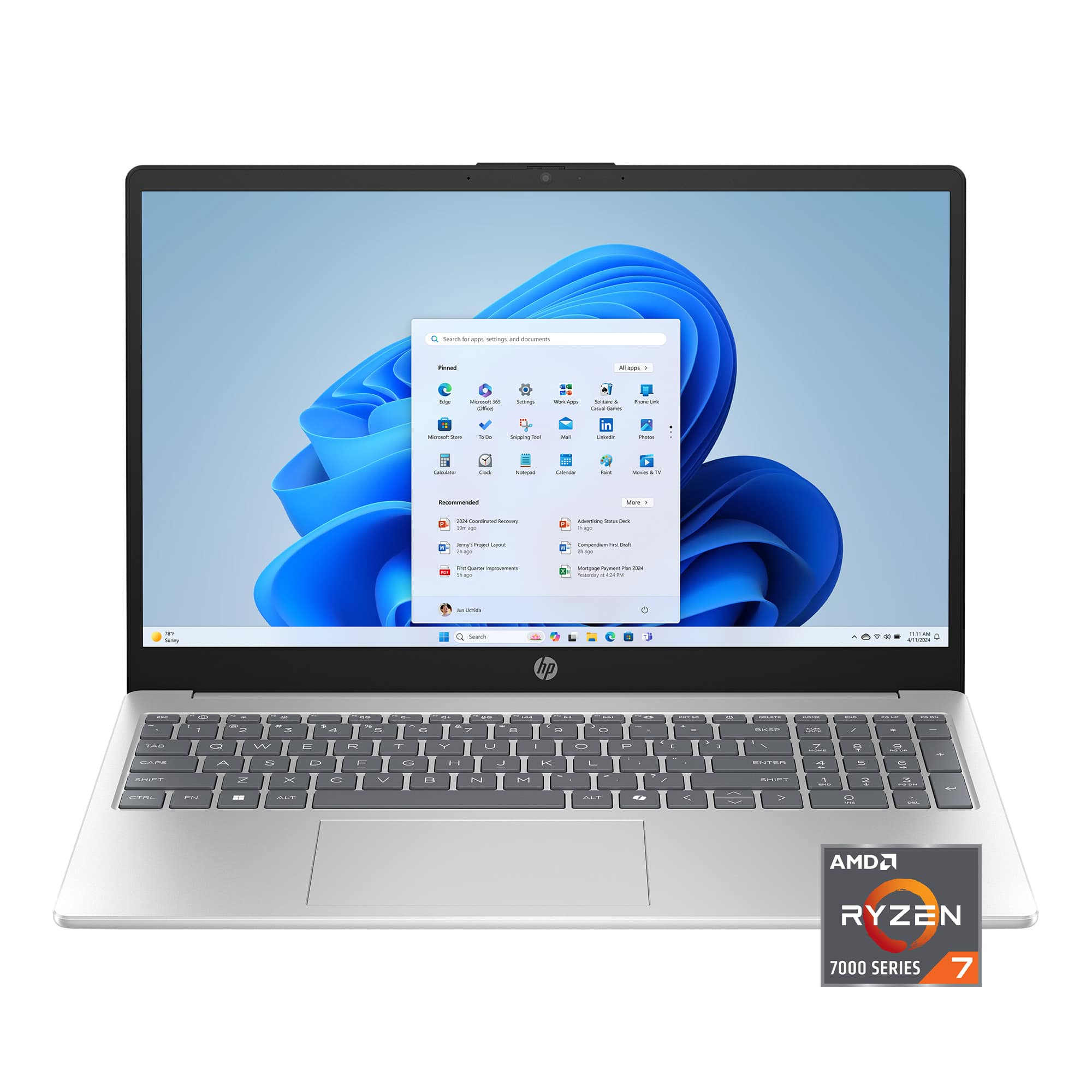
HP - 15.6" Full HD Touchscreen Laptop - AMD Ryzen 7 7730U - 16GB Memory - 512GB SSD - Natural Silver
SKU: J3YH858LTQI recently purchased a beautiful 17-inch laptop from Best Buy, and I am absolutely thrilled!...Great product
See all Windows LaptopsProduct Description
A lightweight modern gray Chromebook with MediaTek processor, 4GB memory, 64GB eMMC storage, and Wi-Fi 6.Your price for this item is $637.00Save $50The previous price was $687.99 -
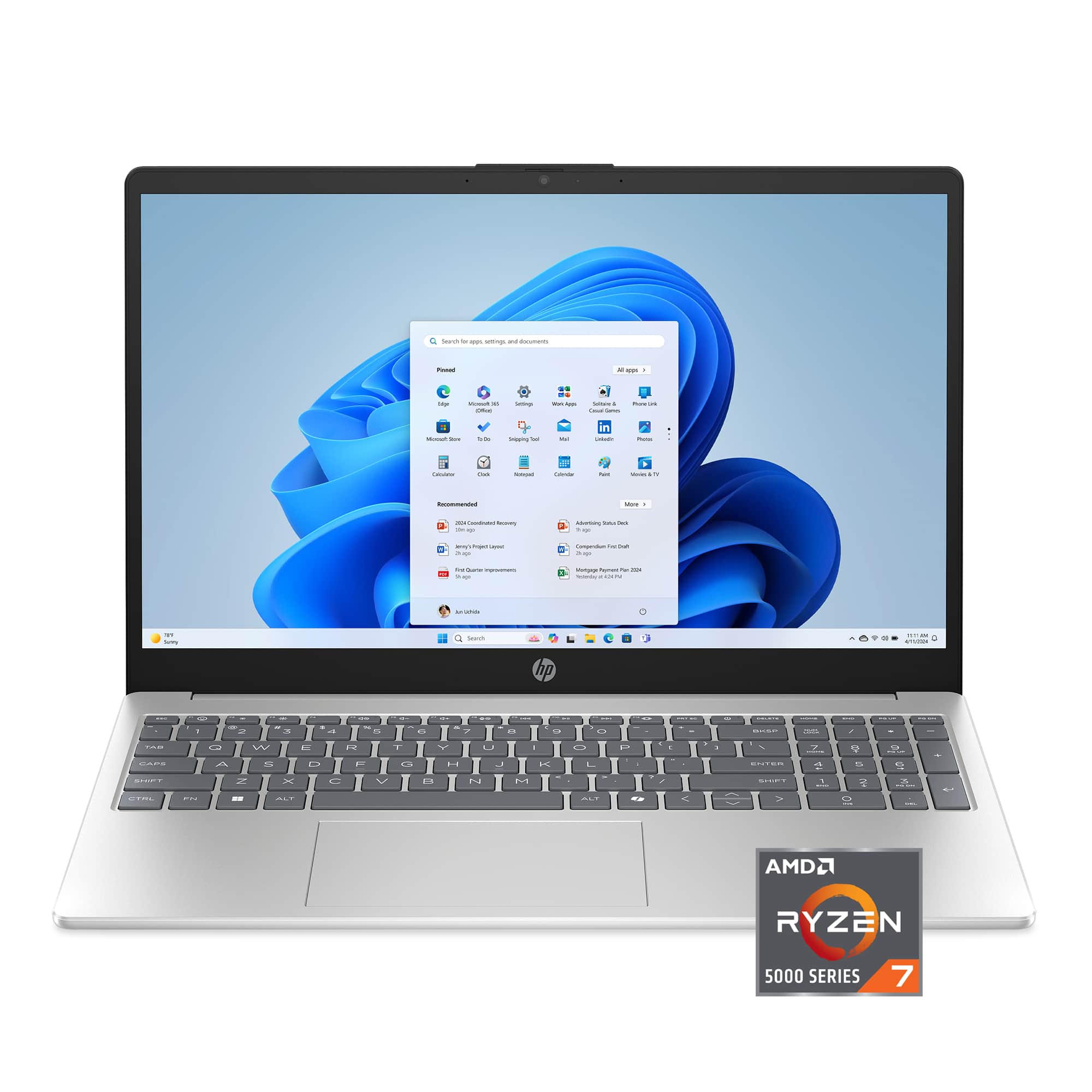
HP - 15.6" Full HD Laptop - AMD Ryzen 7 5825U 2022 - 16GB Memory - 1TB SSD - Natural Silver
SKU: JJGH2LXT99See all Windows LaptopsProduct Description
A sleek natural silver laptop with AMD Ryzen 7, 16GB memory, 1TB SSD, and Full HD display.Your price for this item is $699.99Save $69The previous price was $769.00 -
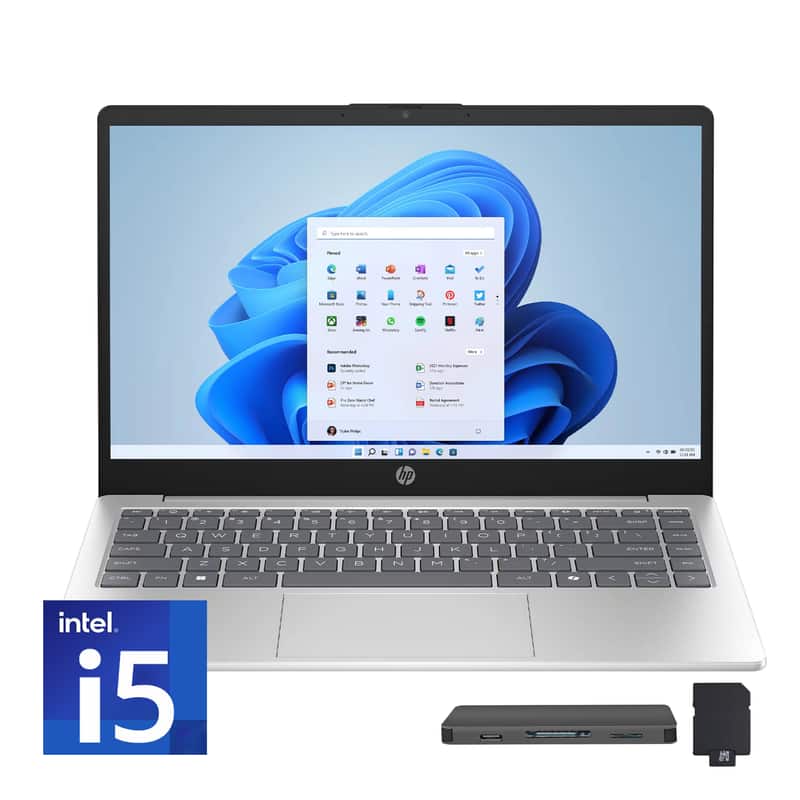
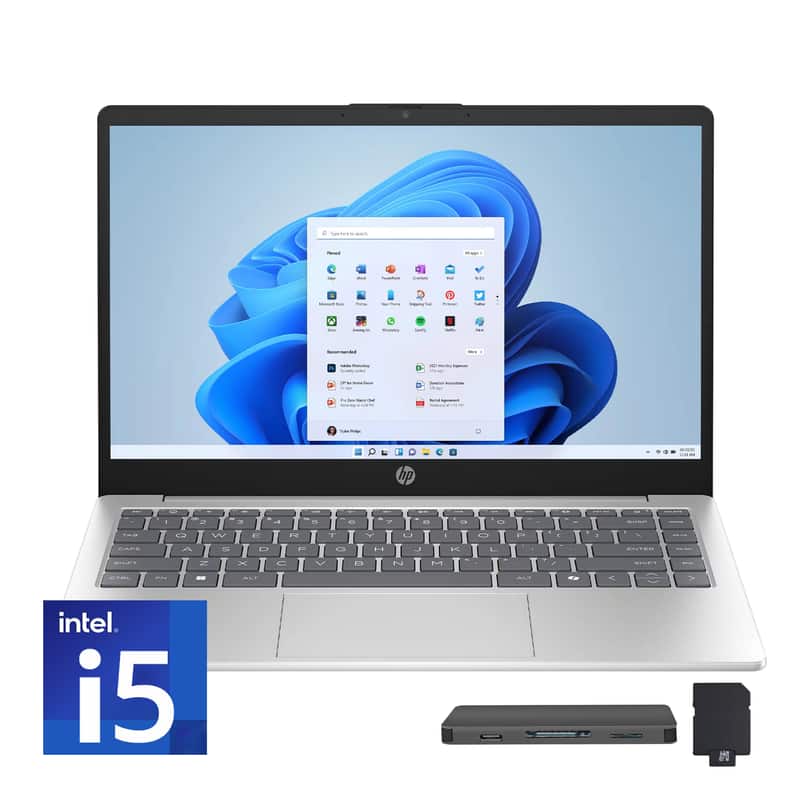
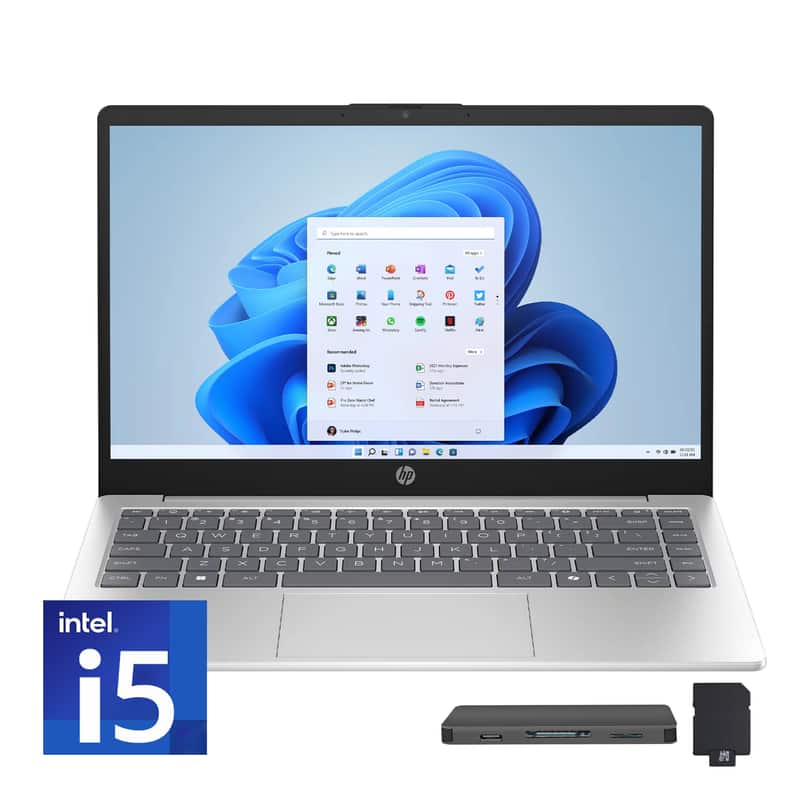
HP - 15.6" Full HD Touch-Screen Laptop - Intel Core i5 1334U 2023 - 16GB Memory - 512GB SSD - Natural Silver
SKU: JJG2RHR7YJSee all Windows LaptopsProduct Description
A sleek natural silver laptop with a 15.6" Full HD touchscreen, Intel Core i5, and 16GB memory.Your price for this item is $779.00 -
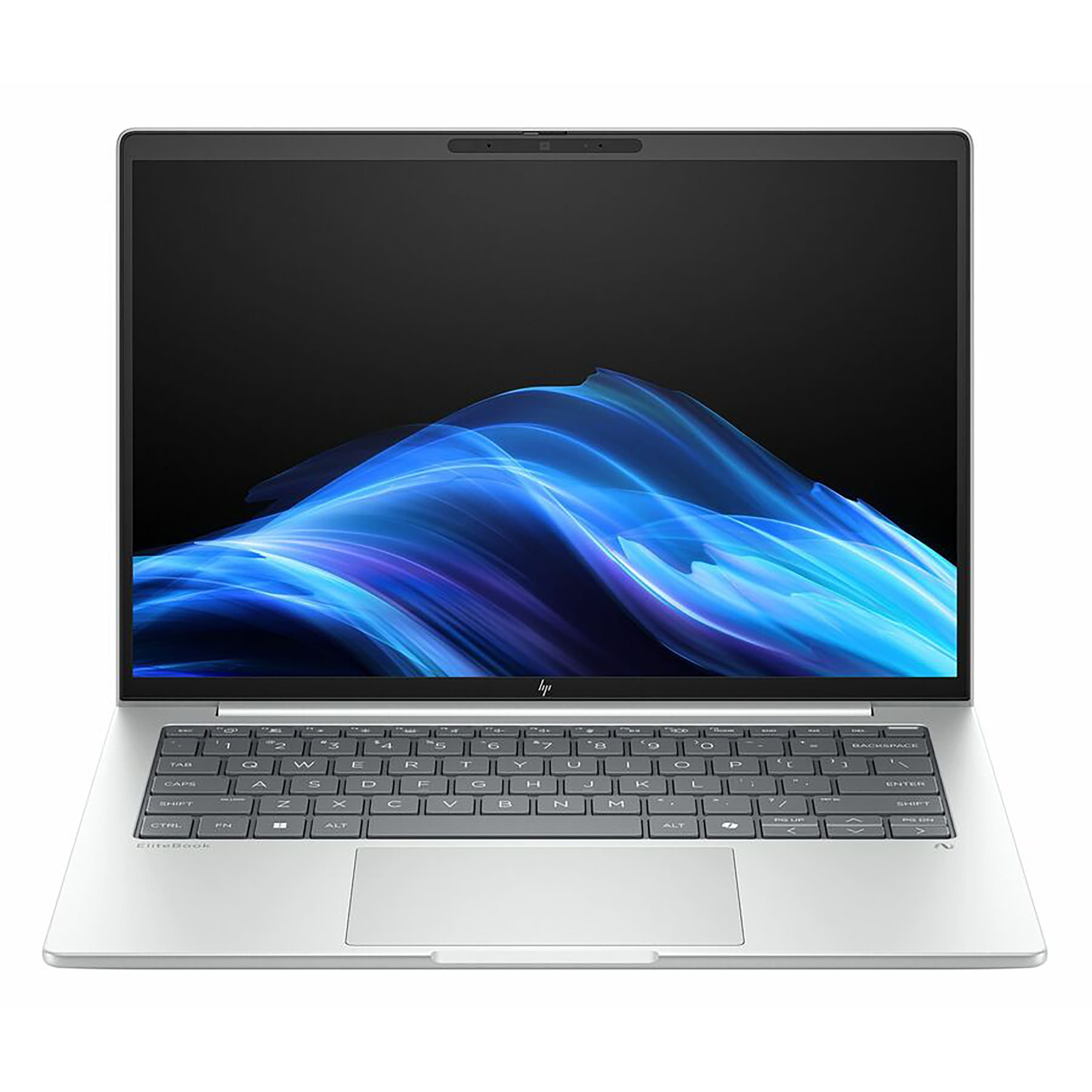
HP - EliteBook 16" Touchscreen Laptop - Intel Core Ultra 7 268V with 32GB Memory - 1TB SSD - Glacier Silver
SKU: JJGH2GZ4JPSee all Windows LaptopsProduct Description
A silver touchscreen laptop featuring Intel Core Ultra 7, 32GB memory, 1TB SSD, and AI-powered productivity.Your price for this item is $1,989.99Save $110The previous price was $2,099.99 -
HP - EliteBook 16" Touchscreen Laptop - Intel Core Ultra 5 226V with 16GB Memory - 512GB SSD - Glacier Silver
SKU: JJGH2GZ4CYSee all Windows LaptopsProduct Description
A silver touchscreen laptop featuring Intel Core Ultra 5, 16GB memory, 512GB SSD, and AI-powered productivity.Your price for this item is $1,959.92 -
HP - Upgraded - 15.6" Full HD Touch-Screen Laptop - Intel Core i5 1334U 2023 - 32GB Memory - 2TB SSD - Natural Silver
SKU: JJG2RT27RYSee all Windows LaptopsProduct Description
A natural silver touch-screen laptop with Intel Core i5, 32GB memory, and 2TB SSD storage.Your price for this item is $1,249.00 -
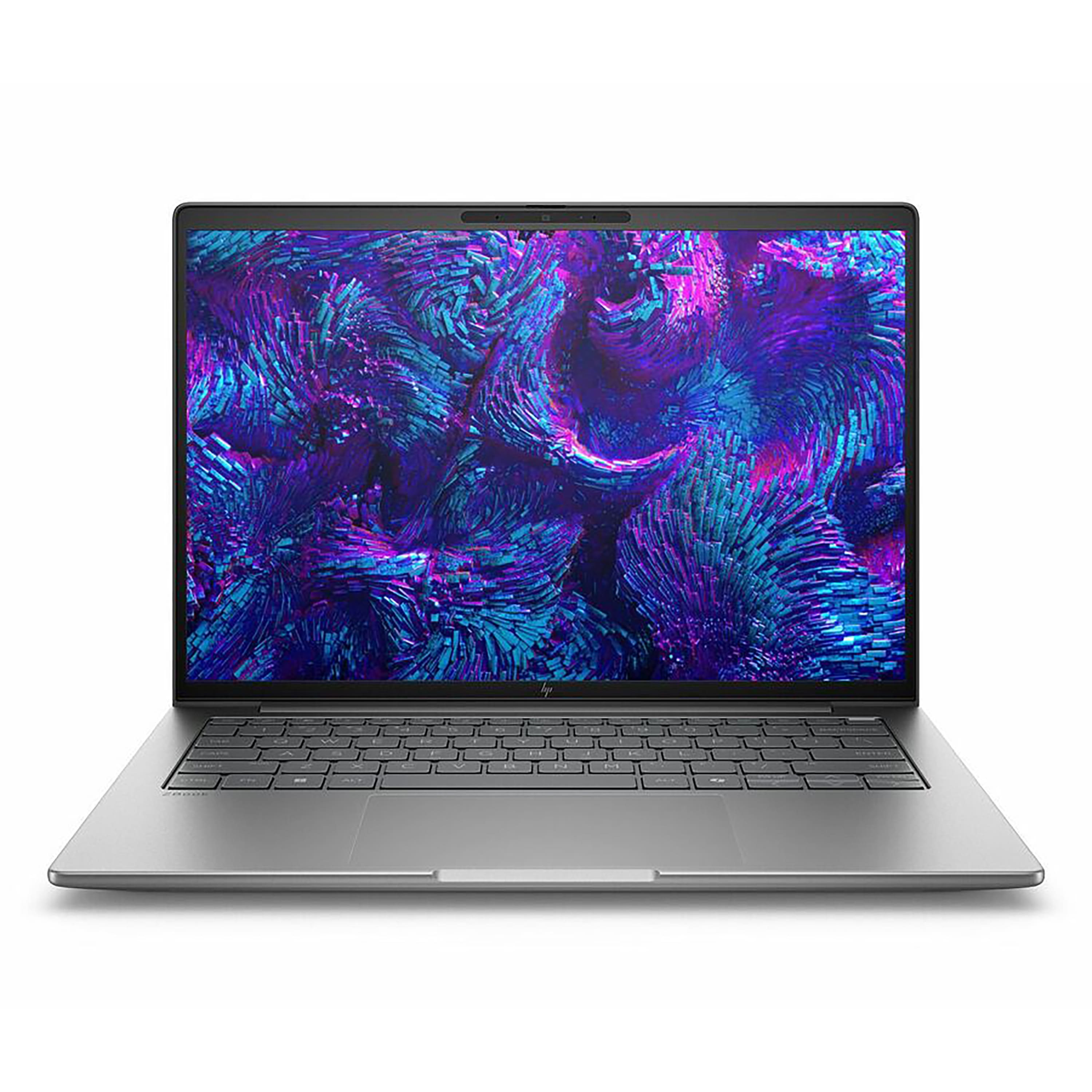
HP - ZBook 14" Laptop - Intel Core Ultra 7 255H with 16GB Memory - 512GB SSD - Meteor Silver
SKU: JJGH2LRQKLSee all Windows LaptopsProduct Description
A sleek Meteor Silver laptop featuring Intel Core Ultra 7, 16GB memory, 512GB SSD, and Windows 11 Pro.Your price for this item is $2,339.99 -
HP - Upgraded - 15.6" Full HD Touch-Screen Laptop - Intel Core i5 1334U 2023 - 16GB Memory - 1TB SSD - Natural Silver
SKU: JJG2RW7FTJSee all Windows LaptopsProduct Description
A natural silver laptop with a 15.6" Full HD touchscreen, Intel Core i5, 16GB RAM, and 1TB SSD.Your price for this item is $899.00 -
HP - Upgraded - 15.6" Full HD Touch-Screen Laptop - Intel Core i5 1334U 2023 - 32GB Memory - 1TB SSD - Natural Silver
SKU: JJG2RHWSXTSee all Windows LaptopsProduct Description
A sleek natural silver laptop with 32GB memory, 1TB SSD, Full HD touchscreen, and Intel Core i5.Your price for this item is $999.00Save $100The previous price was $1,099.00 -
HP - ZBook 16" Laptop - Intel Core Ultra 5 235U with 16GB Memory - 512GB SSD - Meteor Silver
SKU: JJGH2LRZ6PSee all Windows LaptopsProduct Description
A sleek silver laptop offering pro-level performance, 16GB memory, and 512GB SSD for seamless multitasking.Your price for this item is $2,419.99
Best Sellers



Related Pages



FAQ
When choosing a laptop for YouTube video editing, prioritize features like a powerful multi-core processor (such as Intel Core i7 or AMD Ryzen 7), at least 16GB of RAM, a dedicated graphics card (like NVIDIA GeForce or AMD Radeon), fast SSD storage, and a high-resolution display with accurate color reproduction.
While some basic editing can be done without a dedicated graphics card, having one significantly improves rendering speeds and playback performance, especially when working with high-resolution or complex video projects. For the best experience, choose a laptop with a dedicated GPU.
For smooth video editing, especially with HD or 4K footage, it's recommended to have at least 16GB of RAM. This ensures your editing software runs efficiently and can handle multiple layers, effects, and large files without lag.
Both Windows and macOS offer excellent video editing capabilities. The choice often depends on your preferred editing software—Final Cut Pro is exclusive to macOS, while Adobe Premiere Pro and DaVinci Resolve are available on both platforms. Consider your software preferences and ecosystem compatibility when choosing.
Yes, gaming laptops are often well-suited for video editing due to their powerful processors, ample RAM, and dedicated graphics cards. Just make sure the laptop also features a high-quality display for accurate color grading and sufficient storage space for your video files.