Best Laptops For Video Editing Under 500
-
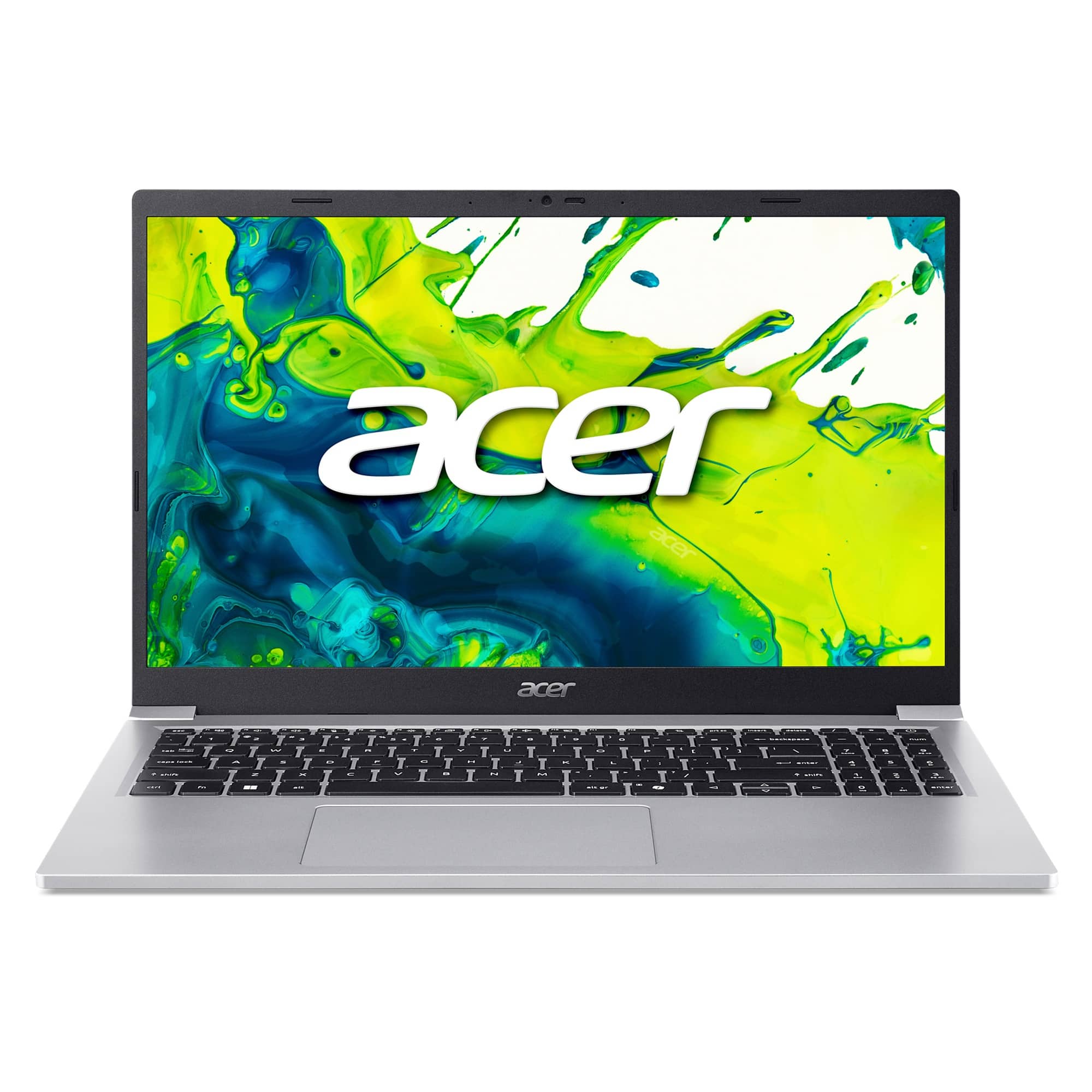
Acer - Aspire Lite 15 Laptop – 15.6" FHD IPS – Intel Core 3 Series 1 N350 – Intel Graphics - 8GB Onboard – 128GB PCIe SSD - Light Silver
SKU: JJ8V8H8627I would recommend this item to anyone I love it. Best Buy is great to work with also....Love Best Buy and am grateful for their affordability, given the economy we are in.
See all All LaptopsProduct Description
A sleek light silver laptop featuring a 15.6" FHD IPS display, Intel Core 3 processor, and 128GB SSD.Your price for this item is $359.99Save $25The previous price was $384.99 -
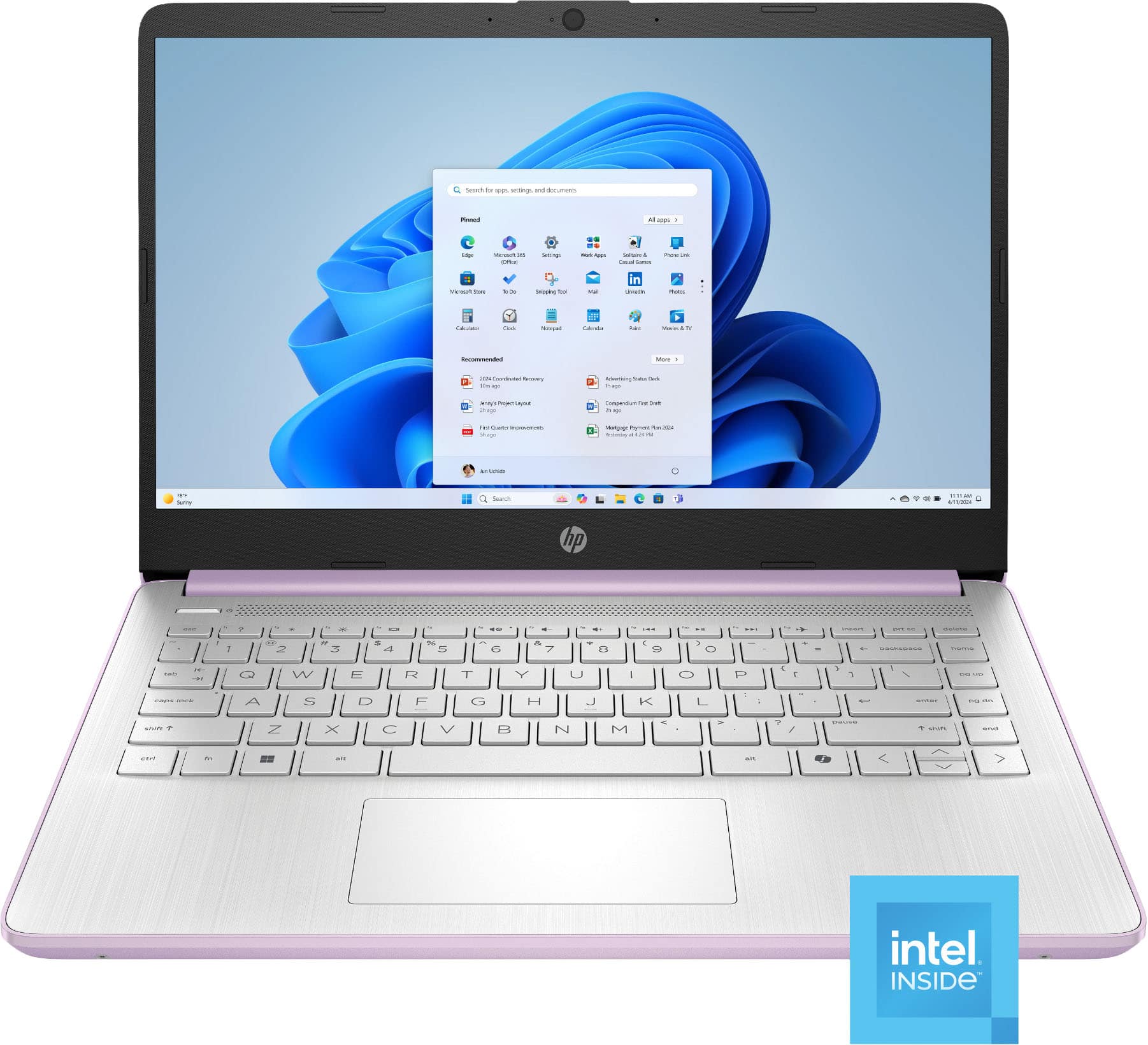
HP - 14" Laptop - Intel N150 Processor - 4GB Memory - 128GB Storage - Honey Lavender
SKU: JJGW3FGFS9I love the color ! I bought this for college, it’s amazing. Battery lasts for a long time !...I love it ! Such a great product for a great price...Love my HP's!! Have been buying them since 1995!!!
See all All LaptopsProduct Description
A slim honey lavender laptop with Intel N150 processor, 4GB RAM, 128GB storage, and Windows 11.Your price for this item is $264.99Save $85The previous price was $349.99 -
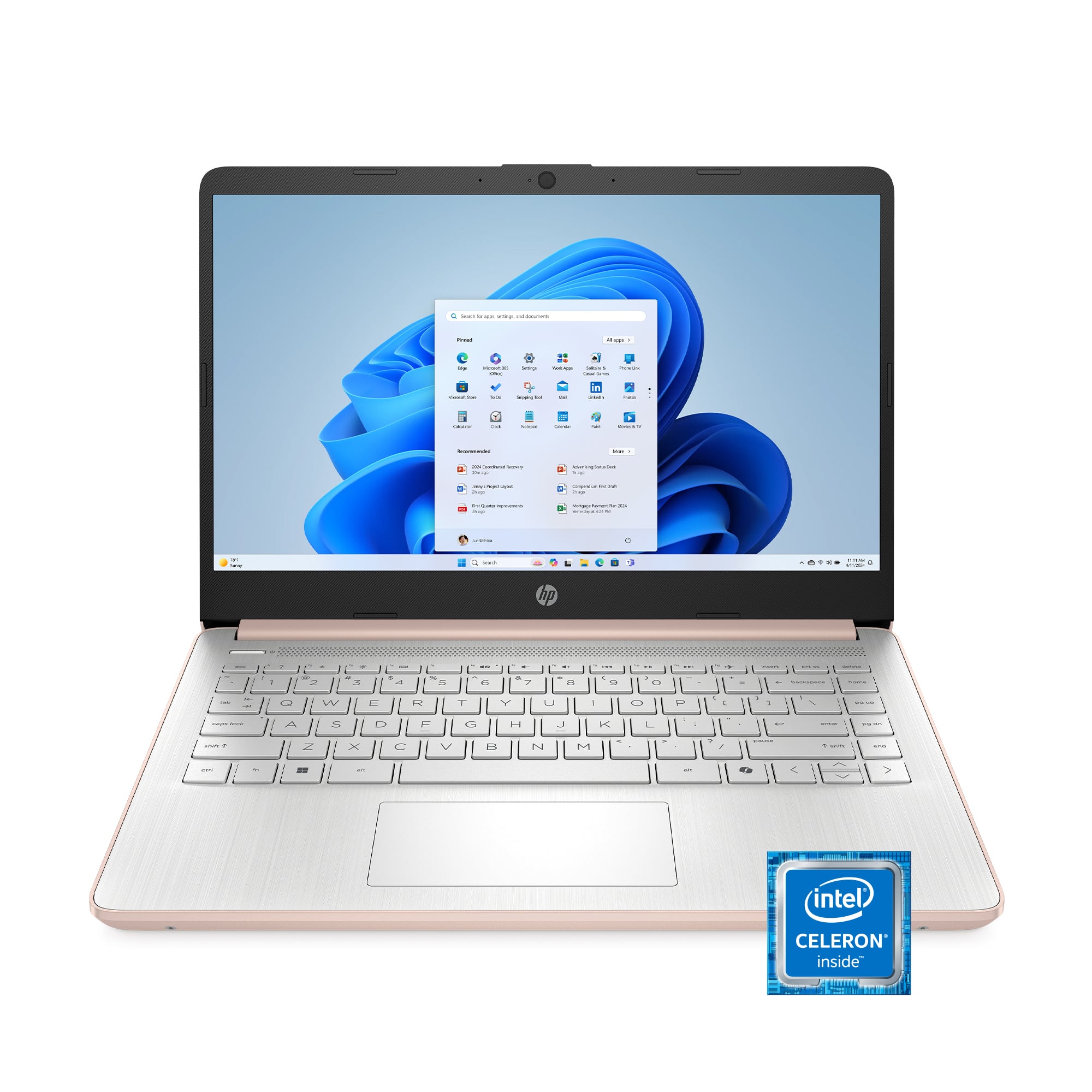
HP - 14" Laptop - Intel Celeron N4500 2021 - 4GB Memory - 64GB eMMC - Pale Rose Gold
SKU: JJGTWP63SHWorks great very awsome and dependable i love it i will definitely be back...Pretty good I’m in love with it I use it for school and research...Great deals and products at best buy...I love it
See all All LaptopsProduct Description
A thin, pale rose gold laptop with Intel Celeron, 4GB RAM, 64GB eMMC, and Windows 11.Your price for this item is $258.00Save $5The previous price was $263.00 -
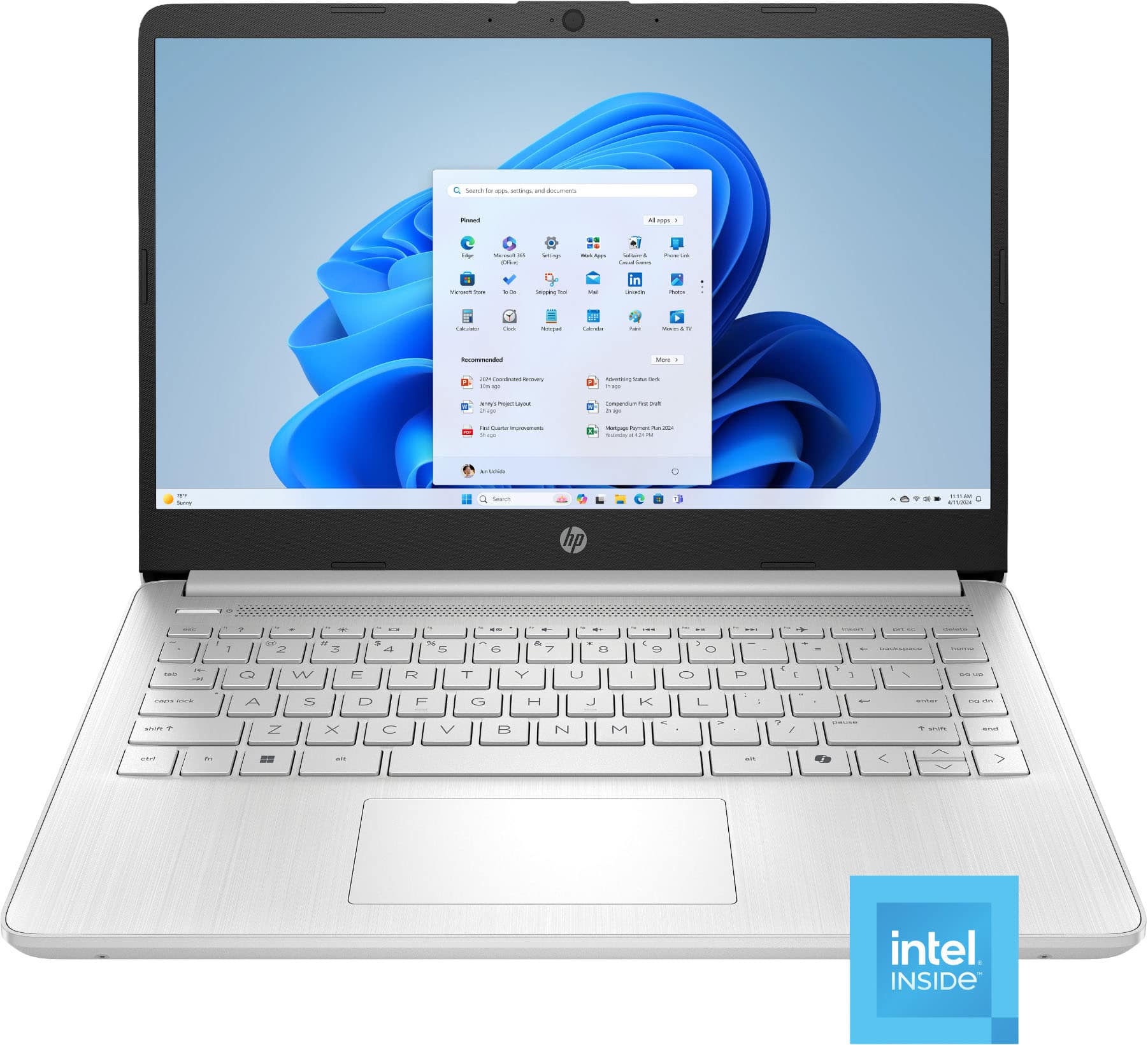
HP - 14" Laptop - Intel Processor N150 2025 - 4GB Memory - 128GB Storage - Natural Silver
SKU: JJGW3FGFPZBut overall it works great for my needs....Thank you Best Buy!!!...Love the color.
See all All LaptopsProduct Description
A thin, portable silver laptop with Intel N150 processor, 4GB RAM, 128GB storage, and Windows 11.Your price for this item is $263.00Save $86The previous price was $349.99
Best Sellers



Related Pages



FAQ
When choosing a laptop for video editing under $500, look for at least 8GB of RAM, a multi-core processor (such as Intel Core i5 or AMD Ryzen 5), and a solid-state drive (SSD) for faster file access. A full HD display and dedicated or integrated graphics can also enhance your editing experience.
While most laptops under $500 may struggle with smooth 4K video editing, you can still edit 1080p or lower resolution videos efficiently. For basic 4K editing, consider optimizing your workflow by using proxy files or lighter editing software.
Lightweight video editing programs like DaVinci Resolve (with optimized settings), Shotcut, OpenShot, and Adobe Premiere Rush are suitable for laptops under $500. These programs are less demanding on hardware and offer essential editing tools.
To boost performance, close unnecessary background applications, use proxy files for editing, lower playback resolution, and regularly update your software and drivers. Adding external storage can also help manage large video files efficiently.
Chromebooks can handle basic video editing using web-based or Android apps, but they may not be ideal for more complex projects. For advanced editing, a Windows or Mac laptop with more robust hardware is recommended.