A:AnswerYou will not have a need for anti-virus software. Google's Chrome operating system keeps things secure.
You will have no need for a hard disk drive; on your first Chromebook purchase you get an additional 100GB of Google Drive space for two years to add to the 15GB that everyone gets with a Gmail account.
A:AnswerMy browser is loaded (google) and present along the bottom of my screen. But, be careful, this is not a laptop with icons along the edge of the page. It is a different type of vehicle. And if you need it,you can find all the information you need by googling your question.
A:AnswerI recently made this purchase and the battery is listed to last 9hrs. I've never even run it for 9 hours before plugging, but the battery has never limited me from using it. Never came close.
It lasts so long because it's not powering a big OS, so battery and speed are great.
A:AnswerAccording to this link: https://www.chromium.org/chromium-os/chrome-os-systems-supporting-android-apps, this model is listed as supporting Android apps later in 2016/2017.
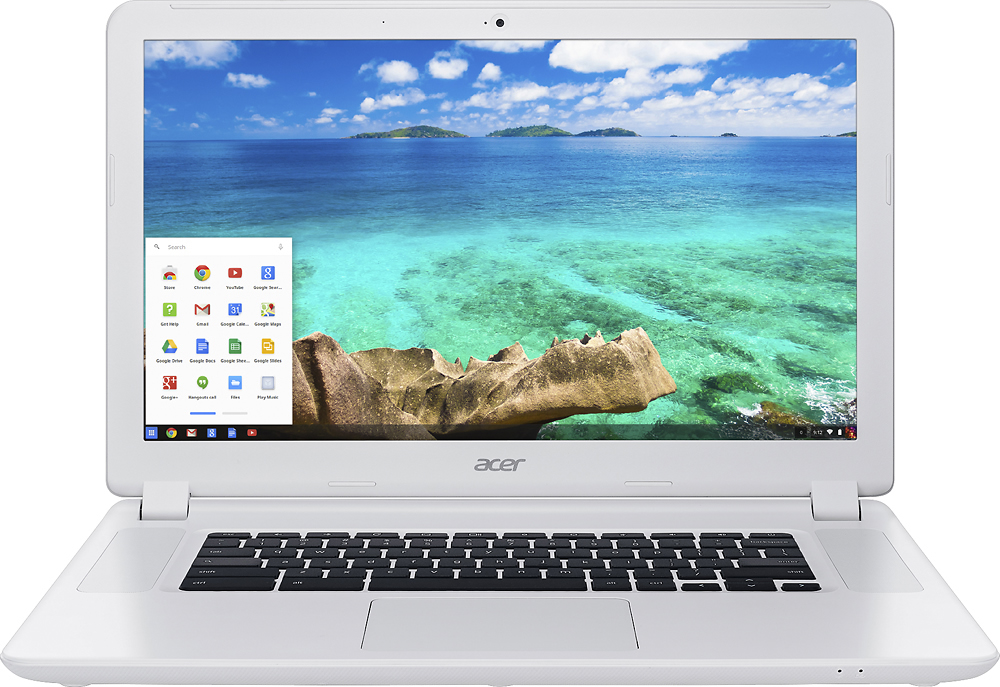
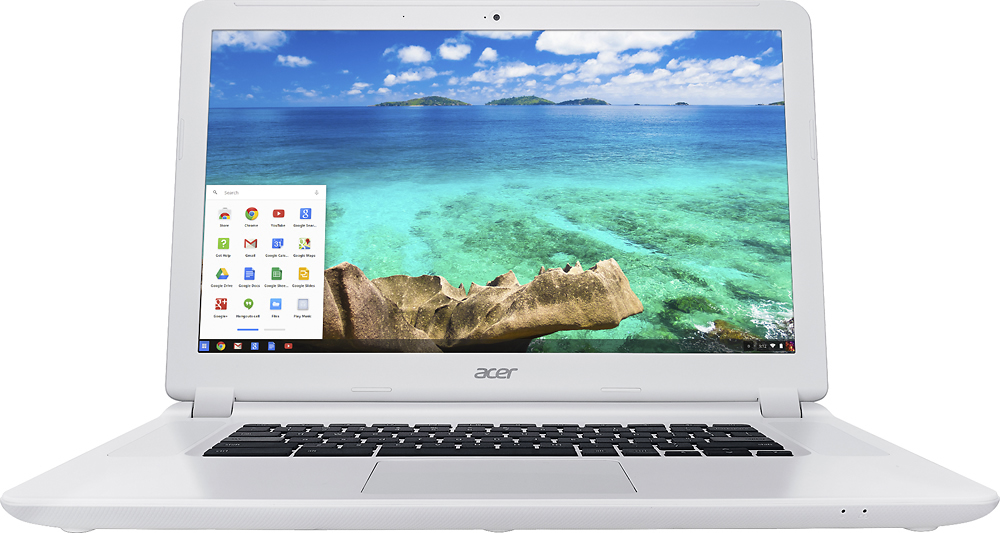
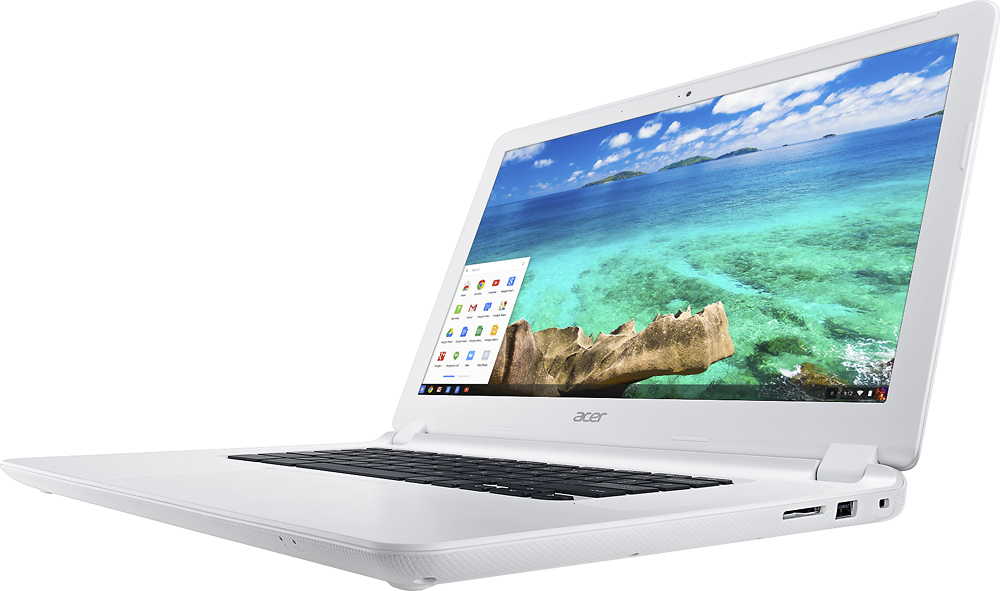
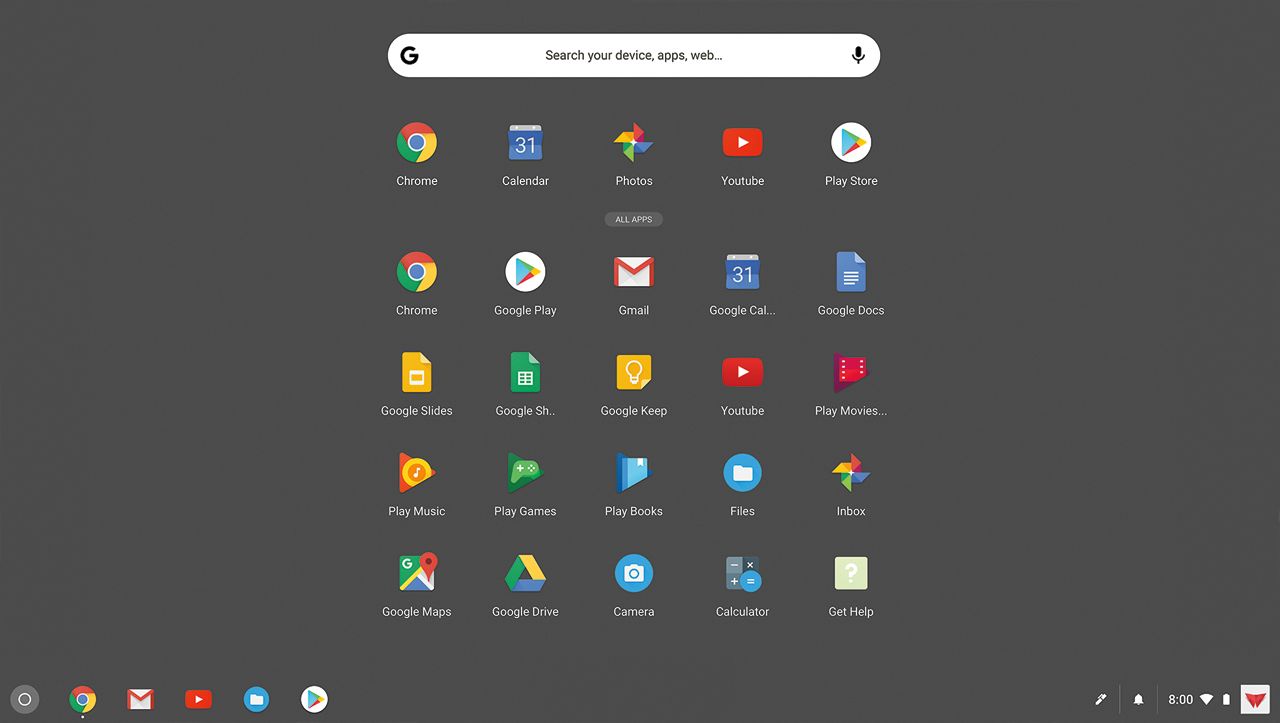
A:AnswerThe Chrome operating system ships with Google apps like Gmail, Drive and YouTube, as well as utilities such as a media player and a built-in photo editor.
A:AnswerYou can see the list of compatible peripherals for the Chrome operating system at https://support.google.com/chromebook/answer/183093?hl=en. You might also check with the vendor of the sling box to see if it is compatible with this operating system.
A:AnswerIt's possible, but it's hard to do and it will not work well. I was told this by a friend. The whole point of the Chromebook is to force you into Google's orbit so THEY can watch your every movie online. Chromes send everything you do thru Google. That's why you never have to buy soft wear, or spy wear or mal wear: Google does that for you. They want you to use their email so they can aggregate all the info. But hey! they all do it, so what's the biggie? You can have all the g-mail accounts you want with 15 gigs of storage each, that makes storing in the Google cloud pretty simple and easy. I love mine.
A:AnswerIt does not come with Microsoft Office, but you can use the add-in for Word/Excel online. It works the same and syncs with your Microsoft OneDrive storage. Very soon, you will be able to install the Appliction for WOrd, Excel or Power Point from the Google Play Store and run it offline.
https://sites.google.com/a/chromium.org/dev/chromium-os/chrome-os-systems-supporting-android-apps?rd=1
A:AnswerNo sir. This is a Chromebook. It does not run Windows. It runs a Chrome OS, which is essentially a seriously stripped down version of Windows, but that's okay, because it's not trying to be Windows.
I recommend you swing by your nearest Best Buy (although this is not an ad) and play with one. If you don't like it, it's not for you.