A:AnswerThe list Alive Cor provides of "approved" cell devices is dated and anyway, the newest version of their software was very recently released. I have an LG phone (Stylo 3) that works fine with the app. I'd say try it. If it doesn't fit, you could always return it. I even tried it on my old Samsung S5 and it works fine, too.
A:AnswerNo! Absolutely not! The pacemaker is doing just that… Pacing your heart when it gets out of proper rhythm. This device will not give you proper readings because of the electromagnetic interference from the pacemaker. this is a question you would need to refer to your cardiologist that implanted the pacemaker. If you want an accurate EKG it will most likely need to be done in the clinical setting because you will most likely need a 12 lead EKG and A lot of the EKGs that we use in the clinical setting have various safeguards and there are settings that can be put on for people that have pacemakers or ICD. So if I were you I would air on the side of caution especially with such a sensitive and life-sustaining device as a pacemaker . I hope this helps!
A:AnswerThis is great!! Very accurate. I use it with a samsung, android tablet. So I would imagine it would work with any up to date phone or tablet. It is so convientent and easy to use!! A great buy!!
A:AnswerYes, the directions say that AliveCor can monitor and record your results. You must agree to it prior to use. I have no problem with AliveCor monitoring my results, however, I understand that some people may not like that.
A:AnswerAlthough I don't clearly remember setting up the app I can see the app in the google play store and I recall it being very easy to set up and operate. The pairing relationship between the device and the phone is fool proof - rock solid and never had any problem until I dropped it into the bath. I immediately bought a replacement. I highly recommend.
A:AnswerI just changed the battery in my KardiaMobile. It uses a CR2016 battery. The KardiaMobile app on you phone will generate a PDF file. From your phone you can email the PDF file to yourself or to your cardiologist.
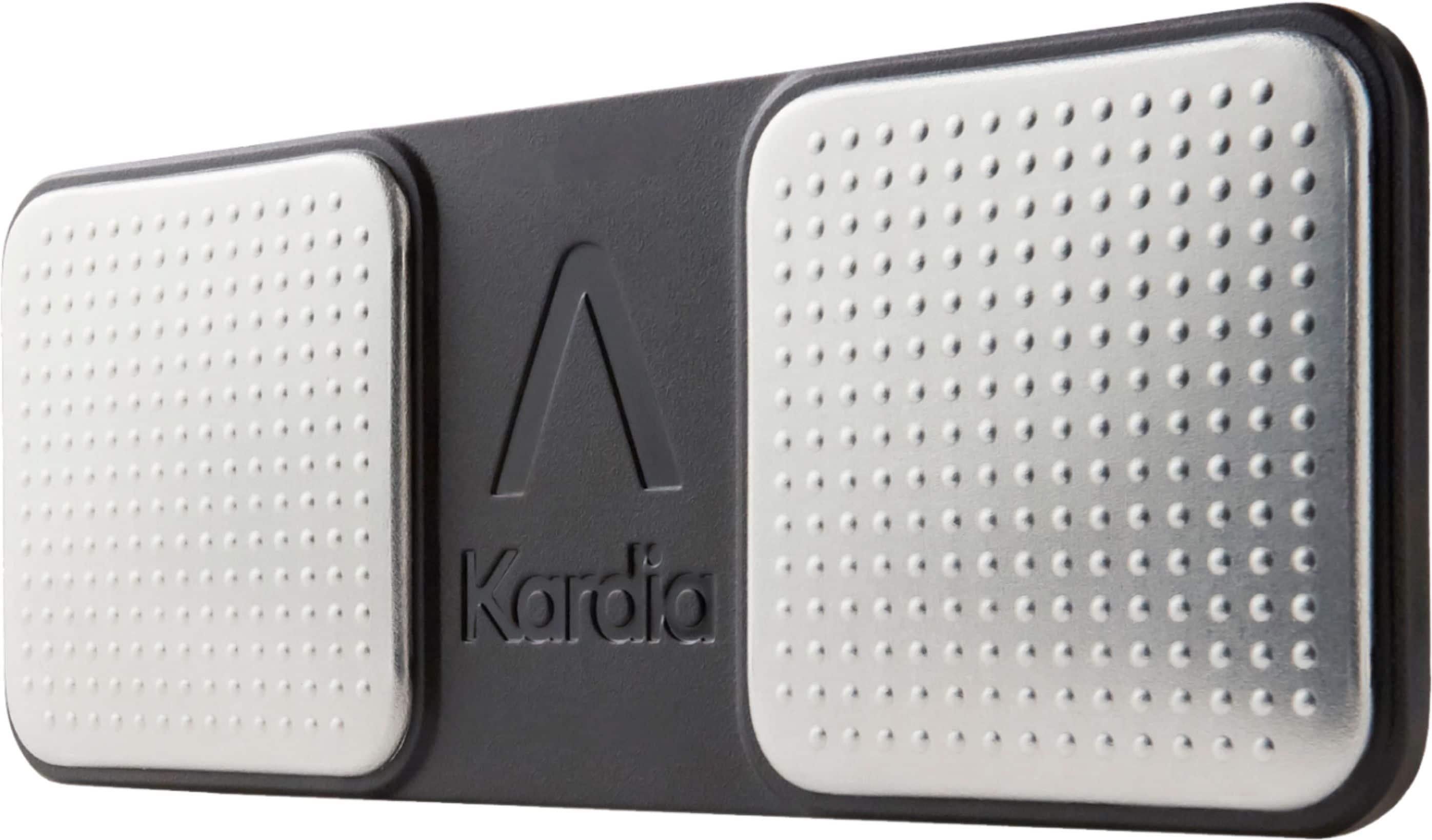
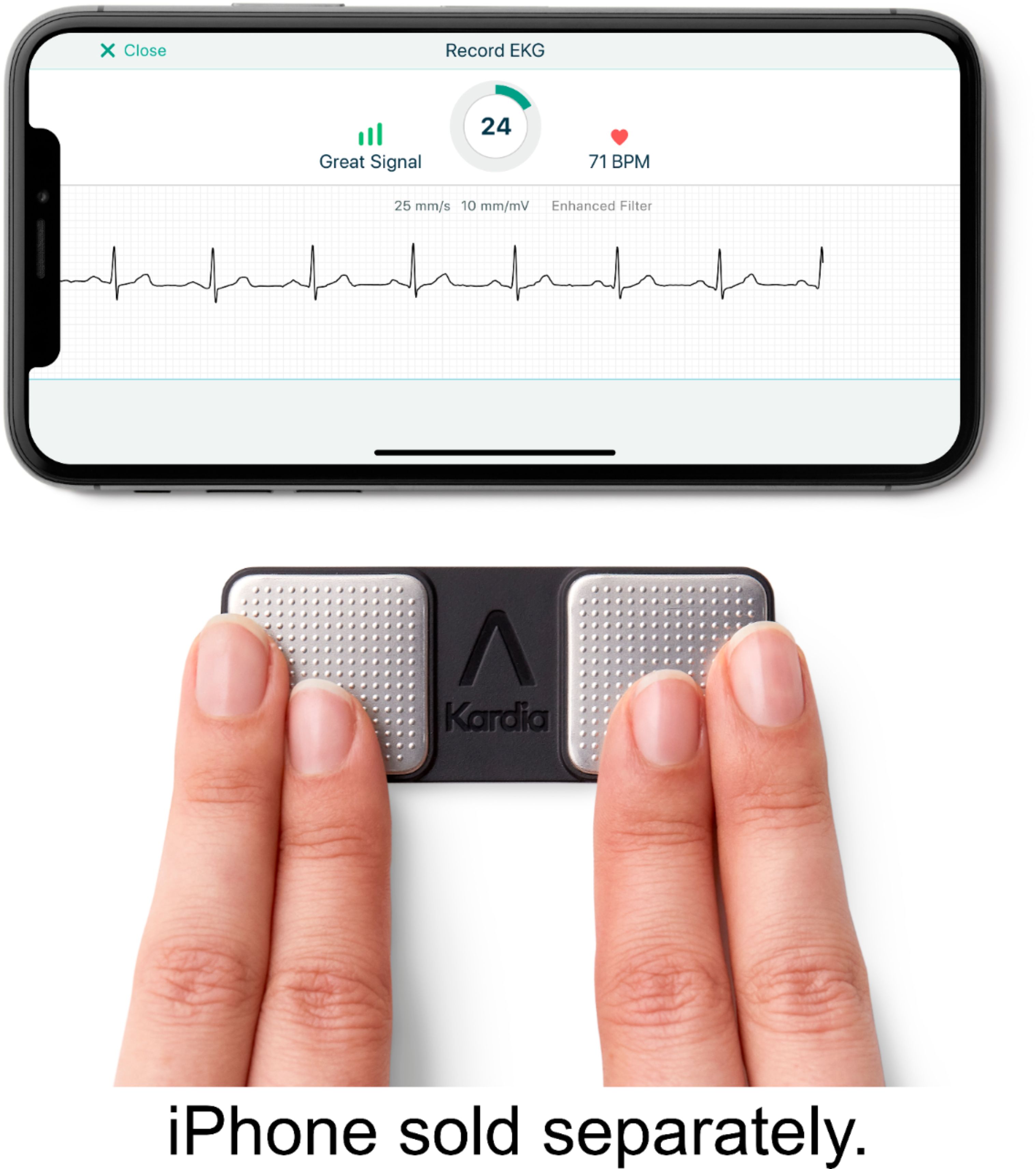
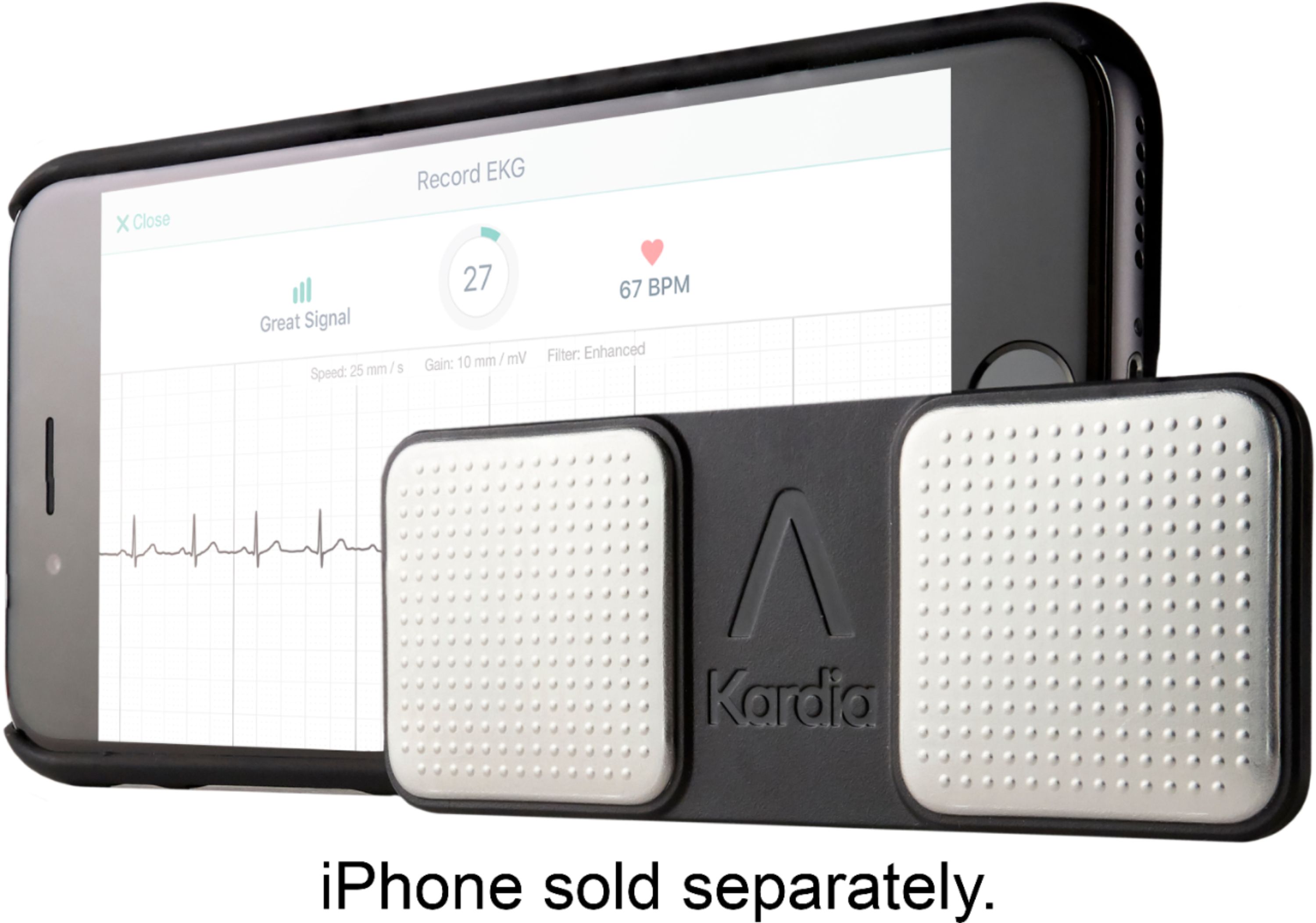
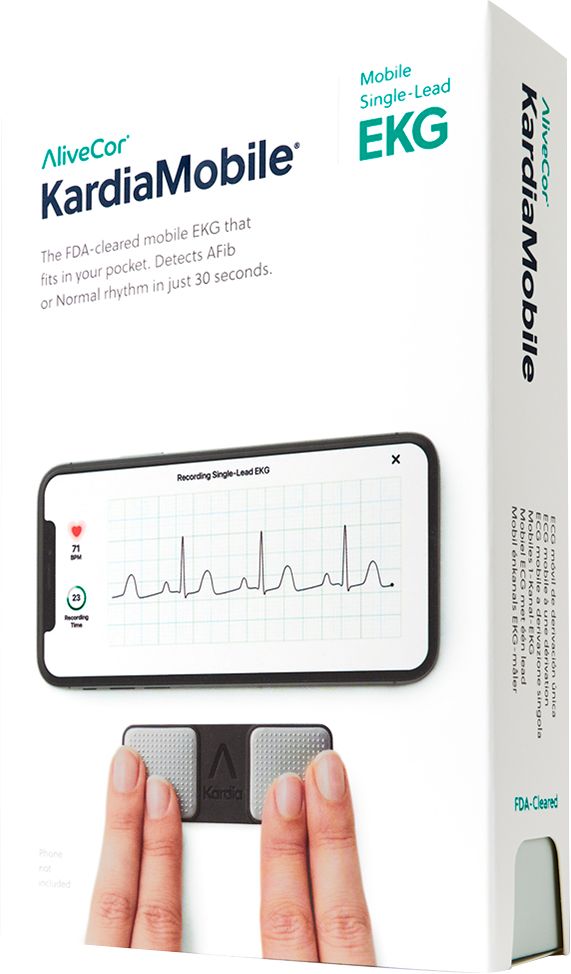
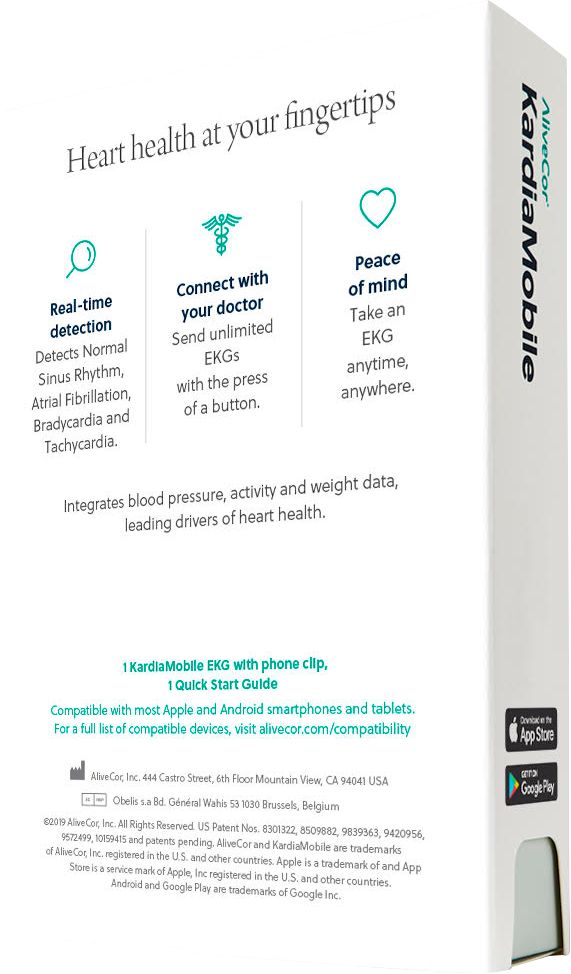
A:AnswerA compatible smart phone or iPad is needed in order to use the KardiaMobile. Results from your EKG are shown in the Kardia app on your smartphone or tablet. The KardiaMobile can analyze recordings that have a BPM higher than 100 and it is battery operated, using a CR2016 battery available at most general-purpose stores.
A:AnswerPer The Quick Start Guide:
Set up your smartphone or tablet
1. Download the Kardia app from the App Store or Google Play.
2. Launch the Kardia app and tap "Create Account".
3. Follow the on-screen instructions to complete your account set-up.
Record an EKG
1. Open the app and tap "Record your first EKG".
2. Choose "KardiaMobile".
3. You may be prompted to allow the Kardia app access to your microphone, select "Grant Access".
4. Recordings are best taken while seated. Lay device on a flat surface near your smartphone.
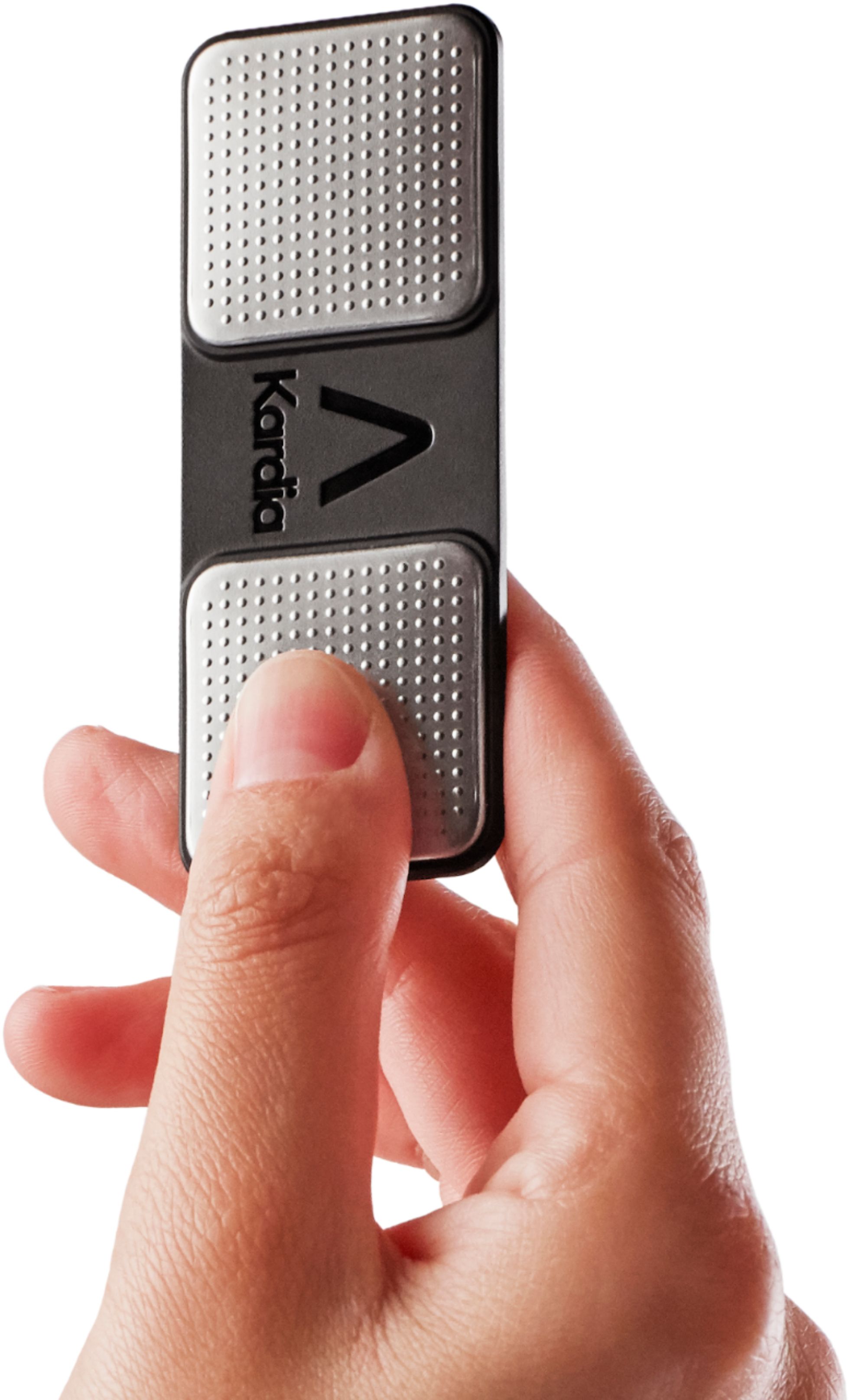
5. When ready, place two fingers from each hand on the two electrodes. No need to squeeze or press down firmly.
6. Your recording will begin. Hold still as you watch the timer count down from 30 seconds, until your EKG recording is complete.
Instructions are available at Alivecor.com/quickstart.