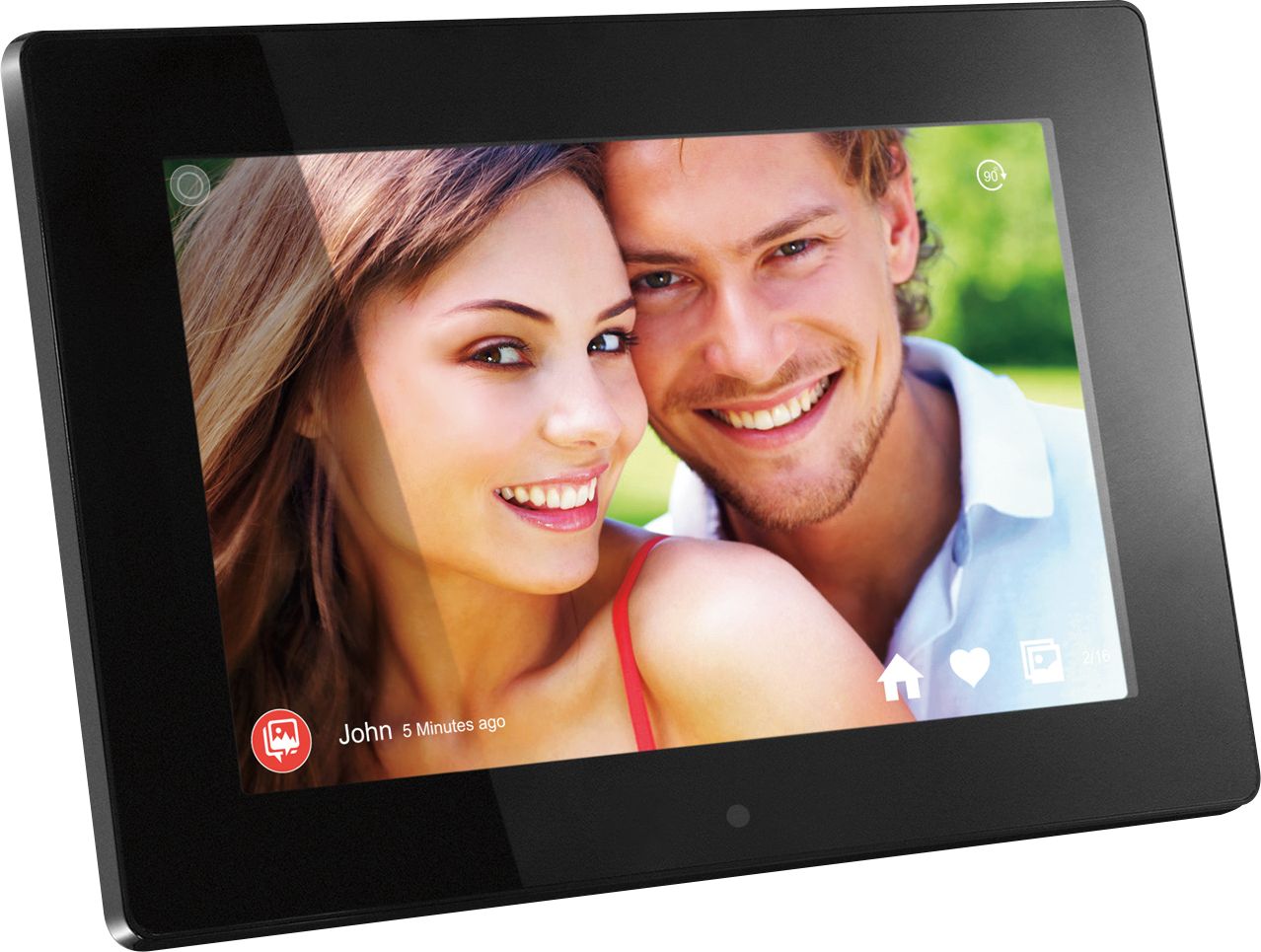
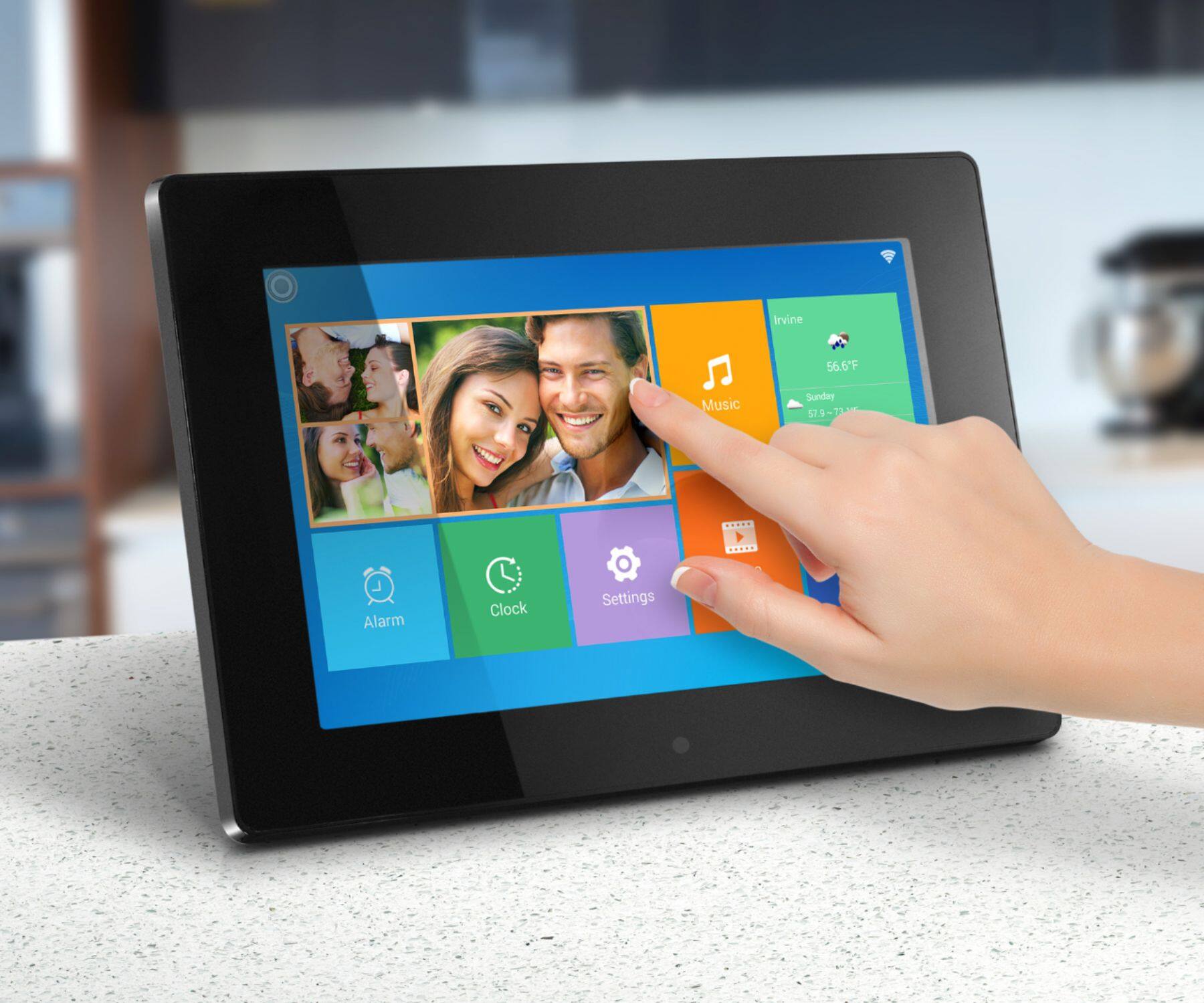
A:AnswerIn slideshow mode the longest interval is 5min. If you want to show one picture all day or half day you can pause the slideshow on one photo and it will stay there until you change it.
A:AnswerNo. The longest the slideshow interval for this frame is probably 1 hour. When the photos play in slideshow mode there is a pause button when you tap on the photo showing. You can pause the photo and it will hold until you tap pause again. But you must keep the frame on at all times. Some of our customers enjoy this aspect. You have to turn off the motion sensor, if the frame has one, and you have to turn off auto on/off. Contact support@aluratek.com if you need more info.
A:AnswerBestBuy sells another 15" frame with model# AWS215F which they carry in store or for delivery. If you want the AWS15F specifically, you can purchase it from Aluratek website.
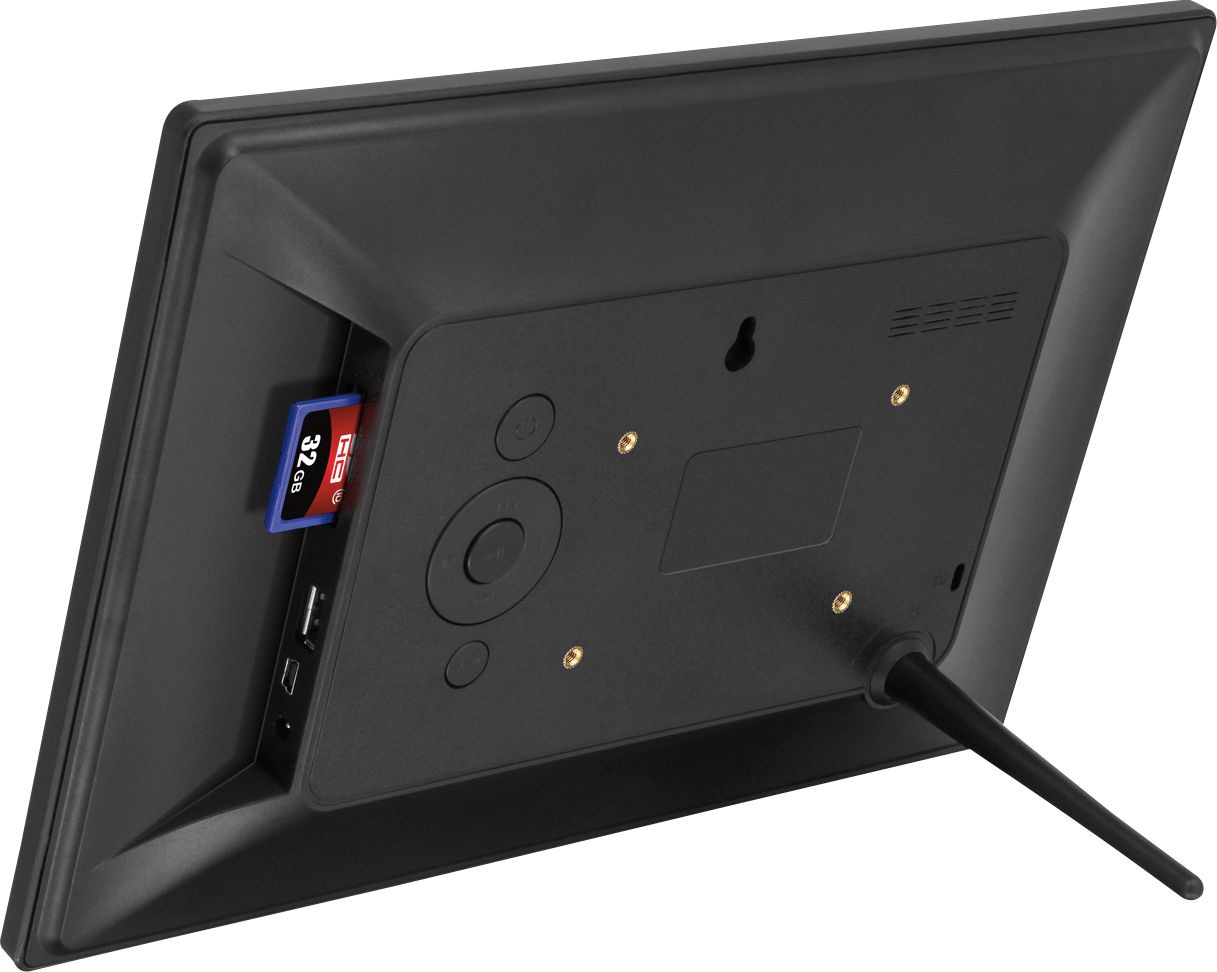
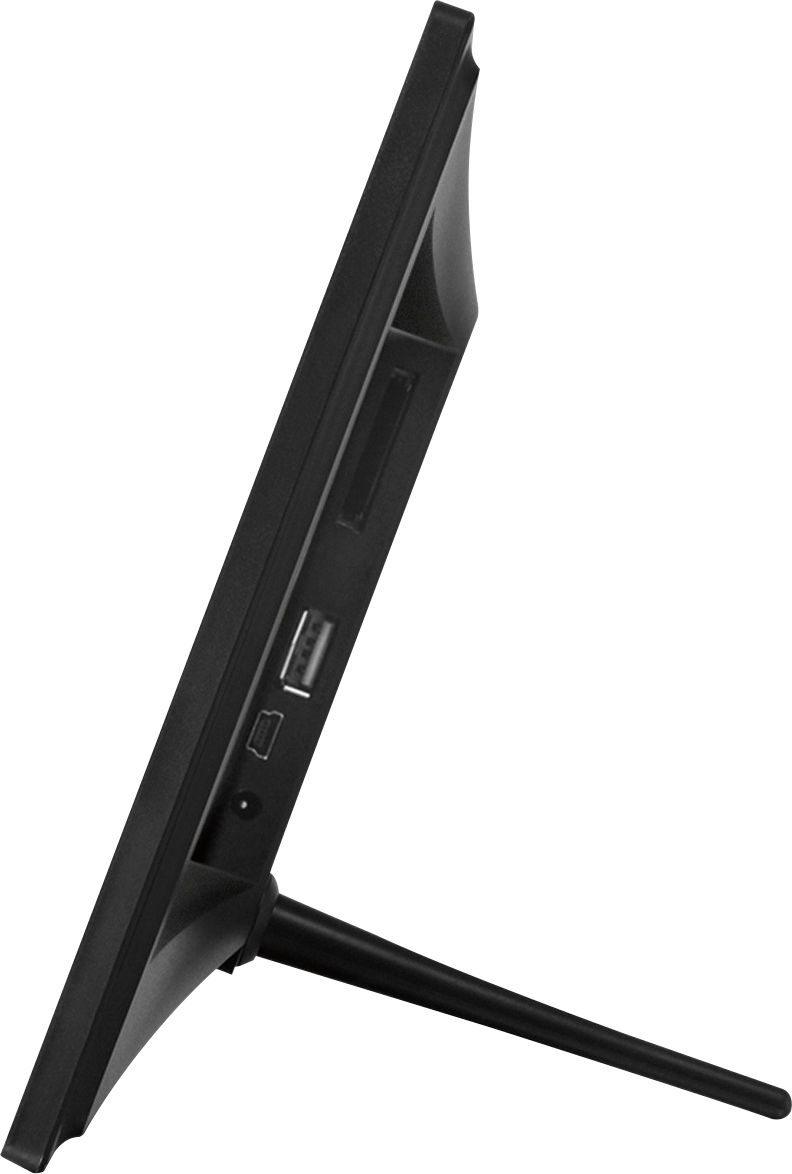
A:AnswerThat frame will play photos directly from the SD or USB memory cards. Use 32Gb or smaller cards. The frame will likely not recognize folders. It just looks for jpg photos. However, photos from the memory cards can be uploaded to the frame and then placed in folders. For more tips contact support@aluratek.com.
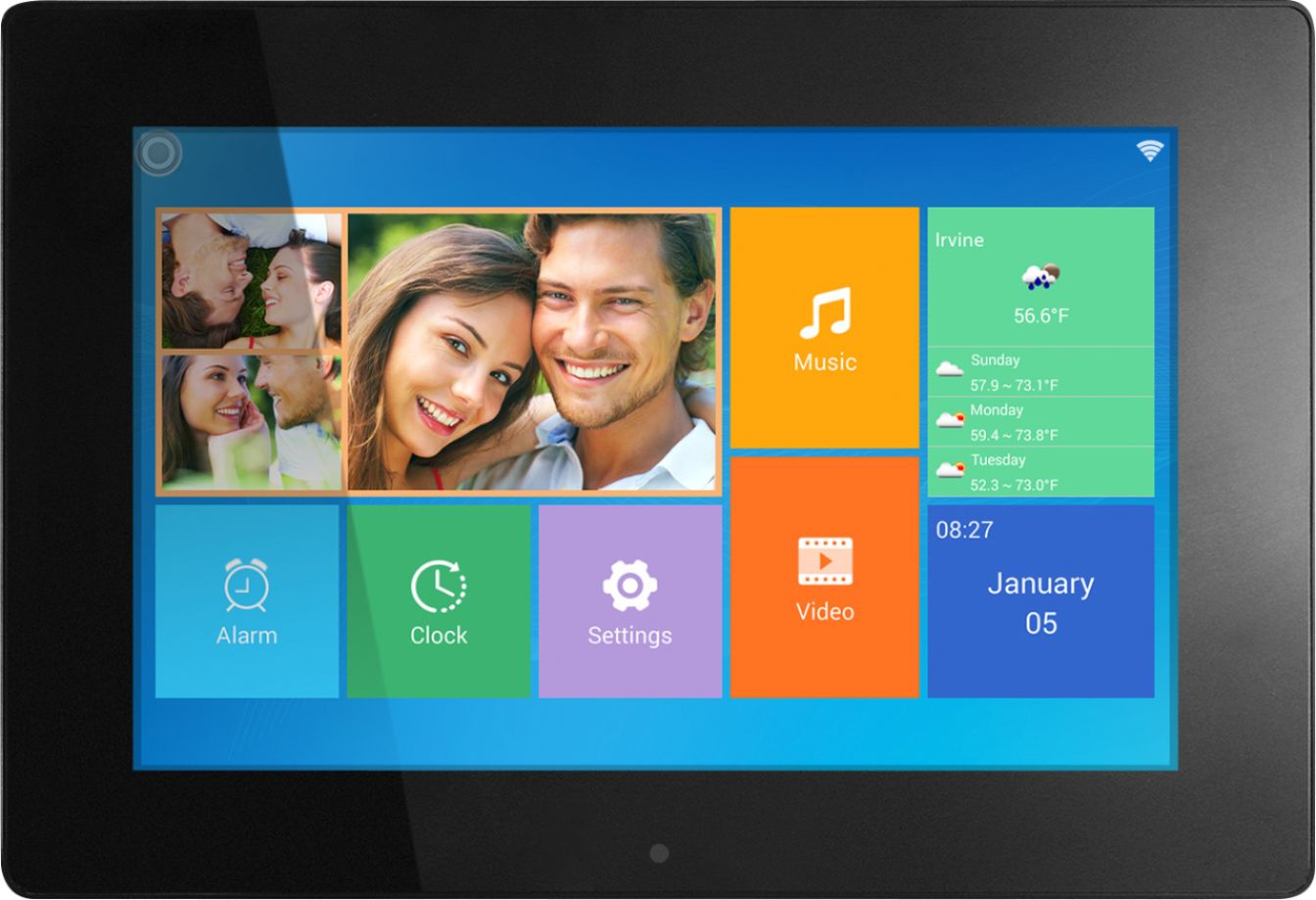
A:AnswerNo this unit will not auto play video. You must go into the video tab on the home screen and play your videos from that section. They cannot play within a slideshow with photos.