A:AnswerI’ve never used it to transmit only receive from my tablet to my amplifier. So, I don’t know. It does say it’s a transmitter so…try it and find out.
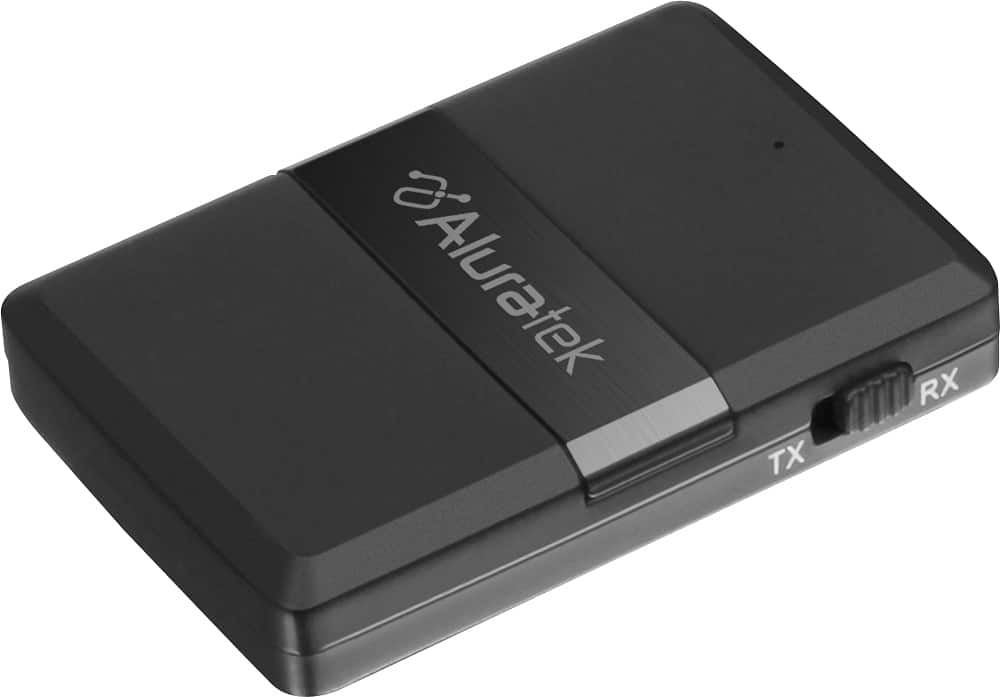
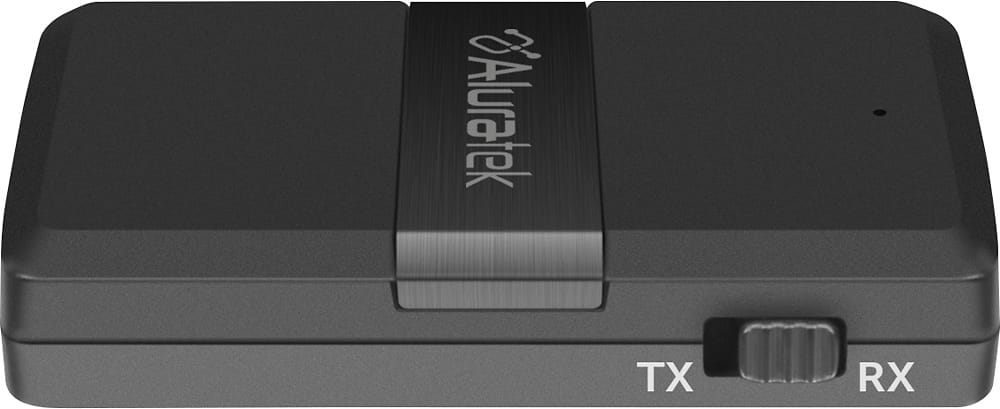
A:AnswerIt should be. The ABC01F can be used in RX or TX mode. TX is for transmitting and RX for receiving. Depending on what you are trying to do with your setup will determine what mode you use. If you need further support contact us at support@aluratek.com.
A:AnswerThis unit should work. The ABC01F can run in TX mode for transmitting, or in RX mode for receiving. Transmitting is perfect for sending audio to headphones, earbuds, or speakers that are Bluetooth enabled. RX mode is more for receiving from phones, tablets, or computers. If you have hearing aids make sure they are A2DP profile compatible. Contact support@aluratek.com for more info or help.
A:AnswerYes. If you intend to receive audio and then send the audio into the Wave you will use RX mode. If you intend to transmit the audio from the wave to your headphones then use TX mode. Contact support@aluratek.com for more info.
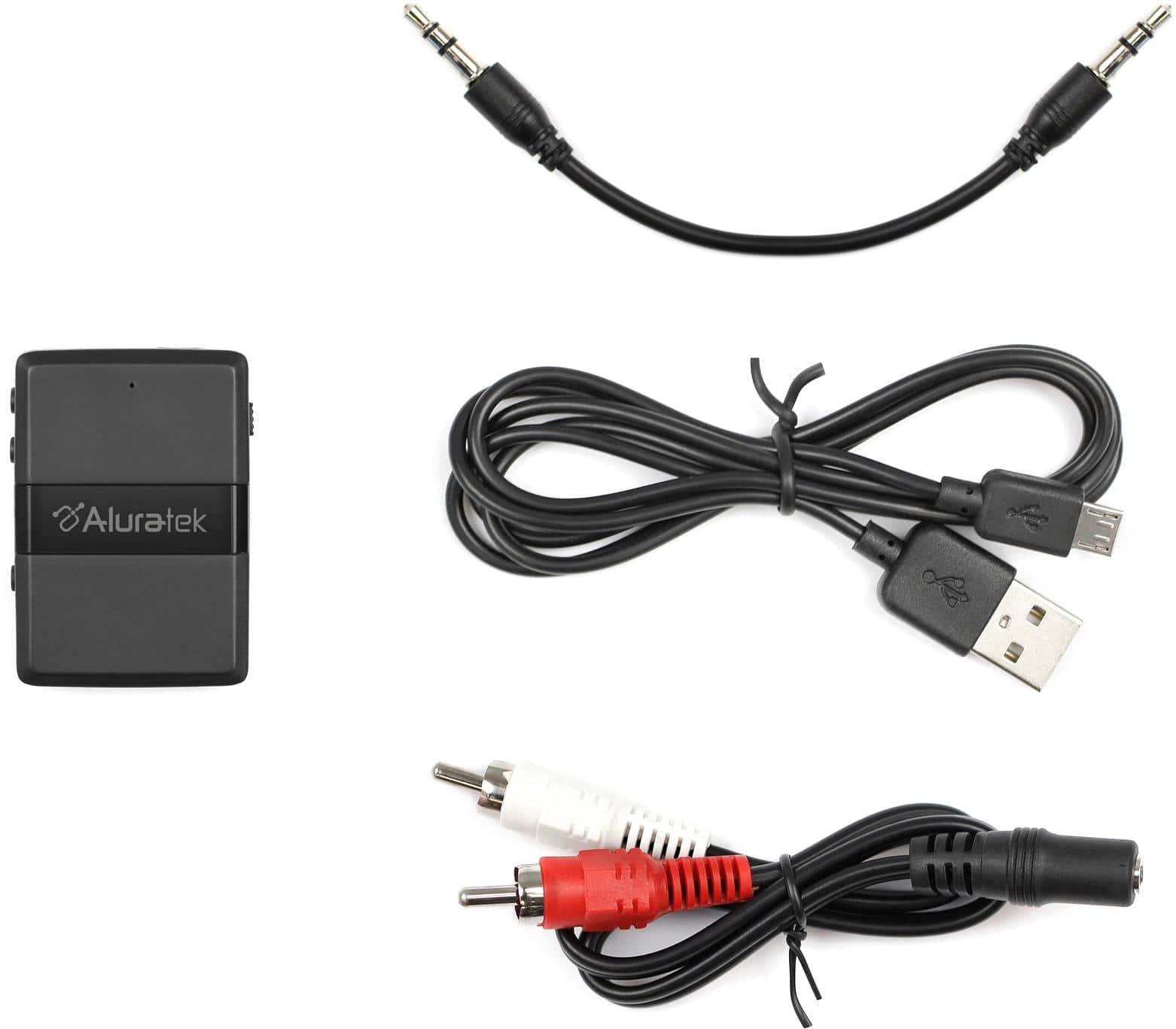
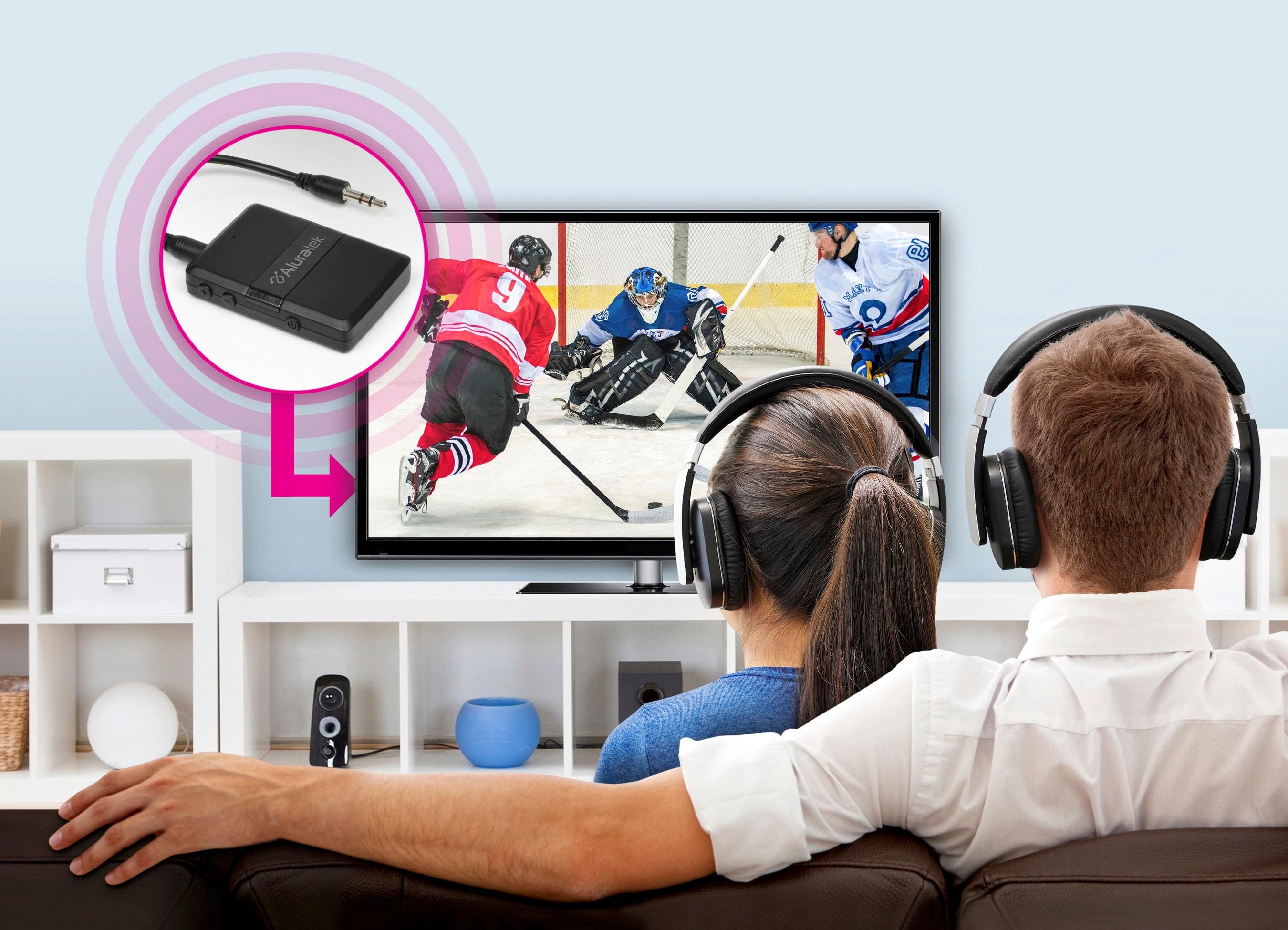
A:AnswerNo. What you would do is buy the ABC01F, put the unit in TX mode for transmitting, connect audio cable from the back of the TV (Audio Output / AUX OUT) to the ABC01F. Then pair the ABC to your headphones. Finally, go into TV settings, look for audio output and make sure the TV is sending its audio out the AUX OUT or AUDIO OUT. If you want audio to also go to the Sound Bar then get an audio splitter.
If your TV has Optical OUT then you need to buy the ABC02F which comes with optical connectors and cable.
A:AnswerSometimes this will work but only if you have two different models of transmitter and receiver. A better setup sometimes is to transmit from one of our receivers and then get an audio mixer with Bluetooth to control audio to your device. Or vice versa in terms of the setup.
A:AnswerThe ABC01F is a dual mode transmitter and receiver. Essentially connect the audio out of your TV or where ever the audio is coming from, to the Aluratek. Then pair with your headphones or earbuds. You need to be in TX mode. RX mode is for receiving a BT signal from a phone or computer.
A:AnswerNo, it’s Bluetooth. Choose whether you want to transmit or receive and pair to a Bluetooth device. I used mine to transmit tv audio to headphones.
A:AnswerYes. Use TX mode, connect to a TV audio output, make sure the TV is set to use the audio out (settings on TV), and then pair the device to your headphones or earbuds.
A:AnswerFirst, make sure your hearing aids are A2DP profile compatible. Second, on older TVs if you connect the transmitter to the headphone jack that will usually stop sound from the TV speakers. That has more to do with the TV, not the transmitter. If you connect the transmitter to an AUX Audio Output on the back of the TV you then have to go into settings on the TV and make sure the audio/sound is being routed out the AUX out. Usually that will also turn off the TV speakers. This is just how older TVs routed the sound. Some newer Smart TVs will let you route to both AUX Out or Optical Out and still route sound to the TV speakers. This is usually the case with TVs that have optical outputs.
A:AnswerIf they are paired to the ROKU then obviously only the ROKU will send the audio and nothing else. You need to have everything funneled into the TV so that connecting the ABC01F transmitter to the TV output will get all audio and send that to the headphones. In some cases the TV may not have enough inputs to make this possible therefore requiring the user to switch the transmitter from the TV to the ROKU and back depending on what they are using. A work-around to this is to get a small audio mixer and connect the output of the ROKU and TV to the mixer. Now attach the ABC01F to one of the mixer outputs and send the audio to your headphones.
A:AnswerAs long as the hearing aids are A2DP profile compatible then yes. A2DP is the most common BT portal but some hearing aids are a bit more specialized so check with the company that makes them.
A:AnswerYes, you should be able to do this. If you are sending the audio from your phone then you will want this device in RX mode for receiving. Pair to the phone, then you connect the ABC01F directly into your car AUX AUDIO INPUT via audio cable.
A:AnswerAs long as the hearing aids are A2DP profile compatible then it should work. If you need support for setup you can contact us at support@aluratek.com. Thanks.