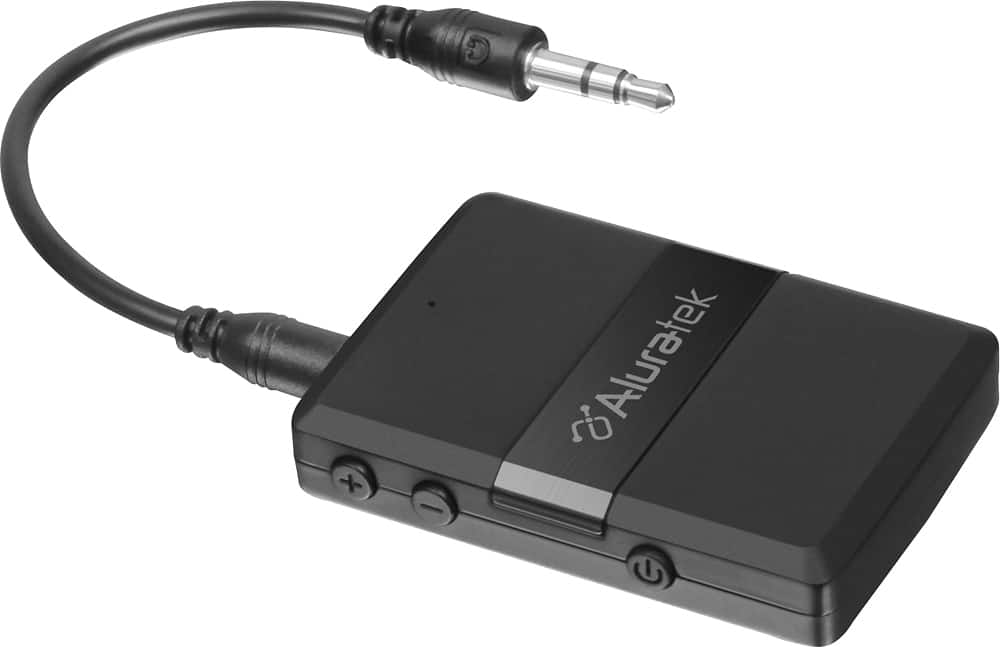
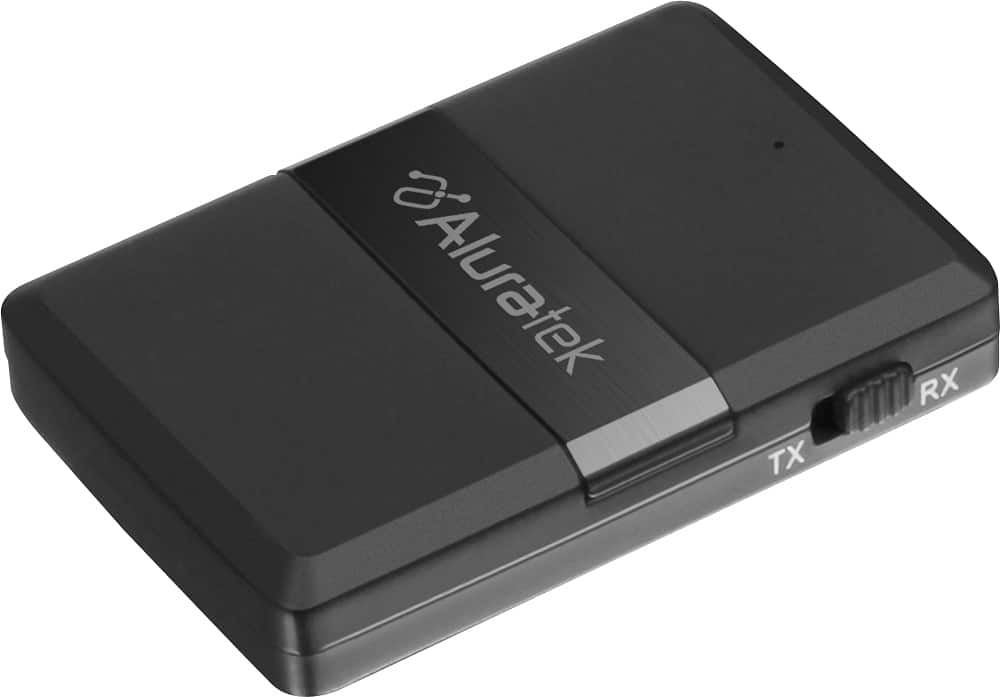
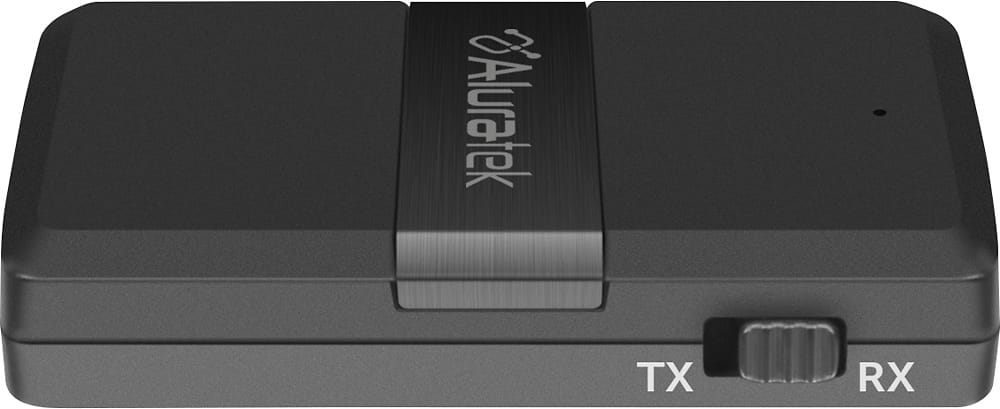
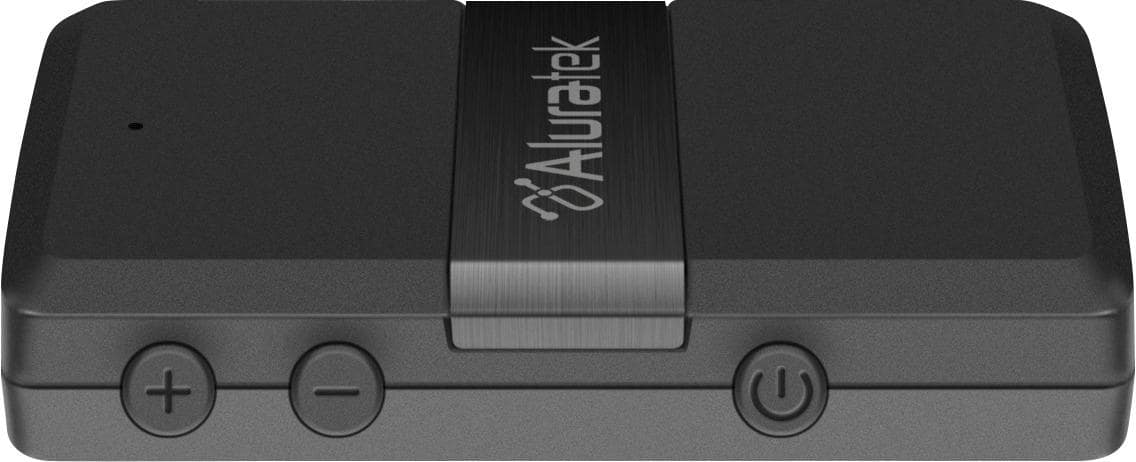
A:AnswerThe bluetooth transmitter does not control volume in TX mode, but can do that in RX mode. Otherwise, volume is controlled from your headphones or from the source like a TV or Stereo.
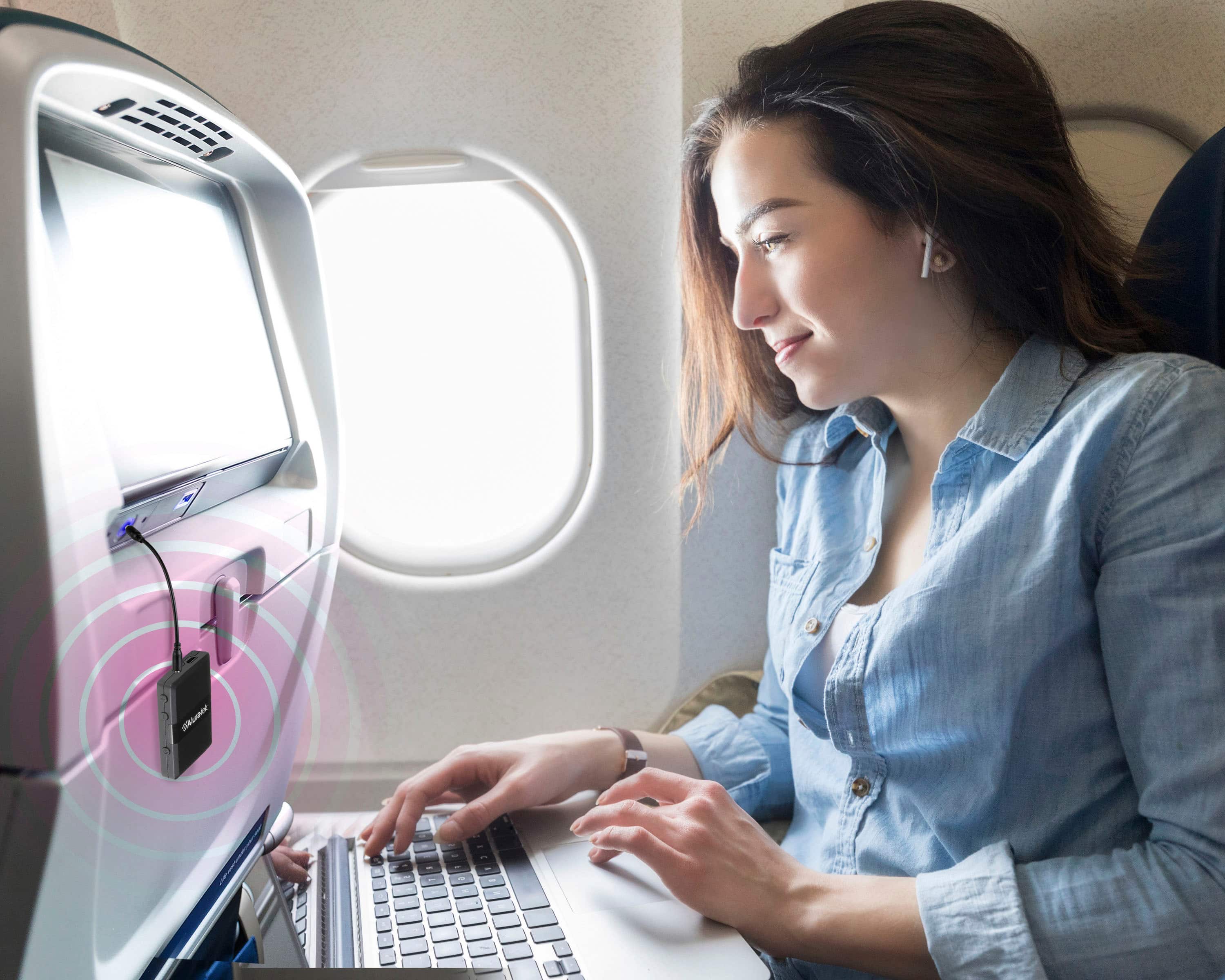
A:AnswerAs long as the video screen on the plane has an audio output that you can connect to the Aluratek, then you can transmit in TX mode to your headphones or earbuds.
A:AnswerYes. You would run the unit in RX mode for receiving audio from the phone via BT. Then the Aluratek unit is directly connected to an Input on the stereo.
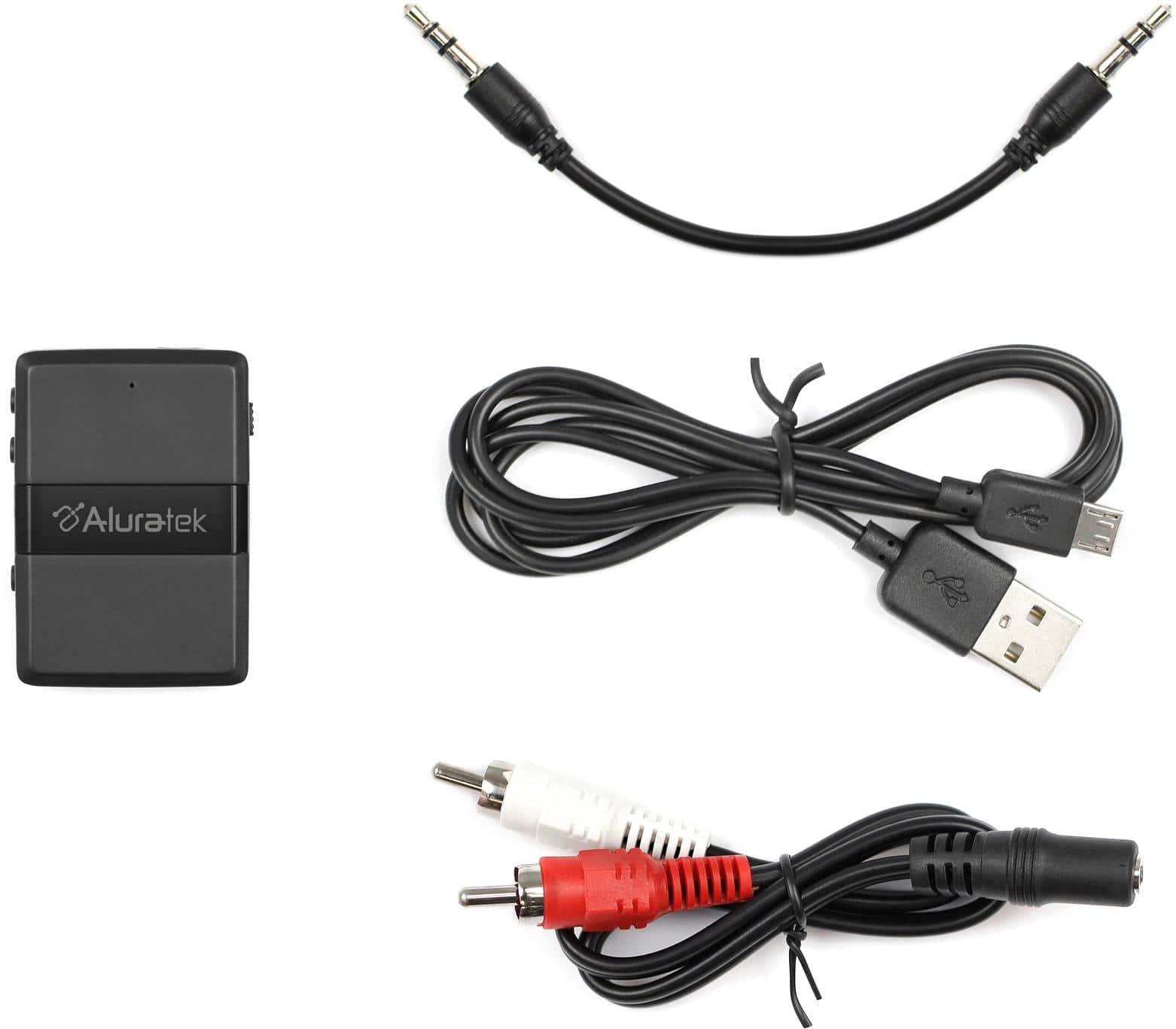
A:AnswerIt depends. If your record player uses Phono audio out then no. But it is has a stereo audio out that uses 3.5 or RCA jacks then yes. You will run the Aluratek in TX mode.
A:AnswerThis is line level audio. In TX mode it is transmitting audio from a sound source. In RX mode it is receiving audio from a phone, tablet, or computer.
A:AnswerGo into your TV audio / sound settings and make sure audio output is using your AUX out or Optical out. If optical then try to use Optical - PCM if offered. Contact support@aluratek.com if you have further questions.
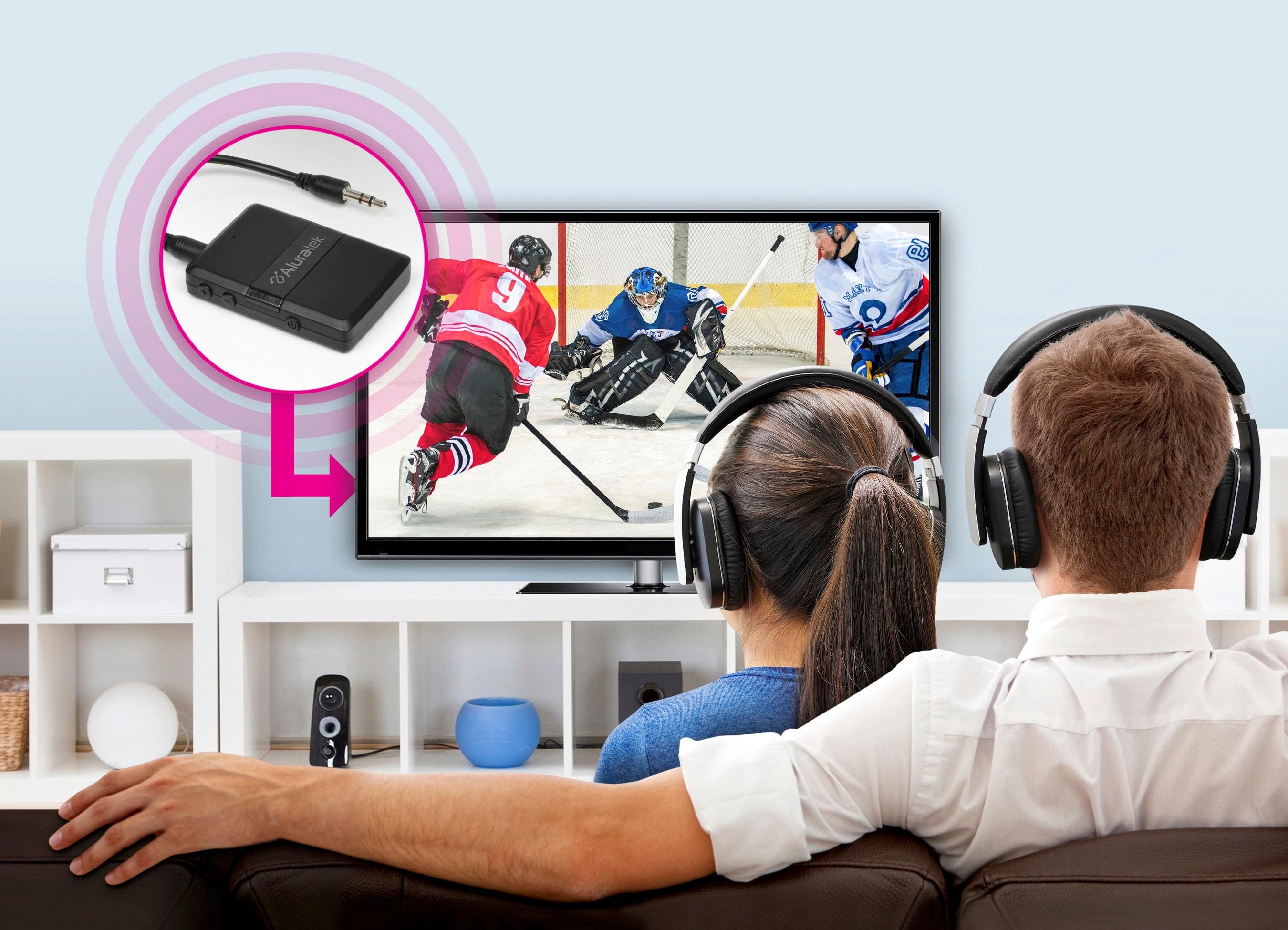
A:AnswerNo. Smart Phones do not connect to Bluetooth devices in TX mode. Not just our devices but any devices. Smart phones are designed to pair with Bluetooth devices in RX mode (receiving mode). But in order to transmit sound from a TV your Bluetooth device will have to be in TX mode (transmitting). The TV would directly connect to the BT transmitter, then the transmitter would pair to BT headphones or BT speakers.
A:AnswerYou will have to check to see if the Roku wireless speakers use A2DP profile for Bluetooth connection. Make sure the Aluratek device is in TX mode.