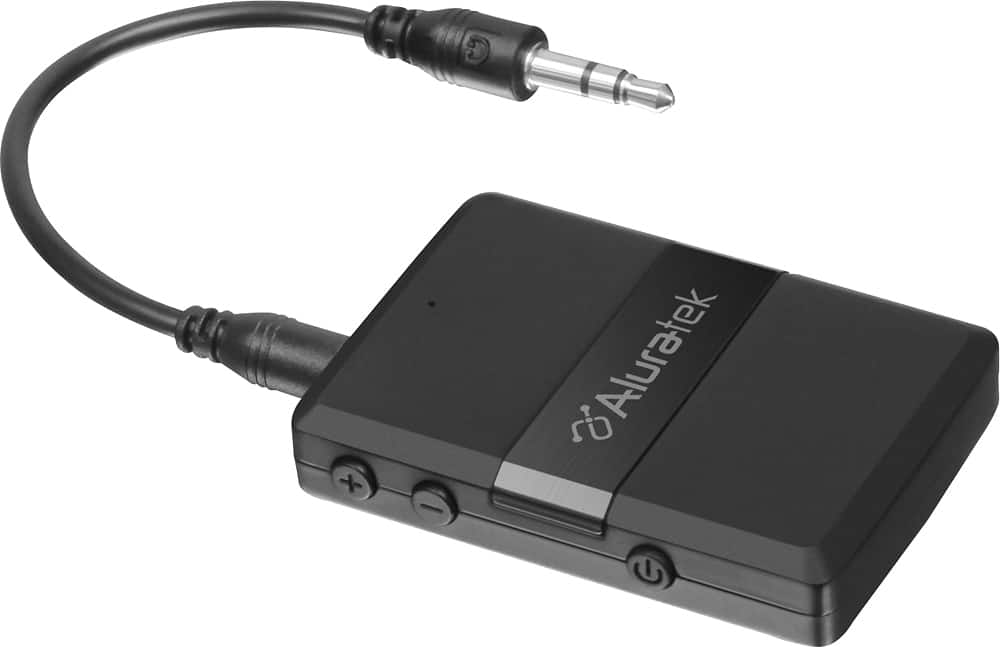
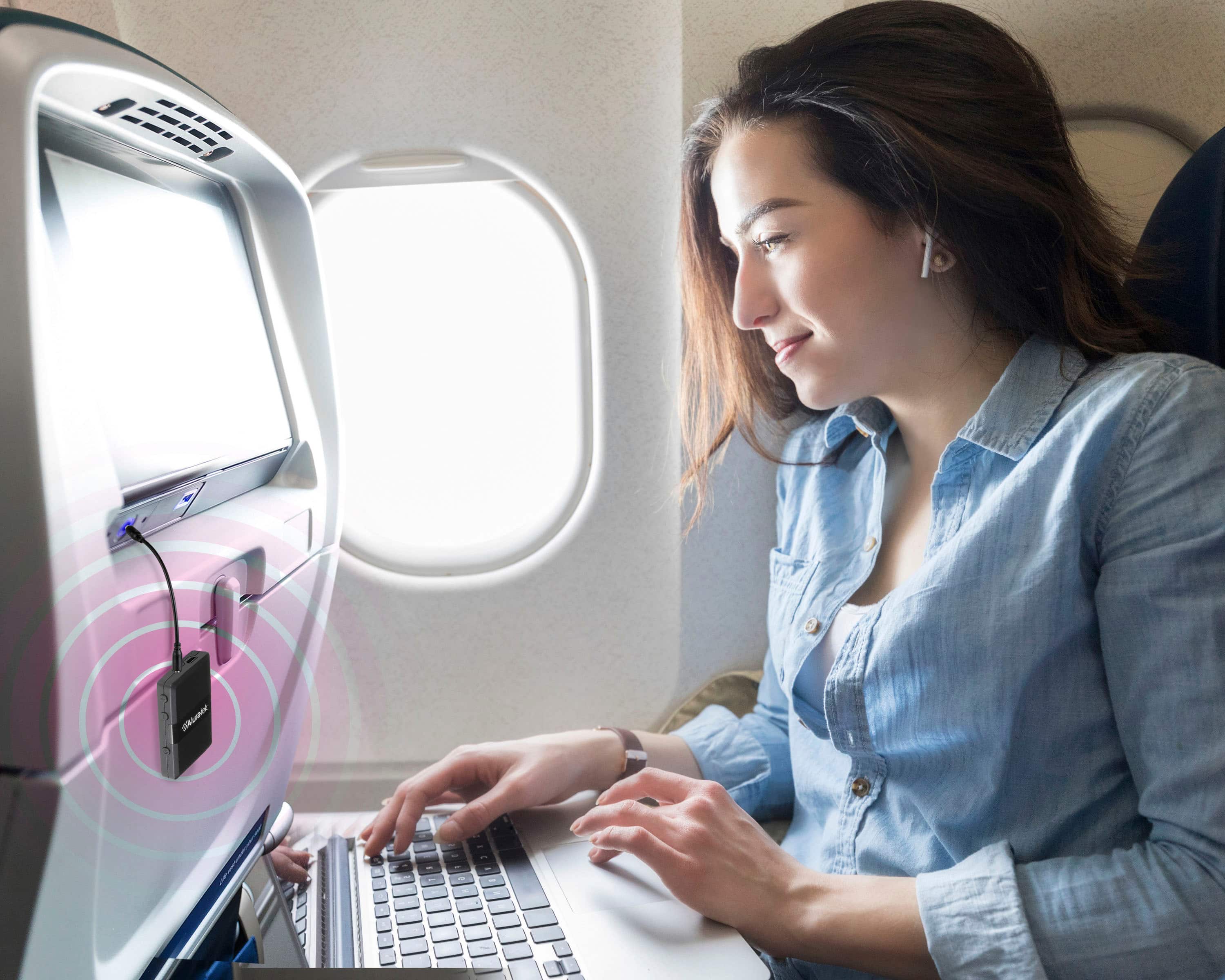
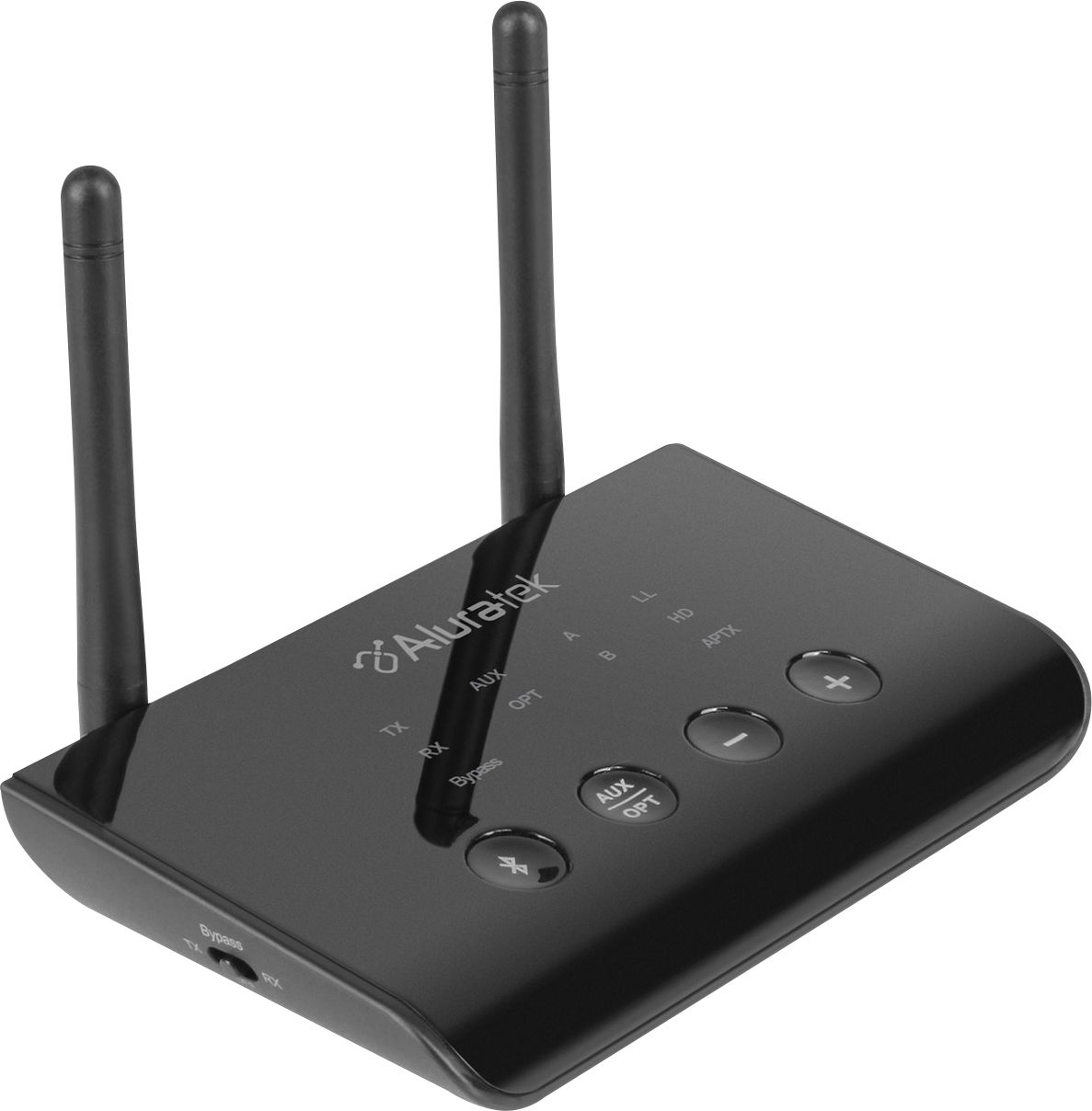
A:AnswerIt should work with any type of music input. Your device doesn't need Bluetooth. This device provides Bluetooth to devices that don't have Bluetooth.
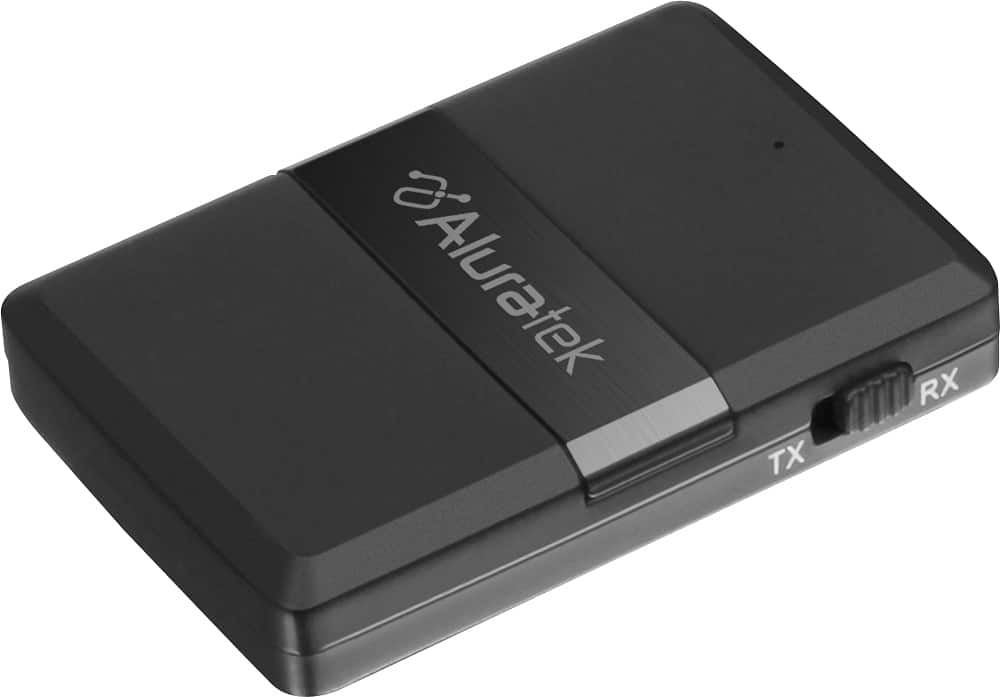
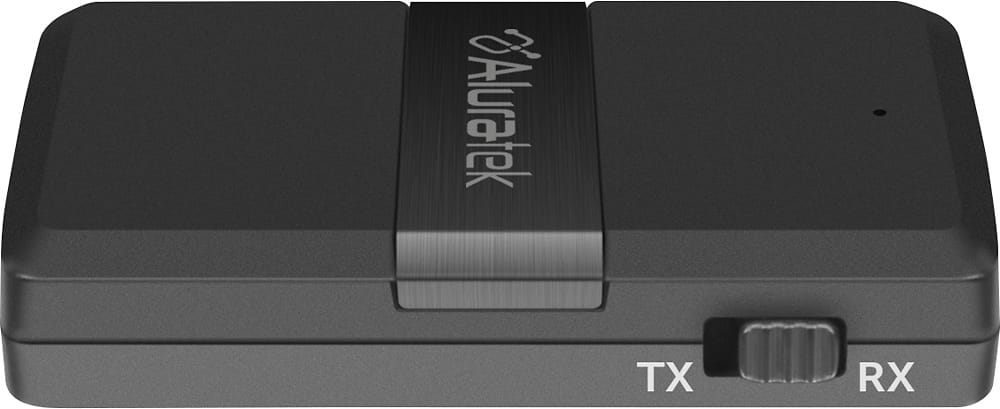
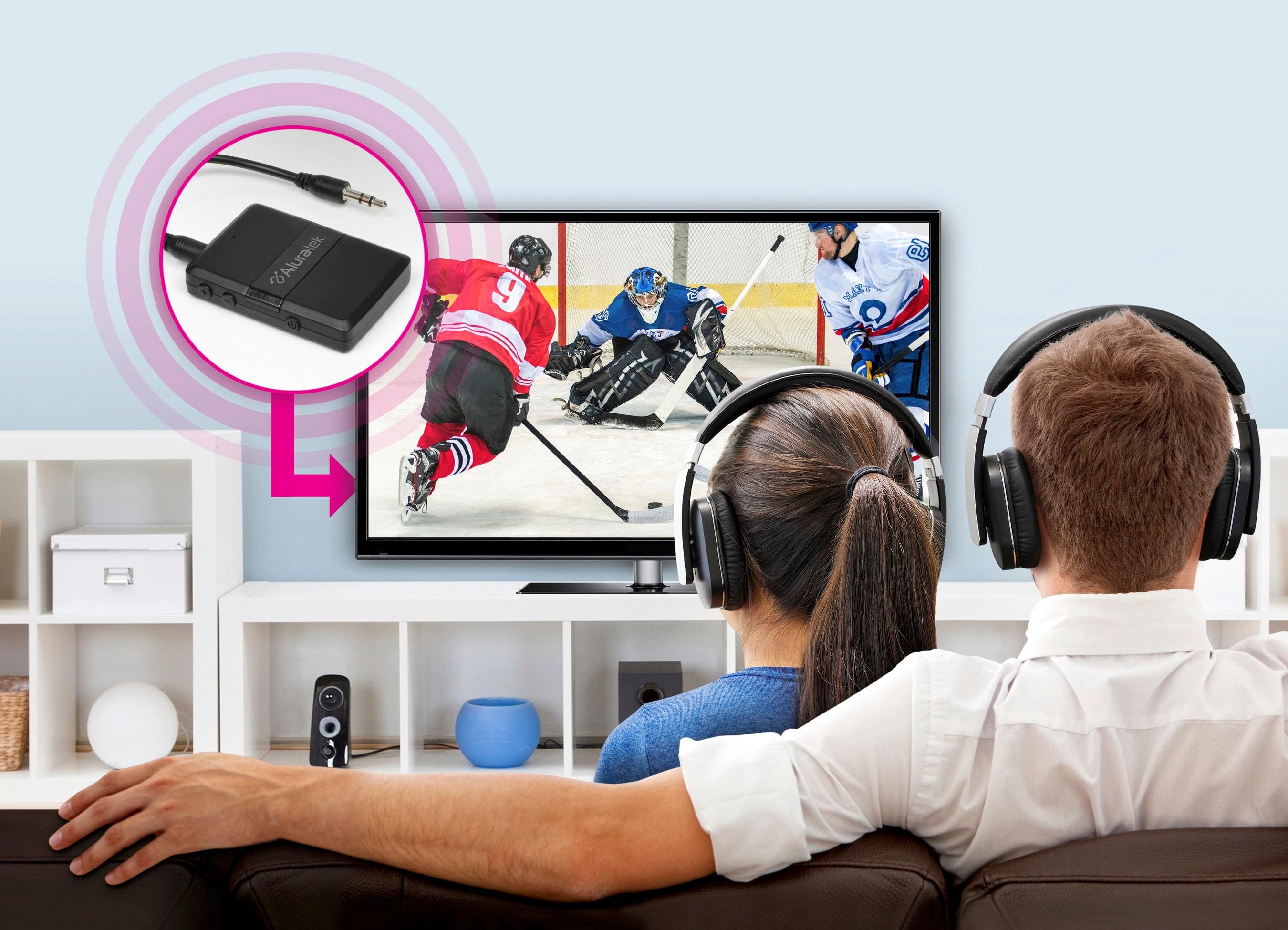
A:AnswerThe ABC01F is a transmitter and receiver. Yes, it can connect to a TV Aux Output or TV headphone jack and then be used to pair via Bluetooth with a BT speaker or headphones. Volume must be controlled from either the TV or the speaker or headphones. Bluetooth transmitters do not control the volume. In transmit mode you cannot control volume. Only in Receiving mode (RX) can you control volume. So make sure your TV or Speakers offer solid volume control.
A:AnswerThis all depends on the TV and not the transmitter. All the transmitter does is send audio from point A to point B. It has no control over the internals of the TV. Most older TVs do not offer this option, but some new TVs do but usually with Optical connections where the speakers can still work. Check your TV manual.
A:AnswerCheck on the back of your TV and look for an AUX Audio Output. Or look for an Optical Out (which will look like a small ethernet port). If it has optical you will need a Bluetooth device that offers Optical input and output. Our ABC02F, ABC53F, and the ABCD54F can do Optical.
A:AnswerI use the device to connect my iPod to my stereo system in my garage. I can play all sources of music from iPod to the receiver. I am not sure what you mean by talking through device. The devise can serve as both transmitter and receiver via Bluetooth.
A:AnswerIt depends on the PS4 version you have. If your PS4 has optical output, you will need our model# ABCD54F which supports optical sound. If you don't have optical, you can use this device to connect to the controller's headset output.
A:AnswerThe transmitter will work with your speaker but will not have the AptX-LL function as both the transmitter and receiver will need to support this feature.
A:AnswerI have not used this product as a receiver. Have only used it in Transmission mode with an iPod Classic and it works very well. Signals are crystal clear and holds power for at least 4 and a half to 5 hours. Maybe longer,. The Bluetooth connection with my Sony WF 1000 earbuds is flawless. I’m very pleased with the product. They do have a good website ( Aluratek.com) where you should pose your question.
A:AnswerI have been able to connect my AirPods. I first tried just plugging them in, but there is a step to follow to get them to pair, which is described in the manual.