A:AnswerIf I were you I wouldn't bother with this junk. When you find out about the product's unreliability you will see that BestBuy return policy won't help, because it has already expired.
A:AnswerIt still thinks your broken earbuds are synced to it. I don’t have the booklet here with me, but unsync both earbuds and start over again with what your going to use. I’m sure there is a on line manual that will tell you how to unpair your headset.
A:AnswerYes, but I’m not sure if you need the iPhone for the solution. You could just go from 3.5mm headphone jack to the Aluratek Bluetooth transmitter and then pair your headphones to the aluratek transmitter.
Check out our video walkthrough here:
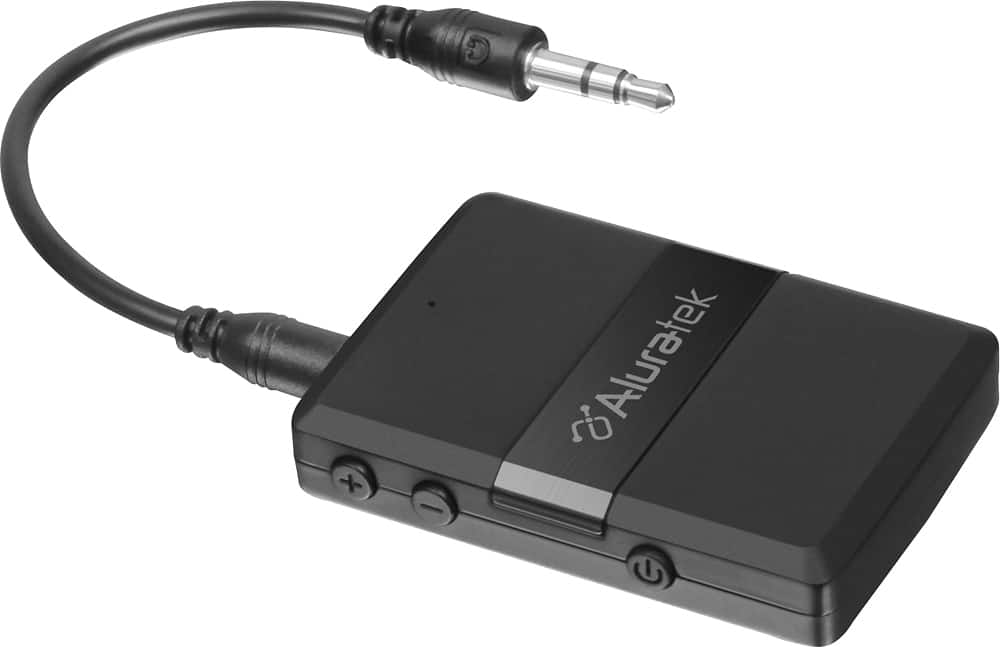
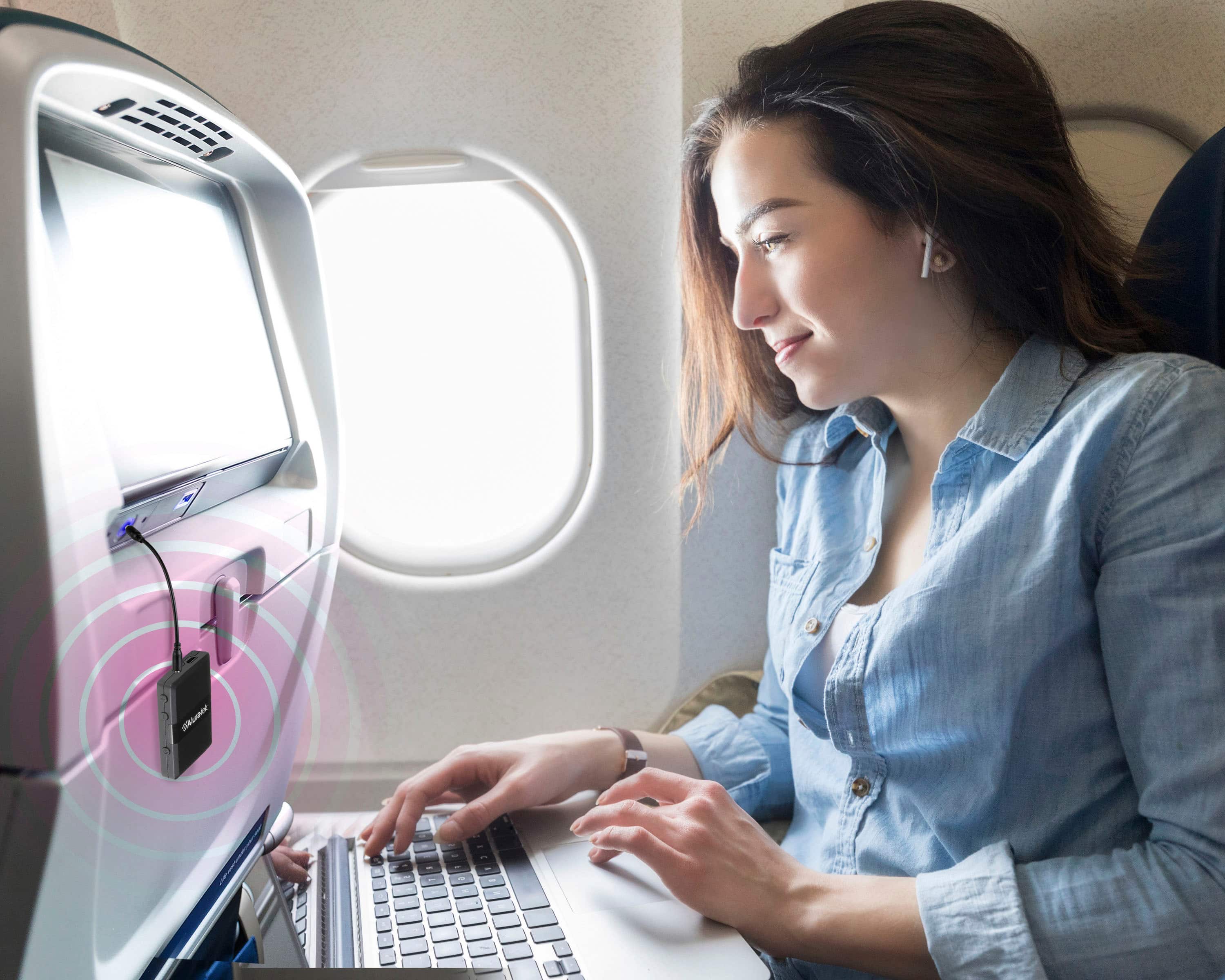
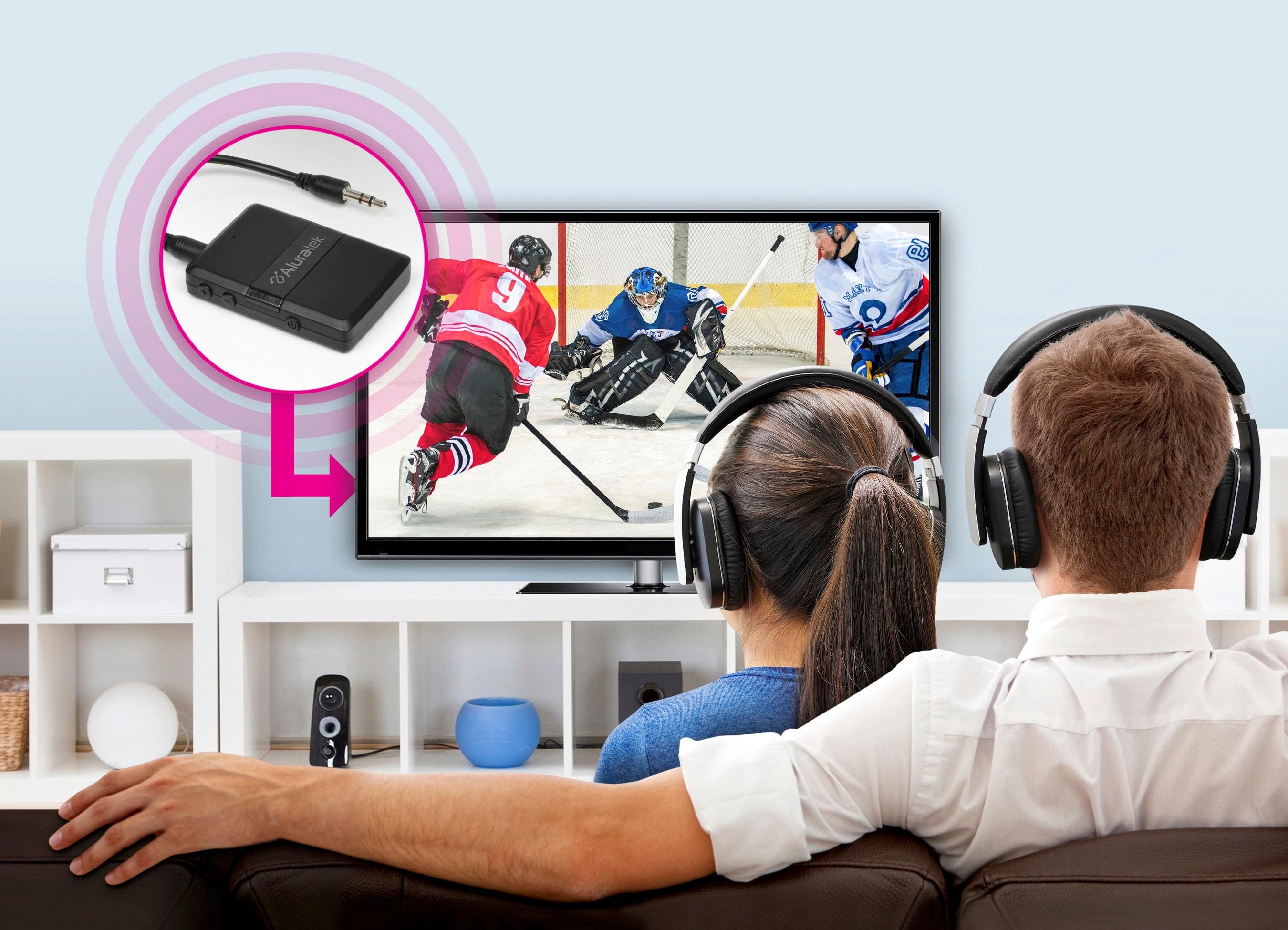
We bought this Bluetooth transmitter to listen to our tv at night with our Apple AirPods and to play our XBOX with our AirPods.
To listen to any device like your tv or an audio mixer with the aluratek bluetooth transmitter, check this link:
https://youtu.be/xgqlujETSSQ
To listen to your XBOX with the aluratek bluetooth transmitter, check this link:
https://youtu.be/pDbPaLFTjiU
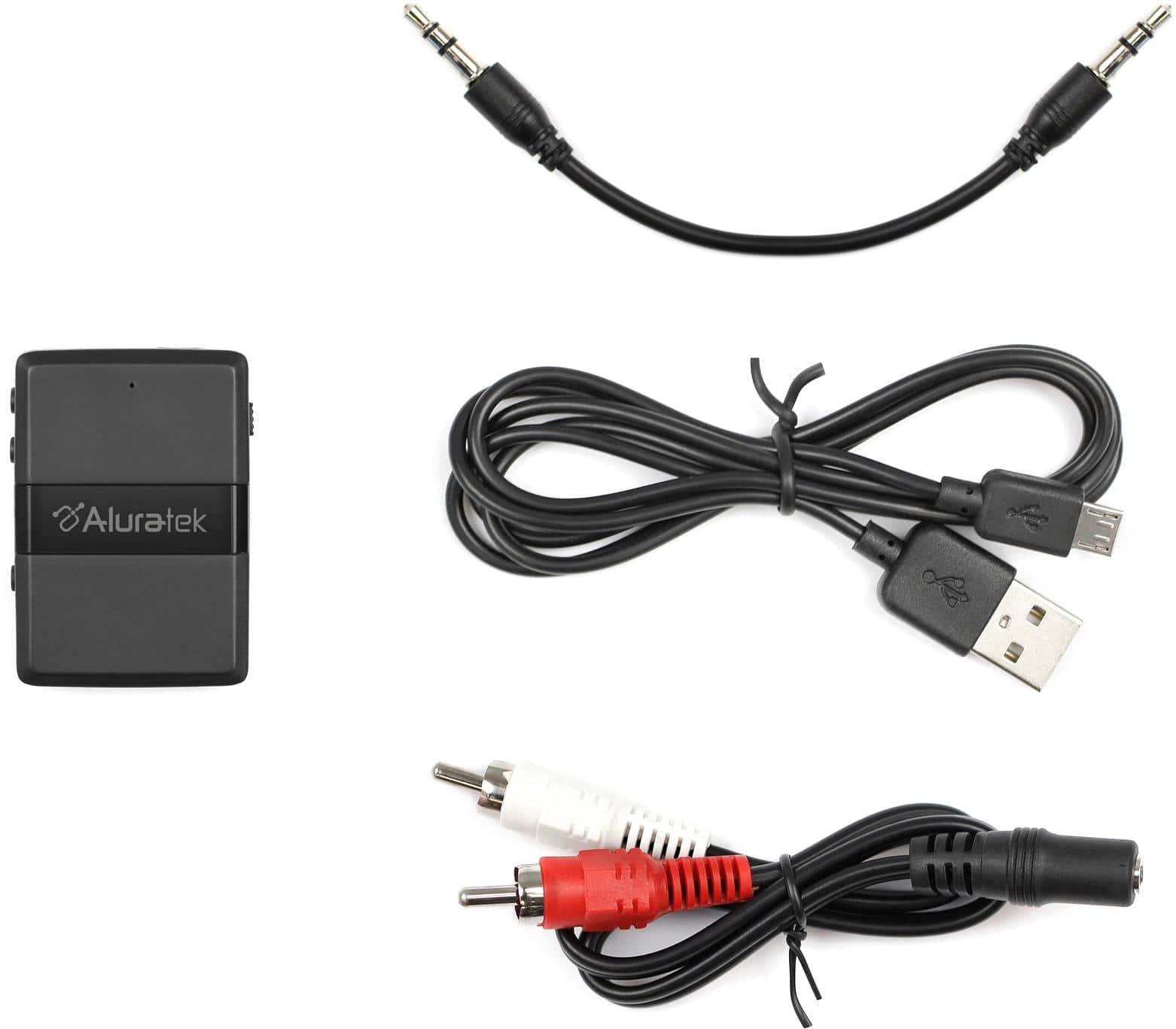
A:AnswerIf by "L/R analog" you mean the Red and White Audio Out RCA ports then yes. This device includes a standard AUX cable for a single AUX port/headphones port as well as a Y-shaped red & white RCA cable adapter. The Bluetooth range on these transmitter/receiver units is extremely short/limited however. It will not work in an adjacent room or even in a large/long room.
A:AnswerI've been using it with my TV fine, but found that the device can't amplify the volume, only attenuate it. In other words, increasing the volume is dependent on the TV's volume control. Now, while you don't have the TV remote, there are (almost?) always buttons somewhere on the TV for volume! On the other hand, you could get "powered" Bluetooth speakers, which have their own amplifier built-in, as well as volume control. But keep in mind that they can only amplify the audio that is being produced by the TV, so if the volume of the TV's audio is not sufficiently loud enough then what comes out of the Bluetooth speakers is not going to sound good.
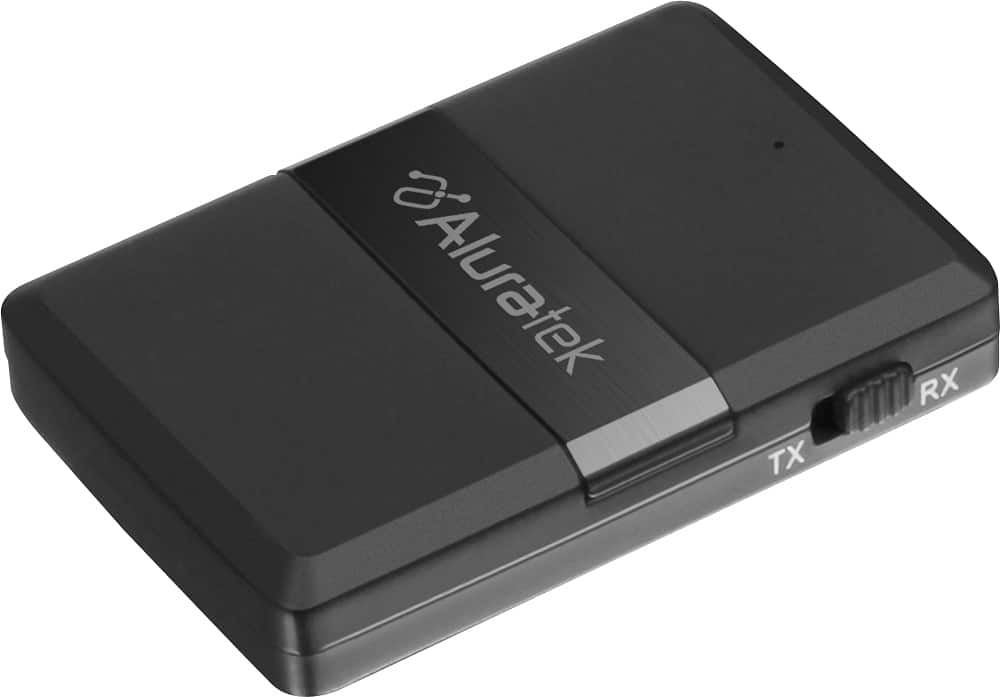
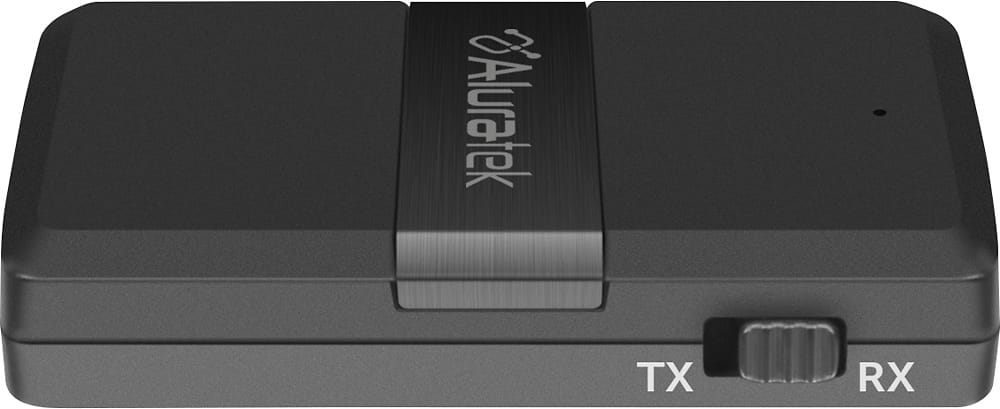
A:AnswerYes, that is one of the design features of this device. It comes with a mini to RCA cable specifically for this purpose. Set it up in receiver (Rx) mode and wire it to the pre-amp. Once connected to the pre-amp and powered up, verify the switch is in the Rx position. Then just follow the directions for connecting the IPad to this receiver. Sometimes you may need to adjust the volume of the sending device, this receiver and your pre-amp to get the volume levels desired. I hope this helps, I am loving this device and plan to purchase additional units for different purposes.
A:AnswerYes. One device set to transmit (Tx) connected to MP3 player. The other device set to receive (Rx) connected to RCA stereo jacks with included adapter or simply to AUX 3.5mm jack if one exists. Start pairing on each device simultaneously to pair and you should be good to go. Please note: pairing process may take up to 60 seconds to complete.
A:AnswerYes. With an iPod classic you will use the receiver side of this unit. Put the unit in RX mode for receiving then make the connection with the iPod. Then you connect the audio cable from the Aluratek output to a stereo input. Contact support@aluratek.com for more help or setup tips. Glad to help.
A:AnswerIt should work. Just make sure you have the Aluratek ABC01F in RX mode (for receiving) and not in TX mode for transmitting. Contact support@aluratek.com if you run into issues. We can help.
A:AnswerPossibly. It depends on if your Bose has an AUDIO INPUT. If it does, then use the Aluratek in RX mode (receiving). Pair the Bluetooth of your phone to the Aluratek in RX, then connect the Aluratek to the AUDIO INPUT on the Bose and set the Bose to that INPUT.
A:AnswerWhat it does is allow your TV to send the audio into the Aluratek unit, then the Aluratek transmitter sends the audio to Bluetooth headphones or speakers. Contact support@aluratek.com for additional help or setup tips.