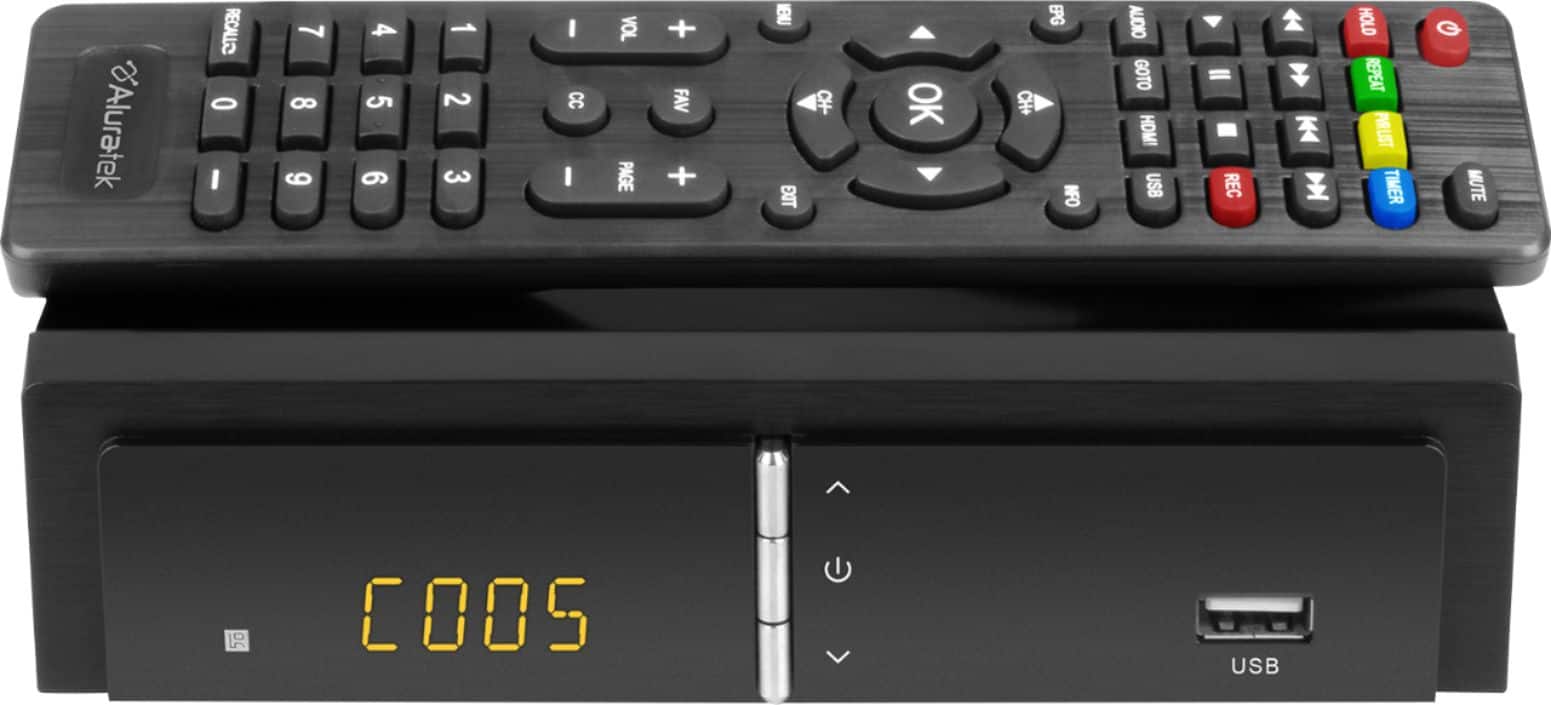
A:AnswerBad luck, this remote only seems to work on the converter..
But, if your TV is like mine, you will need your TV OEM remote, maybe a DVR remote and maybe a remote for a Amazon Fire TV dongle..
I got remotes coming out of my ears!
A:AnswerI've had problems on units by other manufacturers where the programs don't get recorded over time, but I haven't had any problems with this unit since I got it about a month ago.
A:AnswerThe unit disokays invalid channel when it cannot dectect the channels'n broadcast frequency,
Most likely you need to move your antenna around to 'discover' channel 14.
A:AnswerThe box only picks up OTA (Over The Air) broadcast channels. YOu need either an indoor or outdoor antenna.
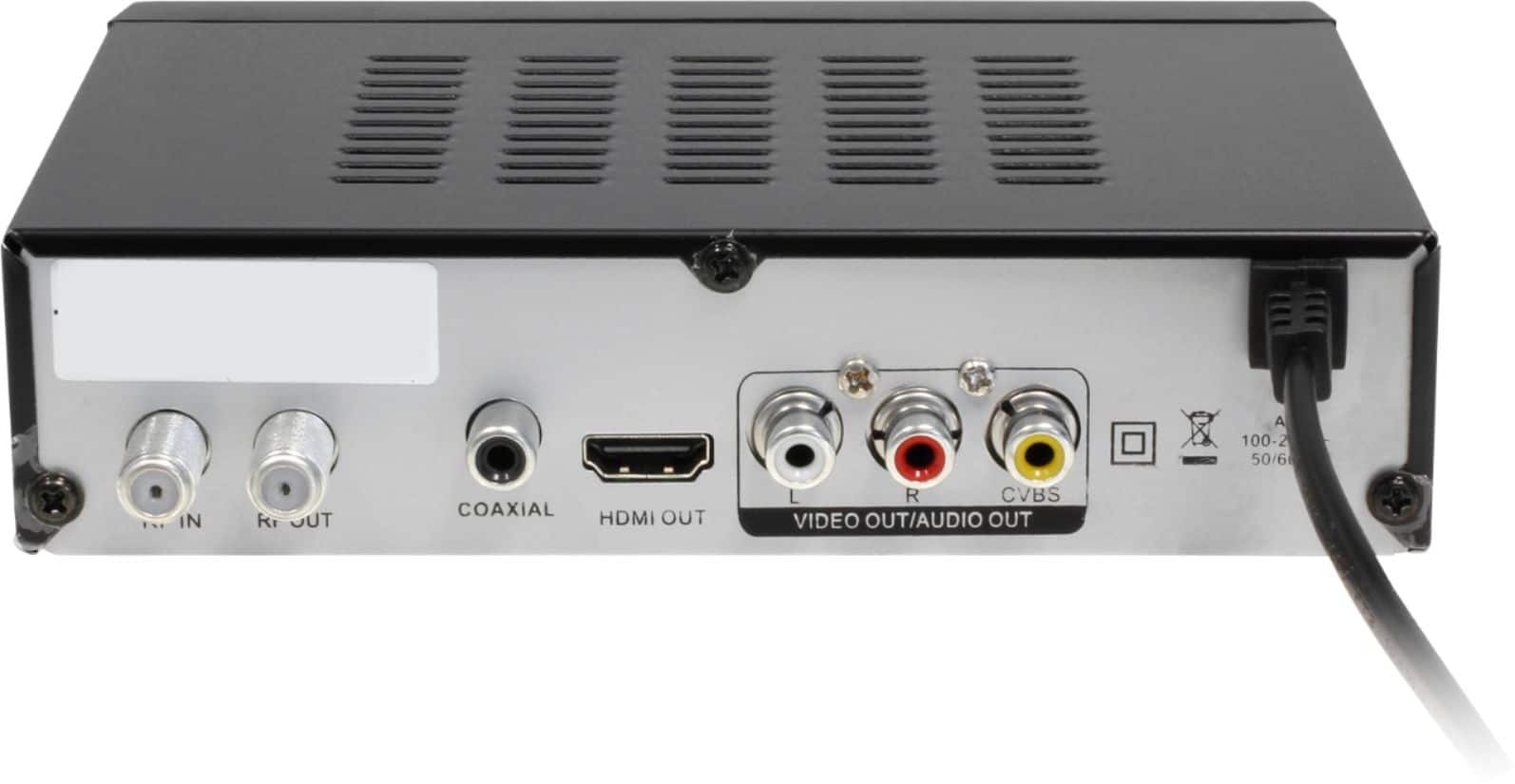
As for the 1/4" left on the rf connector, that's about normal.
A:AnswerIf you are trying to hook a FireTVStick up to an analog TV, I would recommend buying HDMI to RCA Converter that only cost usually less then $15.00. It is just a small box that you would plug the firestick HDMI output into and it sends the converted signal out through the RCA hookup leads that are three RCA Plugs that are color coded. The colors are Red, White, and Yellow to match the colors of the plug receivers on the TV. After hookup you choose the input choice of your TV usually located on the remote control labeled input and choose what ever your TV might call it. Different TV's have different names for it. My TV calls it a game port, some TV's call it composite TV hookup. Just for clarification, the RCA connectors on the TV are usually on the back of the TV and some like mine are on the front of the TV and also on the Back of the TV. You can't miss them they are always right side by side and are red, white, and yellow.
A:AnswerI do not judge this product reliable enough to entrust it with data I may want to view later. Additionally i am not sure the manufacturer has added software to not program a “channel” per se. Additionally I do know that once the recording medium is full, the device will no longer record. It simply ceases to record at that point.