A:AnswerHello!
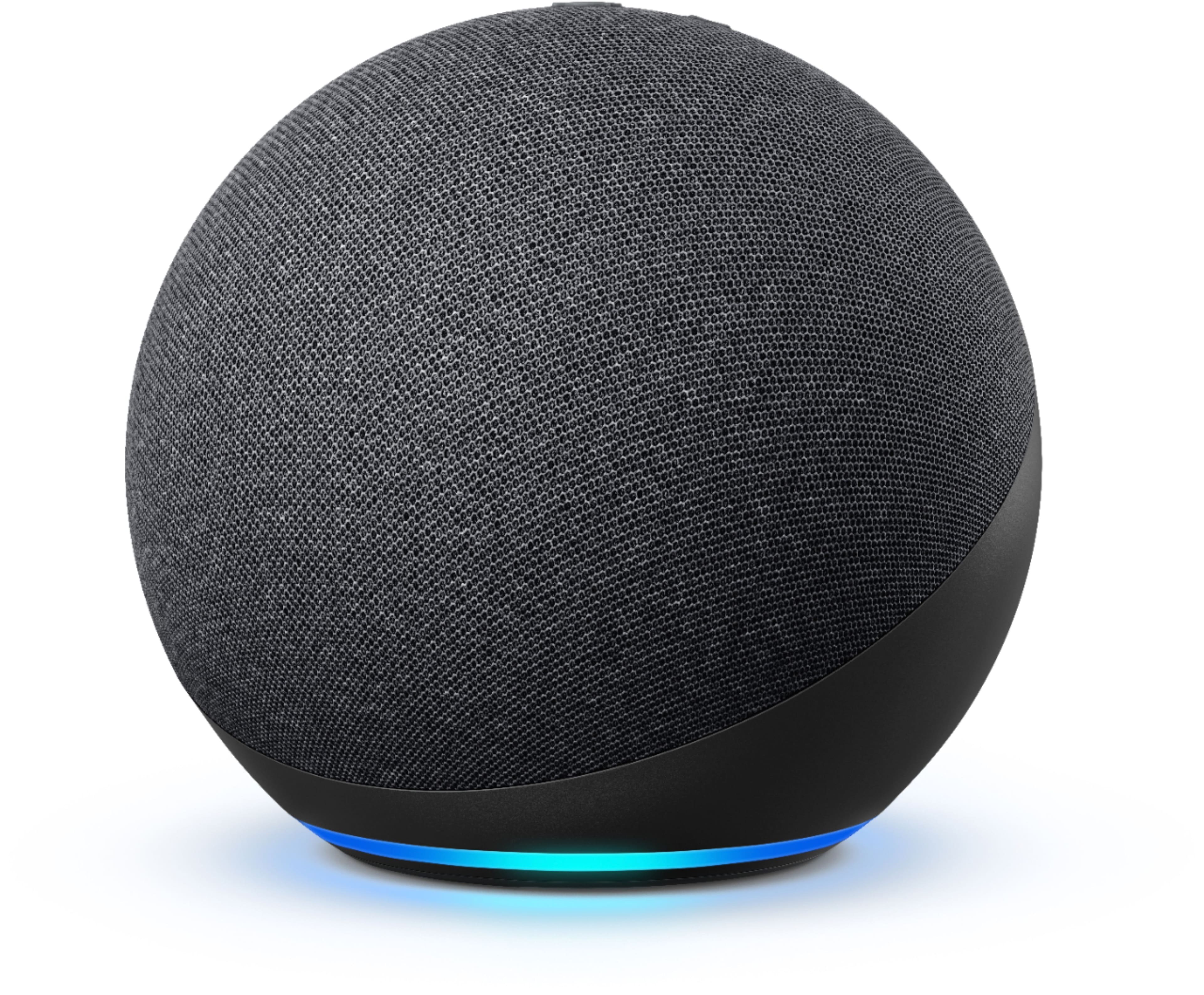
You can begin with any Alexa enabled device. Many people like to start with smart speakers like the Echo Dot, Echo, or Echo Studio. There are also Alexa enabled devices with screens, like the Echo Show 5, Echo Show 8, Echo Show 10, and Echo Show 15. All of these have Alexa on them to start controlling your smart home. You can expand your system with smart lights, smart thermostats, smart plugs, and so on. I hope that information helps. Have a great day!
A:AnswerHello Andrea! This device does not have any support for landline capabilities. It would require at least for you to have a smart phone that can download the Alexa app onto it for the set up as well. There are a plethora of Accessibility feature available that you can access through the settings in the app to help with setting it up properly for him that would cover vision challenges, hearing challenges, etc. I hope this helps answer your questions some and that you have a fabulous day!
A:AnswerHello GirlMom! There is a Tile skill (skills are like apps for Echo devices) available for use with all Echo devices. You can find them in the More icon in the bottom right portion of your Alexa smartphone app under Skills & Games to enable it for use (Tile account linking is required for use). Thanks for your question and I hope you have a fantastic day!
A:AnswerYes, the Amazon Echo (4th Gen) can be used as a Bluetooth speaker with a PC or laptop running Windows. You just need to pair the Echo with your computer through Bluetooth settings. Once connected, it will play audio from your PC or laptop.
A:AnswerHello Jackson and thanks for your question regarding Pandora availability on your Echo device. Pandora is available and can be used by asking Alexa to open Pandora or by downloading and enabling the Pandora skill in the Skills & Games settings of your Alexa app on your smartphone. I hope this answers your question and that you have an amazing day!
A:AnswerHello, akc1970! Yes, you can control your Nest thermostat with the Echo! You will need to first go into your Alexa app and enable the Nest skill. This will link your Nest account to your Alexa account. After this is done, you can say things like "Alexa, turn change the temperature to 70 degrees". Have a great day!