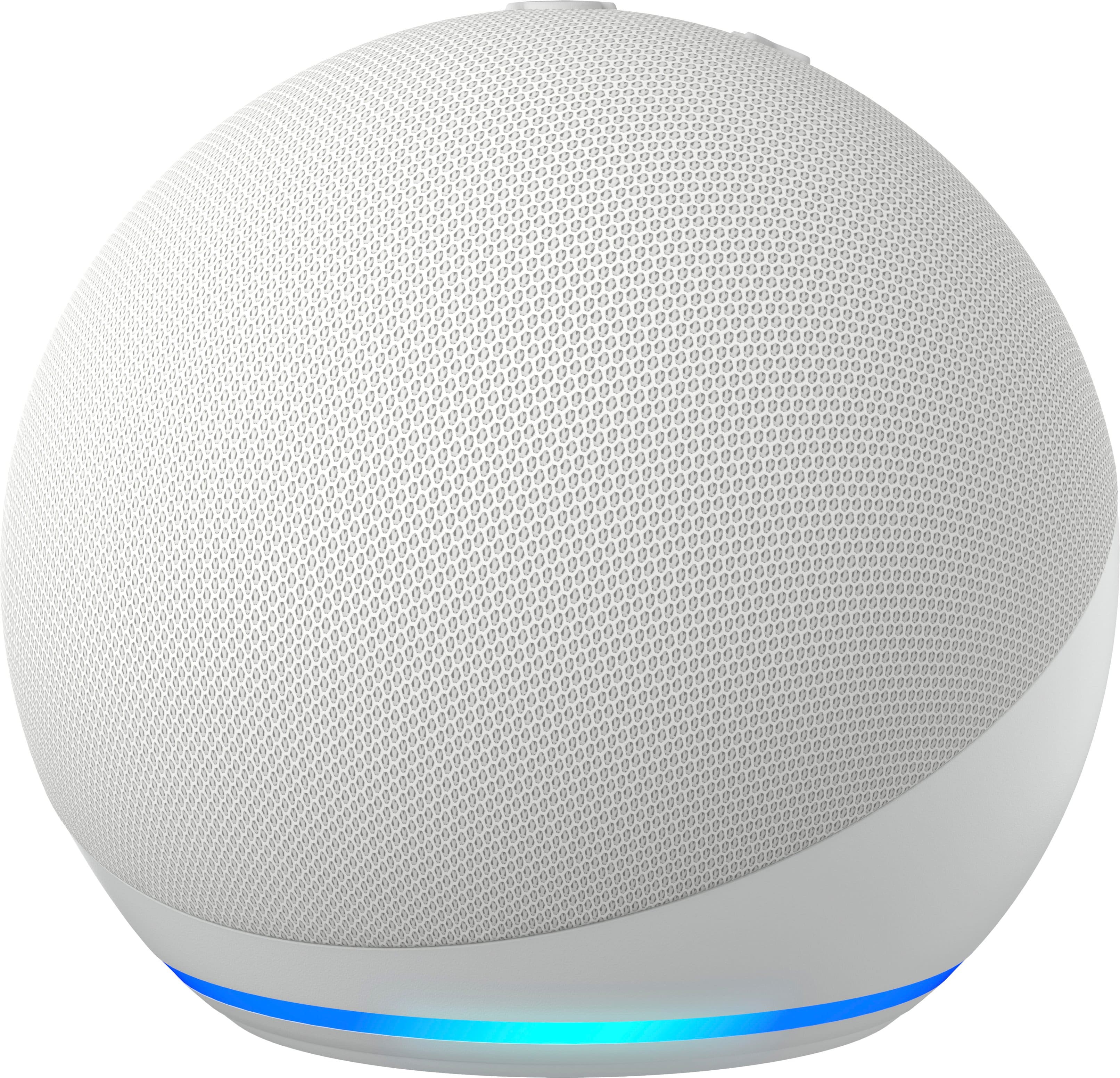
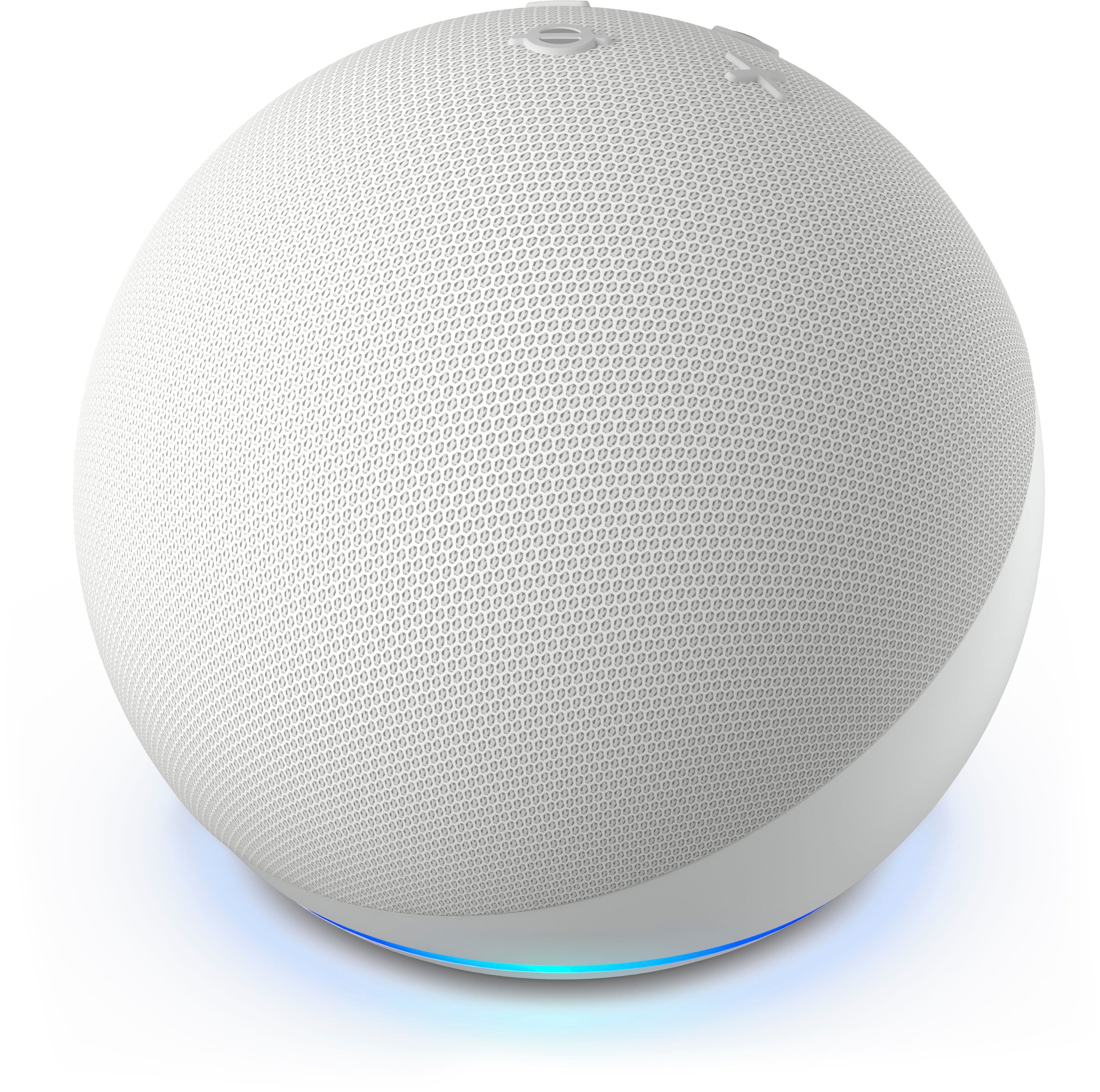
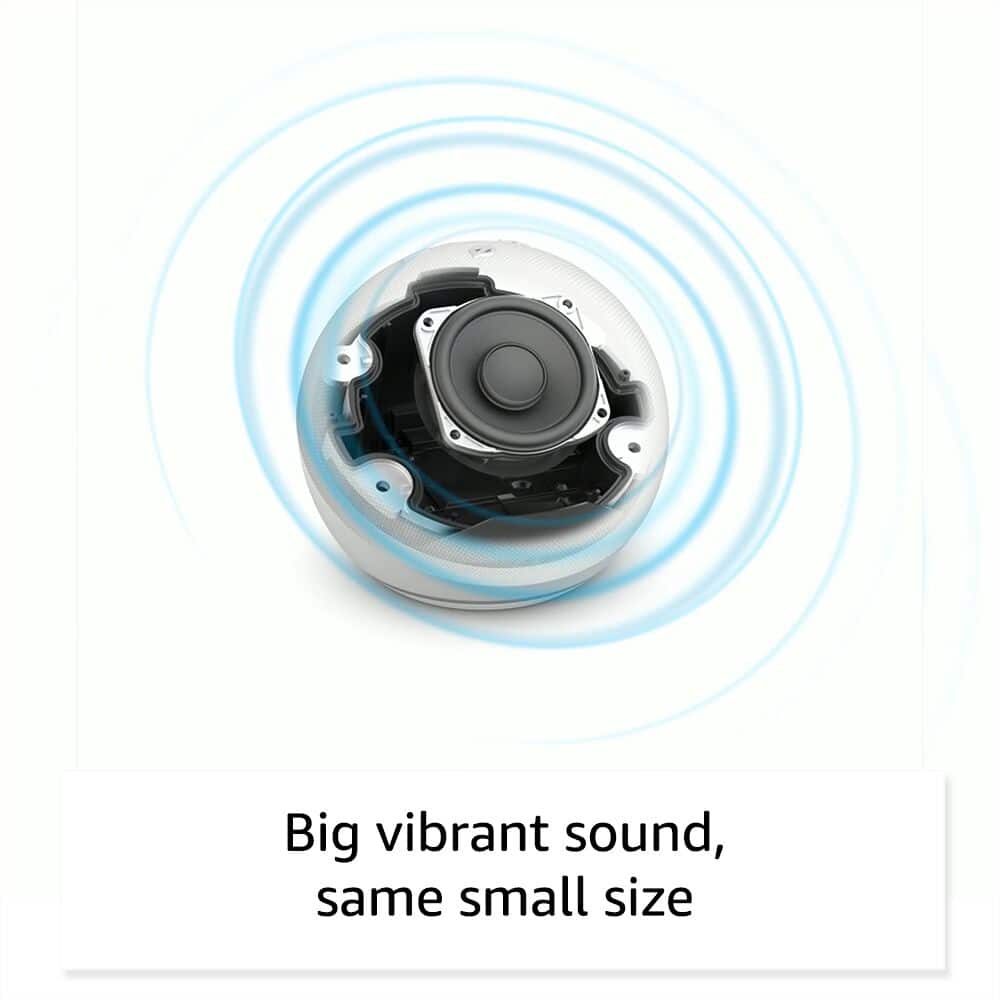
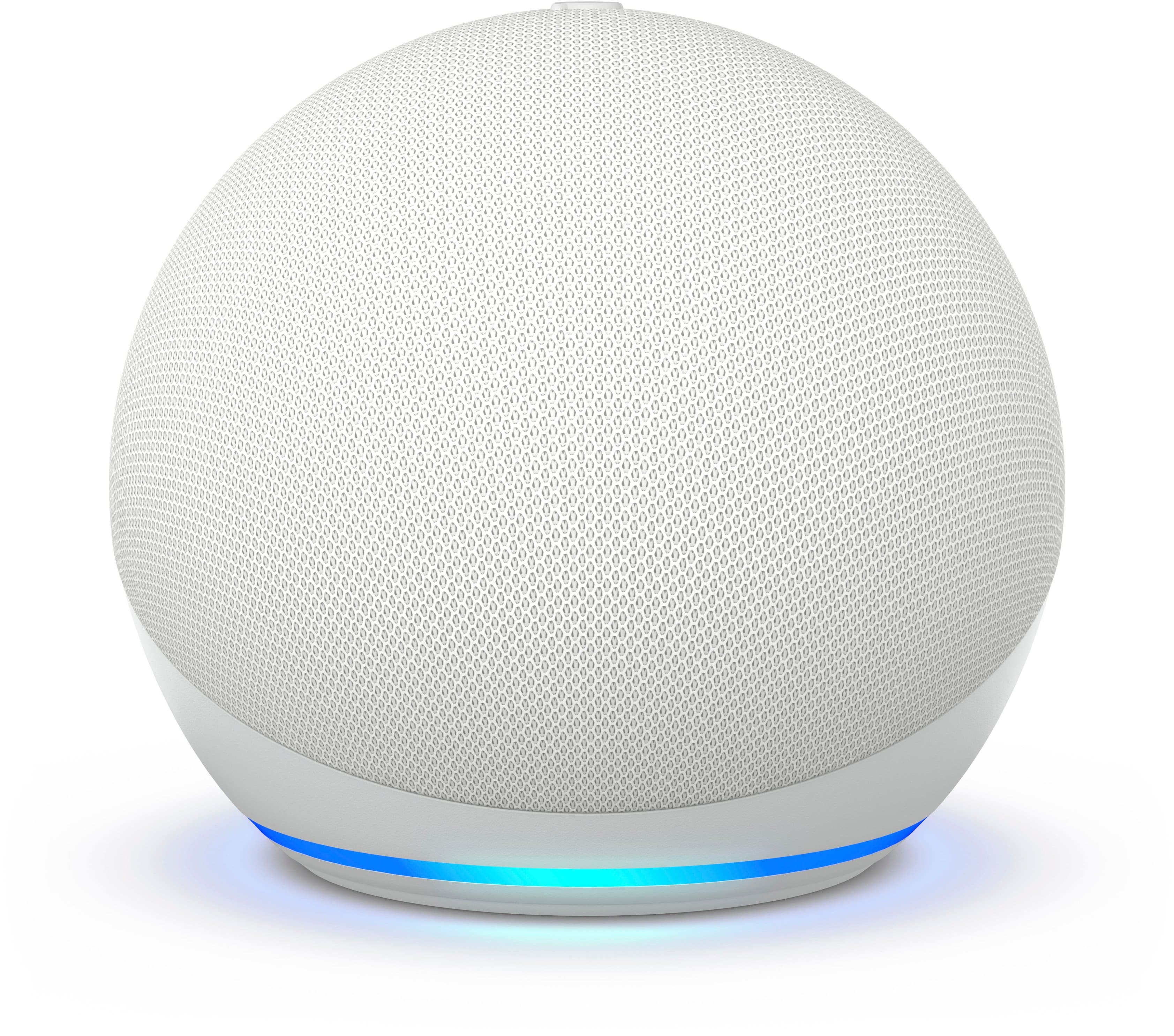
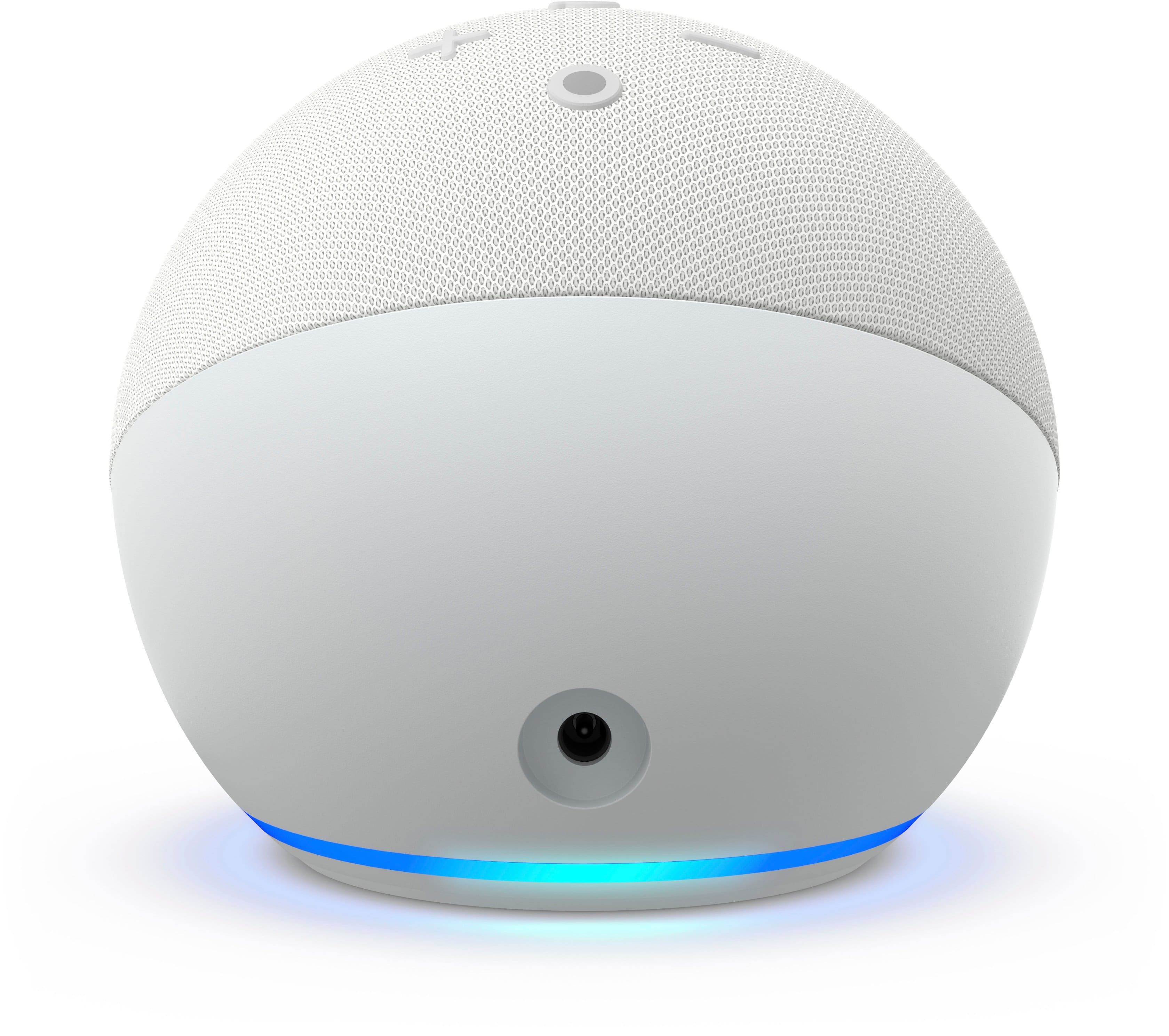
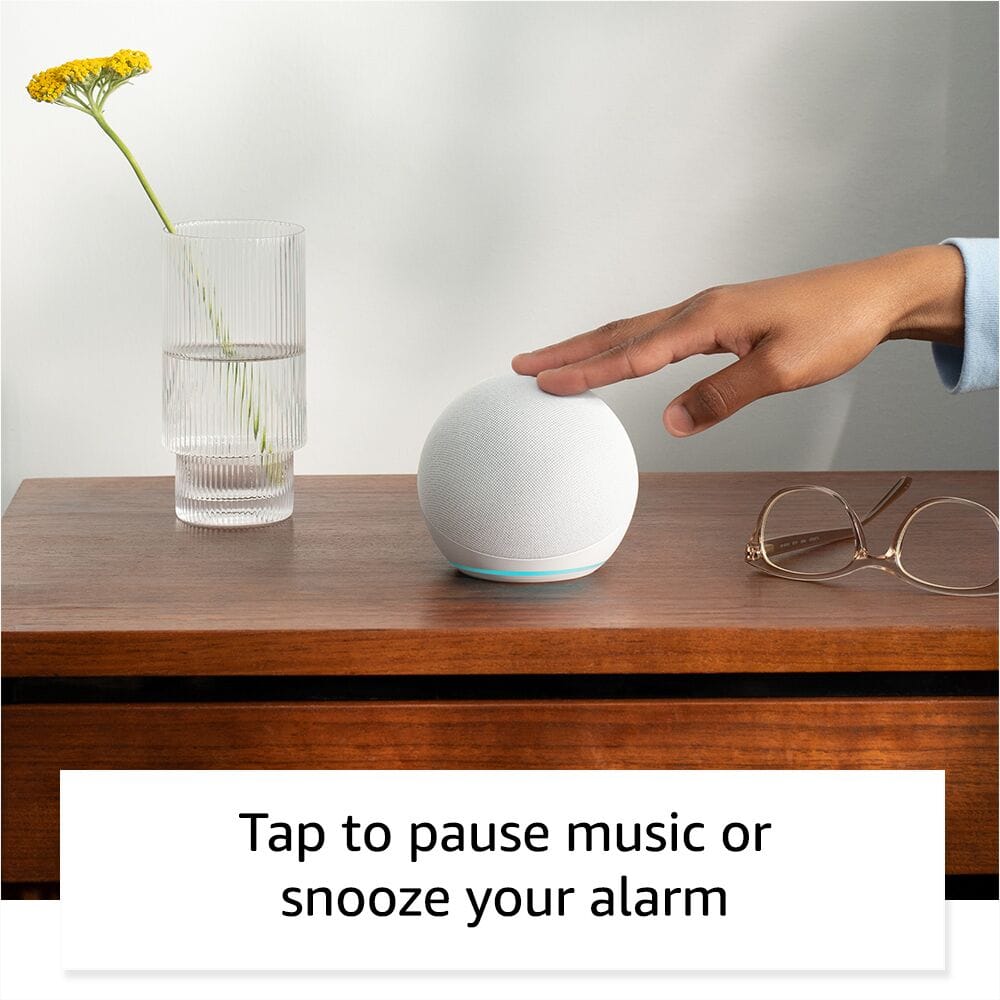
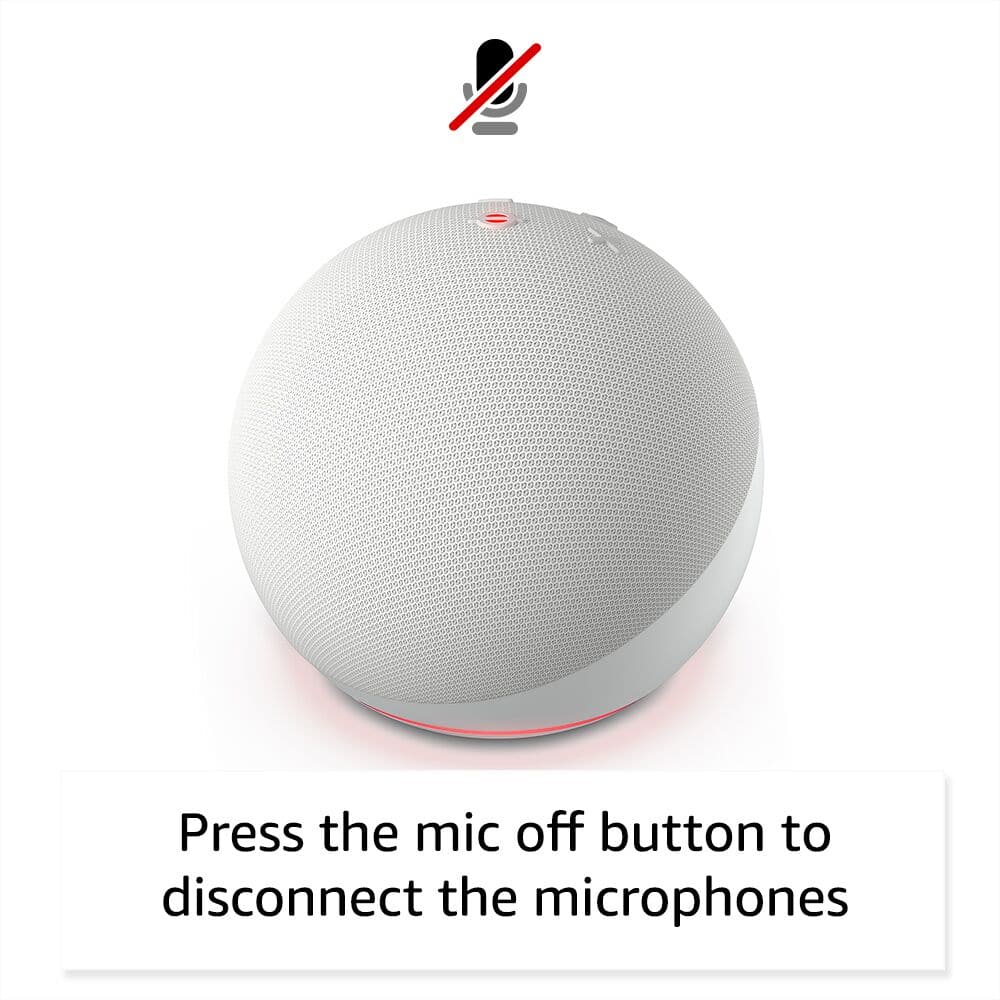
A:AnswerHello Upgrade and thank you for your question! While the Amazon echo dot 4th gen has an impressive speaker/sound system; the Amazon echo dot 5th gen has a larger driver. When compared to the 4th gen, there is a richer audio and a better experience overall. Hope this helps! Have a great day!
A:AnswerHi there! You won't need anything extra to control your Sengled smart light bulbs through Alexa, though you may need a hub for the bulbs themselves depending on which kind you get. Assuming that you already have them set up and function though, all you need to do is activate the Sengled skill in the Alexa app on your phone to get things working. To do that open the Alexa app (the same thing you used to set up the Echo Dot) and select "More" at the bottom right. Next select "Skills & Games", and select the search icon (looks like a magnifying glass) at the top right. Search for Sengled then select Sengled Home. Select Settings and sign into your Sengled account. Once you've finished that, you may need to search for new devices using the Device option at the bottom of the app. Once you've done that, you are good to go! You can edit what your lights are called and what rooms they're in all via the Alexa app. Hope this helps, have a great day!
A:AnswerHello Lola, Thank you for your question. Our Echo Dot 5th gen has eero built in. If you have a eero mesh network, you can add the Echo Dot 5th gen as an extender. Your wifi network must use a compatible eero router and your Echo device must stay in range of a compatible eero device. You will need to link your eero and Amazon accounts and manage eero Built-in from the eero mobile application to use this feature. Compatible Echo devices support up to 1,000 sq. ft. of additional coverage, speeds up to 100 Mbps, and 10 or fewer connected devices. Actual performance can vary and certain eero, Echo, or Alexa features may be incompatible with eero Built-in. Have a great day!