A:AnswerHi Hadman,
At this time, there is a skill for business customers (per Zooms website) but there are not full capabilities as of yet. Hope this helps.
A:AnswerHello Rebecca, the Echo devices use Skills to connect to all of your smart home devices. You can add your the Arlo Skill by opening your Alexa App and selecting Skills. From there you can search for the Arlo Skill and click Enable.
Have a great day!
A:Answerhello,
Apps can not be downloaded to the Show devices, but you can ask Alexa to find things on You Tube and she will pull up videos from that website.
A:AnswerHello Vee
Yes you can, the Ring doorbells and cameras can be accessed through the Echo Show devices. All you have to do is say, Alexa show me [camera name]
Have a great day!
A:AnswerHello! Yes! You will need to enable the Nest skill through your Alexa account and then you will have access to your Nest Doorbell! Have a great day!
A:AnswerHello, Mike! Yes, you can do this with your Echo Show device! Once you have added the Ring skill in your Alexa account, you can set up which Alexa devices you want to notify you of someone being at your door or ringing the doorbell. Once in your account, select devices at the bottom and find the your Ring Doorbell. There you will have the option to select which devices will give you announcements for your doorbell. You will see your devices listed and it will tell you whether the device will just give you an announcement and which will give you an announcement and a live view. Once you have selected your Echo Show, you will now get a live view of the camera when someone rings the bell. You can also talk to the person at the door through your device! I hope that helps! Have a great day!
A:AnswerHello Avg, you want to know if the Amazon Echo Show 10 (3rd Gen) HD Smart Display with Motion and Alexa can be used in the Philippines. While the Amazon Echo Show 10 (3rd Gen) HD Smart Display with Motion and Alexa can be used in the Philippines it is not guaranteed all the features will work, such as videos from Prime Video. Hope this has answered your question. Have an amazing day!
A:AnswerHi NickAndrew,
To enable your Echo Show device as a security camera, you'll need to access the device's settings -- not Device settings in the Alexa app! First, head over to your physical device, the actual Echo Show 10 and then swipe down from the top of the screen to access the main menu and tap Settings or say, "Alexa, go to settings." From there, follow these steps:
1. To the right of Home Monitoring, tap the toggle to flip it on.
2. A screen will appear telling you "Echo Show can help you monitor your home, Tap Continue.
3. Another screen will appear asking you to verify your account. Tap Continue.
4. Enter in your Amazon account password, then tap Done.
5. A screen will appear that reads "All set."
Tap Done immediately (if you let this screen time out, the Home Monitoring setting won't change and you'll have to start over at Step 1).
Note that if you check on the camera from within the same room as the camera you're logging onto, you'll want to mute your phone or tablet to avoid any audio feedback. Here are the steps:
1. Open the Alexa app and tap Devices on the bottom menu.
2. Horizontally scroll the top menu and tap on Cameras.
3. Tap the Echo Show device that has the camera you want to view.
Next, the app will open the camera feed. If you're using the Echo Show 10, you can swipe left or right to pan the camera as well as double-tap or pinch to zoom in and out.
You can also try the following fixes to your routine:
In the Alexa app, check if Home Monitoring is turned on for your camera settings.
Use the Alexa app to check the frequency your Routine triggers, and to set the correct time.
Make sure that the camera shutter on your device is open. If you're starting an Occupancy Routine where people are present, make sure you're in view of the camera.
Check that the microphone on your device is on.
If your device is located in a room with dim lighting, try interacting with Alexa to trigger
Restarting your Echo device often fixes common issues. Unplug the device, wait 30 seconds, and then plug it back in.
Check that your device is in an unobstructed location to best observe the room.
Make sure that your Routine is set up correctly, and is enabled on the device you want.
If you want to use Occupancy Routines on more than one device, you must set one up for each device.
Check that your Echo device is connected to Wi-Fi.
Hope that helps!
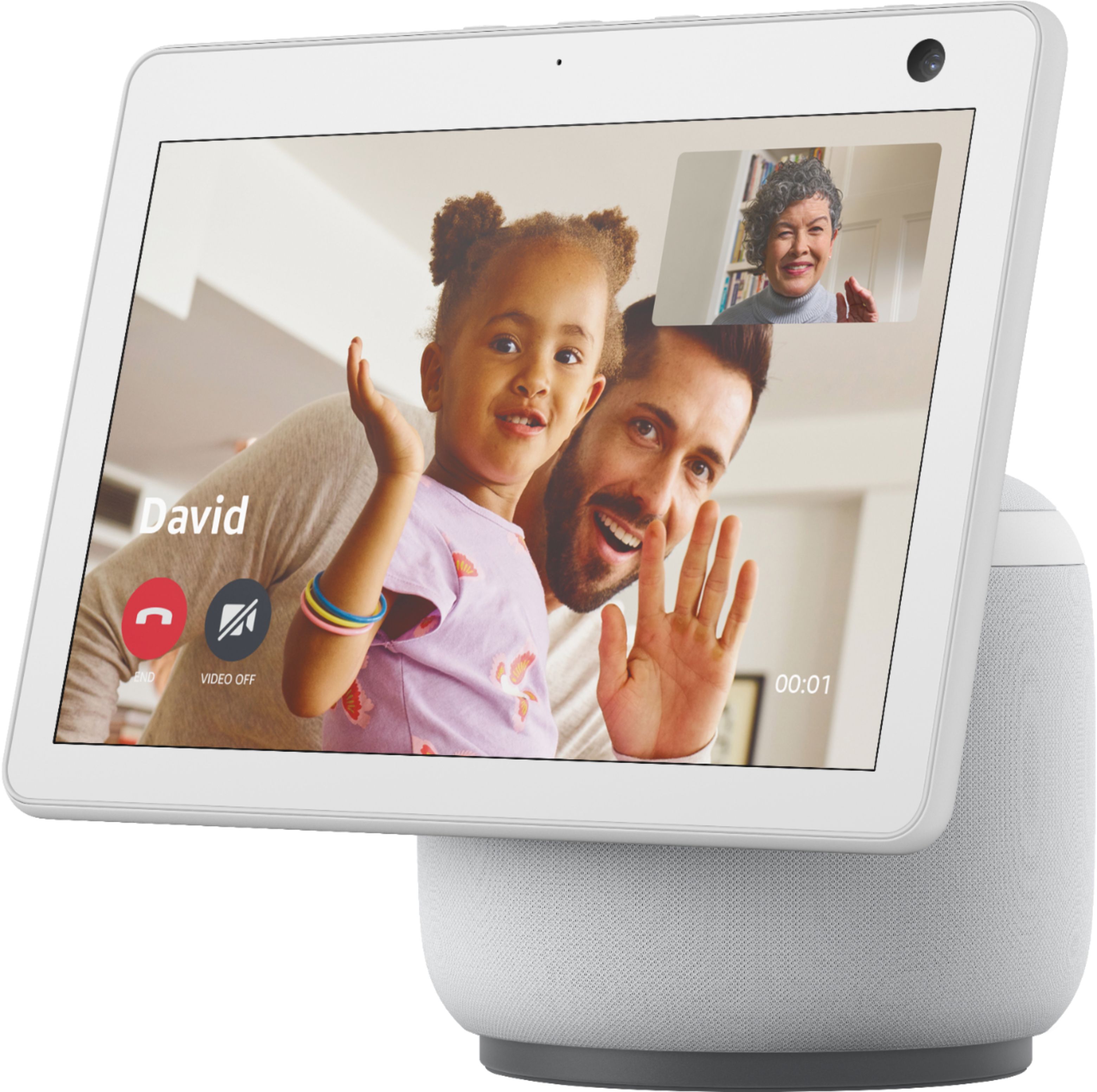
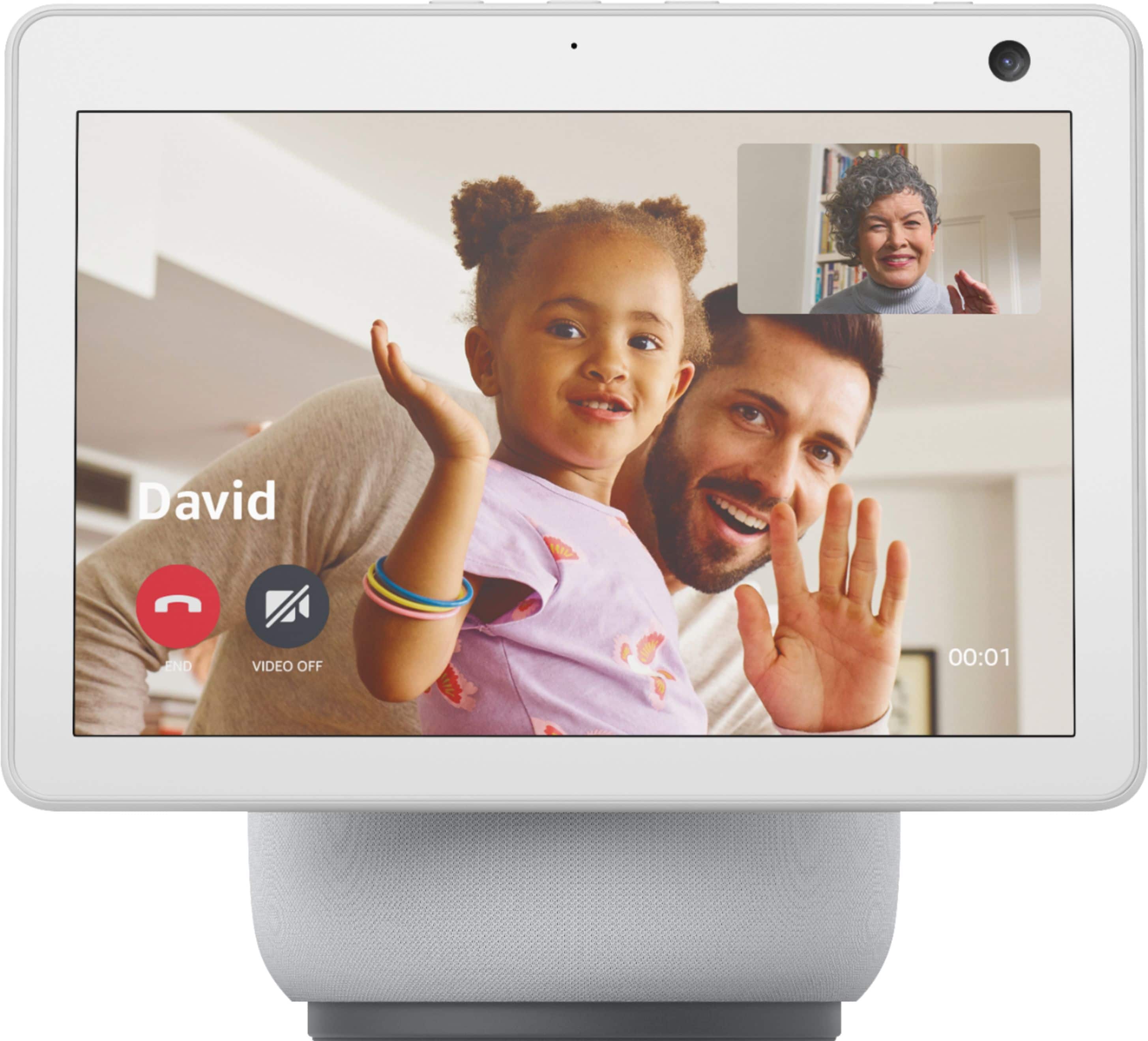
A:AnswerHello! You can make calls with your compatible Alexa devices using simple phrases. You can call people on their phones or on their compatible Echo devices. Here are some examples of phrases to ask Alexa:
-“Call [Name's] Echo."
-"Call [Name's] mobile."
-"Call [Name] on his home phone."
-"Call [Name's] office."
-"Call [Mom/Dad/Grandma]."
-"Call [number]."
-"Call my phone."
-"Call [device group name]."
-"Call [group name] group."
Alexa Calling does not support calls to the following types of numbers: Emergency service numbers (for example "911"), premium-rate numbers (for example "1-900" numbers, or toll numbers), three-digit numbers / abbreviated dial codes (for example "211"), international numbers (numbers outside of the U.S., U.K., Canada, and Mexico), and dial-by-letter numbers (for example "1-800-FLOWERS"). Have a great day!
A:AnswerHello Griddler! Thanks so much for your question! The information taken directly from the specs of the device are as follows: "Advanced Audio Distribution Profile (A2DP) support for audio streaming from your mobile device to Echo Show 10 or from Echo Show 10 to your Bluetooth speaker. Audio/Video Remote Control Profile (AVRCP) for voice control of connected mobile devices. Hands-free voice control is not supported for Mac OS X devices. Bluetooth speakers requiring PIN codes are not supported." I hope this helps answer your question and that you have an awesome day!
A:AnswerHello JoJo,
The Echo Show 10 will remain on for as long as your current device is on and if it fades off and you wish for it to remain on, you simply ask Alexa to show you the "backyard" or whatever you have named it, I hope this helps! Have a great day!
A:AnswerHello, Nsk! The Echo Show 10 is not compatible with Facebook messenger. You would still be able to make video calls through Alexa by asking Alexa to call someone's compatible Echo device. I hope that helps. Have a great day!
A:AnswerHello Bill, thanks for your question. At this time, there is unfortunately no way to change the font sizes on the Echo Show 5, 8, or 10. Hopefully this information helps. Have a wonderful day!
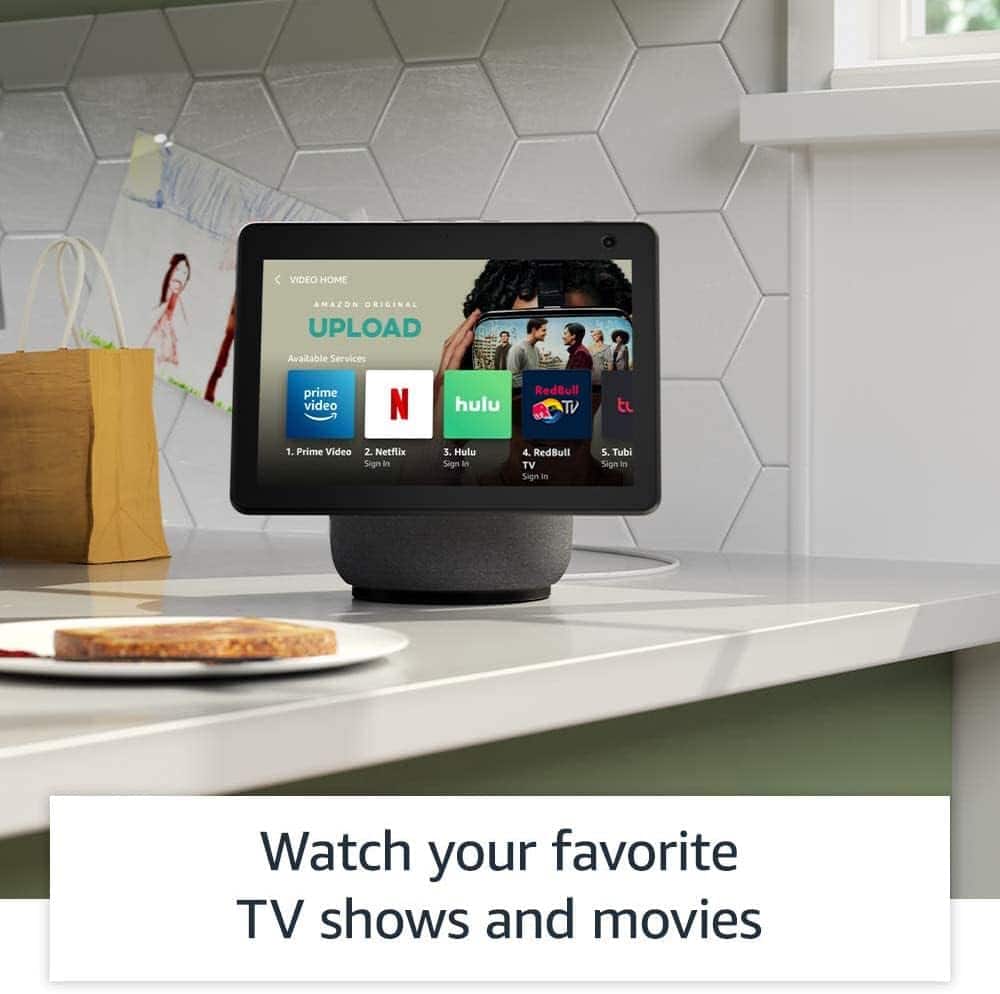
A:AnswerHello! As of right now, the Spectrum TV app is not available on the Echo Show 10. You can download the ESPN skill to get ESPN on the Echo Show as well as Prime Video, Netflix, HULU, YouTube, IMDb, Food Network, TikTok, ETC. You can link your video streaming services to your Alexa account to stream on your Echo Show devices. To get started, say "Go to video home" and select from the available video providers. Follow the on-screen prompts to log in with the account information for that provider. Then you can use your voice to play movies, videos, and TV shows from Prime Video and supported streaming services. Have a great day!
A:AnswerHello Julia,
So sorry to hear about your mother,
You can use Drop In to instantly check-in with others in your household. Drop In is an optional feature that lets you connect instantly to supported Alexa-enabled devices, like an intercom. Use Drop In to open an instant conversation between your devices or with your Alexa contacts. When you receive a Drop In, the light indicator on your Echo pulses green and you connect to your contact automatically. You can use Drop In to:
1. Have a two-way conversation by connecting to one of your Alexa-enabled devices (""drop in on Kitchen"").
2. Connect to a specific device group (""drop in on living room""). Only one Alexa-enabled device from the device group connects.
3. Have a group conversation with all supported Alexa-enabled devices under your Amazon household, which are not set to do not disturb. To start a group conversation ask Alexa to Drop In everywhere. All supported Alexa-enabled devices under your Amazon household account will connect regardless of their physical location.
4. Drop In on a contact who granted you Drop In permissions.
5. Receive Drop In from a contact whom you granted Drop In permissions.
Have a great day!
![Echo Show 10 Premium sound with Alexa Music Timers Smart home Information Intercom News Amazon Music 1 NO. Collapsed in Sunbeams Arlo Parks Collapsed Sunbeams Songs For You Ignorance The Weather Station Hies Bicep Hold Space For Me (Explicit) Drion sun What kinda Music [Explicit] tom Misch & Yussef Dayes Phoebe Bridgers](https://pisces.bbystatic.com/image2/BestBuy_US/images/products/6430/6430068cv1d.jpg)