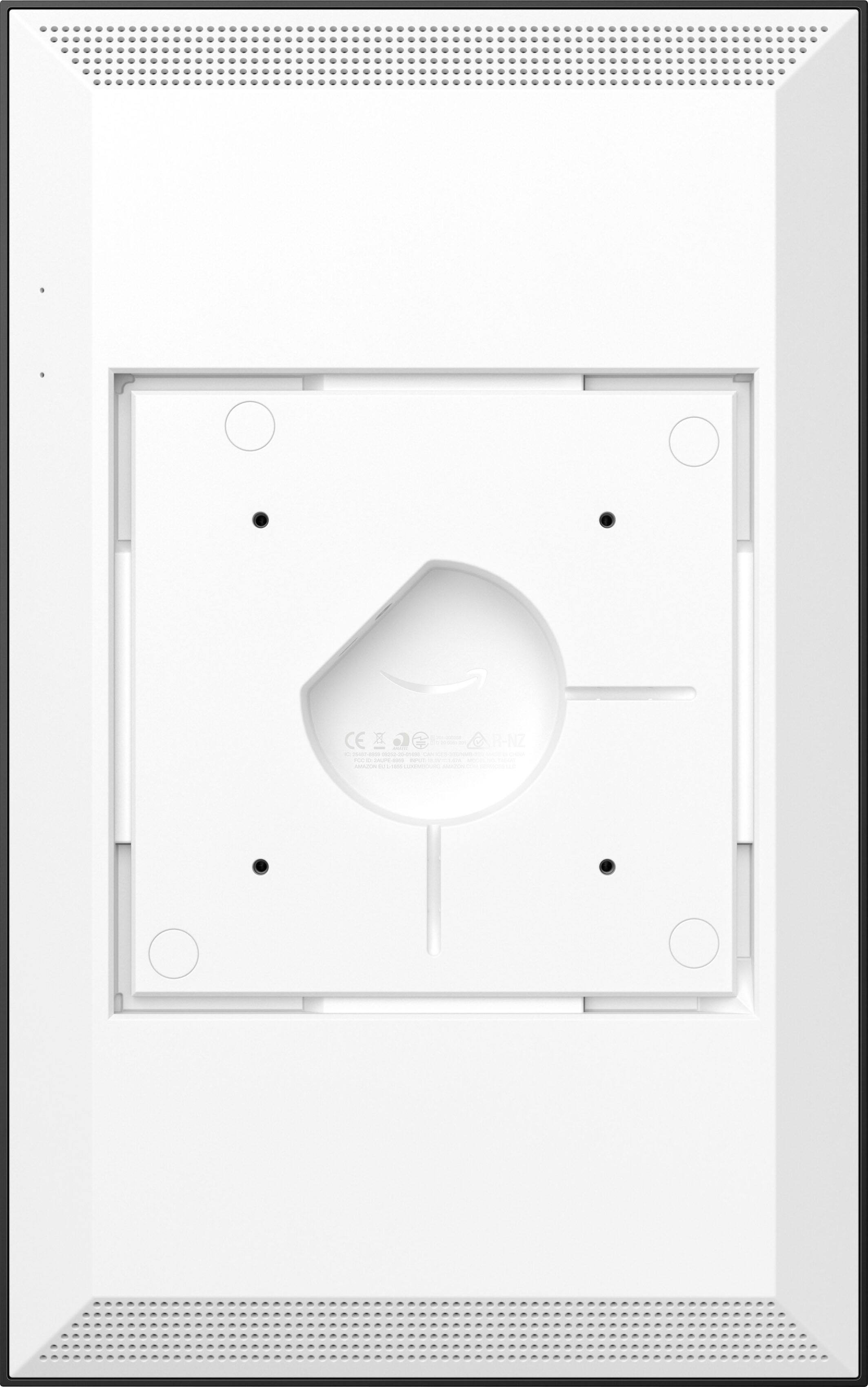
A:AnswerHello Shmarathe, you want to know if the Amazon Echo Show 15 - Full HD 15.6" Smart Display with Alexa can work with 220 volts. Amazon Echo Show 15 - Full HD 15.6" Smart Display with Alexa supports both 120 and 220 but you will need a physical adapter for the 220 support. Hope this has answered your question. Have an amazing day!
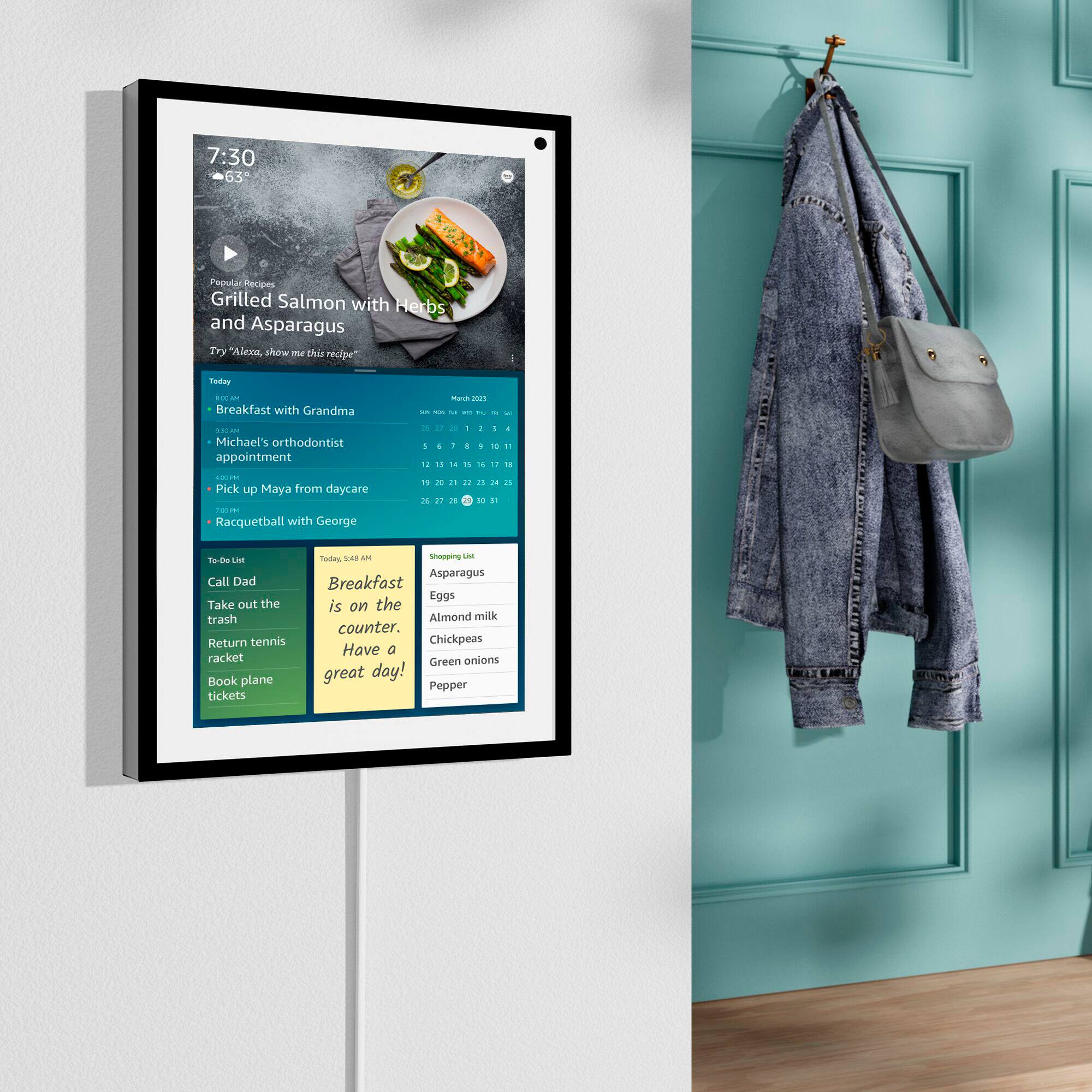
A:AnswerNot to sound mean but you really don’t need anyone to install it because there’s nothing to install lol. You literally turn it on and enter your Amazon account info and it really just sets itself up. You go through the prompts and that’s it lol. It’s very user friendly which is great. If you want it mounted on a wall, it’s also very simple even if you’re not handy.
A:AnswerHello,
Yes, you can! Add your most used smart devices to your home screen for quick access, and see all compatible devices together on one dashboard. You would set this up through the Alexa app under 'devices' and 'discover my devices'. Follow the prompts and Alexa will prompt you through the steps, I hope this helps, have a great day!
A:AnswerHello, the Amazon Echo devices will only communicate to other Echo devices or the Alexa App. There is no support for Google Hub.
Have a great day!
A:AnswerHello, thechief!
Yes, you can connect other Bluetooth speakers to your Echo Show 15. Advanced Audio Distribution Profile (A2DP) support for audio streaming from your mobile device to Echo Show 15 or from Echo Show 15 to your Bluetooth speaker. Audio/Video Remote Control Profile (AVRCP) for voice control of connected mobile devices. Hands-free voice control is not supported for Mac OS X devices. Bluetooth speakers requiring PIN codes are not supported. I hope that helps! Have a great day.
A:AnswerHello Boss, seems as if you want to know if the Echo Show 15 has a built in Zigbee hub, yes it does you are able to connect ZigBee enabled devices with the Echo Show 15 without the need of additional hub. Hope this has answered your question. Have an amazing day!
A:AnswerHello, adoptacat28!
Yes, you would have access to your Eufy cameras on the Echo Show 15. You will need to go into your Alexa app and enable the Eufy skill. This will connect your Eufy account to your Amazon account. You can then ask Alexa to show you your cameras on your Echo Show 15. I hope that helps. Have a great day.
A:AnswerHello, KevinM!
The Echo Show 15 comes with dual 1.6” full-range drivers. You can stream entertainment – Catch up on your favorites with Prime Video, Netflix, Hulu, and more. Or stream radio stations, podcasts, and audiobooks with Amazon Music, Spotify, and Audible. The Echo Show 15 also lets you use Alexa-powered widgets to keep the family on track with shared calendars, personal sticky notes, to-do lists, shopping lists, and assigned reminders. I hope that information helps. Have a great day!
A:AnswerHello, Kate!
Currently there is no YouTube TV app available on the Echo Show devices. There is an option to connect to it through a Silk browser on the device. I hope that information helps. Have a great day!
A:AnswerHello,
Family members can create profiles and use visual ID and voice ID so Alexa can recognize who's who and show the right information to the right person--like appointments, reminders, recently played music, and more. At this time, no, Windows 10 is not available for use on Echo Show 15. I hope this helps, have a great day!