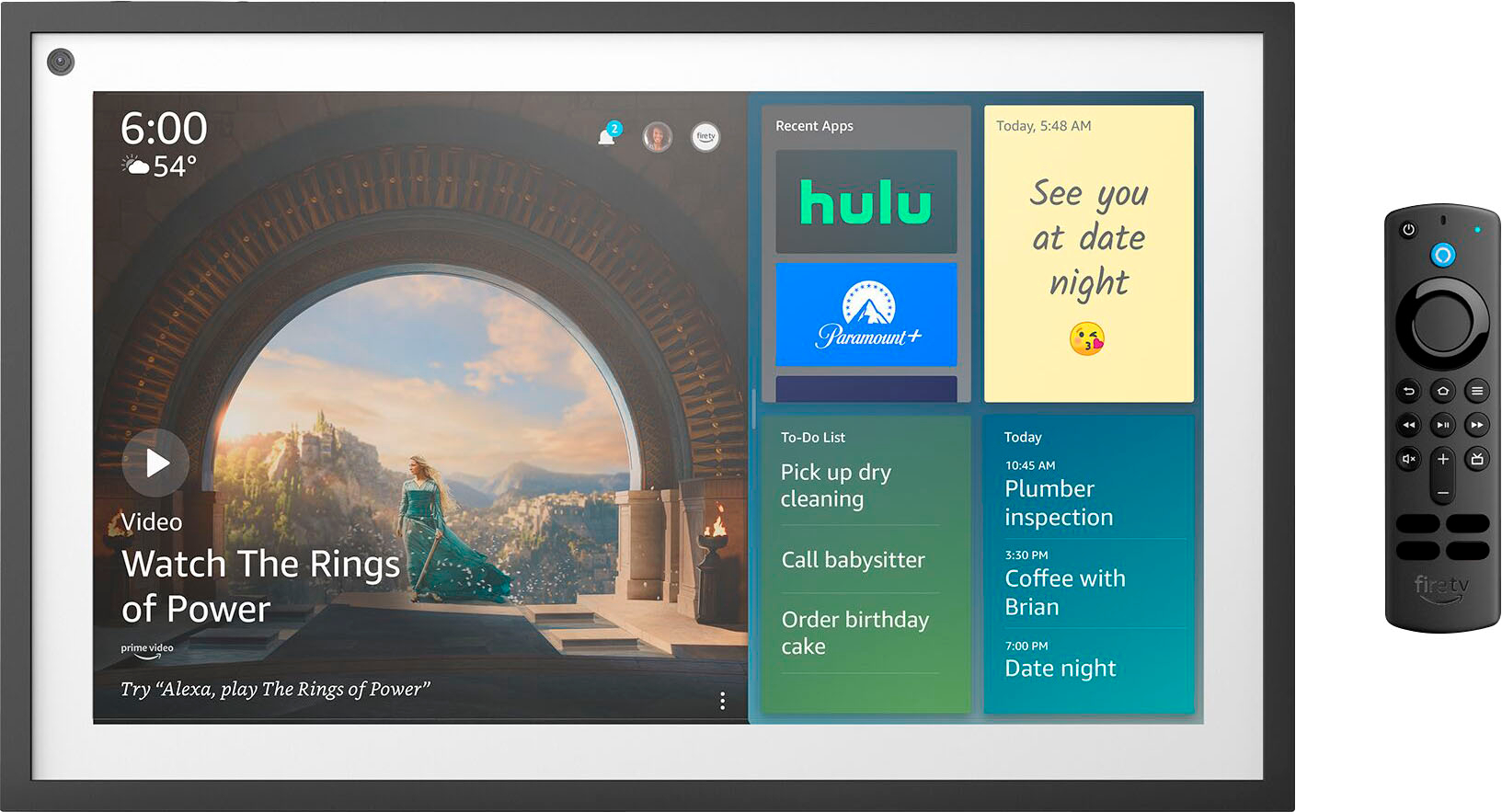
A:AnswerHello, the Echo Show 15 has Fire TV built in which will allow you to install many of the available Fire TV apps on the device. The downloader app is not currently available. The apps that are available to download are in the Application section of the Echo Show 15.
Have a great day!
A:AnswerHi GM7230! The Echo Show 15 now features a built-in Fire TV mode, which allows you to download all your favorite Fire TV apps, including YouTube TV! You can even use the included Alexa Voice Remote as an alternative to touch or voice controls. I hope that helps, have a great rest of your day!
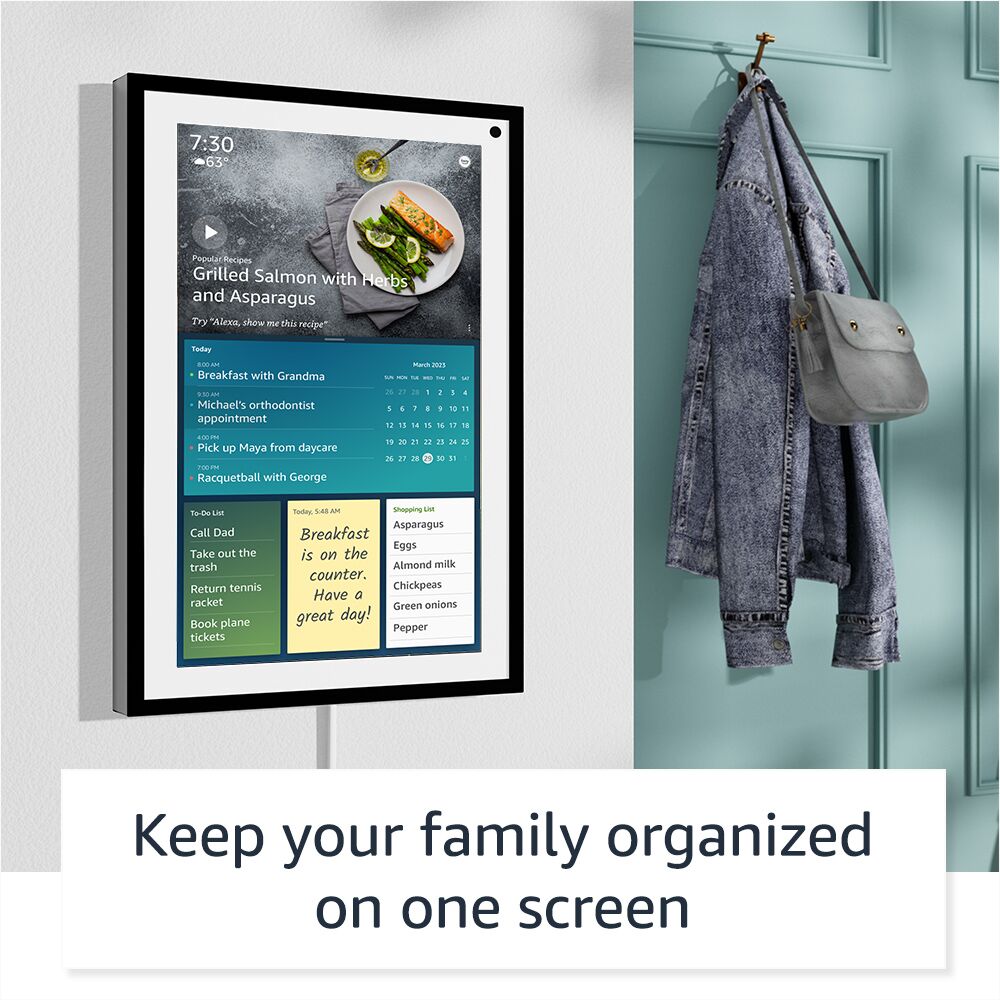
A:AnswerI’ve been checking out the Echo Show 15 myself, and I've got to admit, it's pretty impressive. I was thinking, just like you, how great it would be if it had a battery and could magnetically attach to a fridge. That would be super handy for saving space and keeping it accessible in the kitchen. Unfortunately, it’s not set up like that yet. It needs a power outlet and either goes on the wall or a stand. I hope Amazon picks up on this idea for their next update—it would make the Echo Show even more perfect for families like ours!
A:AnswerHi Kumar,
The Echo Show 15 has a feature called "Drop In" that you can video call with! To give "Drop In" permission to call yourself (and your household) or a contact (and that contact's household), select the applicable contact card and turn on "Drop In." In addition, you can give "Drop In" permission to call yourself (and your household) by simply saying, "Alexa, drop in on Home." To turn off Drop In for your household, you can say, "Alexa, disable drop in." You can also turn on Do Not Disturb on one or all Echo devices by saying, "Alexa, turn on Do Not Disturb."
To do so on your device, follow the steps below:
In the Alexa app, select the Communication icon.
Select the Drop In icon.
Select the name of the contact you want to drop in on.
Then you can ask the following:
“Alexa, drop in."
“Alexa, drop in on the kitchen.”
“Alexa, drop in on Echo.”
“Alexa, hang up.”
"Drop In" is available on all Echo devices! Hope that helps!
A:AnswerHello CCTV, thank you for your question. At this time, Echo Show 15 does not have capability to broadcast CCTV cameras. Hopefully this is helpful. Have a great day!
A:AnswerHi Suzanne! While you can't have every response come from your Sonos speaker, you can connect your Sonos system to your Alexa account and automatically play music from the Sonos when you ask your Echo Show 15. You'll need to add the Sonos skill to Alexa via the Skills and Games section under More in the Alexa app. Once you've done that, put your Echo Show 15 and the Sonos device you want to play music from in the same group via the Alexa app. Finally, open the settings on your Echo Show 15 via the Alexa App, tap the Settings/Gear icon at the top right, and select Speaker. In the Speaker menu, select Allow Alexa to Choose and Alexa will automatically play through your Sonos! I hope that helps, have a great rest of your day!
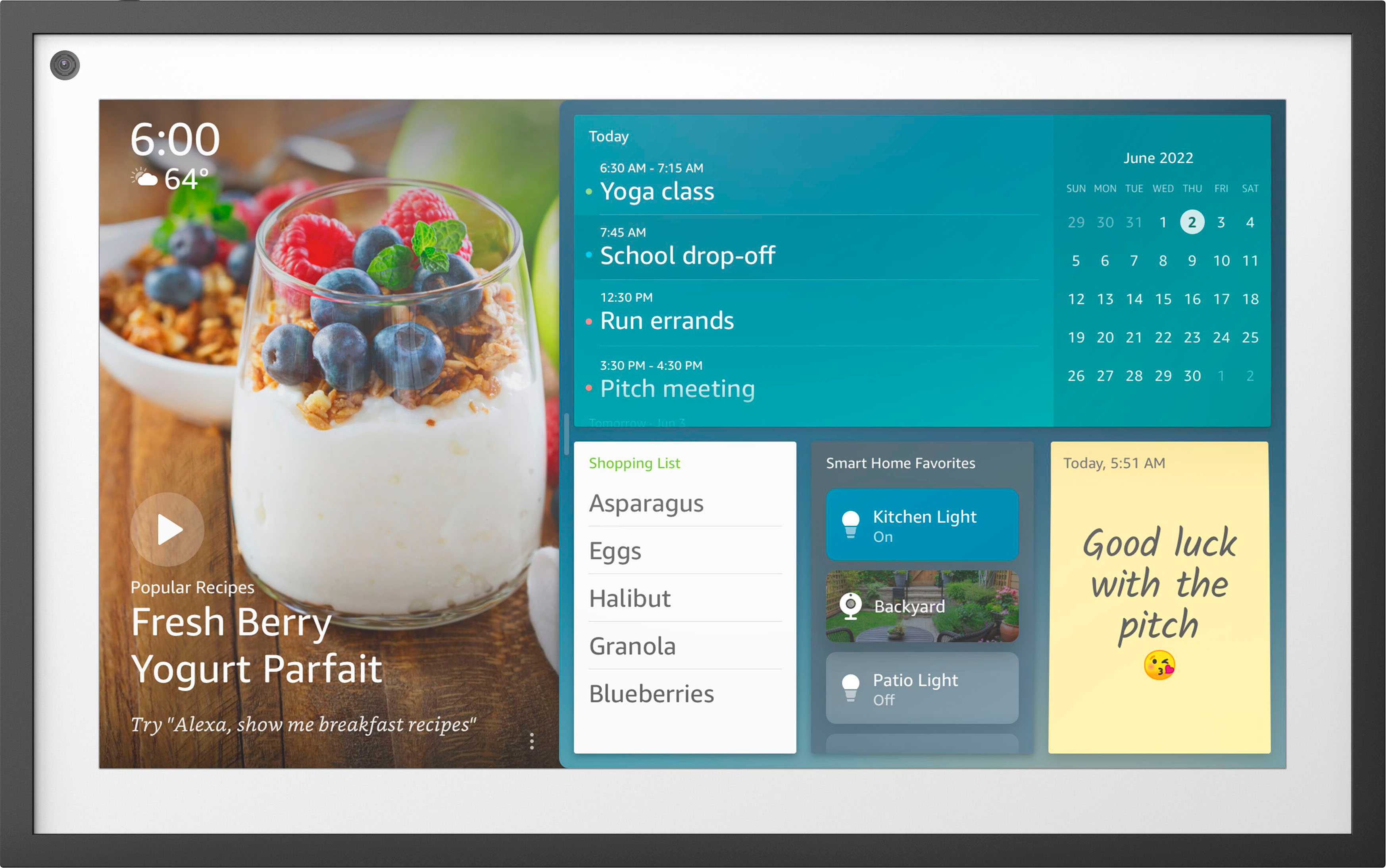
A:AnswerHi Jazzii! You can absolutely add Apple calendars to your Echo Show 15, just link them to your Alexa account in the Alexa app. To do so: Open the Alexa app. Open More and select Settings. Select Calendar. Select your account provider, and then select Connect Account. Follow the on-screen instructions. Repeat these steps for each calendar you want to link. The Show 15 makes a great calendar with it's widgets and 15" screen. I hope that helps, have a great rest of your day!
A:AnswerHello Scott, thank you for your question. The Echo Show 15 has Fire TV built in, with an Alexa voice remote included. From there, you can enjoy many of your favorite streaming services, including HBO Max and Paramount+. Hopefully this helps. Have a great day!
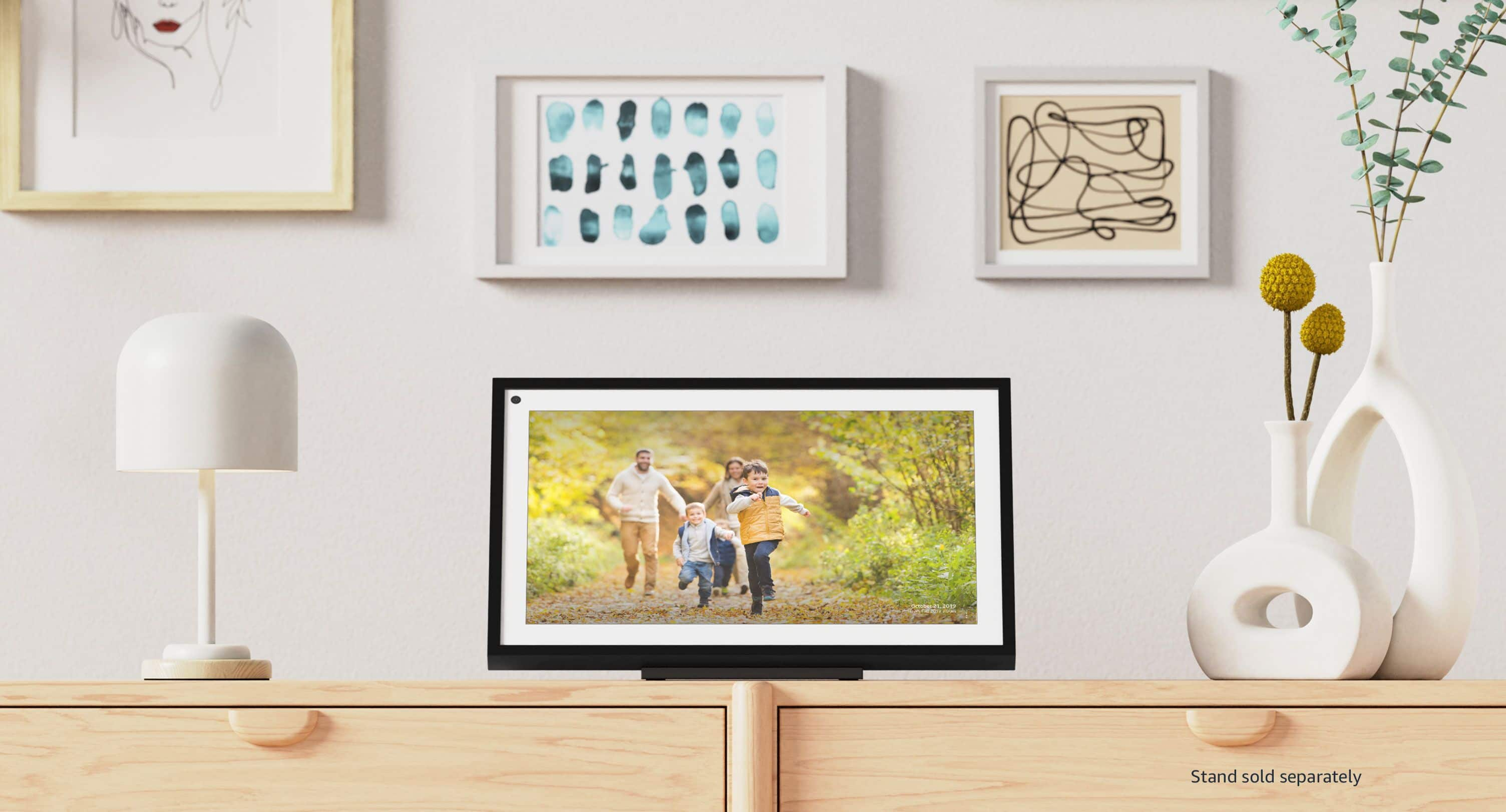
A:AnswerI dont think so...the only frame that came is already built in...but i have seen other frames you can buy to make it look like a picture on the wall.
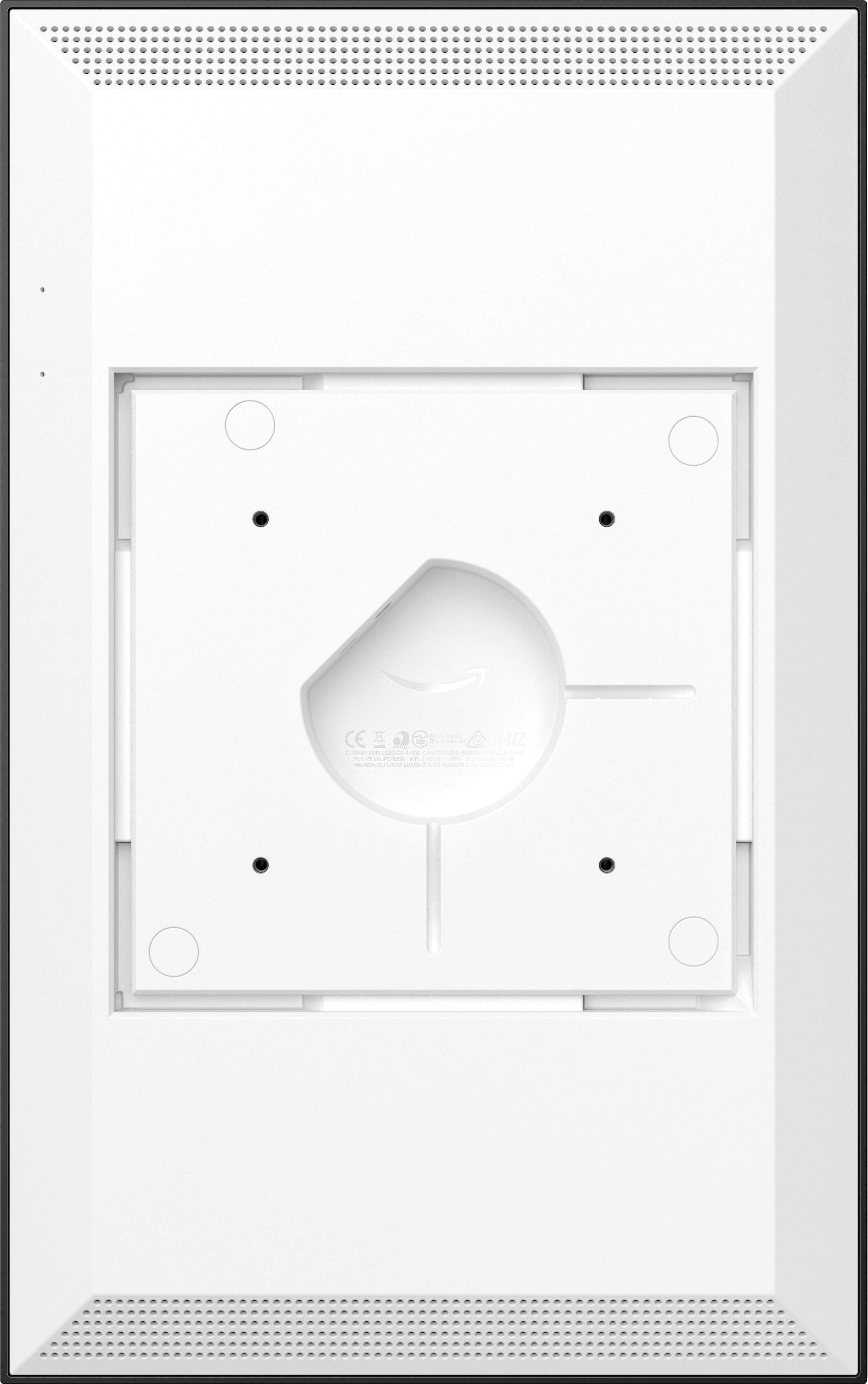
A:AnswerYes, it will stream out Bluetooth. This feature works very well. There are NO audio output jacks on the unit. There is a USB connection in the back but have not discovered what that is for.