A:AnswerHello Brittany,
You can use your voice to play movies, videos, or TV shows from Prime Video and supported streaming services on your Echo Show devices. Here are some examples of things you can ask Alexa to do while streaming:
-""Show me my video library."" (Prime Video only)
-""Show me my Watch list."" (Prime Video only)
-""Show me [title].""
-""Search for [TV show].""
-""Show me movies with [actor].""
-""Show me [genre] movies.""
-""Open [video provider].""
Have a great day!
A:AnswerYou would use the Alexa app on your phone to remotely view the Echo, and that is available for Android and iPhones. But, you don't need a phone, Think of this as a small tablet that sits on your counter, and you talk to it to have it play music and videos, browse websites. You would connect the Echo to your wifi as you would a tablet or laptop.
A:AnswerHello and thanks so much for your question regarding the compatibility of Echo Show and Phonak hearing aids. There are a number of accessibility features available from the menu settings of the device and the Alexa app, however according to Phonak's own site, "Phonak hearing aids are not directly compatible with home speakers." I hope this answers your question and you have a super day!
A:AnswerHello Angie and thanks for your question on music options on the Echo Show 5! There are currently a wide range of available music services that you can link with your Echo Show 5 either during the initial setup of the device or in your Alexa app settings. You can go to More in the bottom right corner of the Alexa app, then go to Settings, then to Music & Podcasts. This will allow you to set default music services, enable explicit language filters, as well as allow you to link other music services to your Alexa/Amazon account. Sirius XM is one such service that you can link using the above method. As for local radio stations, there isn't a radio antenna that connects to local radio stations but there are services such as TuneIn Radio and iHeart Radio that allow you to access local stations from numerous cities. I hope this answers your question and that you have an awesome day!
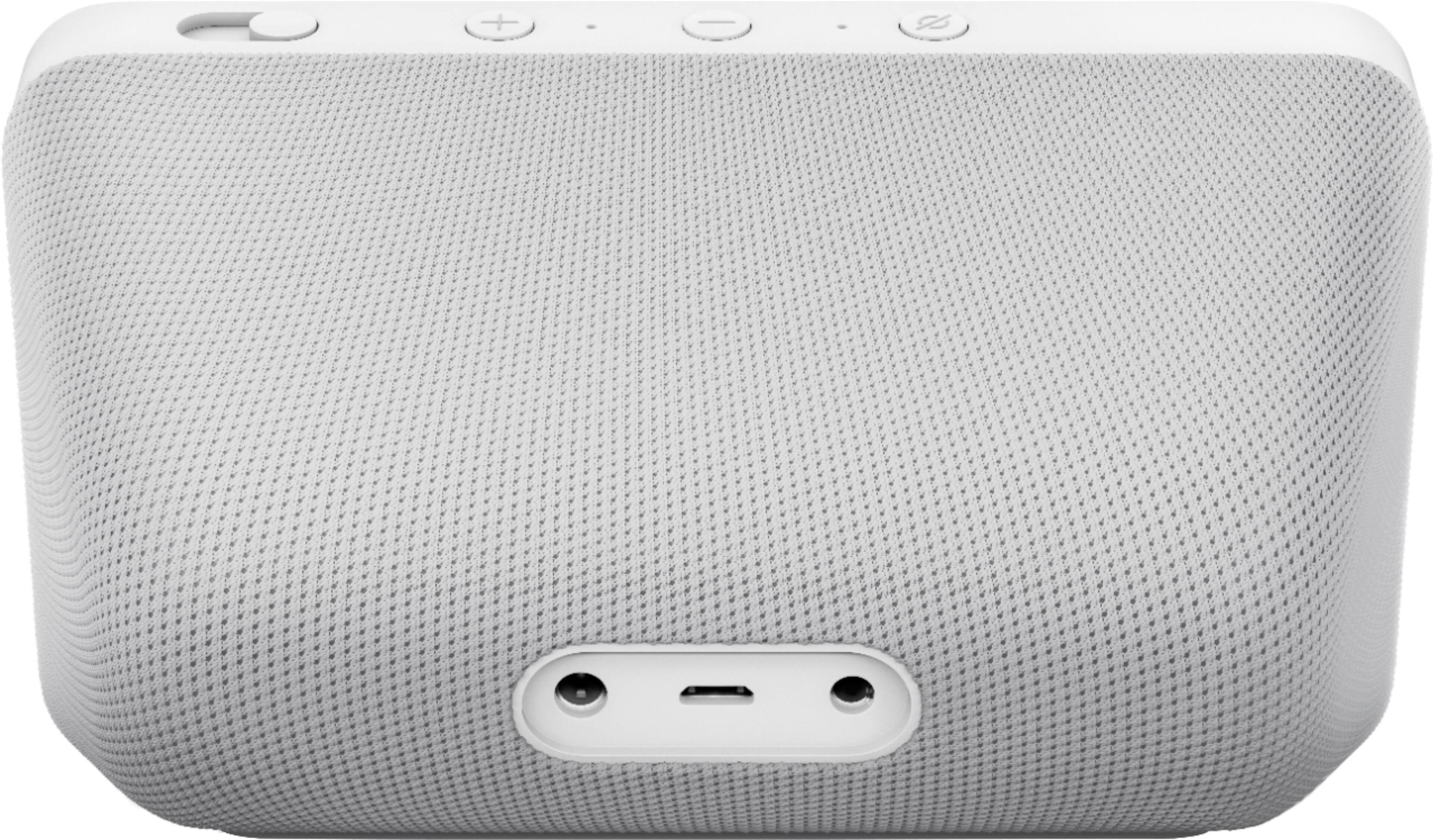
A:AnswerHello JOSEPPI, and thank you for your question regarding the Echo Show 5! The intended purpose of this device is for in home use connected to a power outlet and Wi-Fi connection and not for use in a vehicle. There are other devices available for use in vehicles. This device does have an analog AUX out port that you could plug into any audio receiver that supports 3.5mm AUX cable input and with a Wi-Fi connection, you are able to receive calls from other Alexa devices or people with an Alexa app. I hope this answers your question and you have an amazing day!
A:AnswerHi Ricky,
You can set up your Echo devices using a computer or a tablet, and then you would be able to view your Ring Video Doorbell. You can go to Alexa.amazon.com in order to set up on a desktop, or download the Alexa app on a tablet to do the set up of the Echo devices. Hope this information helps.
A:AnswerThe Echo works independently on Wifi, so you'd have no reason to plug it into the echo dot. That said, you could command Alexa on the echo dot to play music on the echo show, and vice versa.
A:AnswerI use it with my camera system. You will need to see if Amazon/Alexa supports the brand of cameras you use, look under settings, skills and if there, you need to link the skill with your Alexa account. there might be specific phrases to learn for your specific camera system.
A:AnswerHi Yazz,
The camera and the show 5 distance does not play a factor in the ability for it to work. The distance that matters is the camera to your wifi, if you use a single point gateway (modem/router) or if you use a mesh network (multiple nodes that are spread around your home). If you are using a single point one, then you may notice lag from when you open the camera app to it showing you a live view, and/or the same with the Echo Show. If you ask Alexa to do a command, such as show you that camera feed, and it takes a while, then your Wifi may not be strong enough, and my recommendation would be to upgrade to a mesh network, for smart home, it really is the best option. Or you can move your devices around the home closer to the gateway to get a better Wifi signal. Hope this information helps. Have a great day.
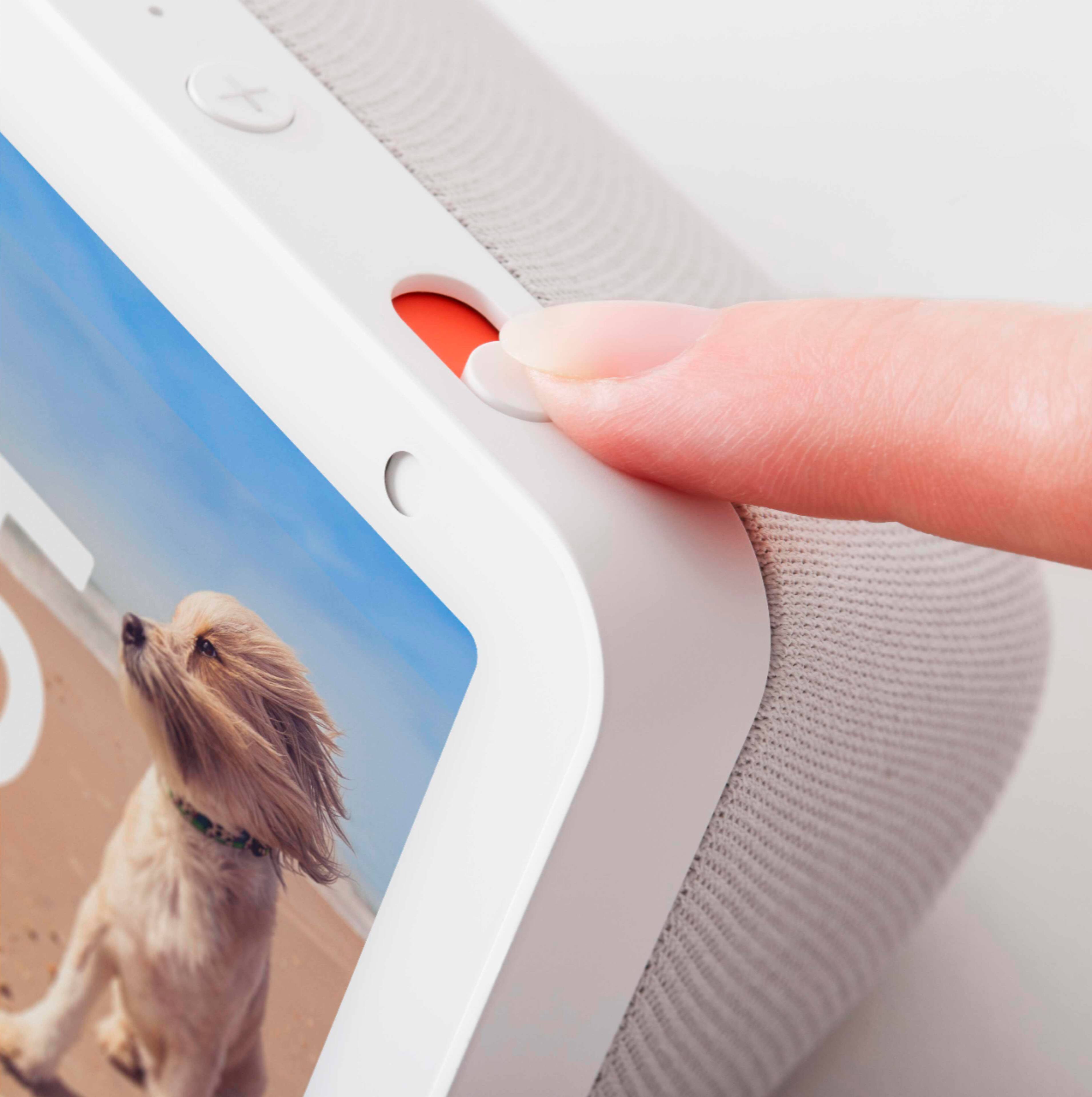
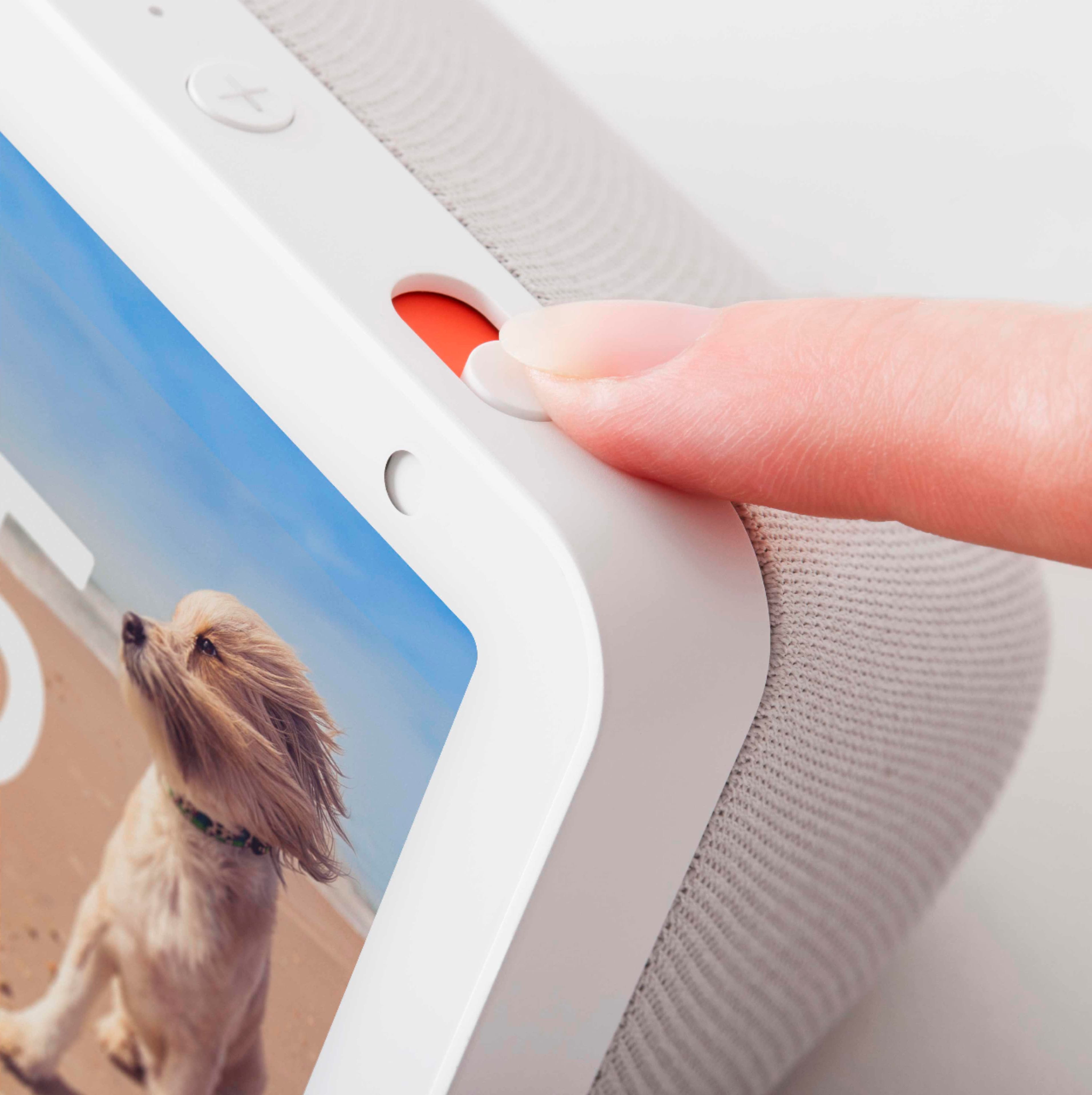
A:AnswerYou can always unplug it. There is a button to close the camera lens. Alexa is programmed to "wake" using special command...either "Echo", "Alexa", or other preset names.