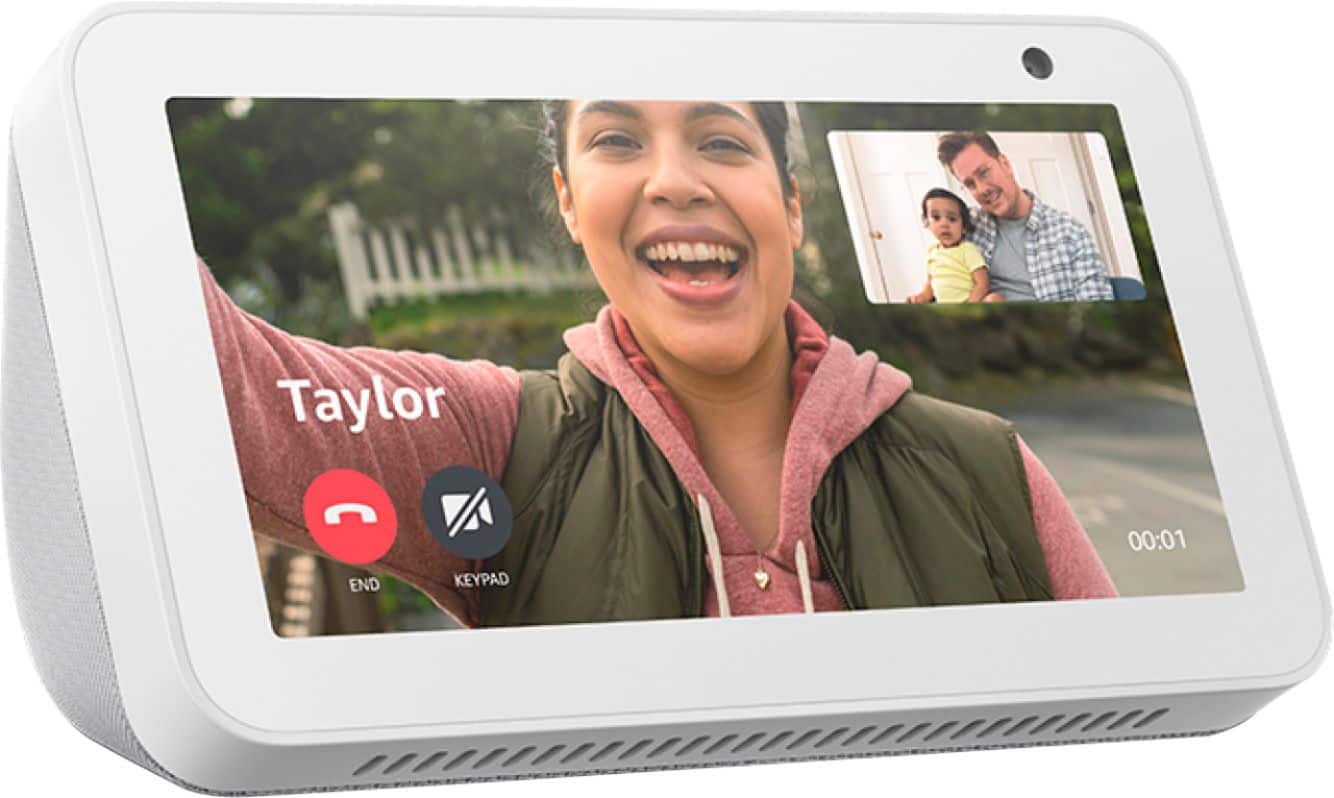
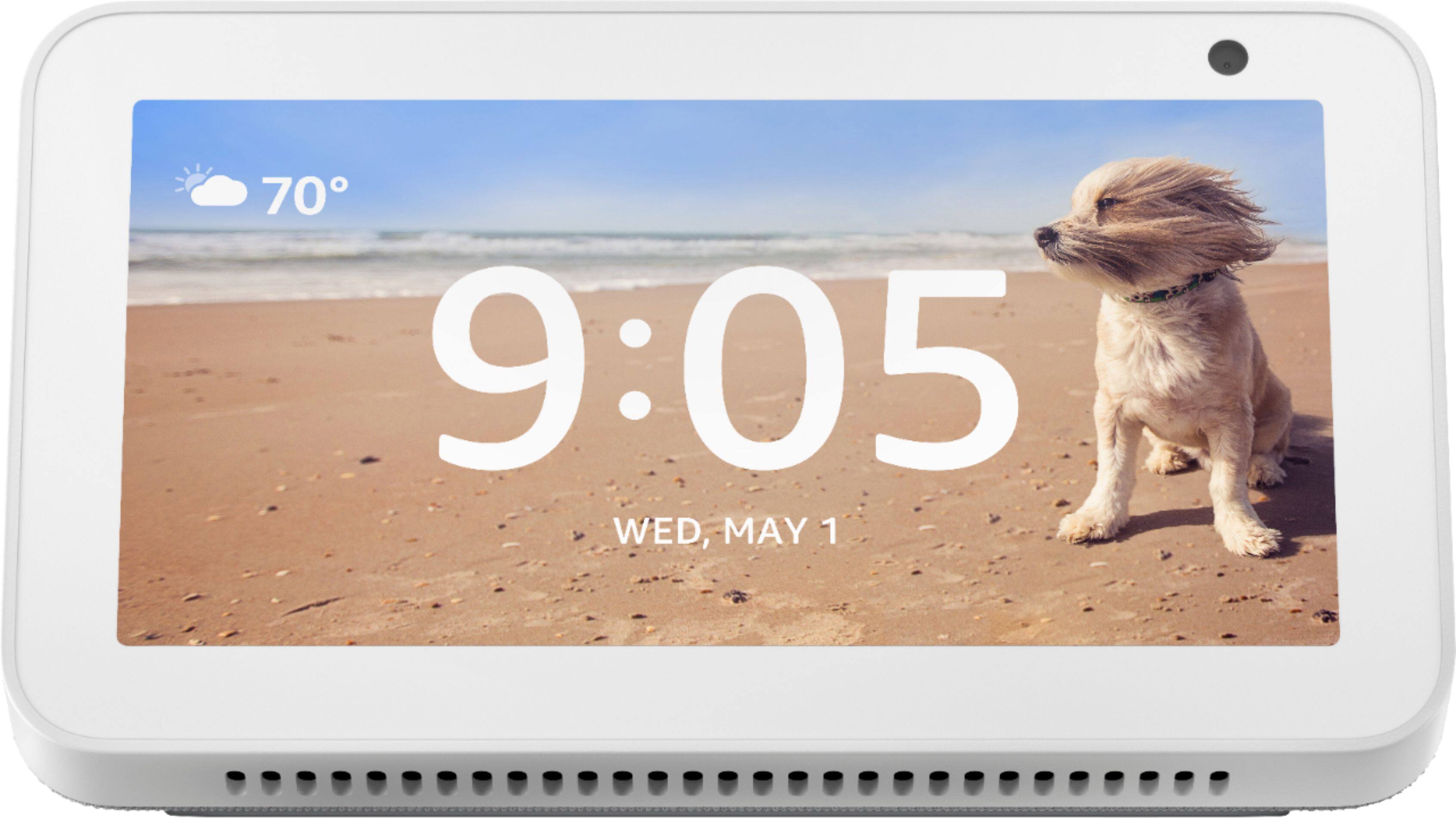
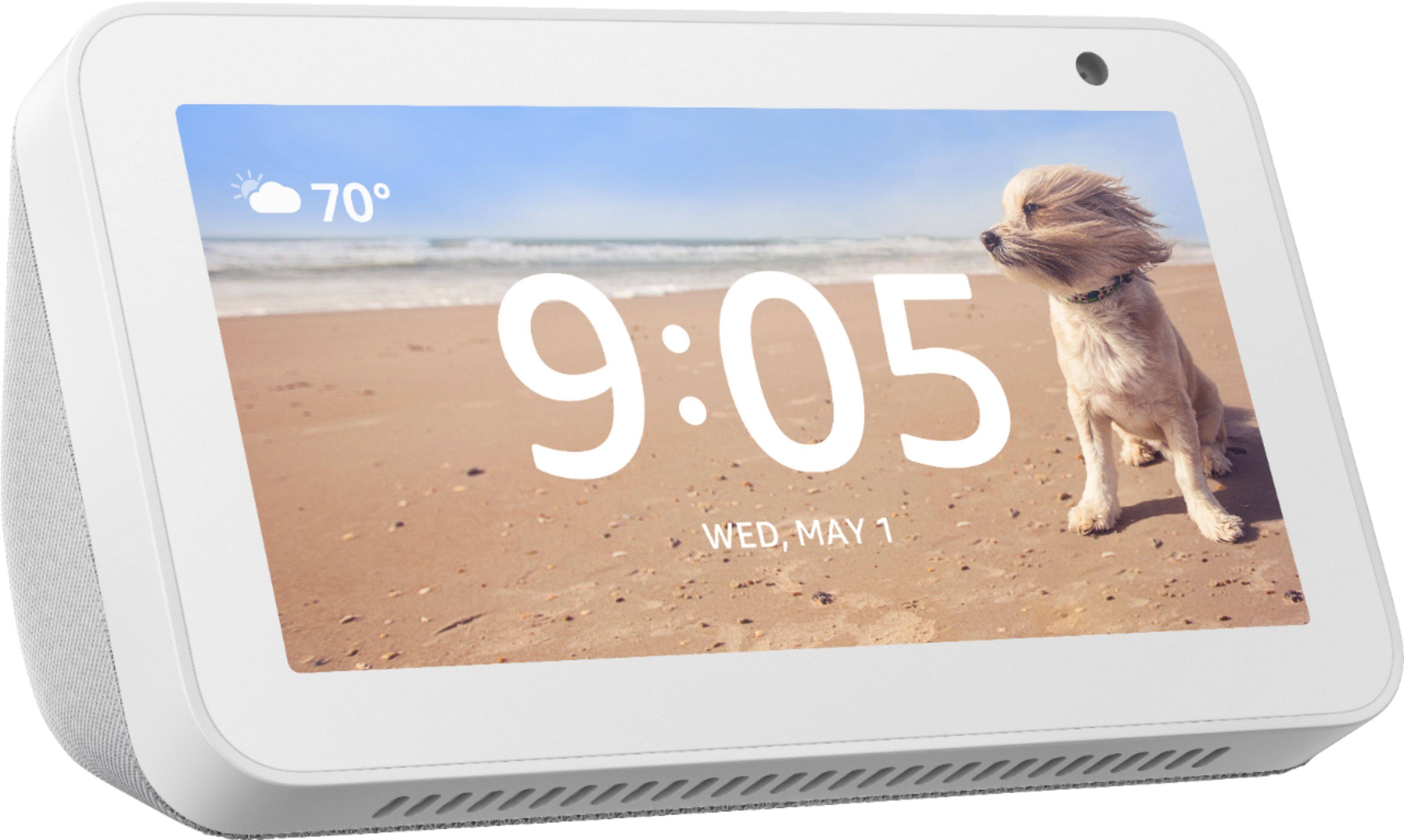
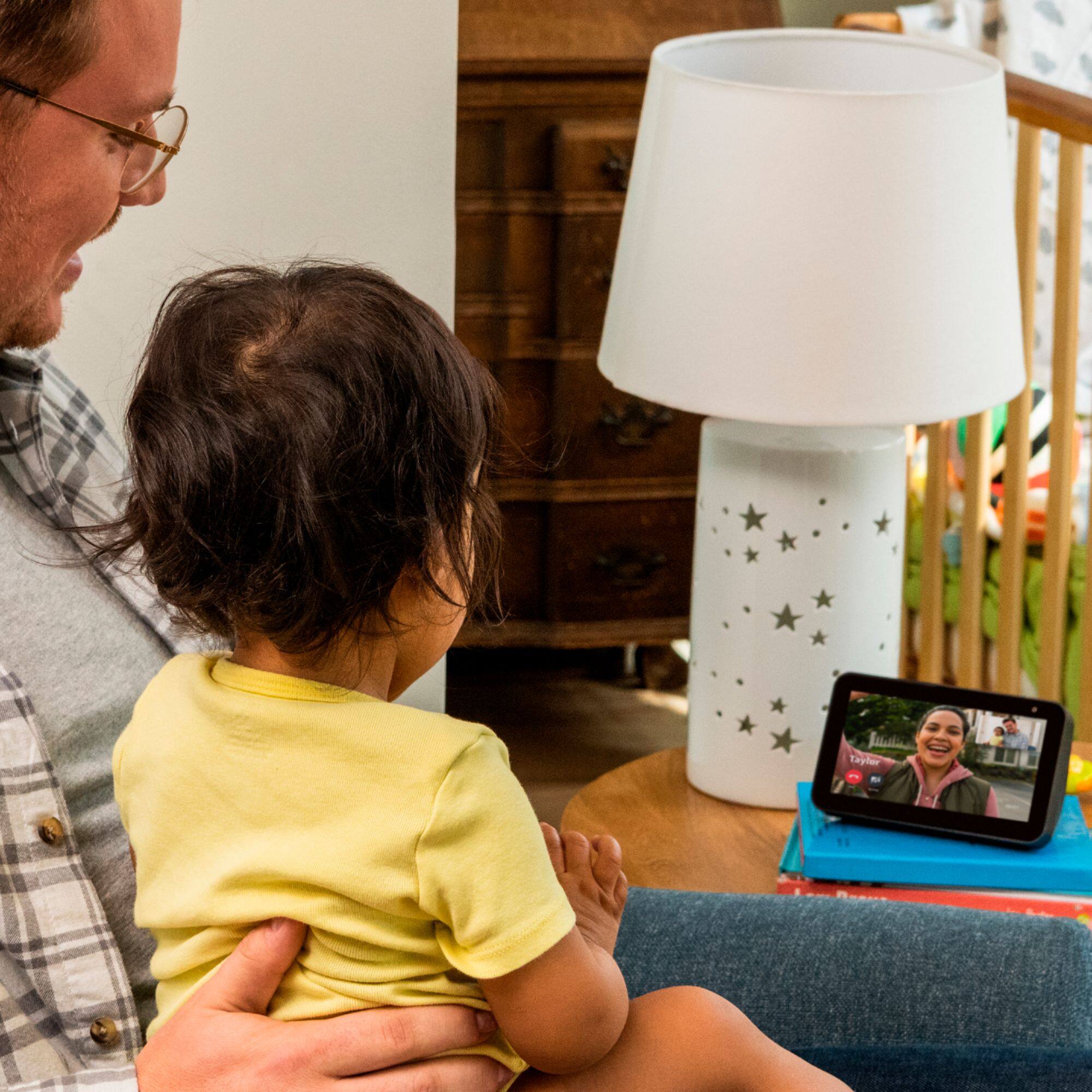
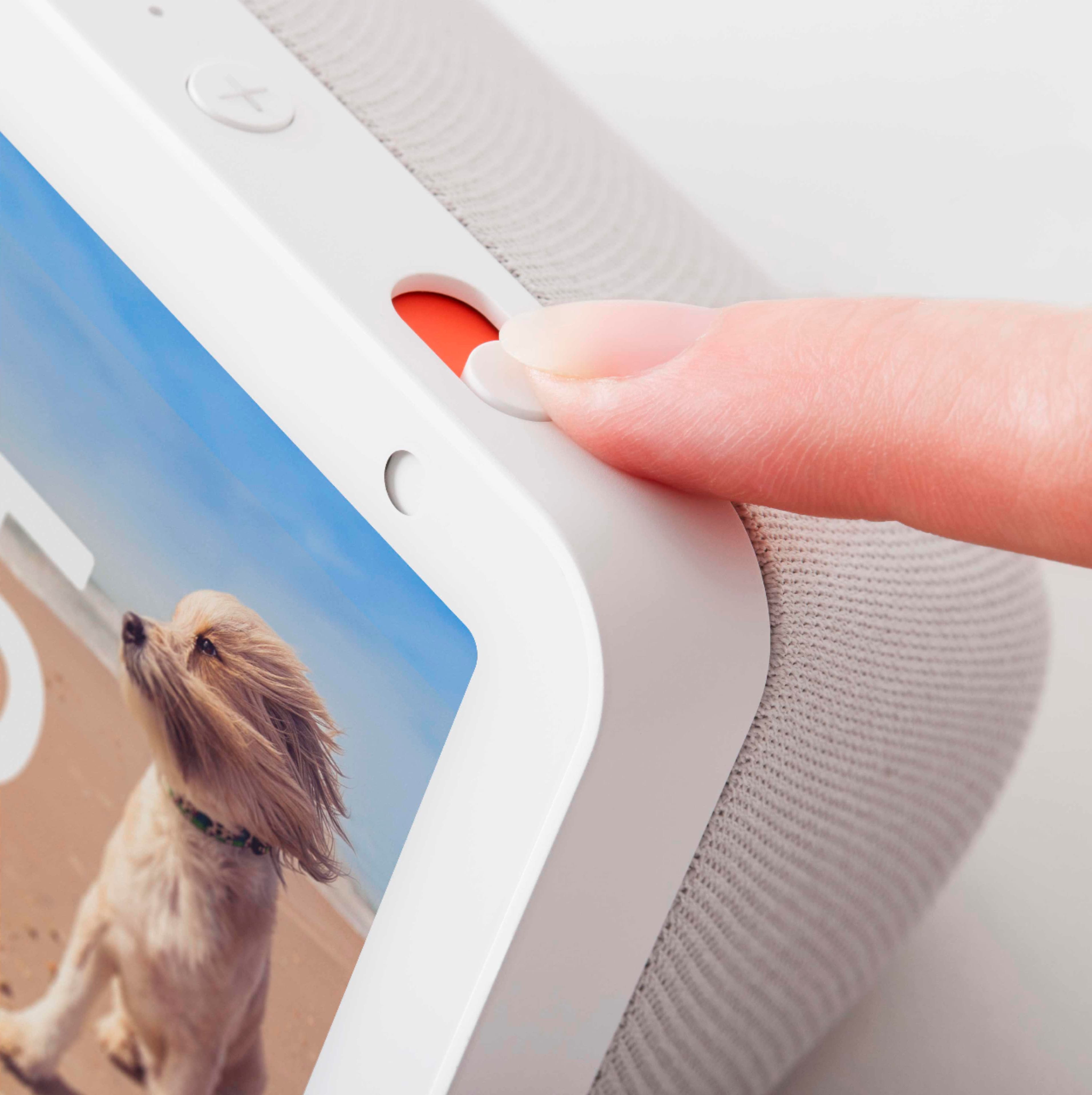
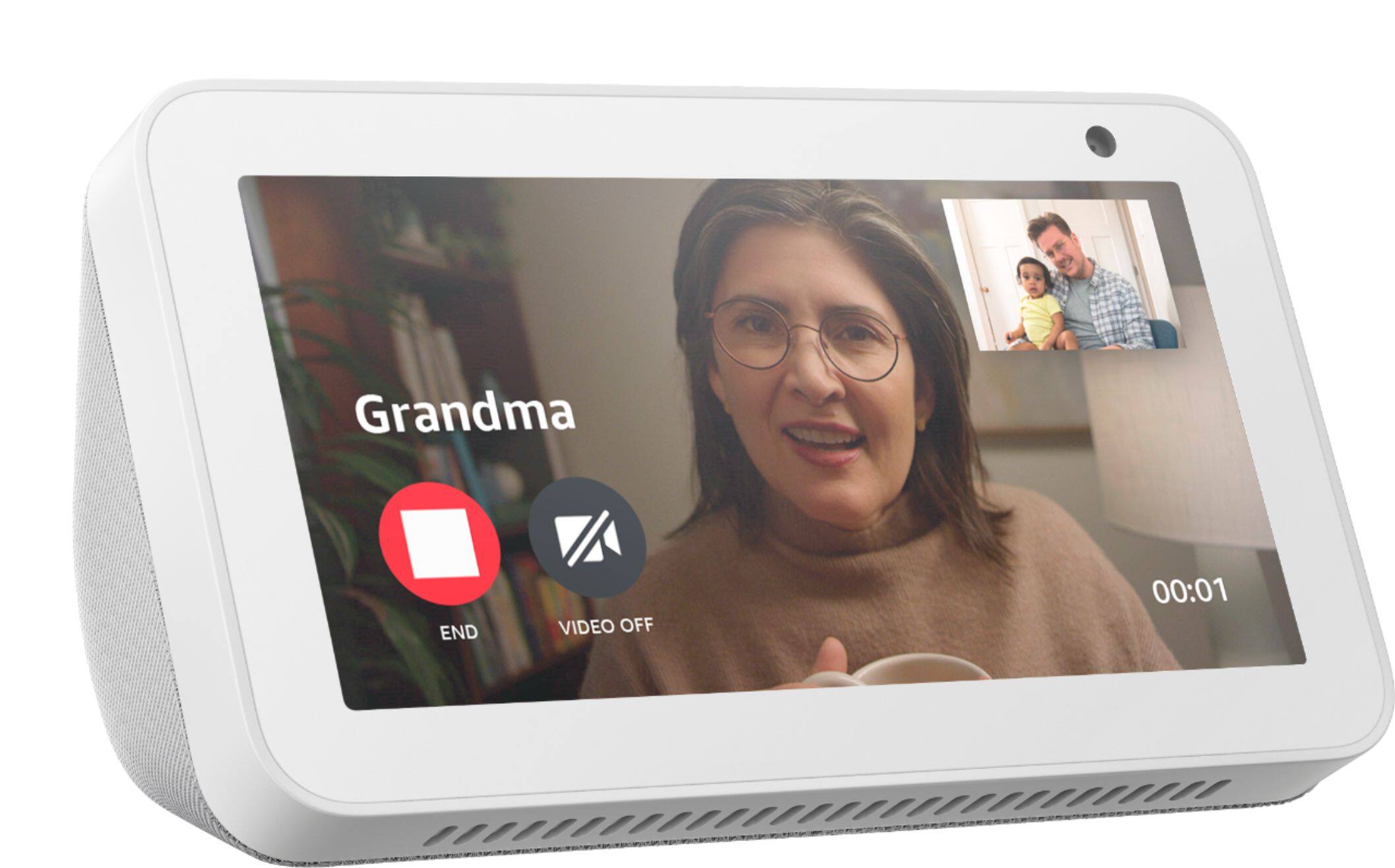
A:AnswerHello Jazzi! Thank you for your question regarding photo/audio recording options for your Echo Show. This device is not intended for use in a vehicle as it requires a constant connection to a regular power outlet in your home as well as a WiFi connection to be able to be utilized for its intended purpose. When in your home you are able to "Drop In" at any time using your Alexa app to see and speak through it, but that doesn't record. It is more meant for 2-way communication than for surveillance and without a WiFi connection it will not be able to do that. I hope this answers your question, Jazzi and I hope you have a great day!
A:AnswerYou do not have to have two devices to use the drop in feature. When I purchased my first one I was able to use the app for that one device. If you decide to purchase other devices, they will all have different names.. ie 1st Echo Show.. 2nd Echo Show.. ect. I am just making these names up, but you will be able to assign each one a different name. You will use that assigned named to drop in on a particular device.
A:AnswerHello, rusty! Once you go into the Alexa app and enable the Eufy skill, you will be able to view your Eufy doorbell on the screen of your Echo Show 5 by saying, "Alexa, show me the front door." To enable the Eufy skill, follow these steps:
1. Open your Alexa app
2. Click on "More" in the bottom right corner
3. Click on "Skills & Games"
4. Search for and enable the Eufy Skill
Have a great day!
A:AnswerHi RWdbrdge,
Yes, this will work with a Blink System. You will be able to view your Blink cameras as well as arm and disarm your system, all with your voice. I hope this info helps. Have a great day.
A:AnswerHi Katie,
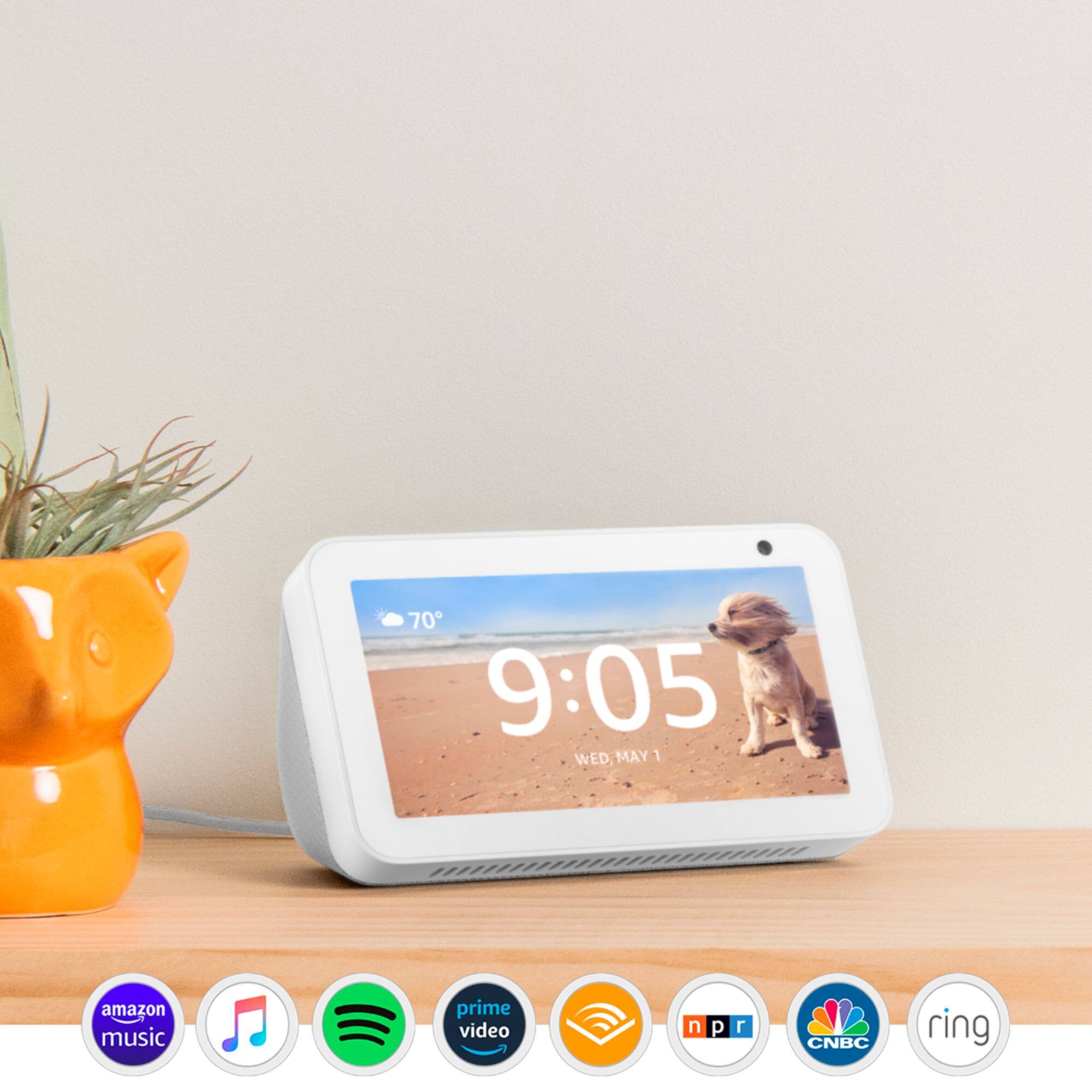
You do not need to download anything to play music on this device. You will go through the Alexa app and set your preferred music service you would like to link. You can link Amazon Music, Apple Music, Spotify, XM, Pandora and many more.
Follow these steps in Alexa App to select your default music service:
1. Open Alexa app
2. Menu-More Icon
3. Settings
4. Under Default service you can select and link your account. If you pay for a premium service that is where you would want your log in information for that service so you can get the full benefits of it.
I hope this info helps. Have a great day!
A:AnswerHi Mimi,
If you have a Fire TV Recast in the same home and connected to the same Amazon account, then you would be able to access the live content that is coming through the Recast. Unfortunately, Hulu is not a service that is available on the Show 5 at this point. Other services that are available include: Prime Video, Netflix, Food Network Kitchen, and YouTube. I hope some of this info helps. Have a great day!