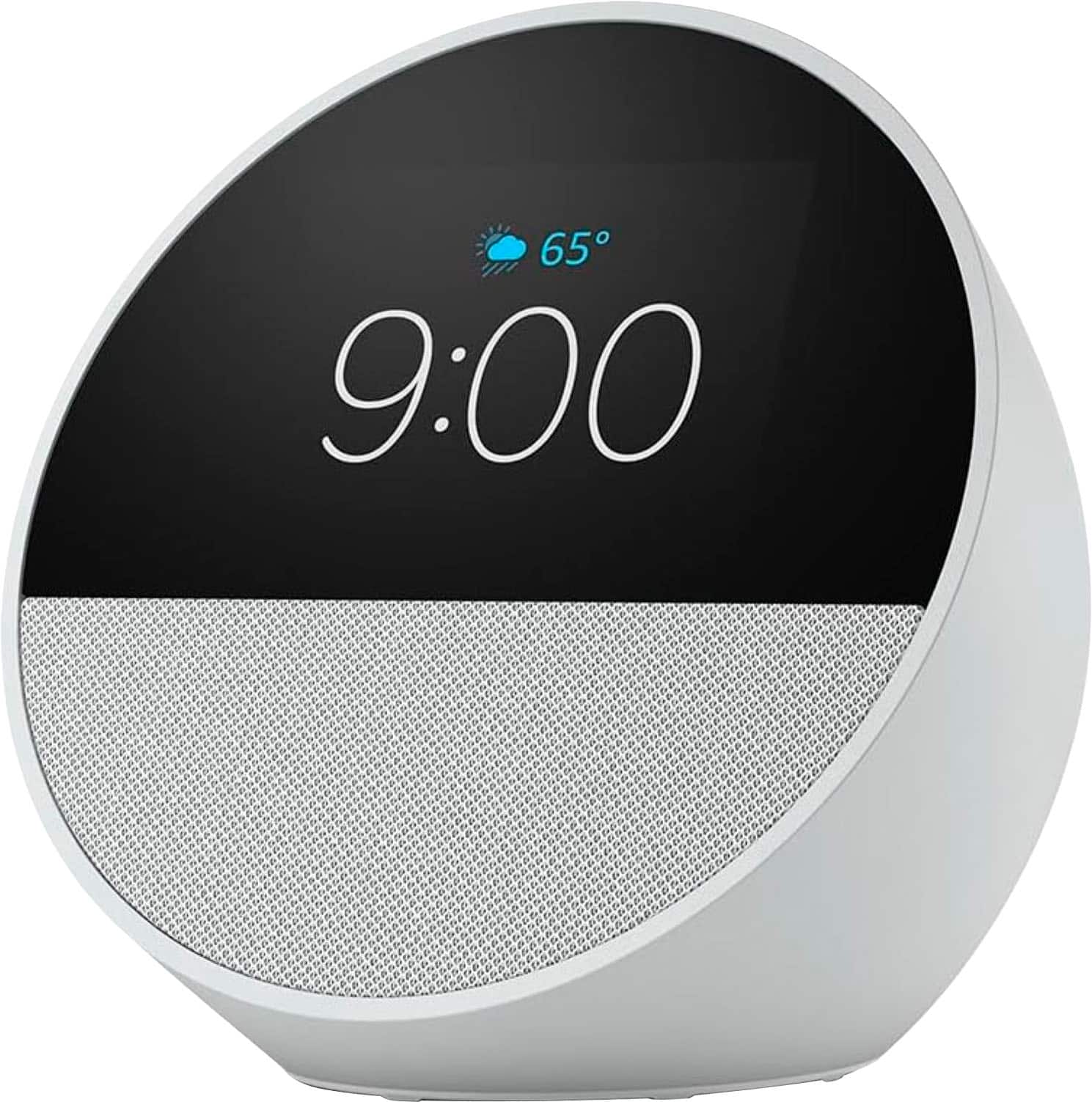
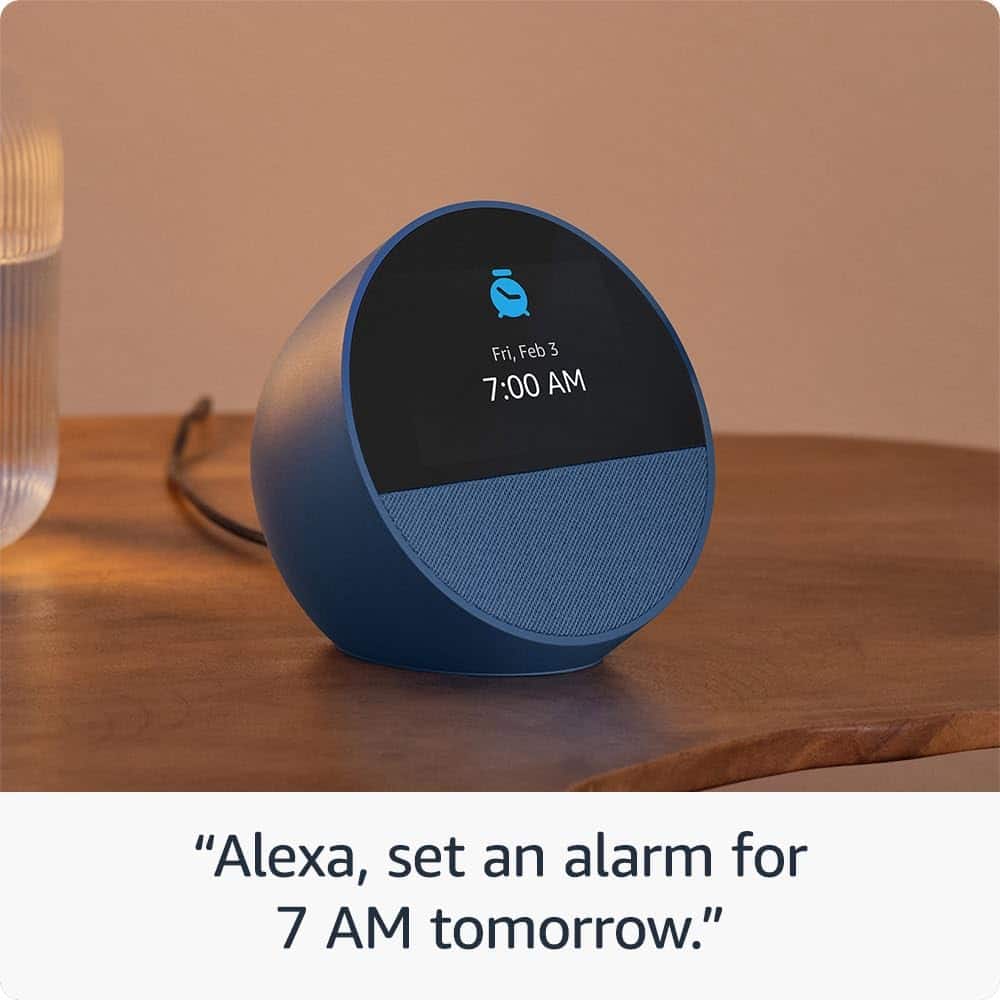
A:AnswerHello P, you can program the Alarm for the Echo Spot via the Alexa App on your phone. When doing it this way you can open the Alexa App and ask Alexa to set an alarm for whatever time you want and then specify which device you want it on. For example say; "Alexa, set an alarm for 8 am on my Echo Spot."
Have a great day!
A:AnswerHi AppleTv,
That is a great question! No, the Echo Spot (2024) cannot work as a speaker for Apple TV for television or movies. Here's why:
Technical Limitations:
Apple TV doesn't support audio output to Echo devices
Echo Spot cannot be set as an audio output device in Apple TV settings
No AirPlay audio casting capability between Apple TV and Echo devices
Different ecosystem compatibility (Apple vs Amazon)
What Echo Spot CAN Do:
Stream music via Bluetooth from your phone/tablet
Play audio content through Alexa voice commands
Function as a smart alarm clock with quality sound
I hope this helps, Have a great day!
A:AnswerWell this is the item you want to purchase, set multiple alarms with just the sound of your voice. Cancel tem use it as a background noise maker as you sleep and will still gradually wake up when your alarm goes every timtt
A:AnswerHello Terry,
Right out of the box the Echo Spot will have the default feminine voice. If you do not find this voice suitable you can change the voice of Alexa for each of your Echo products through the Alexa app under Device settings- Alexa's Voice. I hope this information helps. Have a great day!
A:AnswerAsk Alexa to turn the alarm off. Go to Alexa App and click on the 3 horizontal bars besides the home and light symbol. Then click on the Alarms and Timers. The rest is easy. Be sure to look for the word "Save" at the top right after you update this section. It is hard to see sometimes.
A:AnswerHello Nash,
If your Echo Spot is changing the alarm times, I would verify the alarms through the Alexa App. The Echo Spot can't modify or change input that you put in, but can sometimes confuse AM/PM or days. I try to be precise when I put in my alarms, for example I say, "Alexa, set an alarm for 6:30 tomorrow morning." I've found that when myself or my wife give a basic command like, "Set an alarm for 6" Alexa sometimes confuses the time of day. Another thing that I might try if it's changing completely different times, check the device for updates. If your Echo Spot has an update pending that may alter the devices functionality.
I hope this helps!
A:AnswerNot hard to set up at all. You just need to go into settings and select your cable provider or streaming service. DirecTV is no longer supported.
A:AnswerHi Curious,
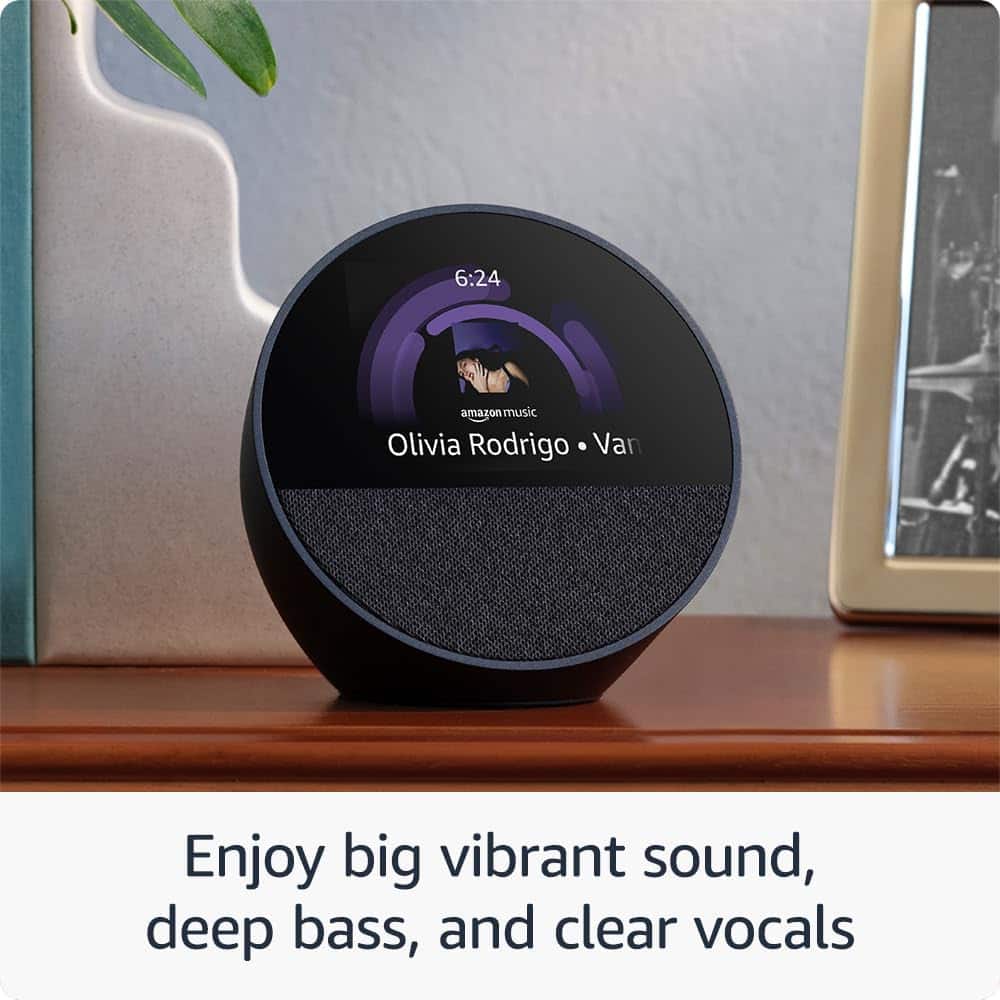
Yes, the Amazon Echo Spot is compatible with Apple Music, and you can stream Apple Music playlists on it. To do so, you'll need to enable the Apple Music skill in the Alexa app and link your Apple Music account. After that, you can use voice commands to play specific songs, artists, albums, or playlists from your Apple Music library.
The Echo Spot alarm clock is generally considered to be loud enough for most bedroom sizes, I believe this would make a great alarm clock for a teen or anyone else in the house.
I hope this answers your question!
A:AnswerHi Opia,
Thanks for reaching out about the Echo Spot, you can interact with Amazon Echo's alarm functions through voice commands in both ways:
To set an alarm:
Say "Alexa, set an alarm for [time]"
Example: "Alexa, set an alarm for 7 AM"
To stop an alarm when it's ringing:
Simply say "Alexa, stop" or "Alexa, cancel"
You can also say "Alexa, snooze"
You don't need to physically touch the device, though you can also tap the top of the device to snooze or stop the alarm if you prefer.
Additional alarm voice commands:
"Alexa, what alarms are set?"
"Alexa, delete all alarms"
"Alexa, set a repeating alarm for [time] every [day]"
I hope this information helps, have a great day!