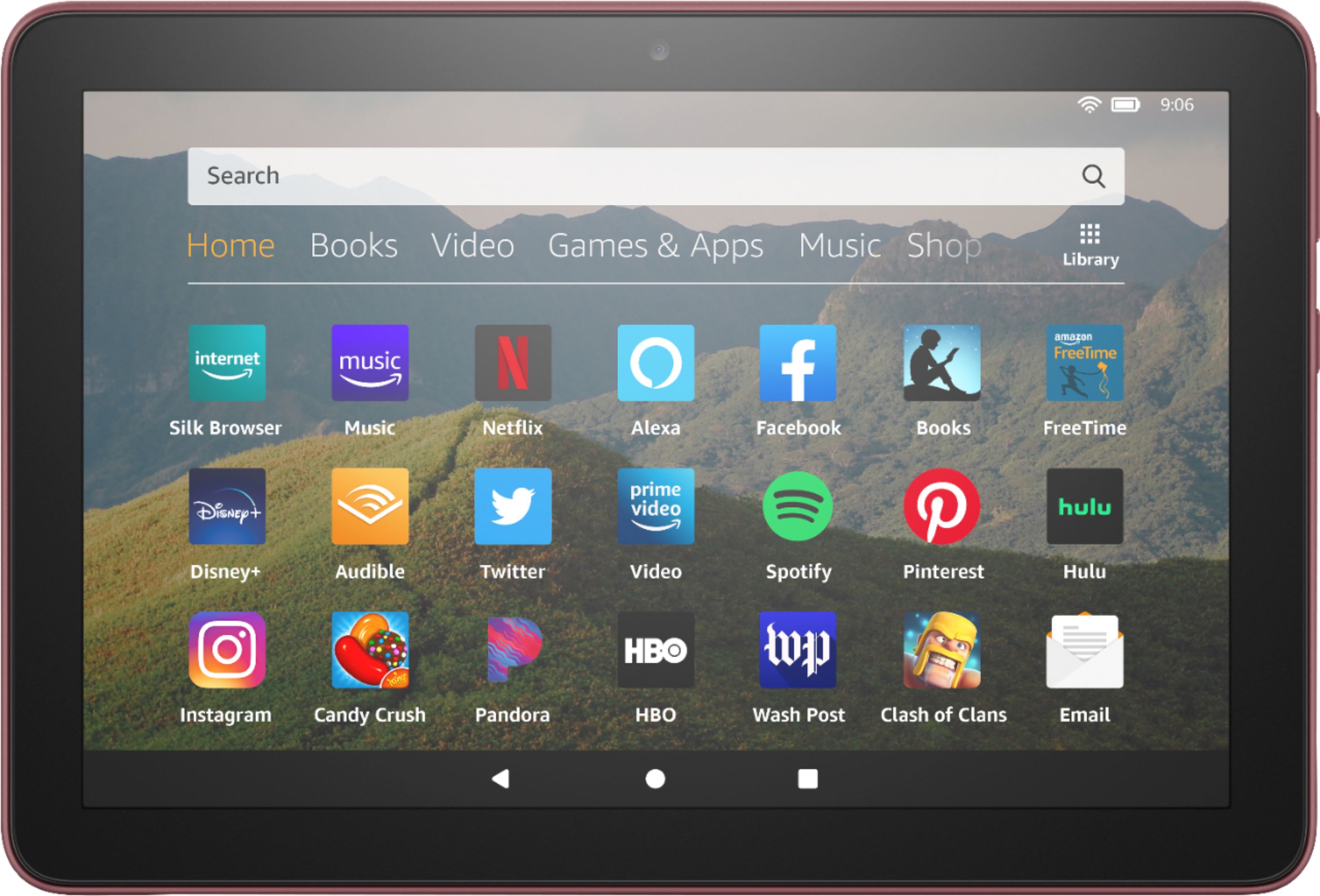
A:AnswerHI Sherriie,
You will need to go to Amazon's web site, and sign in with the account info you are signed into that tablet with and go to customer service and request a call or chat and they will help you with the replacement. Hope this information helps.
A:AnswerHi TJanet,
You do not have to have an Amazon Prime Account for it to work if that is what you mean. When you set it up, it will ask you if you have an Amazon account, and if not, will help you create a free one just to register the device, and there is no cost to this. Hope this info helps. Have a great day.
A:AnswerHello Xtxgal and thanks so much for your question regarding AT&T TV Now availability for the Fire HD 8 tablet! While there are a wide array of different TV apps available for this device on the Amazon AppStore, AT&T TV Now is currently not one of them. I hope this answers your question and that you have a tremendous day!
A:AnswerHi Chuck,
This tablet can only read a Micro-SD card, there is not a slot for a regular SD card. If you have the photos on a micro SD card, you can put that into the device and then access the photos from there. Hope this information helps.
A:AnswerHi Ellie,
Yes, this tablet screen is just like a cell phone, it will have glare and be hard to see in bright light. If you are looking for a device for reading in the sunlight, I would recommend the Kindle, Kindle PaperWhite, or Kindle Oasis products, as they all have a screen that is meant for reading in the sun, or in the dark. Hope this information helps. Have a great day.
A:AnswerYou can download only if they are in the Amazon app store. Not all android apps are. If you want the ones not at Amazon just Google putting apps on Fire HD. There is a way but maybe not totally legal plus will void the warranty.
A:AnswerHello Deb! And thank you so much for your question regarding Sirius XM availability on this device. The Sirius XM music app is available currently to download on this model from the Amazon AppStore. Thanks so much and I hope you have a great day!
A:AnswerHello Kbee66! And thank you for your question regarding tethering a Fire HD 8 Plus with a handset. If you mean by tethering in being able to utilize your Coolpad phone as a hotspot for you to be able to share its data connection with the Fire HD 8 Plus, then yes. You would just look for your Coolpad device under the WiFi settings of the Fire HD 8 Plus. I hope this answers your question and that you have a great day!
A:AnswerHello and thank you for your question about Osmo compatibility and the Fire HD 8 tablet. The short answer is that yes this tablet is compatible Osmo currently but will require an additional adapter from Osmo called a Reflector Adapter to work. I hope this helps and that you have a great day!
A:AnswerHi Tim,
Here is what I found:
From your Fire tablet, swipe down from the top of the screen and tap Settings. Tap Display & Sounds, and then tap Display Mirroring. Tap the name of your TV or media streaming device.
Hope this information helps. Have a great day.
A:AnswerHi Smilo1382,
Yes, you can download both of those apps in the app store to play.
You can do this by doing the following:
1. Select Games & Apps or open the Apps or Games app.
2. Select an app from your Library to download it or search for a new app in the Store.
Have a great day!