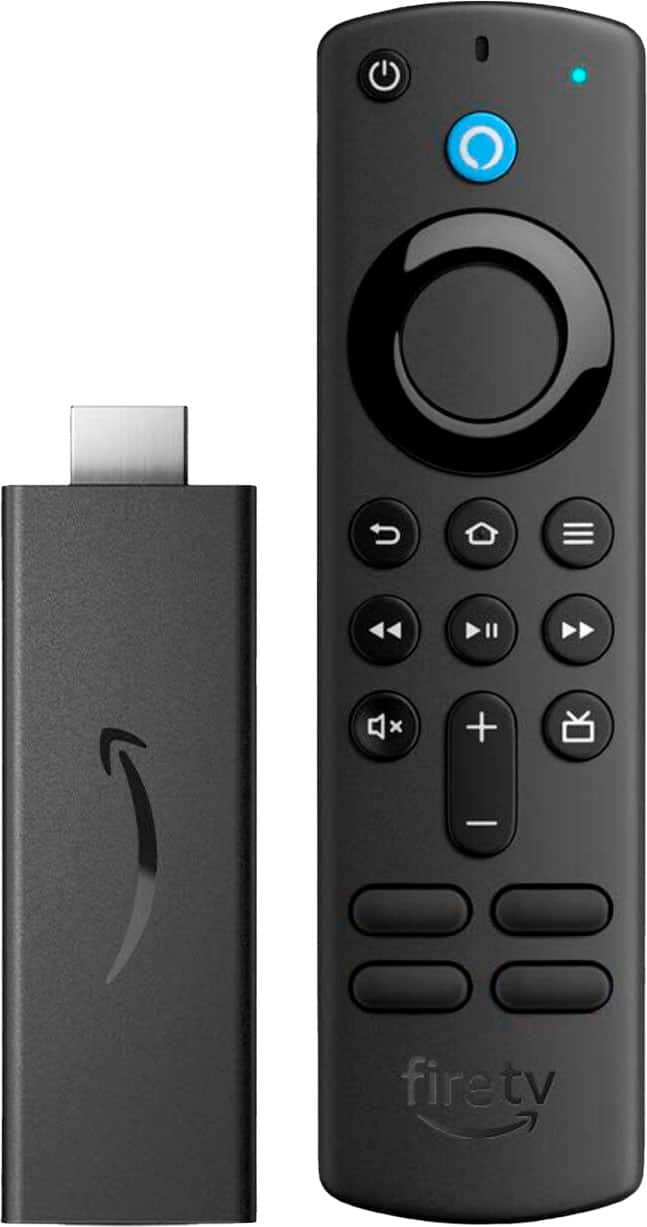
A:AnswerHello, both the JME TV app and NHK World are available to download on the Amazon Fire TV Stick. Once the device is set up, you will go to the search bar and type in the app you are wanting. When you find it, you can select download and it will install it on the Fire TV Stick. I hope that helps, have a great day!
A:AnswerThe Firestick uses HDMI setting on my tv. When I want to use over the air antenna, I use my regular remote to switch to TV mode and Firestick does not interfer with that process.
A:AnswerYour question is not clear. If you speaking about Amazon Prime and they have already subscribed then they can use it to watch Prime TV, it has a 30-day trial if they do not have a subscription. There are many options for free tv such as Freevee and Tubi tv. If it says paid subscription just avoid it.
A:AnswerIf your TV is a Fire TV, you likely don't need a Fire TV Stick. Check the remote that came with the TV and see if it has a button to connect to Amazon or Prime Video or anything like that. My Insignia Fire TV remote has buttons for Prime Video, Hulu, etc and I turn it on and off with the provided remote, and navigate through all the choices on the screen with no need for an additional Fire TV stick/remote.
A:AnswerGo to settings, chose my fire tv and select check updates.click on it and it will tell you if it's needs updated.If so click the download update and follow the instructions