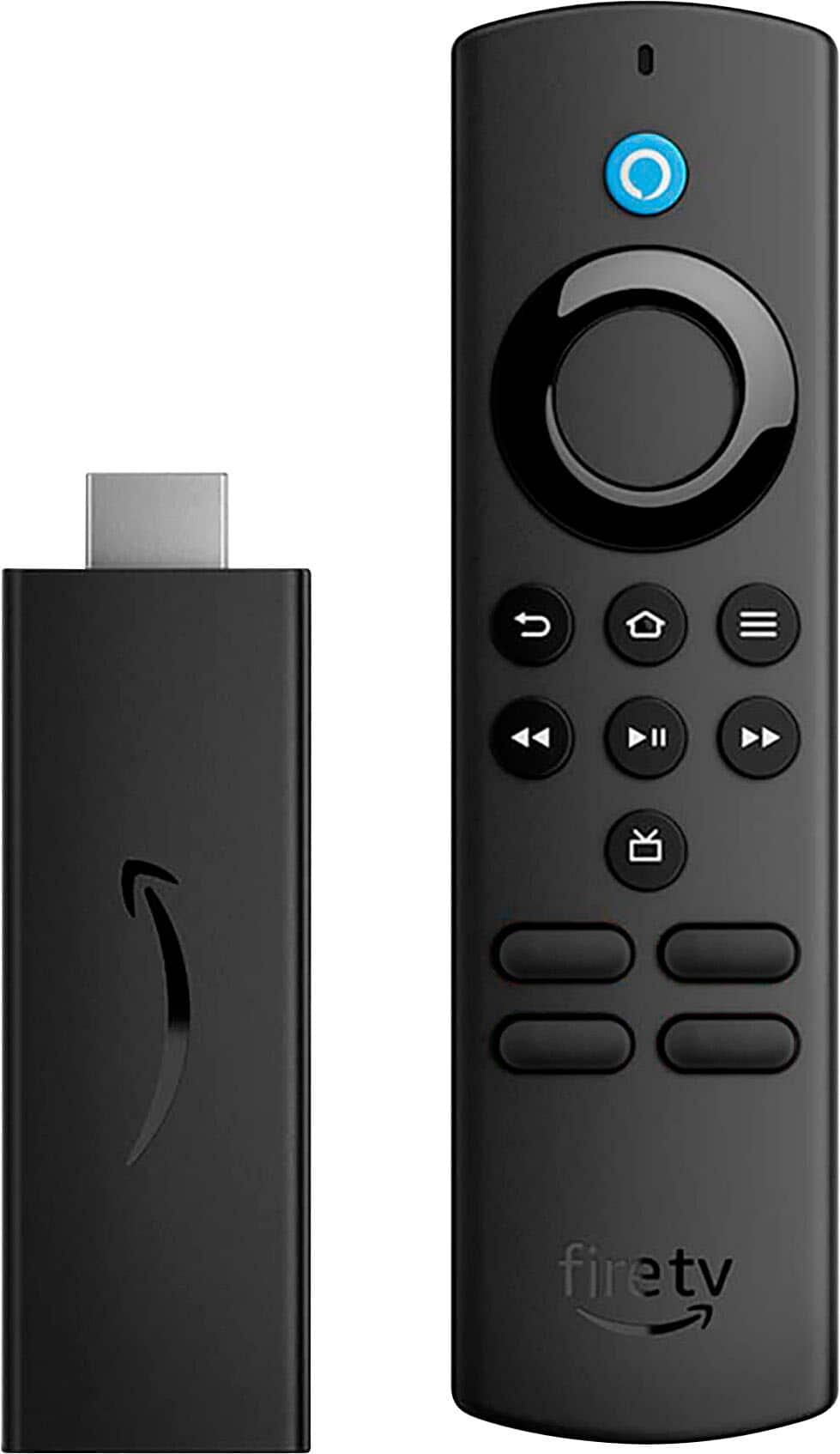
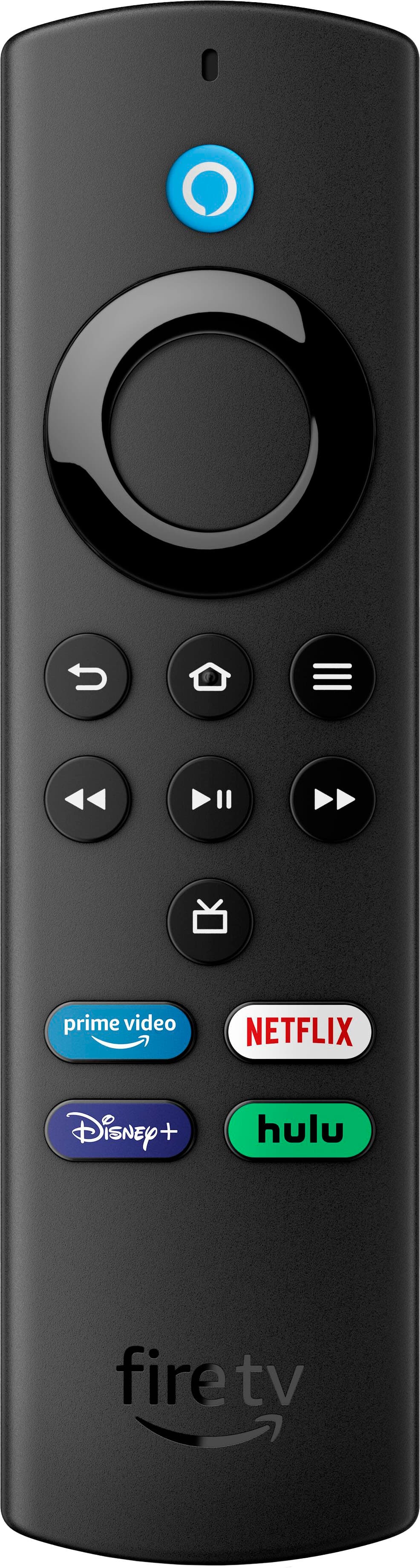
A:AnswerThe Fire remote Lite will not control any of your TV functions (volume, power etc.) so you would need that Fire remote AND your TV remote to watch programming. I don't find it to be any trouble or any extra hassle, really. I was more concerned with price than having my Fire Stick remote work my TV so I got this and it has been great.
A:AnswerHi Miko -
Thanks for reaching out. The device will connect to a mobile hotspot, but there are few things you may need to keep in mind.
Fire TV Stick may not work as intended with a mobile hotspot, as it requires a stable internet connection which a mobile hotspot may not provide due to signal strength or quality. Using your Fire TV Stick with a mobile hotspot can also result in videos buffering or streaming in lower quality than expected. To stream Video on your Fire TV stick, you will need an Internet connection that meets the minimum bandwidth requirements 2.5 Mbps for HD content. Streaming also uses a significant amount of data so you would want to make sure you are not paying by the GB. Hope this information helps, have a great day!
A:AnswerHello Sue, seems like you want to know how to set up the Amazon Fire TV Stick Lite with your TV. The first thing is take the Amazon Fire TV Stick Lite out of the box and look for the power cord and connect it to your Fire TV Stick Lite. Next you want to find an HDMI port on your TV here is where you will connect your Amazon Fire TV Stick Lite. Once you have done this you'll follow the instructions on your TV, you will need an Amazon account and Wi-Fi to use this device. Hope this has answered your question. Have an amazing day!
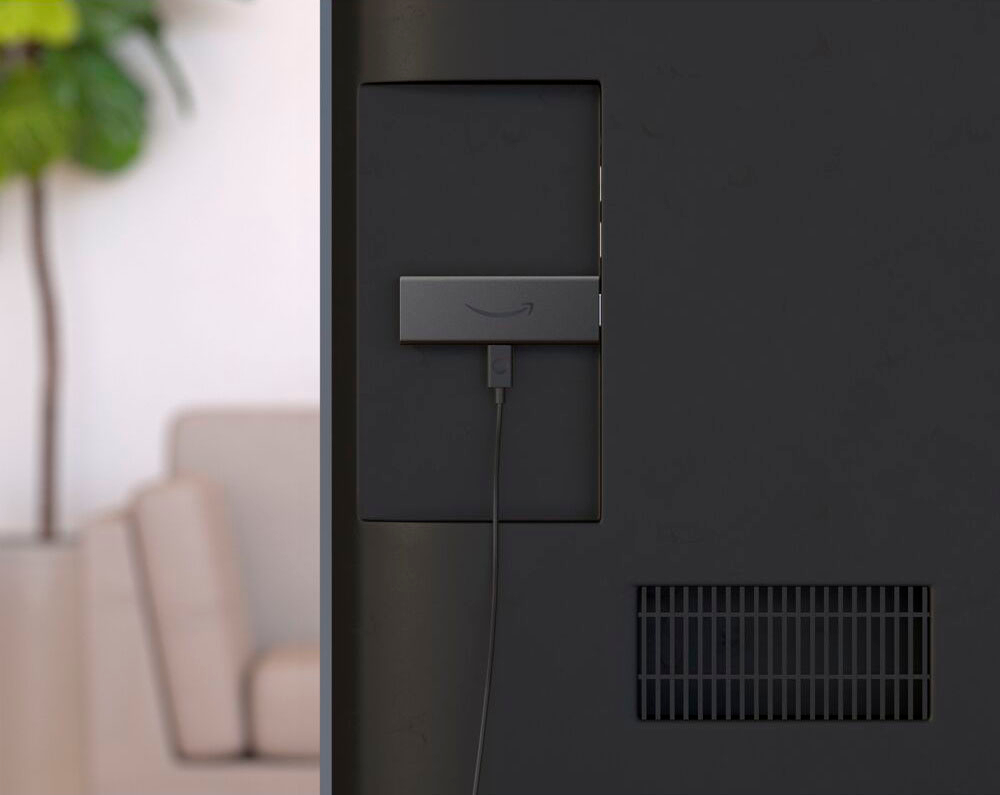
A:AnswerHello! Fire TV Stick Lite comes with an approx 5 meter long USB cable for power supply. They also come with an HDMI extender that will allow you to insert into recess ports. Have a great day!
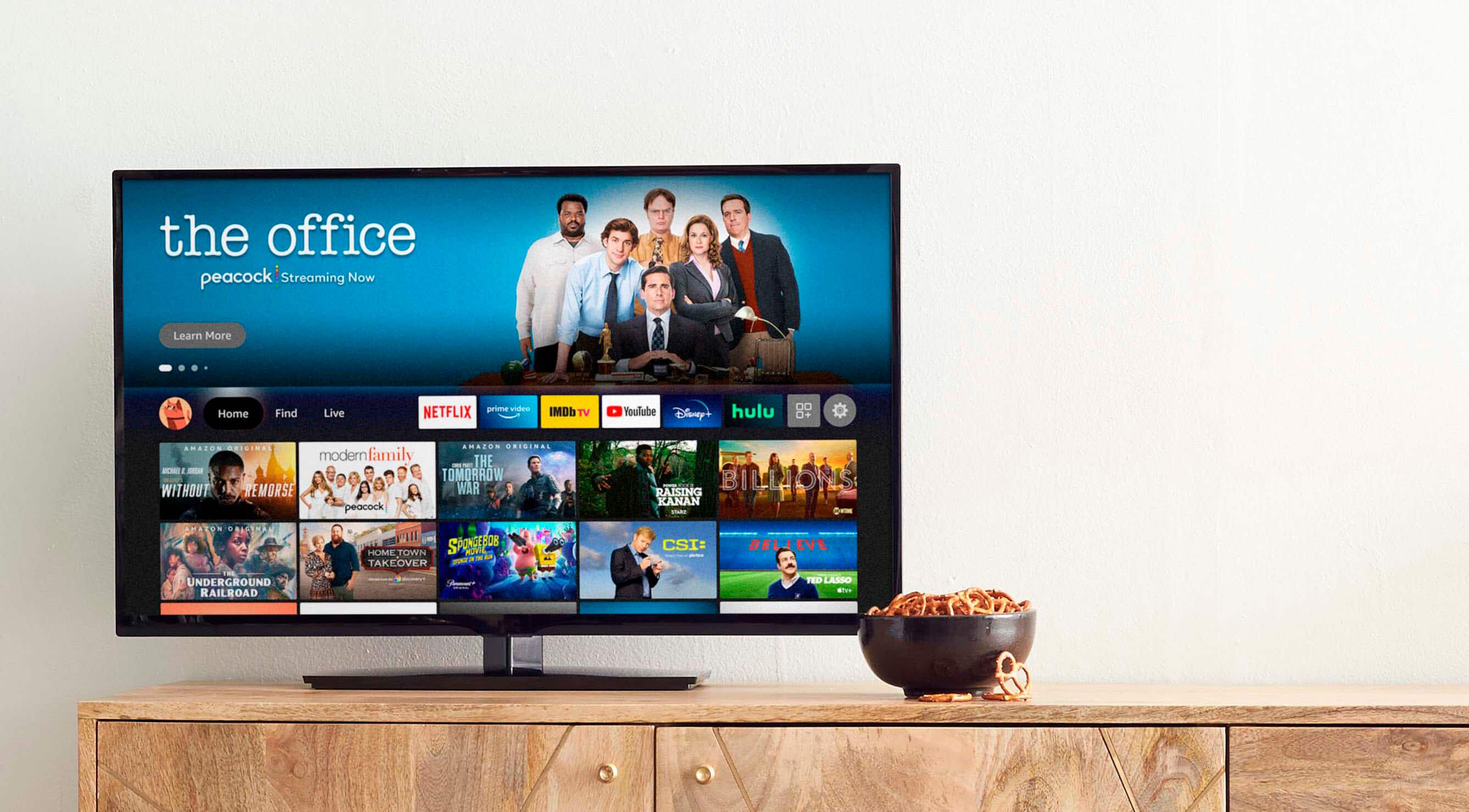
A:AnswerHello! Yes, that app is available on the Fire TV Device. Apps can be easily downloaded from the main screen on your Fire TV device. Keep in mind that Disney+ is a subscription service that you will have to setup to access their content. Here are the steps: 1. Use the main menu on your Fire TV to search for apps. You can also use your voice to search for specific apps. Just press the voice button on your Alexa Voice Remote. 2. Select the app you want to download. 3. Select Get or the shopping cart icon to start your download. Have a great day!
A:AnswerHello Jo, you want to know if you are able to get local channels with your Amazon Fire TV Stick Lite (no TV controls). You are able to get your local channel streaming app from the Amazon Appstore, just keep in mind some channels might have paid streaming apps. Hope this has answered your question. Have an amazing day!
A:AnswerHello, David! Yes, the Amazon Fire TV Stick Lite supports the Downloader app.
While the "Lite" model is the most basic version of the Fire Stick, it still runs on Fire OS, which means it has full access to the Amazon Appstore where Downloader is hosted. I hope this helps!
A:AnswerYou can download apps not listed in the store. You would have to use downloader and as long as the app is compatiable with android then it should work. As for an extension to attatch to the stick, it comes with an hdmi flexible extender but it is really short. This is mostly used for tvs with hdmi ports facing the wall. It helps so you can bend the stick away from the wall.
A:AnswerI am not sure what computer source means but as long as you have wifi, an hdmi port on your tv, and the stick is plugged to an outlet then it will work.