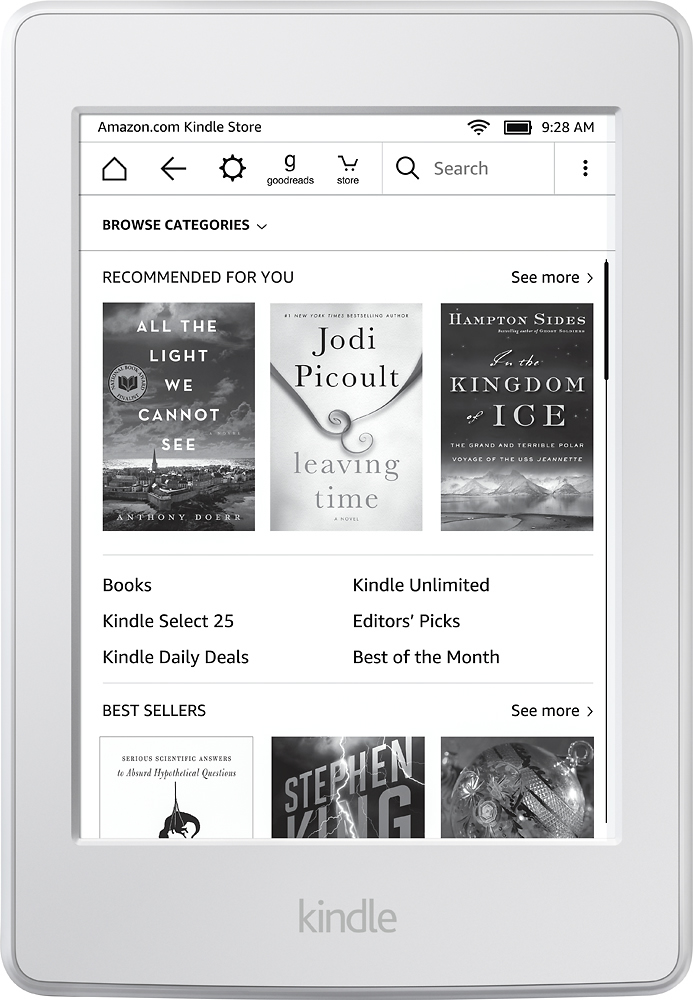
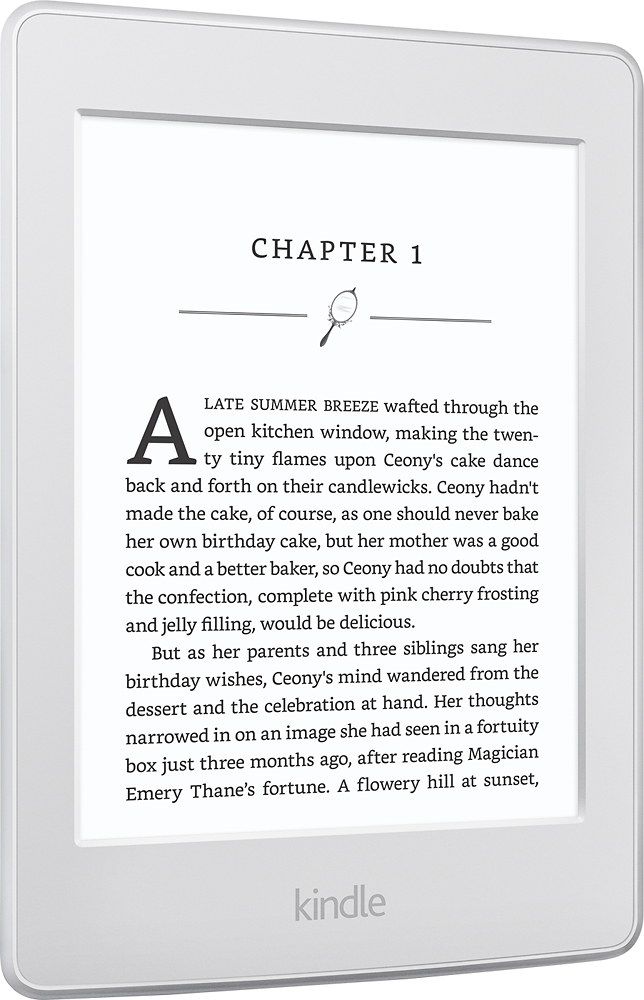
A:AnswerYes, but why pay the extra money and put up with the extra battery drain? WIFI is so prevalent these days, and you only need the wifi when you want to find a new book or something...
A:AnswerAbsolutely! Easiest way is to email them to your Amazon Kindle email address (which you get when registering your Kindle) and they're automatically converted, then sent to your Kindle next time its Wifi is turned on.
A:AnswerThe answer to this question will relate more to your home network and router more than your device. Unless you have your password to your wifi written somewhere, or can login to the admin section of your router settings (access to this can be found within your routers manual), you will have to most likely do a hard reset on your router and reset your password. Good luck!
A:AnswerNo, you can only read Kindle format books on a Kindle. However there is a Kindle app for iPad, so you can read your kindle books on your iPad or iPhone.
A:Answeryes! it's not a main function so it takes a bit and you can't really stay logged in, but you can check it. On the home screen press the three horizontal bars on the far upper right side of the screen. Fourth from the bottom of the options is "experimental browser", which I've been able to get into gmail with. Good luck!
A:AnswerKindle models sold in retail stores outside of Amazon's website are the special offers model although one can pay the difference after purchase to disable special offers from appearing.
A:AnswerYes. Just login to your Kindle account via your computer when you purchase the book. The book will then be available for downloading onto your Kindle when it is logged into a wifi zone.
A:AnswerYes, this works the same way. I use a computer to select books from the Overdrive app, which then makes me log into Amazon to check them out, which then downloads them automatically to the Kindle. So it's a few steps but not too bad.