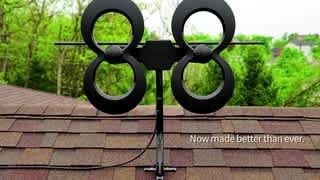
A:AnswerYes, but you will need to aim the antenna towards the transmission tower. Download the TERK Signal Finder app to locate the towers in your area.
A:AnswerYes. Check out antenna web.org to get channels avail, distance, and how to aim your antenna. Check out titanTV to get a channel guide (broadcast stations).
A:AnswerI can get a channel 150 miles away In Pensacola, FL. I live in West Mobile, AL. My antenna is on a pole 30ft up. Goto www.antennaweb.org to the channels available, the distance, and how to aim the antenna. Goto www.TitanTV.com to get a channel guide.
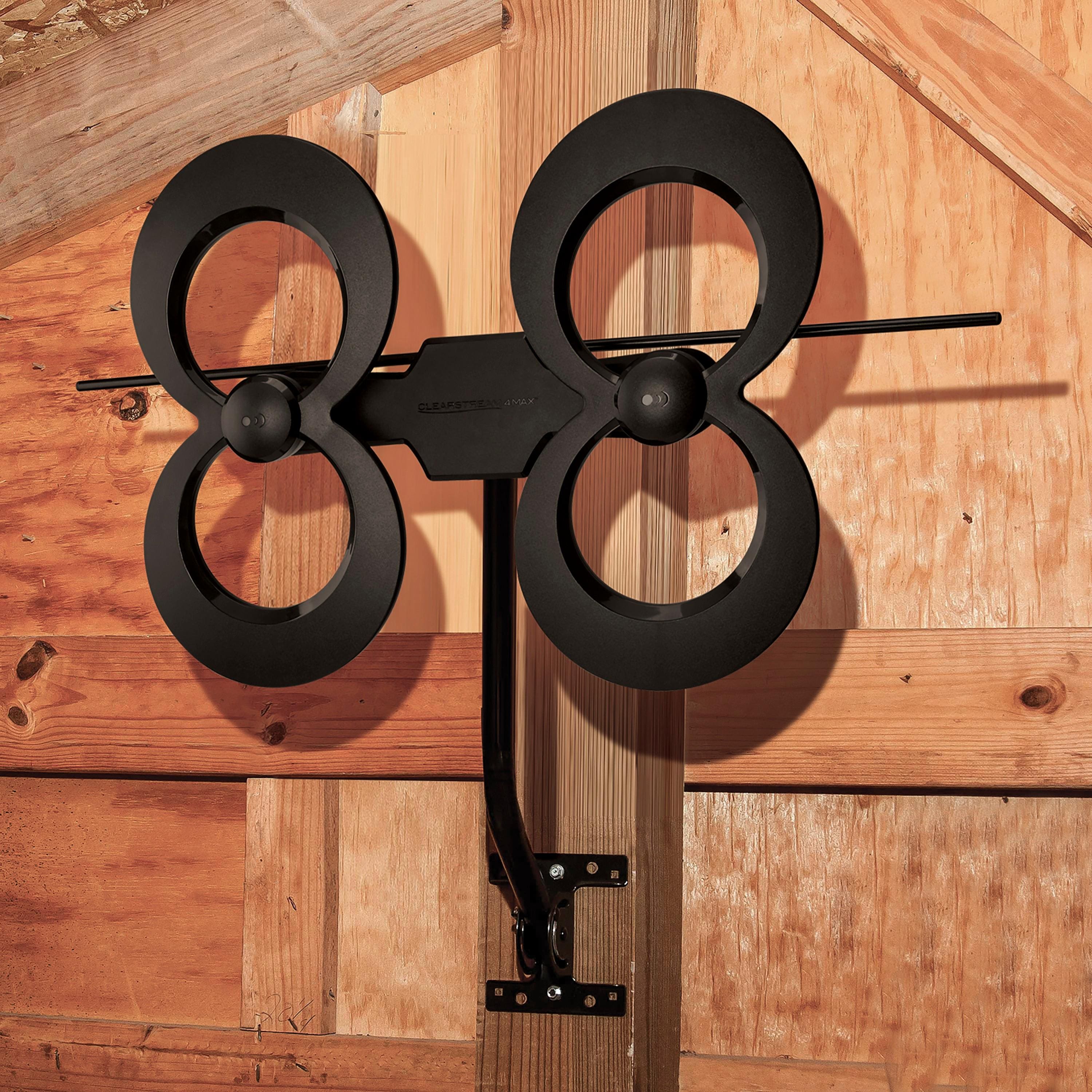
A:AnswerYou can install this antenna anywhere. I have mine sitting in a nook near the ceiling in my living room and it works very well. If you already have a setup in your attic, simply swap antennas.
A:AnswerAccording to the TERK Signal Finder App, you will only be able to get one station at a time because they are all in different directions from Ozark.
A:AnswerThe Antenna will get signals in the direction you aim it, and 180 degrees (opposite direction) without turning it. You can aim the antenna by turning it also. Watch out! Some SmartTV’s will remove the channels with a weak signal and you will end up rescanning when you change the direction! I found tha a variable gains control booster is a must to tackle overriding channels. Go to www.antennaweb.org to find out what channels you can get, the distance the tower is away from you, and how to aim your antenna. Go to www.TitanTV.com to get a channel guide (after you change to broadcast channels). I hope this helps.
A:AnswerThere are basic set up instructions provided in the box with the antenna. For detailed general antenna installation instructions, I strongly suggest you search YouTube. You’ll find plenty of very informative videos on the subject...Antennas Direct has produced some installation vids for the Clearstream products and, since the Clearstream antennas are so popular, many of the other videos feature their products too. If you still have specific questions, Clearstream has a very responsive customer service hotline where you can speak directly to a technician for answers.
A:AnswerWe currently have ours connected to 2 TVs only because those are the only tvs in the house. We used the cable line that was connected to our satellite dish so theoretically it should run to anywhere you have a previous cable hookup
A:AnswerYes you can! I have an Antenna for local channels. And with my Roku I can get Cable channels with SlingTV. I pay 29.99 a month (no contract). However with The coronavirus, There is a version of SlingTV that is free right now for you to check out. No cable for me. I cut the cord five years ago and have save $150 a month since then. All I pay for is the internet and SlingTV (around $100 - I have the best Internet for streaming videos and gaming). FYI: The ROKU streaming device has over 200 cable-type channels that are free. I can get XUMO and PlutoTV for free. Check them out on your smart phone and you’ll be amazed that these cable companies are free!
A:AnswerCheck the web sites: http://www.tvfool.com/ and https://www.disablemycable.com/station-finder/ These sites will provide you the distances to the broadcast towers from your location and also the direction your antenna must be pointed towards to receive specific channels.
A:AnswerThere are several tv towers in NM. The higher you place any antenna the better your receptivity in my experience. I am not an expert but am using antenna and have in the past. I am using a clear channel 4way. It allows up to 4 tvs and I am receiving one signal from over 100 miles, but most channels are coming from a distance of 50-70 miles.