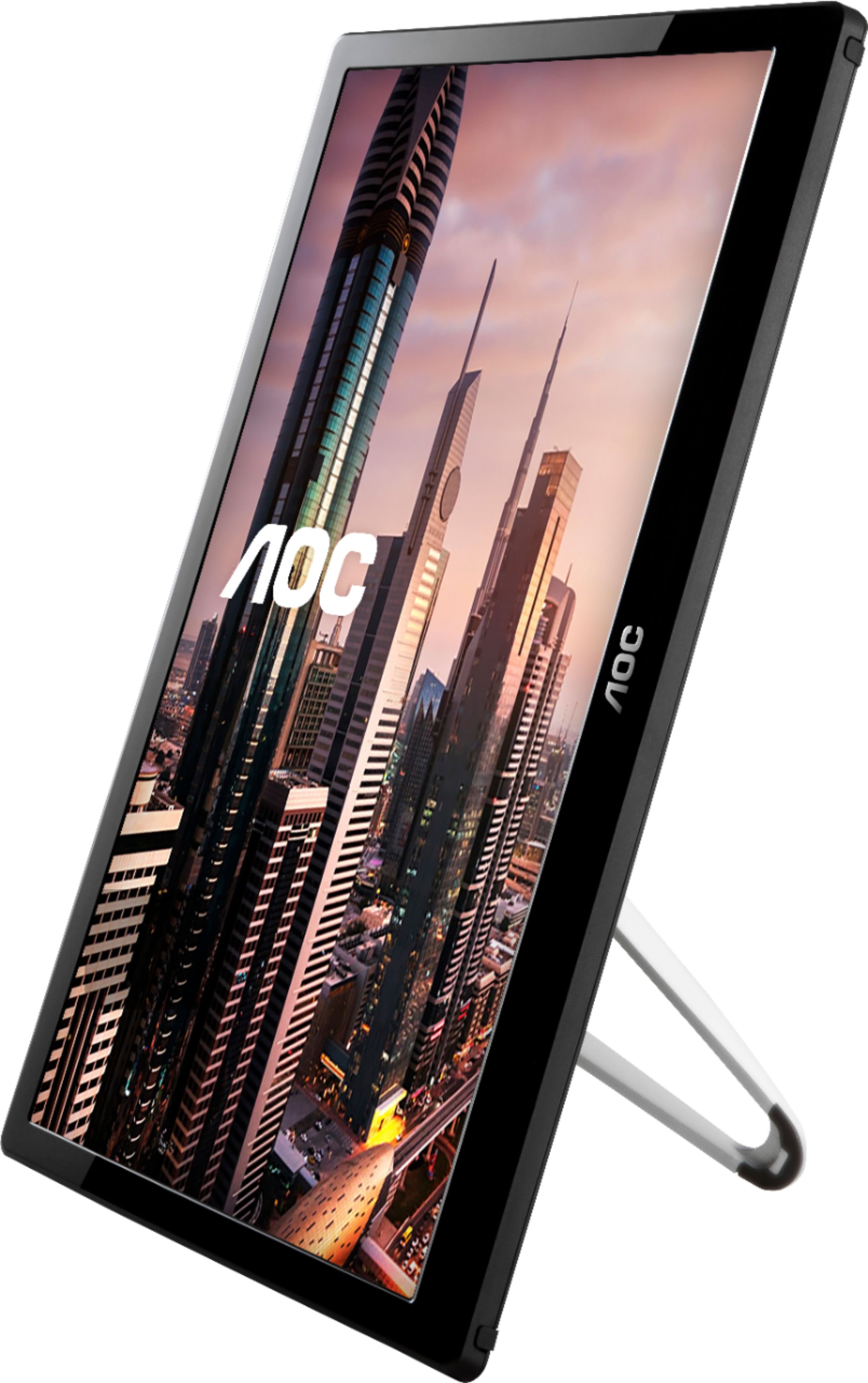
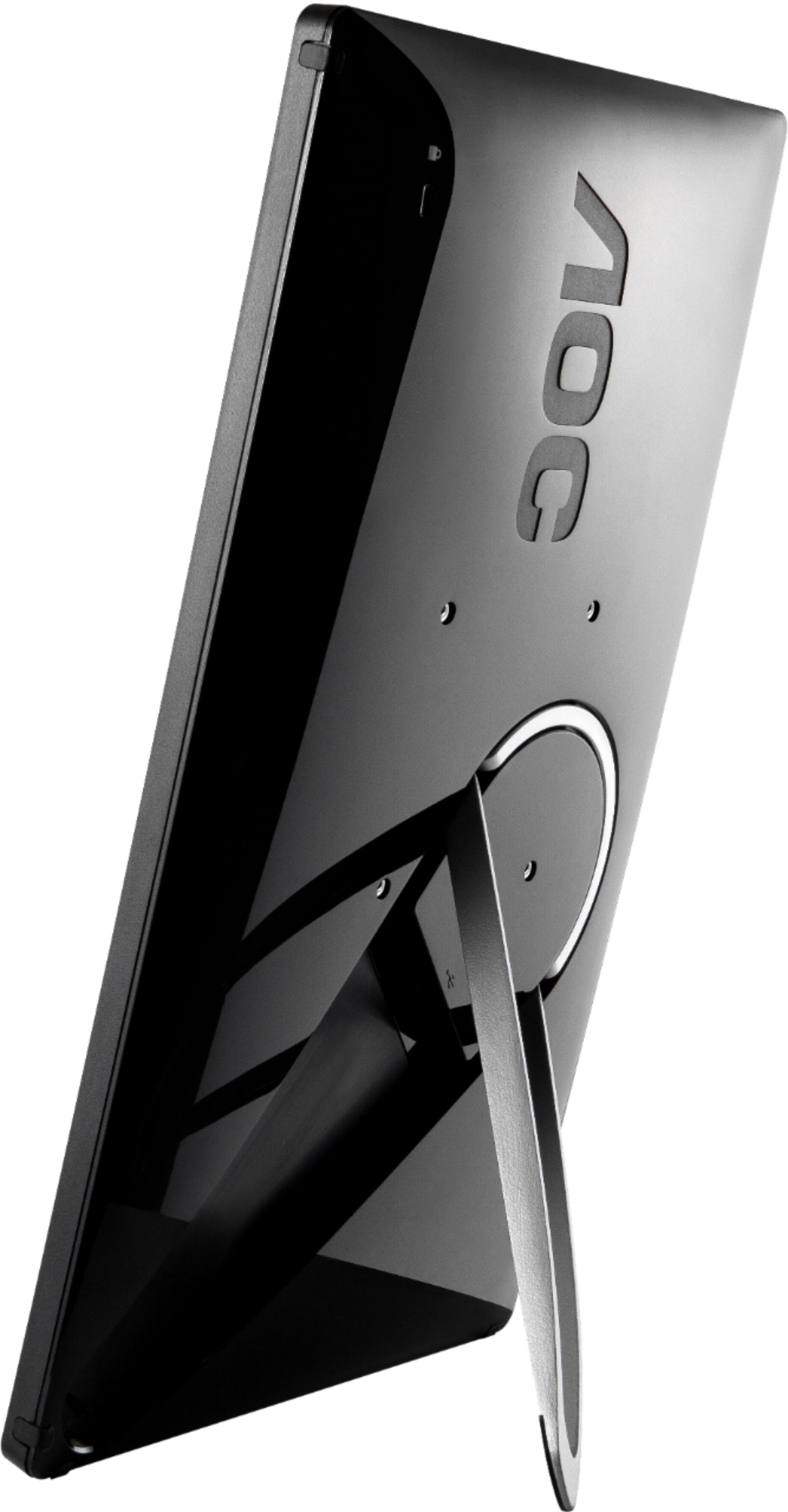
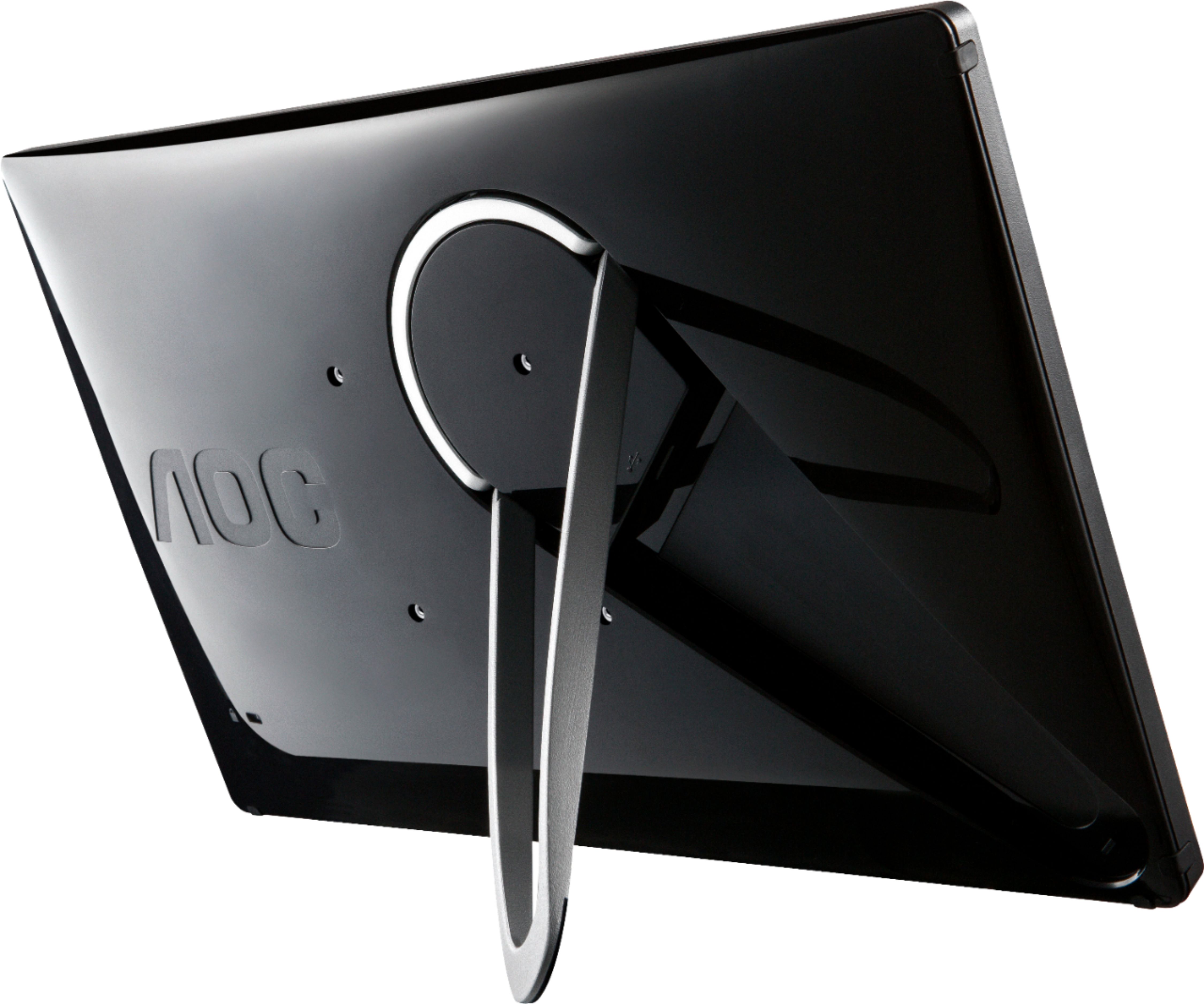
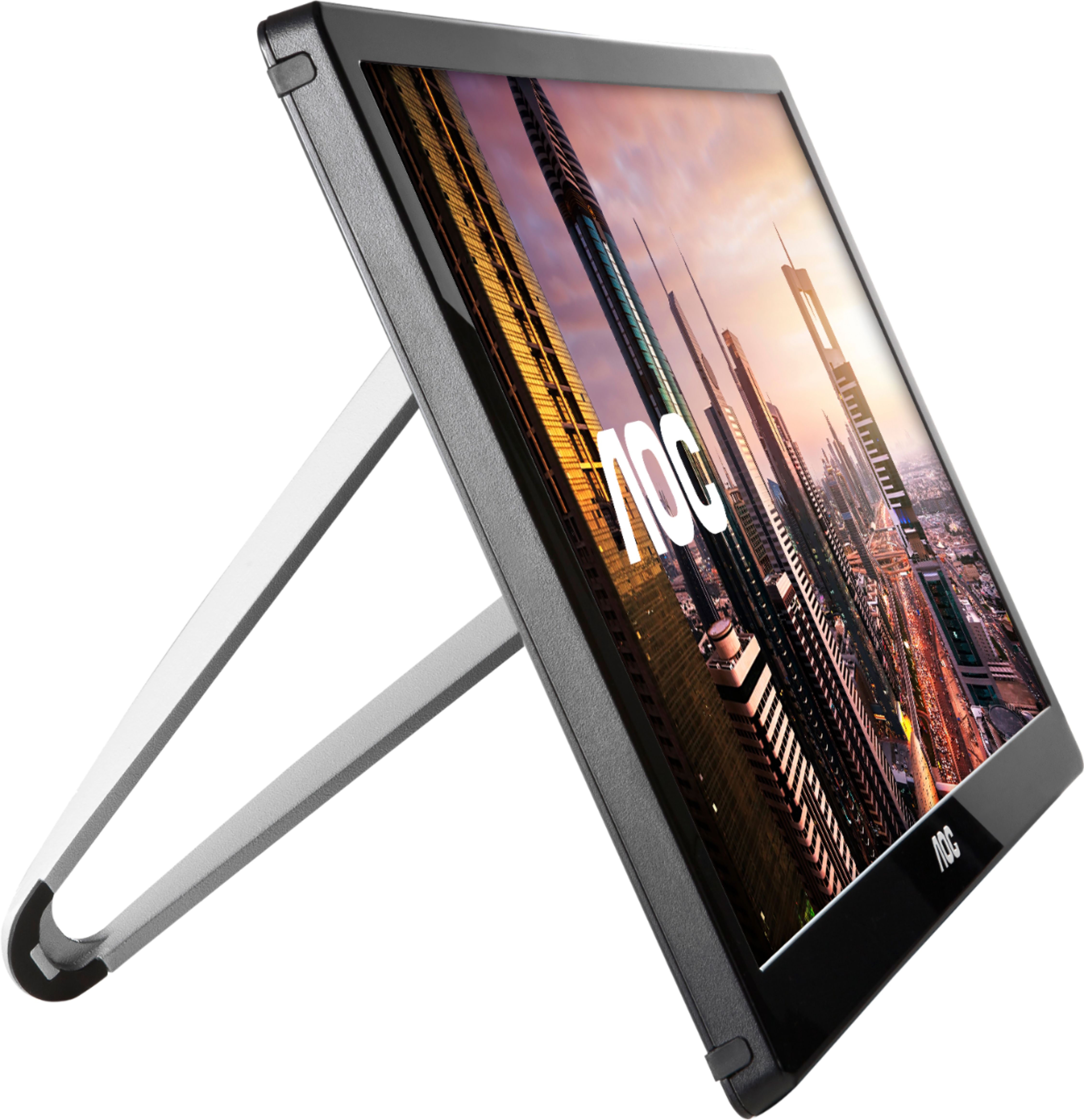
A:Answera USB monitor CAN be a primary monitor, but the displaylink driver, on occasion, will not load until after you input your password... so best guess as to when you will need to do this. Also is does not have the throughput of a full-on graphics card supplied monitor. I wouldn't recommend this for gaming, but starting up a mini desktop, or a desktop you use to surf the internet, work on MS Office, etc., yes it will workfor that. You will need to use another primary monitor first until you get the drivers for this installed.
PS.
I don't have THIS monitor but I have two displaylink usb adaters for other monitors.
A:AnswerYes. USB 3.0 is recommended for not only high data transfers, but also for more power to be distributed to the monitor. But USB 2.0 works as well.
A:AnswerNot sure if it would support one that 'old' but try their website displaylink.com/mac for some details. I found downloads listed for 2015 models but nothing earlier
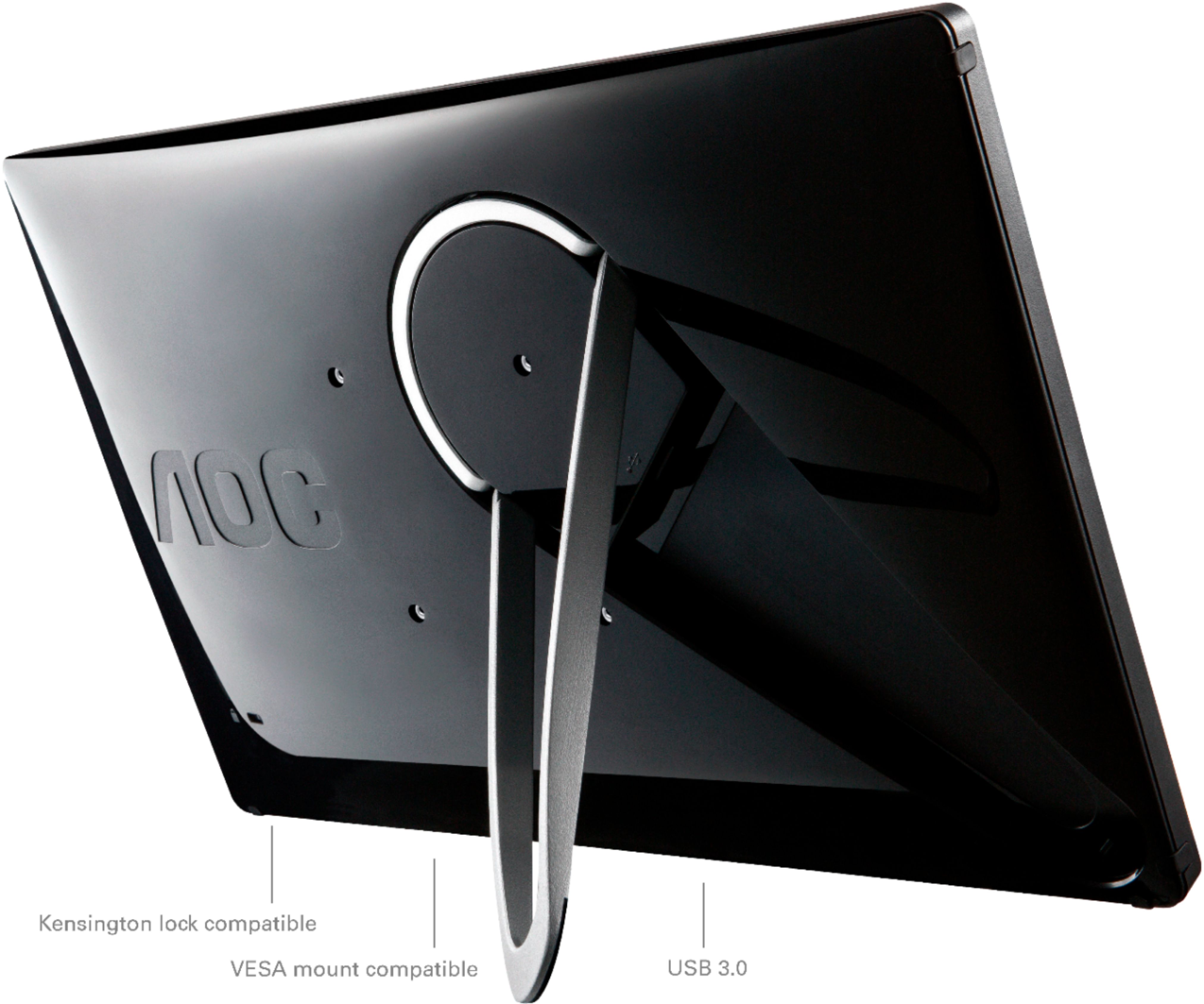
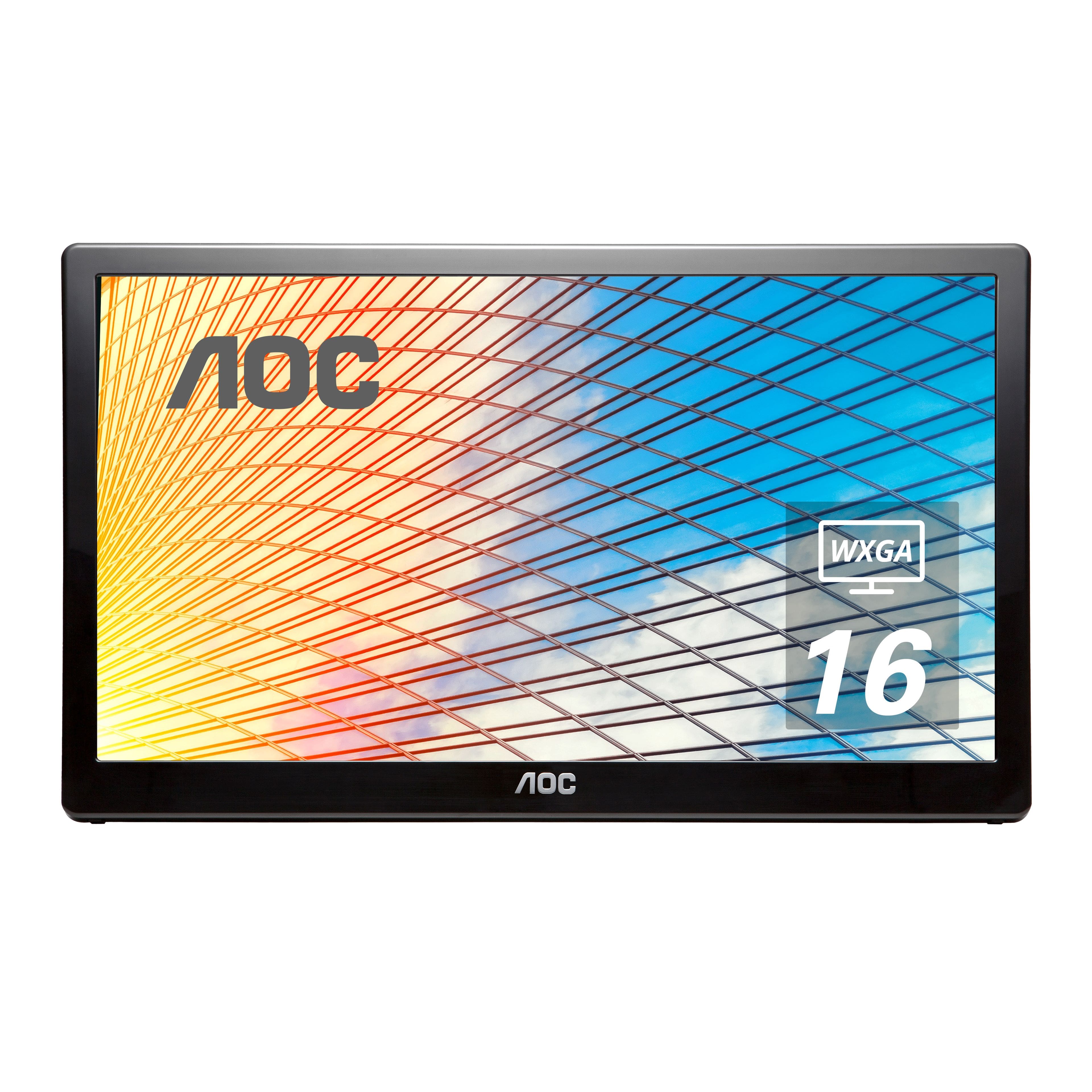
A:AnswerThis monitor model, E1659WFU comes with a USB Y-cable and features plug and play feature of your computer. Make sure that both USB cables are connected to the computer's USB ports to provide enough power. There are no settings to adjust brightness for this model. Please refer to the user manual located on the AOC website:
https://us.aoc.com/en-US/products/monitors/e1659fwu/downloads
Please reach out to our support team at: https://aoc.com/us/support if you need further assistance.
A:AnswerThis is a plug and play monitor, my HP Envy x360 automatically recognized it. since most HP laptops don't come with a CD player, the CD they send with the program is essentially worthless. The only reason to have the software would be to use the monitor in Portrait mode, or possibly to adjust the color, brightness or contrast. I didn't want to chance downloading Chinese software on my computer, so I'm happy with how it works with no software.