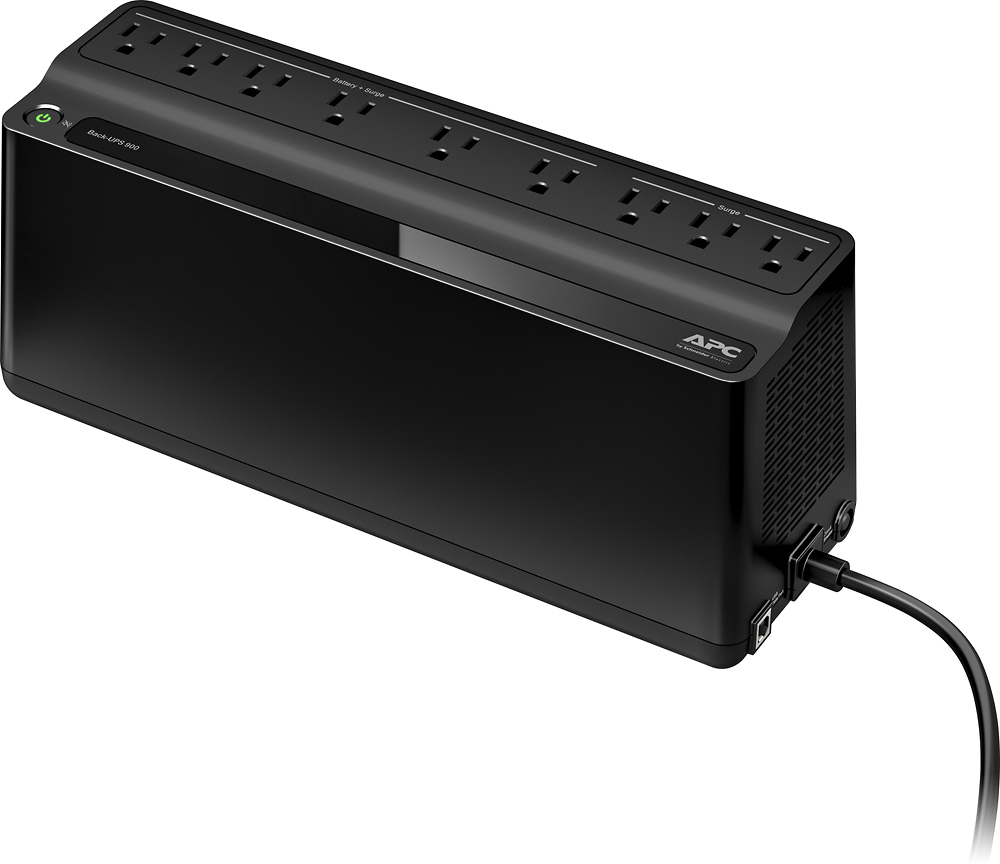
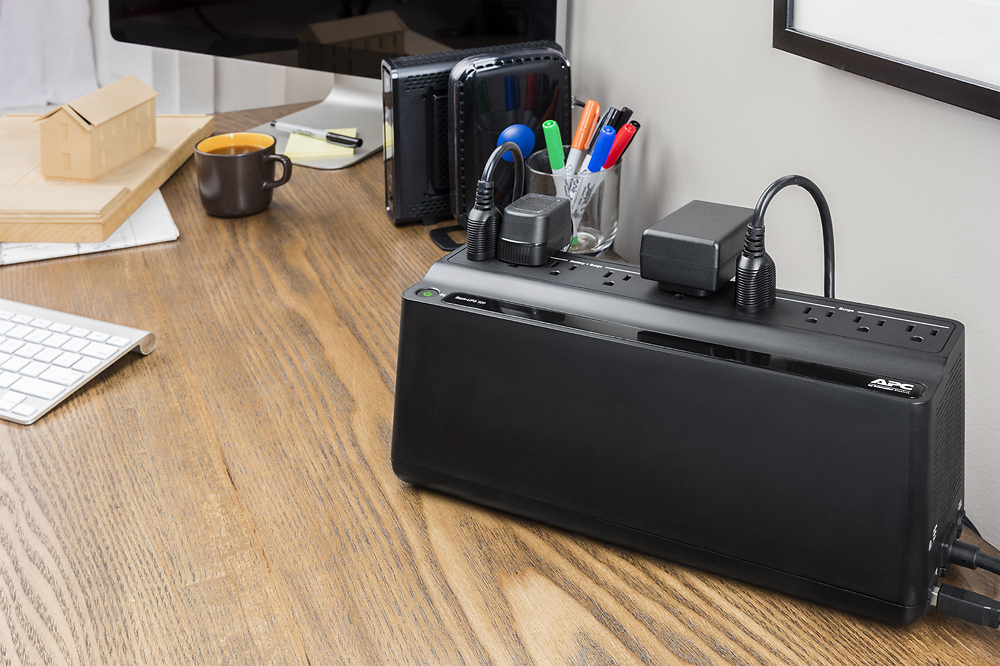
A:AnswerThank you for your interest in our products. Unfortunately the refrigerator will likely overload the BN900M as it supports 480 watts. Also the BN900M may go to battery depending on the output power of the generator. If the generator output power is dirty it can cause the BN900M to stay on battery. Generally our BackUPS Pro and SmartUPS line would work better with the generator output power.
A:AnswerGenerally speaking it would work. But this type of Ups is best suited for computer equipment. A UPS with real sine wave output is better for audio equipment plus they usually have a larger va rating/ run time . Hope this helps
A:AnswerThank you for your interest in our products. Both units would likely work for your setup. You would just want to make sure you under the supported wattage. On the 900VA unit you would want to stay under 480 watts of equipment connected to it. On the 650VA unit you would want to stay under 360 watts. If you do go with the smaller unit I would just make sure the power draw is under 360 watts on the TV and cable box.
A:AnswerAn UPS is not designed to handle Mini Fridges and items like Mini Fridges. Unplug the Mini Fridge from the UPS and the UPS will probably work properly.
A:AnswerYes you can. Open the battery compartment and carefully remove the battery, take the battery to Batteries+, your local battery store or search Google for the number on the top of the battery. Batteries+ is all around the best option as you will walk out with a new battery and they will recycle your old battery
A:AnswerYes. You can power a small fan off of this battery back-up. However, the duration of fan function is related to the power drain on the battery. A fan set to high speed with stop working before a fan set at low speed, etc. The battery comes with software that shows you the exact energy drain of everything you have attached to the battery. Once you know the energy drain on the battery by the fan at the speed setting you prefer, then you can accurately predict long long the fan will continue working.
A:AnswerSimple - DON'T LOOK AT IT - Mine is behind my 40" monitor as the former unit was for many years and has never failed to deliver as promised - my desktop PC, the 40" HD monitor and my 13"X19" printer never knew the Boca Raton and now the West Palm Beach end of the world lightning and tornado storms and hurricane had lights flickering and even turning off completely and still the printer was chugging away to completion to a perfect print. The 4 of us never knew a colored light show was going on behind the monitor.
A:AnswerWhen the American Power Conversion 900VA is powered on, the power button lights up Green. That is how you know it is on. The 900 has 9 total electrical outlets. Six of them are labeled Battery & Surge and three of them are labeled Surge. Anything you plug into the outlets named surge will not stay powered on when the power goes out as they are only designed to stop electrical surges, spikes, and sags from affecting your electrical equipment. The 6 outlets named Battery + Surge means that you will get the surge protection mentioned above but those outlets will also receive power from the built-in battery to keep things up and running. Do not plug laser printers or floor heaters, etc into the UPS units as they draw too much power and will trip and cut off the battery backup. Even though this unit is called a 900VA, it actually only supports about 450 Watts of total power. Most UPSes will only supply 50 to 60% in Watts of their stated VA rating. So be sure not to plug too many items into the Battery + Surge side that exceed approximately 450 Watts or you can expect that when the power goes off, the unit will be overloaded and will not keep your items powered on battery. Also, you mentioned that when you unplug the unit from the wall things go off. Be sure to connect the battery inside the unit to the positive and negative cables before use. These UPSes come shipped without the internal battery connected and so you must connect it before use.
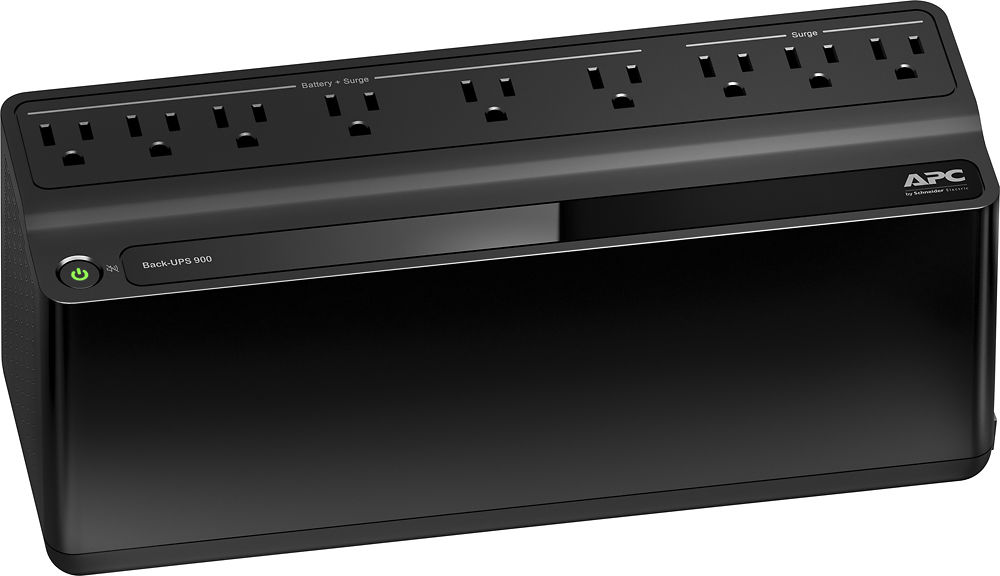
A:AnswerYou should look at the power requirement of any equipment you are plugging in to a battery backup. From the total power draw added together from every component you can calculate approximately how long this battery backup unit (BBU) will last. It would be difficult for anyone to answer your question based of the information given. A LED tv today would last longer than a 35 inch tube tv because the power draw is higher. I have a 55 inch LG LED TV, Netgear router on a APC 1500 AVR BBU and will get approximately 2.5 hours runtime. This BBU unit is smaller therefore you will not get the same runtime if you had the exact same setup.
A:AnswerThe pictures and product description do not state this unit has a USB Charging port only a USB cable. The video is a generic Product video from APC . The APC Back-Ups with a charging port is not sold in Retail Stores so this is advertising to get you to buy direct from them. The model BE850M2 is similar with 2 USB Charging ports. Not sure why you need this as most devices come with an AC to USB charger and you could just plug that into the APC Back-Ups.
A:AnswerThe easiest way to make sure you get the right size is to use the link below and enter in your items (that you just put in your question). The online tool will allow you to determine how long you want all the devices to stay powered up, and then recommend a size. Hope it helps, just saw the question was 3 months ago.
http://www.apc.com/us/en/tools/ups_selector/home/device