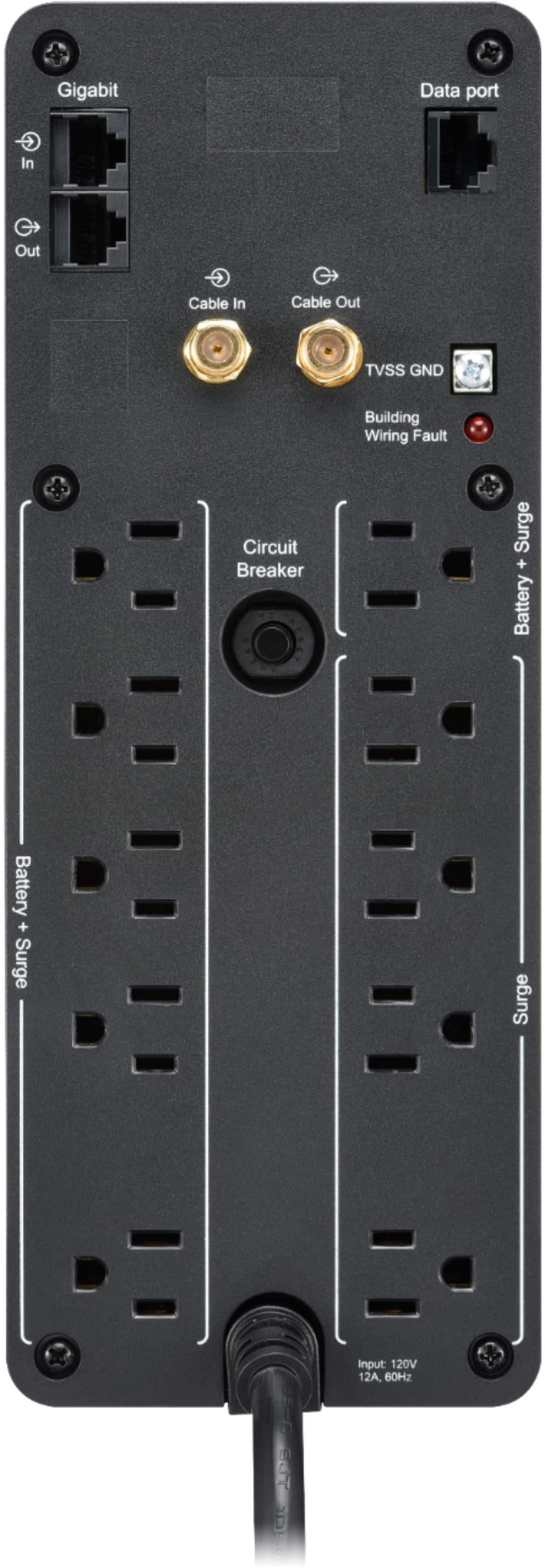
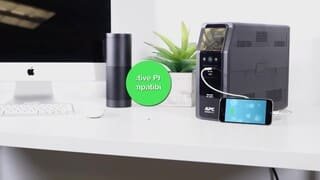
A:AnswerThank you for your interest in our products. Yes the BN1500M2 would come with connections to protect your Ethernet and coax connections. You would just need to run the connection through the UPS.
A:AnswerCheck the power output of your modem and use the calculator on the apc website to get an estimate.
https://www.apc.com/shop/us/en/tools/ups_selector/home/load
A:AnswerCheck the power output of your modem and use the calculator on the apc website to get an estimate.
https://www.apc.com/shop/us/en/tools/ups_selector/home/load
A:AnswerI would say you are correct in your assumption that an additional UPS might be required The wattage you are talking about is your power supply rating I am assuming so highly unlikely you would reach that power consumption at any time. That is just the amount of power it can provide if needed. Never, never plug in a laserjet printer. It will kill your UPS and that is not covered under warranty.
A:AnswerThe alarm can be disabled via the software controller. There are additional options for disabling the alarm when the pc is in hibernation, or you can set the time of day for the alarm to be disabled.
A:AnswerAs I understand it, you can set the acceptable max and min voltage and the unit keeps the output within bounds if/when the input exceeds your limits. Yes, this does sometime use power, and if the battery is needed to supplement, it displays how hard it is working and how long it can keep it up.
I have never tested this ~ but I trust the design and reputation backing the feature.
A:AnswerIf it's pulling 30W (which is probably high), it'll run about 2 and a half hours. At 15W, it should last about 4 hours, which is probably closer to the mark.
A:AnswerIt works just like a surge protector, so no software needed. The feature you likely won't get without software is the auto shutdown that would do an automatic r shutdown of your PC if you lost power. It's a feature that I've probably used once in a decade of owning this and similar products.