A:AnswerBased on some basic electrical laws, if you are running 24v at .5 amps, you are only pulling about 12 watts. The 1500VA APC units are rated for about 5 hours. As I guess, I would think you will get somewhere around 8 hours of run time on this unit with your setup.
A:AnswerThank you for your inquiry. Usually we don't recommend using our BackUPS with motorized loads. They can cause the UPS to become overloaded when the motor kicks on. I would just make sure you look up what the maximum amount the motor draws on the chair to make sure it won't overload the UPS. This UPS will support 900 watts of equipment connected to it so you wouldn't be able to go over that.
A:AnswerYes. The run time varies based on age of backup battery and the power load needed, but it will run about an hour on backup. There are different sized and priced units that offer less backup time.
A:AnswerThank you for your inquiry. Unfortunately this unit doesn't have the option for an external battery pack. I apologize for any inconvenience this causes.
A:AnswerThank you for taking the time to provide feedback about our BN1500M2 UPS. This UPS would come with a 3 year warranty. But what you are referring to is our Equipment protection Policy see https://www.apc.com/us/en/support/equipment-protection-policy/ . At your earliest convenience please reach out to APC by Schneider to get more information. We offer email and chat services through our support site and you may also contact us directly at 800-800-4272 option 4 or for the fastest service visit our chat at https://www.apc.com/us/en/tools/chat/.
A:AnswerThe warranty needed to be registered online within a few days of purchase. There was a yellow paper in my box. It did this first before even plugging it in.
A:AnswerThanks for your inquiry. Is your 3d printer a laser type one? If yes, please refer first to this article for details: https://www.apc.com/us/en/faqs/FA158812/. If not, you may want to check how much power draw your printer is rated, and refer to this link to know the estimated runtime that the your UPS can provide on a specific level of power draw of the loads: https://www.apc.com/products/runtimegraph/runtime_graph.cfm?base_sku=BN1500M2&chartSize=large
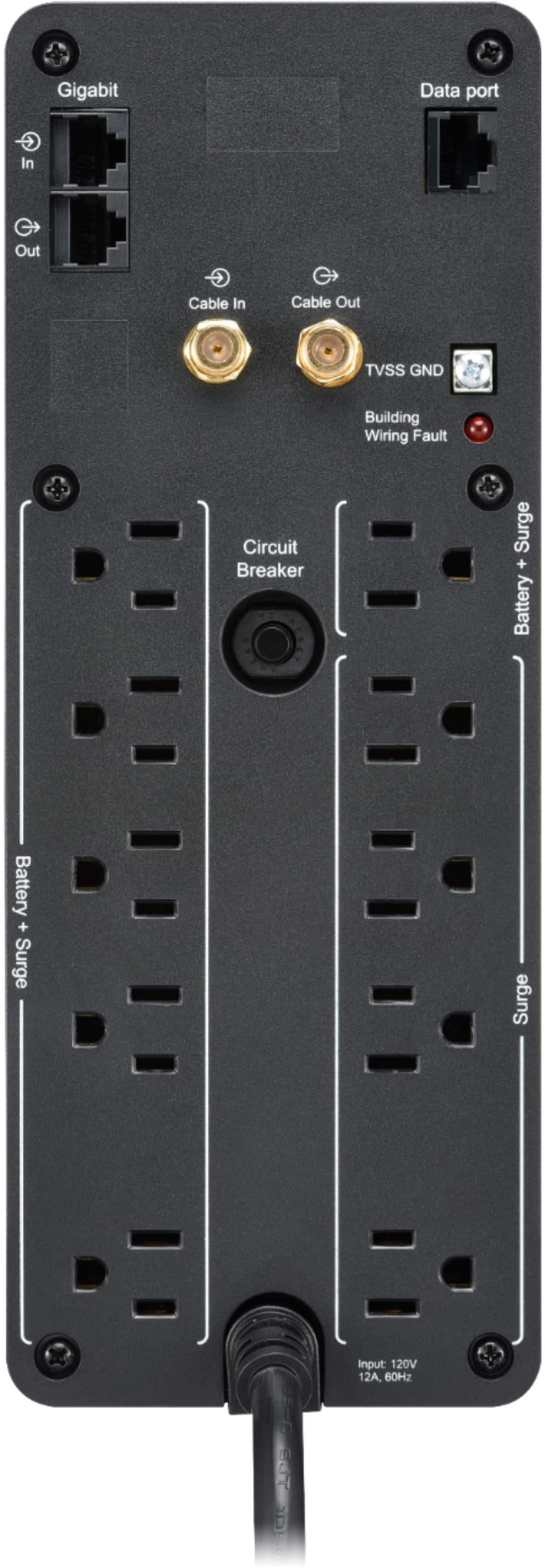
A:AnswerThank you for your interest in our products. The BN1500M2 would run on 120V. If you set the UPS to low sensitivity it can accept up to 142V but anything higher than that would put the UPS on battery. Unfortunately this unit would not work on 220V.
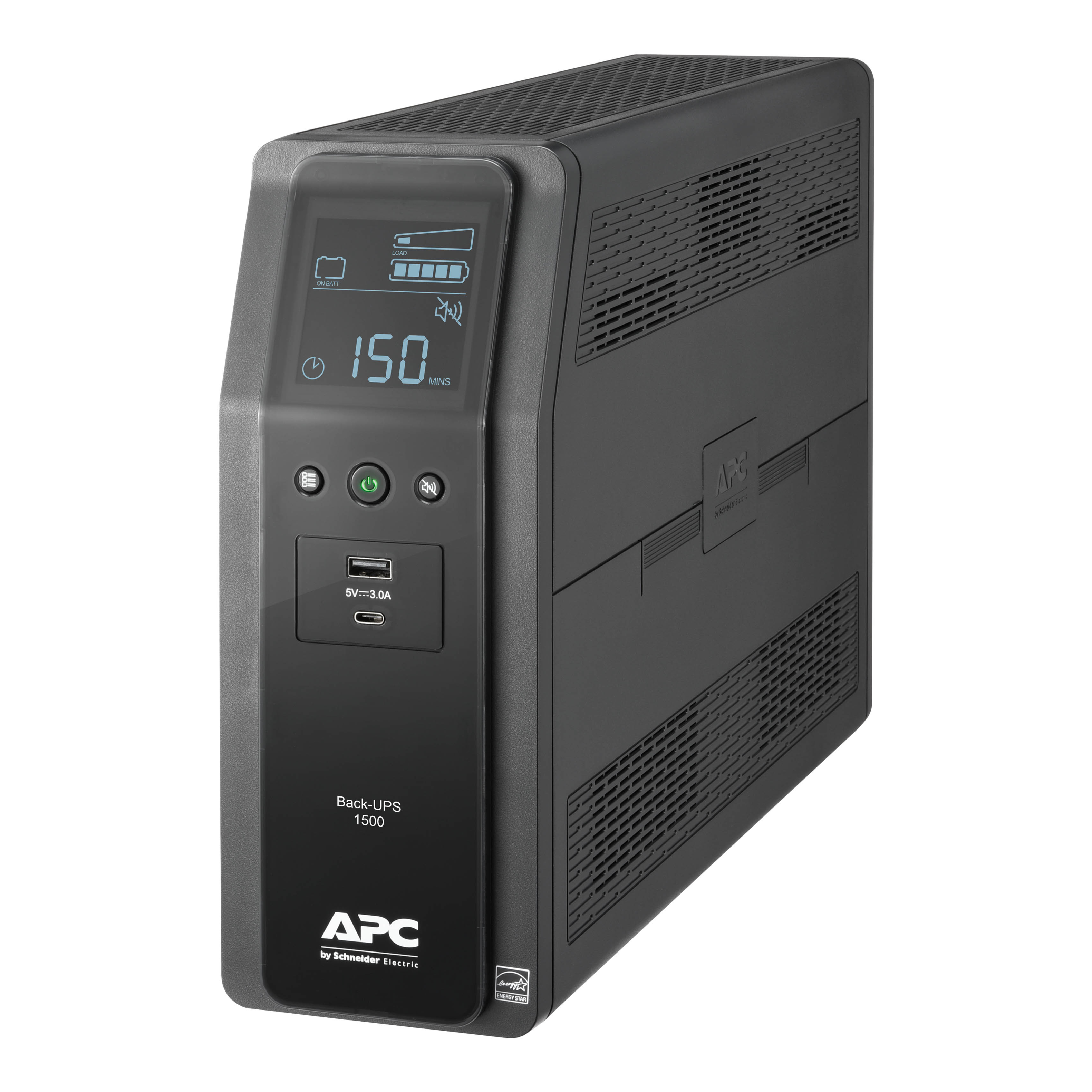
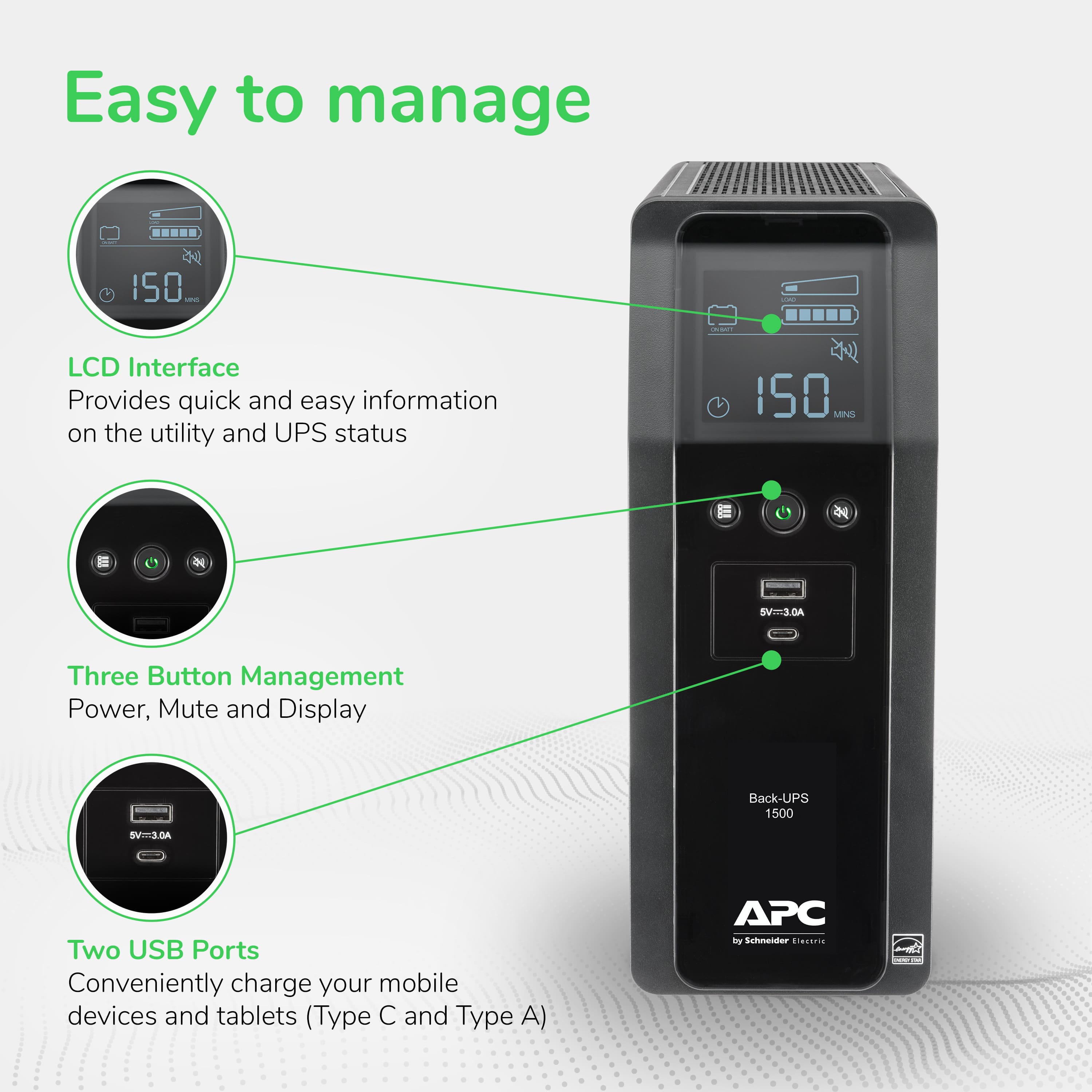
A:AnswerFrom the manual: "While in Power-Saving Mode, the LCD
will illuminate if a button is pressed, then darkens after
60 seconds of no activity."
Press the display button for 2 seconds to enter power save mode. Note, the small green power led will remain illuminated when the display goes out.
A:AnswerYou are right, this power factor is lower than the p.f. for typical household equipment. I am not sure why, but I think that it is related to the fact that the power is received through a battery. Apparently the chemical interaction brings about some power loss.
A:AnswerThank you for your interest in our products. From what I located online the system should draw around 78 watts. I rounded the power draw up to 100 watts which would put you at around 55 watts of runtime. If the power draw is less the runtime will be longer.