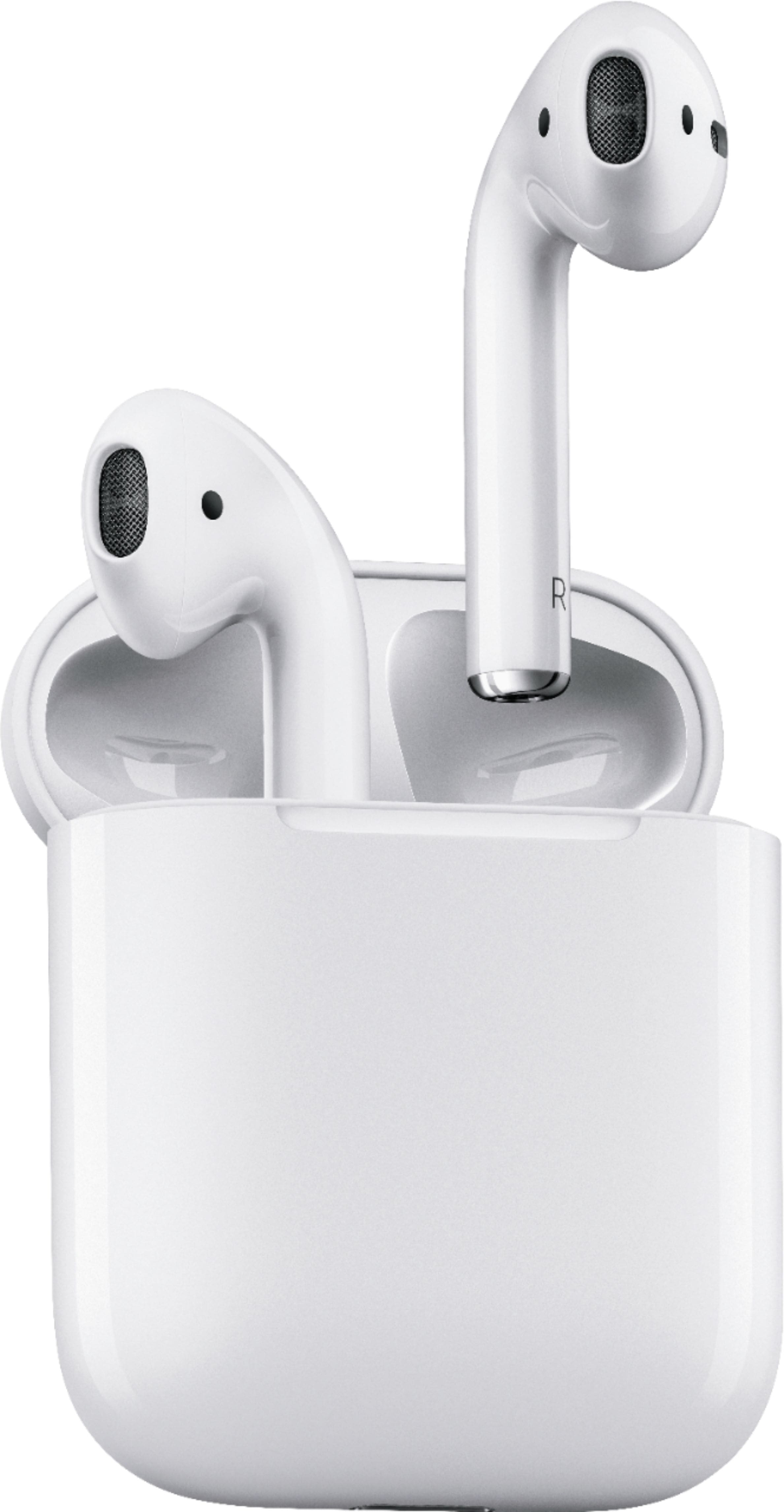
A:AnswerYou can't skip using the AirPods, nor can you control the volume. Just tap to start or stop the music, and tap the other to bring up Siri. (you can identify what you want each ear to do). Once you put the Airpods in the case, they start charging, no way around it.
A:AnswerYes, and Apple does have Apple Care that will cover then for any reason. My dog ate the right side one after my purchase and they did an exchange. Then two months later t the left side was dropped and accidentally stepped on. Again, a no charge exchange was done. If you don't get Apple Care then the BestBuy one will do the same
A:AnswerYes you can, go to Bluetooth settings and search for devices , flip them open and press the the little white pairing button on the AirPods and they should connect normally
A:AnswerDon’t work with IPhone 6 even with it being IOS11.3 issue with the Bluetooth connection. Couldn’t get through 1 song. White noise during a phone call if they worked. Actually looking in to returning these.
A:AnswerIt will say in your cart if you’re able to pick it up in store or if it is an online only order. If you’re able to pick it up then they have it in stock at that store and you can just go in and buy it.