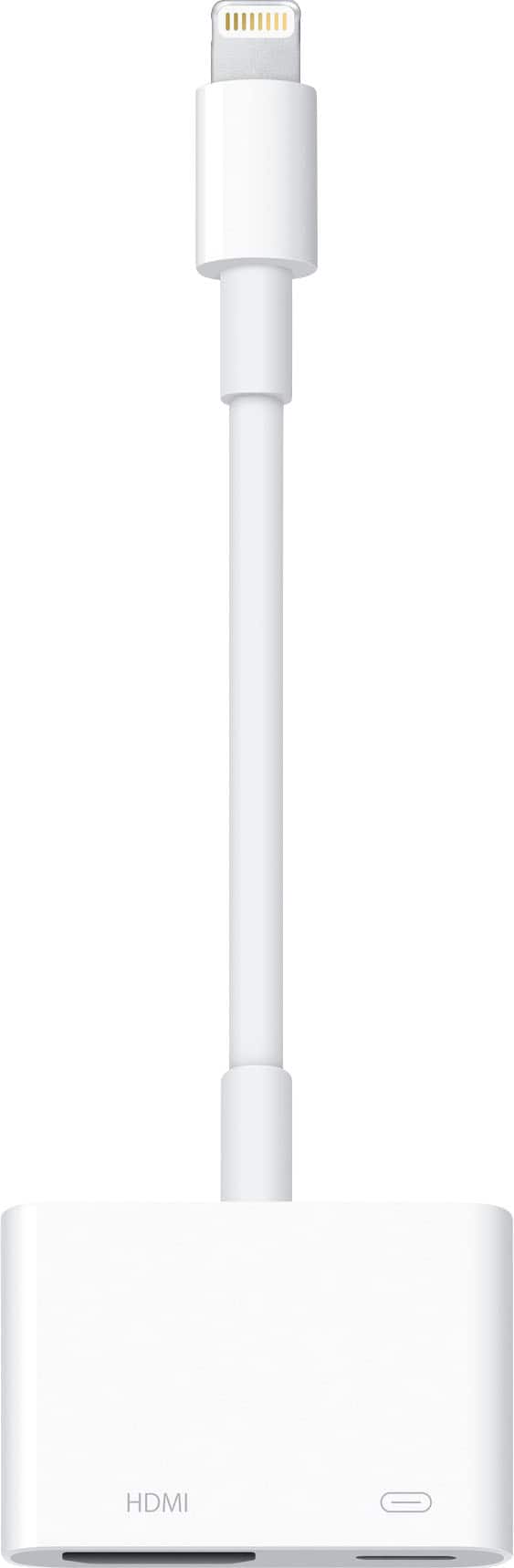
A:AnswerI had the same issue when I was attempting to use an "off brand" Lightning Adapter. I purchased the Apple brand and did not receive this "license issue" message.
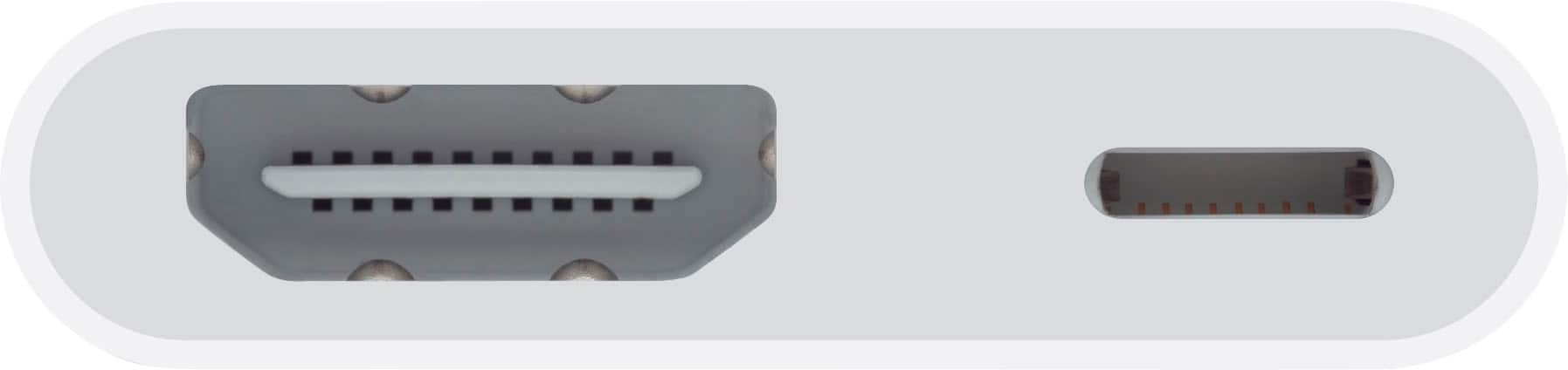
A:AnswerI am not sure what you are asking. If you plug this into your phone, it will display whatever is on your phone or iPad to whatever you have the other end of HDMI cable plugged into. I use it on my iPad for zoom meetings to display on my tv.
A:AnswerWhile I’m not sure what you mean by Apple computer monitors, I can tell you it’ll work with any monitor if you plug it into the other side of the HDMI cord as well as any TV.