Apple - Lightning Digital A/V Adapter - White
Customers are saying
Customers admire the product's exceptional ease of use and its seamless compatibility with various connected devices. Users frequently praise its reliable overall performance, particularly noting its effectiveness for high-quality streaming and stable HDMI connections. While some individuals find the price point to be on the higher side and suggest that the cord length could be improved, the general consensus remains highly positive regarding its functionality.
Compatible with select Apple iPad, iPhone and iPod models
Including iPad (4th Generation), iPad mini, iPhone 5, 5s, 6s and 6s Plus and 5th-generation iPod touch.
Lightning connector
Provides a simple connection.
Video-out support up to 1080p
Allows you to enjoy crisp, high-definition video on an HDTV, video projection screen or other HDMI-compatible display.
Video mirroring
Makes it easy to view apps, presentations, Web sites and more in up to 720p high-definition resolution.
Apple, the Apple logo and iTunes are trademarks of Apple Computer, Inc., registered in the U.S. and other countries. iPod is a trademark of Apple Computer, Inc.
iPad is a trademark of Apple Inc., registered in the U.S. and other countries
- Connector Type (End 1)LightningGender (End 1)MaleConnector Type (End 2)HDMI Type AGender (End 2)Female
Reviews
Rating 4.7 out of 5 stars with 20264 reviews
- Ease of use (5400)
- Compatibility (2845)
- Overall Performance (2679)
- HDMI (1771)
- Streaming (895)
- Price (1350)
- Cord Length (133)
Customer Images
The vast majority of our reviews come from verified purchases. Reviews from customers may include My Best Buy members, employees, and Tech Insider Network members (as tagged). Select reviewers may receive discounted products, promotional considerations or entries into drawings for honest, helpful reviews.
Compare similar products
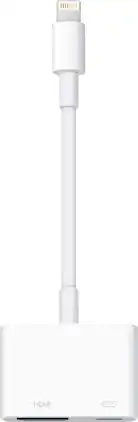
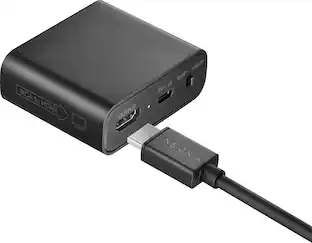
Display media from your Apple device on an HDTV or other HDMI-compatible screen using this Apple MD826ZM/A Lightning digital A/V adapter, which features video mirroring capability for enjoying content in up to 1080p resolution.

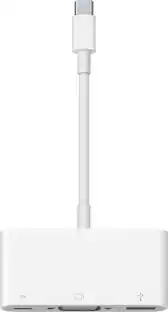
The USB Type-C digital AV multiport adapter lets you connect your USB Type-C enabled Mac or iPad Pro to an HDMI display, while also connecting a standard USB device and a USB Type-C charging cable.

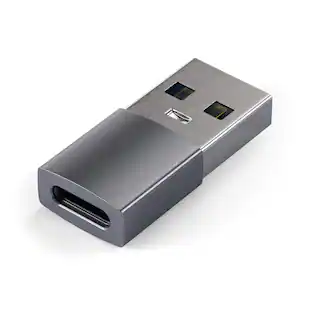
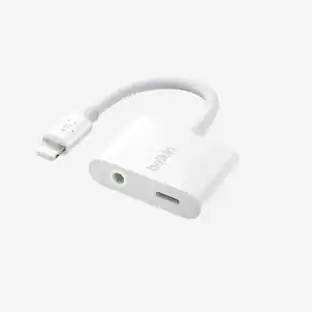
The USB-C to Lightning Adapter lets you connect your Lightning accessories to a USB-C-enabled iPhone or iPad to conveniently provide three key functions, charging, data and audio, with a single adapter. This adapter has a braided cable for added durability.
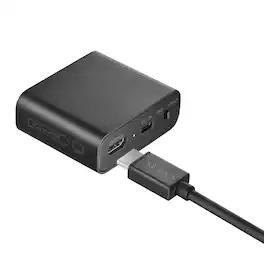
Experience your legacy content on modern displays with the help of this Insignia RCA to HDMI Converter. The unidirectional converter sends RCA input signals to an HDMI output, allowing you to watch old home movies or DVDs on your modern TV screen.
| Pros for Apple - Lightning Digital A/V Adapter - White | |||
|---|---|---|---|
| Ease of use, Compatibility, Overall Performance, HDMI, Streaming | Compatibility, Overall Performance, HDMI, Ease of use, Connectivity | Compatibility, Overall Performance, Connectivity, Ease of use, USB-C | Overall Performance, Connectivity, Compatibility, Ease of Use, Video Quality |
| Cons for Apple - Lightning Digital A/V Adapter - White | |||
| Price, Cord Length | Price, Ports, Size, Heat | Price, Charging Speed | There were no cons for this product— |
Specs
Customers often buy these together
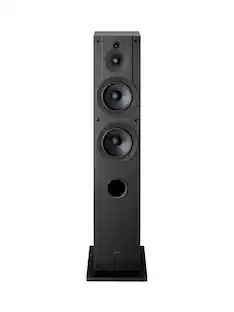 $298.00The price was $299.99
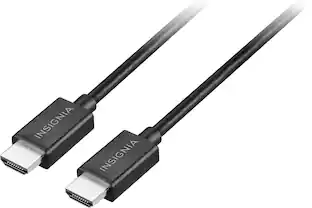

More to consider




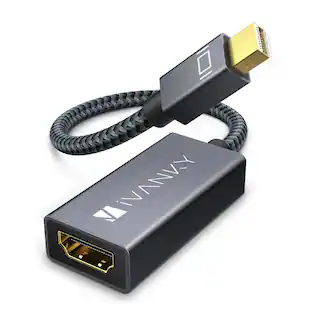


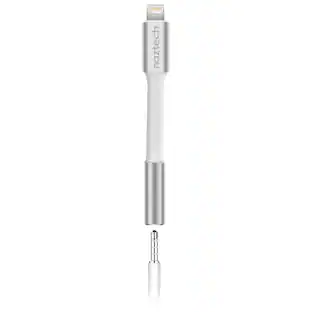
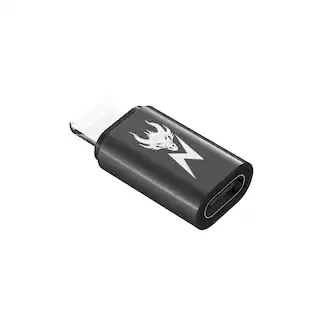
Elevate your entertainment Sponsored
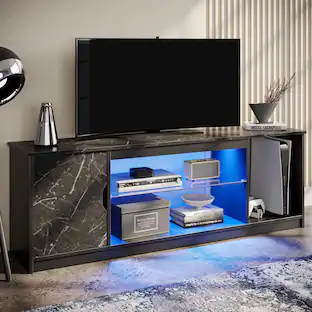
Bestier - Fits up to 65" TVs Gaming Entertainment Center with Adjustable Shelves for PS5 57"TV Stand
$115.99The price was $119.99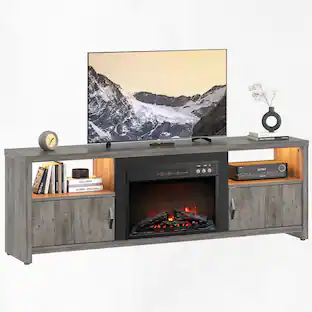 $304.99The price was $324.99
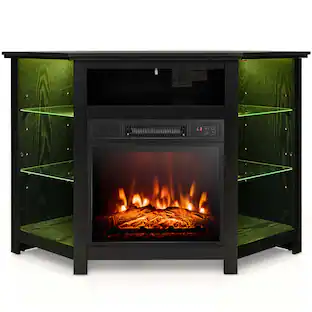 $299.99The price was $539.99
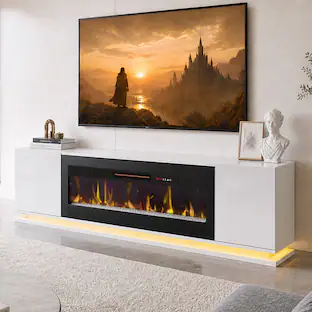

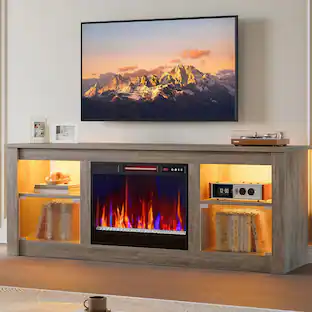
Discover related products
 $99.00The price was $159.99



Keep exploring
 $12.99The price was $13.99
 $12.99The price was $14.99