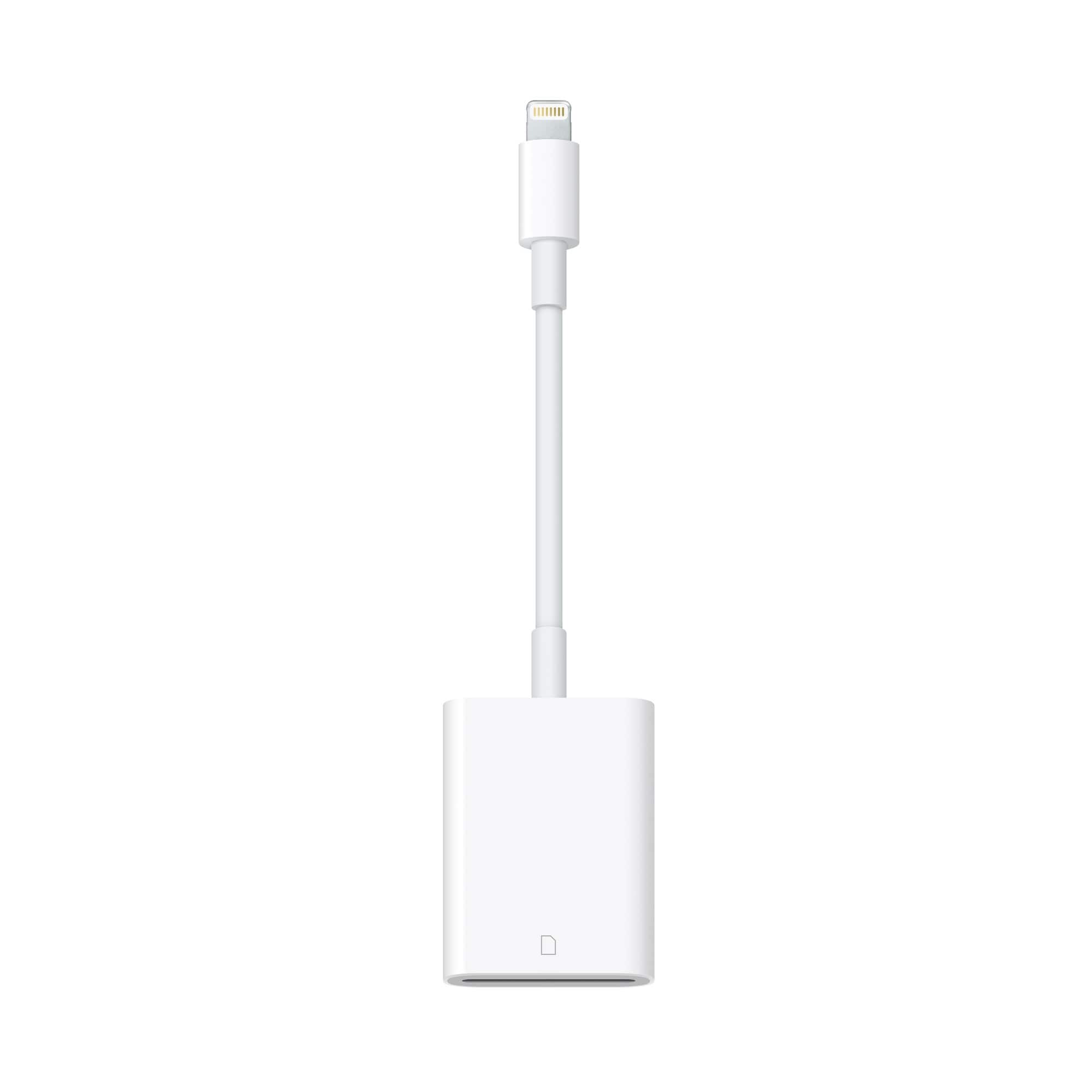
A:AnswerI have used it on my regular iPhone 7 (Verizon) to transfer jpeg photos from an SD card to the phone. I have had no problems. I can't imagine the 7 Plus would be any different.
A:AnswerCheck to see if the card has write protection on or off. If it's on, the drive is locked from moving items. That might be why you can see them on the computer, but they are not available to move with cable.
A:AnswerThis method will not work. This product is an SD Card reader. Instead, (if you are still having this issue) try looking for a Lightning to USB converter connector. This may help, but it may not. Another option might be to look for a Lightning Port Keyboard.
A:AnswerIt looks like your camera uses an SD Card. If you installed one and your pictures are on the card, all you need to do is take the card out of the camera and put it into the SD card reader on your computer (most computers/laptops have one). Download the pictures off the SD Card into Pictures or some other Folder where you want to store them.
Concerning the Lightning to SD Card cable, yes it will work to put the pictures on the iPad. All you do is put the SD Card into the slot in the cable, connect it to the iPad and go to Photos and you will see an icon that says Import. Select the photos you want and select import. That's it. Hope that helps.