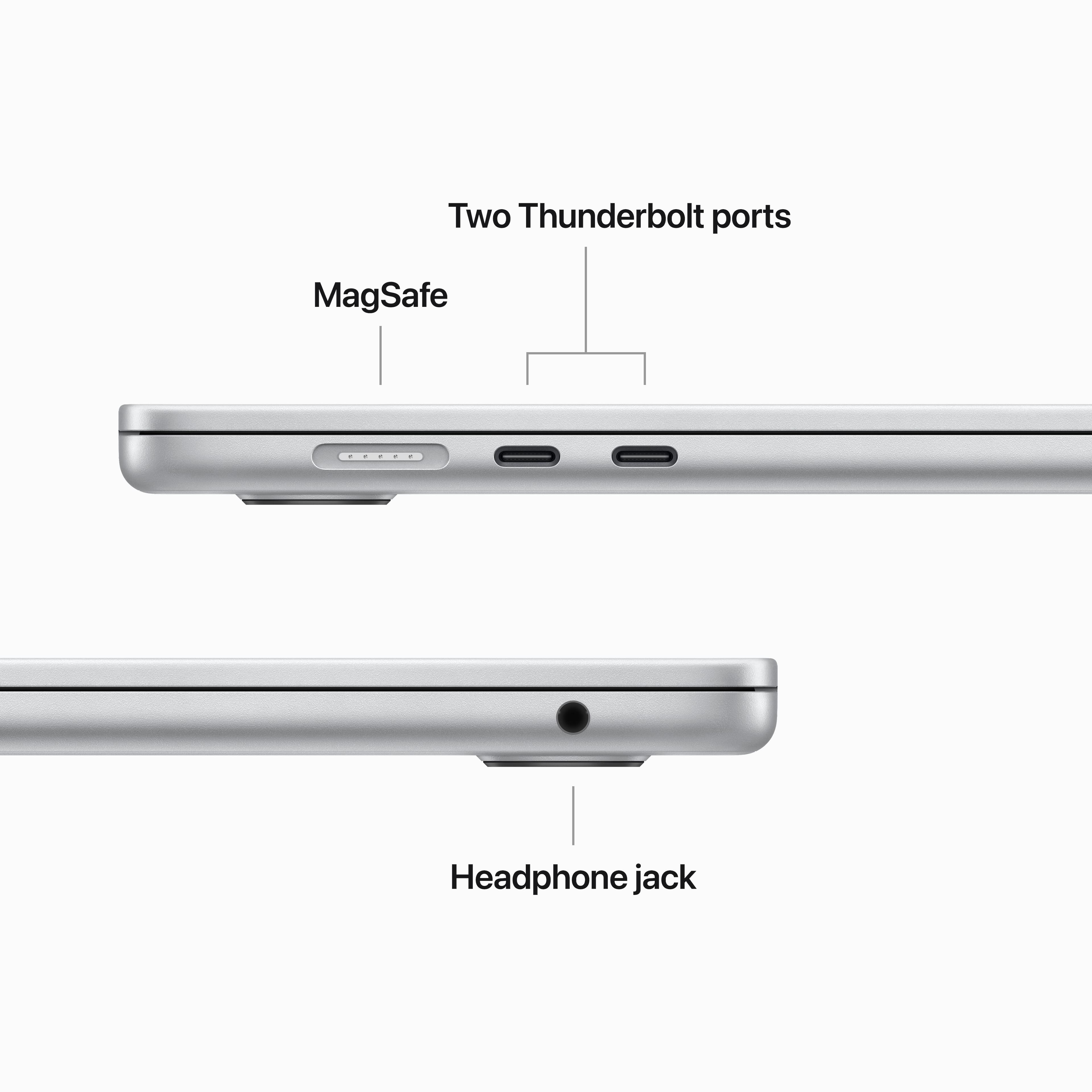
A:AnswerYou can use an external display, such as the Apple Studio Display, a projector, or a TV with your MacBook Air. The USB-C ports on your MacBook Air support video output.
Connect a VGA display or projector: Use a USB-C VGA Multiport Adapter to connect the display or projector to a Thunderbolt / USB 4 port on your MacBook Air.
Connect an HDMI display or TV: Use a USB-C Digital AV Multiport Adapter to connect the HDMI display or TV to a Thunderbolt / USB 4 port on your MacBook Air.
Connect a USB-C display: Connect the display to a Thunderbolt / USB 4 port on your MacBook Air.
A:AnswerYes you would have the same level of Security and Privacy up to the point of, find my device wont be logged in and therefore if someone stole your laptop you wouldn't be able to remote disable it or anything. Its technically the same way for your iMac but its easier to steal a macbook IMO.
A:AnswerYes you can. I believed you would need to find a better monitor that can handle similar specs of the 15 inch M2 MacBook Air. For example Apple Studio Display. The MacBook Air needs to be powered on and close with cables connecting from laptop to the monitor. This is called clamshell mode. You can get a docking station for it.
A:AnswerApple states that the new 15” MacBook Airs may only support one display up to 6K resolution. Beside the external display, you may need another cable to connect to the display. However, most displays/monitors come with these accessories (HDMI, Thunderbolt, USB-C or DisplayPort).
A:AnswerYes, it can edit 4K video files, just don't buy the 8Gb version. It will still work, but not well. The extra RAM will also ensure that you don't prematurely kill your SSD.