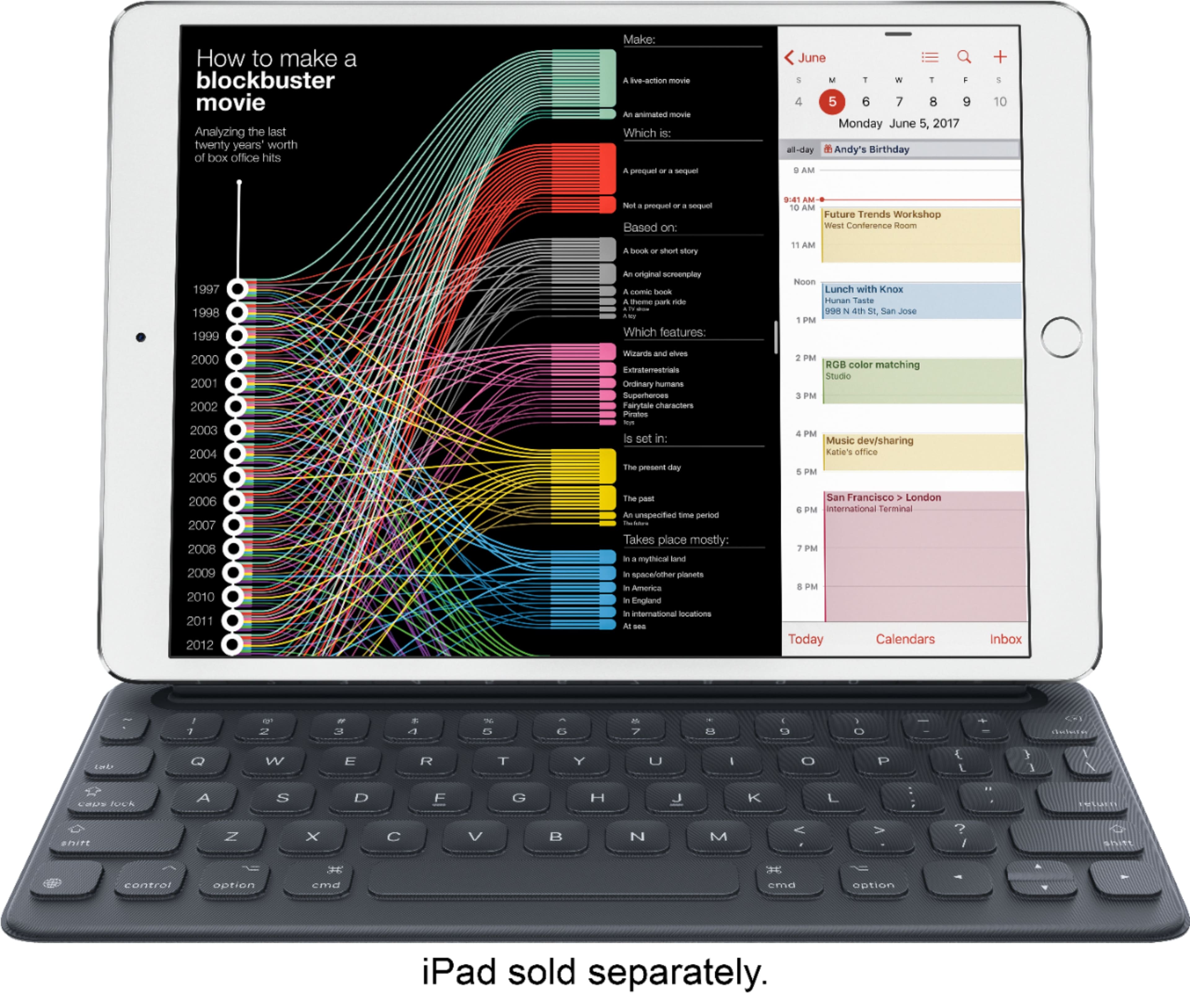
A:AnswerI am not sure what year that model is. I just know I had a I pad air that was 2 years old and it did not work. I believe the I pad has to be 2019 version.
A:AnswerIn my experience the biggest difference is the smart connection with the new 10.2 inch IPad. Connects by magnet and Smart Keyboard ready to use. No need to connect via Bluetooth and no lag when typing using Smart Keyboard. The other consideration is most third part keyboards add thickness and weight to IPad making it less desirable to use when traveling
A:AnswerHello,
Depending on the case, the Apple Smart Keyboard will definitely work. First, make sure that the case on your iPad has the left side (left of the power button) fully open. This is the first essential step, as there are three pin connectors and a hidden magnetic strip along this side, which the Apple Smart Keyboard requires to work, In other words, the entire left side of your iPad needs to be unprotected, in order for the Apple Smart Keyboard to attach on and work.
1, Yes, the left side of the iPad Case has left an opening for the keyboard to attach to:
Great, then the keyboard will work!
^ To add onto the first step, if the case you chose has the left side open, then the designers of the case probability didn’t make the case too thick. So, they had the keyboard in mind from the very beginning. However, keep in mind that if your case is extremely thick, there may be some complications with folding the keyboard over the screen. The only way to test that out is to buy it and put it on. (But again, if there is an opening on the left side, they most likely already designed it with the keyboard to work in mind)
2. No, my case does not have the left side open.
Then the keyboard will not work at all with this case on. It needs to removed. But, there are alternatives you can use on your iPad such as Bluetooth keyboards. I recommend looking at the Logitech K380 keyboard. It’s affordable, durable, and nice and small!
A:AnswerYes. It is snap and play action. However, it has a terrible design flaw making it impossible to use it unless you brace the pivot point. When you lift your fingers, the keyboard comes up too.