A:AnswerYes. But live local and primetime games regular season and postseason are only available on your phone or tablet and may not be cast to your television or other similar device.
A:AnswerRegister device and options should be given. Apple will give notification via iPhone or email if you already have an Apple ID. Apple TV trial is for NEW subscribers and ‘qualified’ return subscribers. Contact Apple Support if the above fails.
A:AnswerThe current generation Apple TV 4K supports 5 GHz Wi-Fi. All Apple products with Wi-Fi released within at least a few years support 5 GHz wifi.
A:AnswerIf you have Paramount + you can get stream pretty much most recent episodes of Y&R but I don’t know how far back they archive old episodes. As for streaming live, I believe that depends on your TV service; I.e. your cable company. You would have to check on that.
A:AnswerI do not have a 10G router but according to others this will not connect to 10G. You will need a Wi-Fi extender with 2G or 5G or you could use ethernet if your router is close enough.
A:AnswerYes. Especially if the things you are watching are apple offered like the movies app or apple plus. YouTube support closed captions as well. There is also a feature to stream all audio to up to two sets headphones. They work with apple headphones or beats. So you and your husband can listen via the headphones at the same time
A:AnswerEach tv will need its own box no matter the generation of Apple TV unless you install a costly hdmi switch box and cable combo cabable of switching and sending over Ethernet for routing to all of your tvs. You’d need to run the cables from the switch box and then have a box to convert the Ethernet back to hdmi fro every tv. It can be done but the for the time and effort buying multiple Apple TV boxes would be easier and cheaper especially if you bought 2K boxes for your smaller tvs.
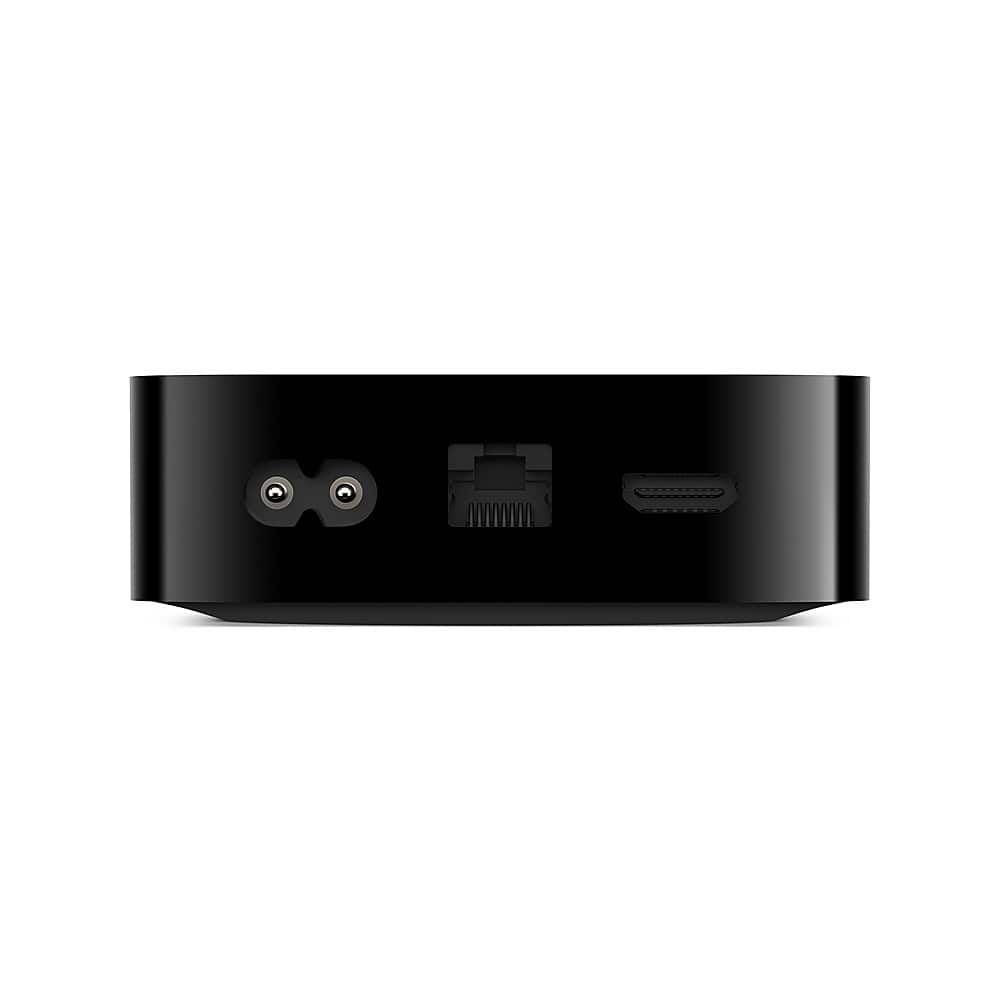
A:AnswerLikely has more to do with the Sonos Arc than anything or possibly the TV and the audio return channel capability. The Apple TV will output Atmos so as long as the Sonos Arc decodes it then it should work but if you plug the Apple TV into the Tv and rely on something like an optical out vs HDMI it may not work.