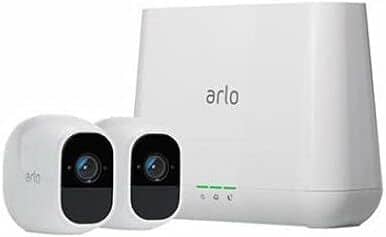
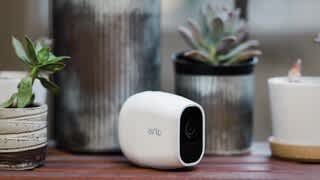
A:AnswerArlo Pro 2,
Question 1. The power cord and power block allow you to charge battery while in camera.
Question 2. The app should work on I-5 -SE and Windows
A:AnswerI think they sell black covers, saw it on the Arlo site
Yes, you set up notifications and they go off every time there is motion.
I would tell you that we use them without a ethernet cable, use wifi. They say that there is a battery that can last 2 years, or whatever. We use is actively all day to monitor an area with movement, the battery lasted about a week. There is a plug you can use, then no battery needed. You can see it online on phone, tablet, or pc, after you create an online profile. I ended up paying the extra monthly to get 24/7 recordings for a months time.Otherwise, it think is 7 days and only after the camera detected motion. The 24/7 one is continuous recording.
A:AnswerI'm running Windows 8.1 and have no problems using the app and can watch the street and front and back doors also. Win 10 should be ok, not sure about Win 7 though.
A:AnswerSad to say you will need a solar panel for EACH camera. There is no way to have one panel service more than one camera. And depending on the activity, they solar panel may not be able to keep up with ONE camera.
A:AnswerIt will work, but there are times with our DSL that the internet just didn't work, and of course, that is a problem. We finally switched to a different internet provider because we got tired of the slow speed and intermittent service. But when the DSL worked, the camera system worked as well.
A:AnswerI’m not sure. I did put one of my cameras inside in a glass display case but it wouldn’t record as long as I had the glass closed. As soon as I opened the case no problems. Maybe it was a reflection thing?