A:AnswerBest answer is google it. But, in a nutshell you share access from one account (example: vacation home) with your home account. That way when you are logged into your home account, you can view your vacation cameras also. I have 4 accounts and am able to monitor cameras in 3 different locations. Go to the settings tab, Grant access, add - then complete the required information. It is real easy and quick. Note: you will have to create a second account for your "second home." Then grant access to your primary account. I recommend granting administrative rights as well. You will have to log in to the "second" account to change settings, but if you grant administrative rights, you will be able to change modes (arm, disarm, etc).
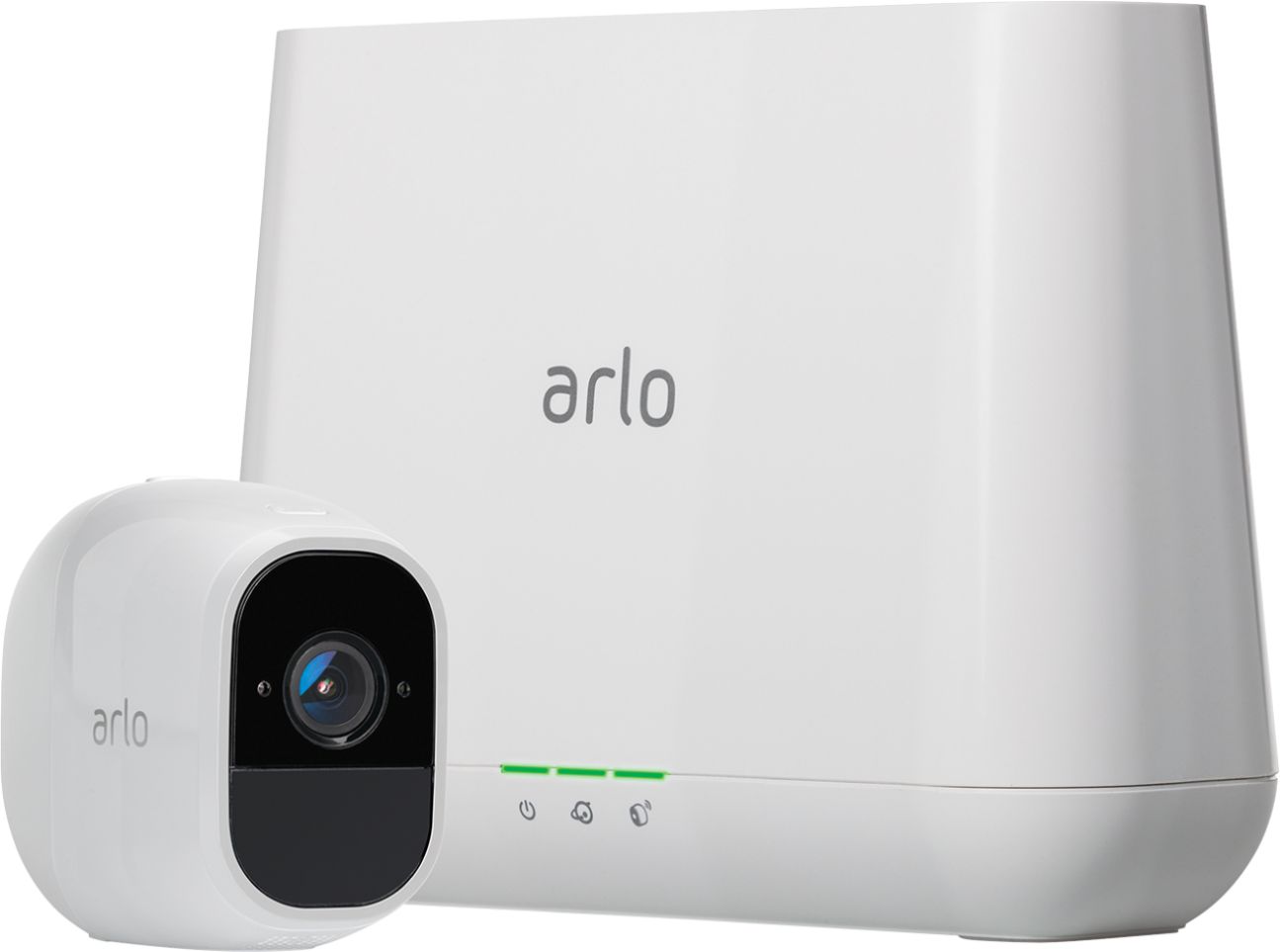
A:AnswerYes, you can add more cameras. I believe the limit is 15 cameras for each base station, although only 5 can stream video at one time. You can mix and match any of the original Wire Free HD, Pro and Pro 2 cameras with any base.
A:AnswerIt really depends on how much movement. I am operating 2 cameras on a 5mb link and have not had any real issues. If the camera is super active and people are streaming video it is sometimes difficult ( multi attempts) to connect to live stream. You should be good with a 5mb link.
A:AnswerLooks to be only 4 camera per base station but can Name and link multiple base stations together to view them all with the app on phone or computer